- Cloud migration transforms CapEx into OpEx, provides flexibility, and reduces the total cost of ownership of IT infrastructure.
- The 6 Rs (relocation, refactoring, redefinition, repurchase, retirement/retention) allow the strategy to be adapted to each application.
- The cloud improves security, scalability, and data analytics, enabling artificial intelligence initiatives and digital transformation.
- Rigorous planning, pilot projects, and dedicated migration tools are essential for a secure and effective cloud adoption.
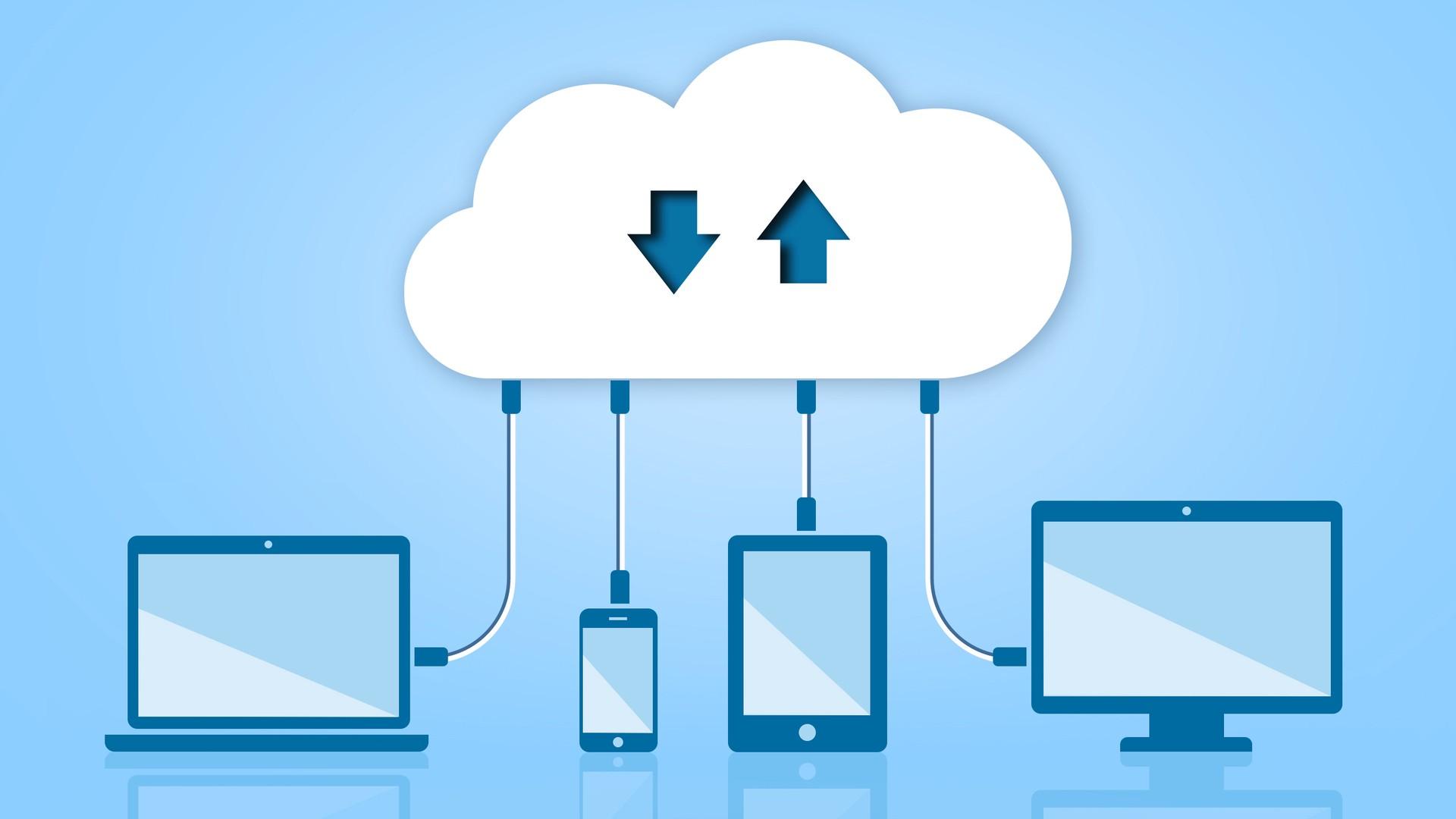
Cloud migration has become a major topic for any IT department serious about digital transformation. More and more organizations are considering moving applications, data, and infrastructure to cloud computing platforms to gain flexibility, save costs, and react quickly to market changes.
However, moving from a traditional on-premises environment to a cloud ecosystem is not simply a matter of "moving servers." It involves making decisions about cost models, migration types, modernization strategies, and internal change management. A thorough understanding of what cloud migration entails, why it's worthwhile, and the available strategies (the famous 6 Rs) is key to ensuring the project doesn't become a headache.
What exactly is cloud migration?
When we talk about cloud migration, we are referring to the process of moving digital resources (applications, databases, files, servers, networks, and other IT components) from an on-premises data center or other environment to a cloud computing infrastructure provided by an external provider.
Cloud computing is simply the delivery of IT services over the internet : computing power, storage , databases, networking, software, analytics, artificial intelligence, and many other packaged services that are consumed on demand. In this way, instead of buying and maintaining our own servers, we "rent" resources when we need them.
Migration can be partial or total. Some organizations begin by moving only certain workloads or specific applications (for example, CRM or ERP to the cloud ) and maintain other systems on-premises. Others, however, adopt a more radical strategy and gradually migrate almost their entire environment to the cloud over the medium term.
This process is usually part of a broader digital transformation initiative, where the cloud acts as a base platform to support new applications, integrations, and analytics and artificial intelligence initiatives that would be much more complex and expensive to deploy in a purely local environment.
Why are so many companies adopting cloud migration?
In recent years, cloud migration has gone from being an "innovative" option to becoming an almost mandatory step for companies that want to keep pace with the digital market. The COVID-19 pandemic was a brutal accelerator: the massive shift to remote work and the increase in online consumption made it clear that many models based solely on local infrastructure were falling short.
A clear example is e-commerce. Online stores that were able to quickly scale their platforms to handle sudden traffic spikes did so by relying on cloud architectures capable of growing or shrinking according to demand . Those that lacked this capability suffered outages, slow performance, or outright lost sales.
But beyond the pandemic, the cloud has become a central component of almost any digital transformation project. It allows organizations to scale resources quickly, test new services without large upfront investments , and respond to business changes with far less friction than in traditional on-premises environments.
Furthermore, cloud computing is typically more energy-efficient than on-premises data centers . Large cloud providers operate data centers optimized to reduce energy consumption, with better utilization rates and, in many cases, powered by renewable energy. This helps companies reduce their carbon footprint, an increasingly important issue on corporate agendas.
In fact, numerous studies indicate that more than half of organizations place environmental sustainability as one of their top priorities . The cloud fits well into this strategy, enabling the consolidation of infrastructure and minimizing the energy waste associated with underutilized local servers.
CapEx vs OpEx: changing cost models in the cloud
One of the most significant changes brought about by cloud migration is the transition from a capital expenditure (CapEx) model to an operating expenditure (OpEx) model . This accounting and financial shift is often a compelling argument for senior management and finance.
In a traditional IT environment, capital expenditures materialize in large, one-off investments: purchasing servers, building or expanding a data center , acquiring perpetual software licenses , storage systems, network equipment, etc. These assets depreciate over time, but the initial outlay is very high.
In contrast, in the cloud, most of the cost is reclassified as OpEx. A recurring fee (monthly or annually) is paid for the services consumed , with flexible subscription or pay-as-you-go models. This allows for more predictable costs, aligned with the actual level of activity, and, above all, avoids or reduces large initial investments in hardware and infrastructure.
This change not only lightens the financial burden; it also allows IT to move more quickly. Instead of justifying a server acquisition project months in advance, additional capacity can be provisioned in minutes and released when no longer needed, adjusting spending almost in real time.
The cloud also helps modernize legacy applications and workloads, which often translates into reduced, expensive legacy software licenses and the elimination of some of the complexity associated with their ongoing on-premises maintenance.
Main advantages of migrating to the cloud
The reasons for considering a cloud migration are varied, but there are a set of benefits that are common to virtually all organizations. Among the most relevant are flexibility, scalability, security, operational efficiency, cost reduction, and sustainability.
More flexibility and mobility
Your on-premises infrastructure may have been state-of-the-art when you designed it, but the reality is that technology is constantly evolving. Major public cloud providers invest enormous resources in continuously improving their platforms, adding new services, and strengthening security . Leveraging this ecosystem allows your team to focus on what truly adds value to the business.
Unlike local servers, cloud services are typically accessible from anywhere with an internet connection . This facilitates remote work, collaboration across offices, and allows employees to continue their work without being physically tied to a specific office.
Furthermore, by storing data and applications in the cloud, they are less exposed to local hardware problems: disk failures, power outages, data center climate control failures , etc. Although no environment is infallible, large cloud providers typically offer levels of redundancy and resilience that are difficult to match in a small or medium-sized on-premises data center.
Scalability on demand
Managing local infrastructure is a delicate balancing act. If you over-provision, you pay for servers and resources that spend much of their time underutilized . If you under-provision, during peak demand you may experience bottlenecks, service interruptions, or unacceptable response times.
In the cloud, scalability is part of the platform's DNA. You can increase or decrease resources almost instantly : add more server instances, expand storage, increase network capacity, or take advantage of autoscaling services that automatically respond to usage spikes.
Furthermore, many providers have data centers distributed around the world, making it possible to bring infrastructure closer to your end customers , reduce latency , and improve the user experience. For global businesses or those with a strong digital component, this makes a significant difference.
Centralized security and regulatory compliance
Cloud providers operate under demanding security and compliance frameworks: public regulations such as the GDPR or specific standards such as HIPAA, PCI DSS, SOC 2 , and many other industry standards. To comply with these, they incorporate advanced data protection, monitoring, and incident response technologies.
By migrating your data and applications to the public cloud, you benefit from that continuously updated, benchmark security without having to deploy the entire underlying infrastructure yourself. Of course, you remain responsible for properly configuring your services, defining access policies, and protecting your identities, but the security foundation you build upon is much more robust.
Operational efficiency and access to information
It's tempting to think that, because of its physical proximity, a local data center will always offer better performance than the cloud. However, the reality is often more complex. In many on-premises environments, data is spread across multiple silos, different data centers, or even branch offices , making it difficult to access and analyze.
Cloud-based data centers allow you to centralize, or at least consolidate, relevant information on unified data platforms , making it much easier to search, query, and cross-reference information. This way, authorized users can quickly locate the data they need, generate reports, and complete projects with less friction.
Significant cost reduction
In most cases, when an organization migrates to the cloud in a well-reasoned way, the total cost of ownership (TCO) of its IT infrastructure is significantly reduced . Investments in hardware, physical data center maintenance, and some routine management efforts are eliminated or minimized.
Furthermore, by paying only for the resources you actually use, spending on computing, networking, and storage is typically reduced considerably , without sacrificing availability or security. Some estimates place the potential savings of cloud migration at very high percentages when properly designed and managed.
Sustainability and a smaller carbon footprint
Sustainability has become a strategic factor, not just a matter of image. Cloud computing, by design, is typically more energy-efficient than maintaining dozens or hundreds of on-premises servers in small data centers. The high density of workloads and the operational optimization of large providers allow for a reduction in total power consumption per computing unit.
By leveraging cloud infrastructures that use energy-efficient data centers and, in many cases, renewable energy , companies can reduce their environmental impact while modernizing their IT. For many organizations, the cloud's contribution to their sustainability goals is already a key selling point.
Common goals when migrating to the cloud
Beyond the general benefits, companies typically pursue a number of specific goals when planning their migration. Among the most common are improving performance, increasing availability, strengthening security, and enabling new analytics and artificial intelligence capabilities.
Many organizations want to leverage migration to modernize legacy applications , reducing their reliance on expensive-to-maintain and inflexible systems. This includes, for example, replacing certain traditional desktop or server solutions with fully managed cloud services.
Unlock data analysis
By moving applications and data to the cloud, it becomes much easier to integrate information from systems such as CRM, SAP, marketing tools, transactional databases , and other sources into a common data platform.
Modernizing these systems in the cloud breaks down information silos and uncovers new business opportunities , whether through advanced analytics, real-time dashboards, or predictive models. Furthermore, the organization gains agility to respond to problems and trends with up-to-date data.
Increase business agility
With the cloud, IT teams can have resources on demand, eliminating the need to wait weeks or months to acquire, install, and configure hardware every time a new project or business initiative arises.
This rapid response capability translates into much more flexible market launch strategies , the ability to conduct low-cost proof-of-concept tests, and the ability to scale solutions that work well without having to rebuild the infrastructure from scratch.
Data consolidation and modernization
By moving away from purely local data centers, many companies are taking the opportunity to reorganize their information assets, consolidate databases, and create universal data platforms . This step paves the way for deeper and more sophisticated digital transformations.
Having a well-organized corporate database in the cloud makes it easier to implement self-service data solutions, multi-area reports, and machine learning projects that require access to large volumes of consistent information.
Leveraging artificial intelligence and advanced services
One of the great attractions of the cloud is the ease of consuming artificial intelligence, machine learning, advanced analytics and automation services without having to build all the underlying infrastructure.
When corporate data and applications reside in the cloud, it becomes much more straightforward to connect those systems with constantly evolving AI models, intelligent assistants, and automation services that improve internal processes and customer experiences.
Cloud migration strategies: the classic “6 R’s”
To organize and classify the different ways to move applications and workloads to the cloud, the industry often refers to six main strategies, known as the 6 Rs of migration . Choosing one or another (or combining them) depends on factors such as business objectives, technical limitations, and the current state of each application.
Rehousing (Rehost or “lift and shift”)
Rehosting involves moving applications from your local environment to a cloud provider's infrastructure with minimal changes . Essentially, it's about taking what you already have and "moving" it to the cloud.
This approach is usually the fastest, as it doesn't require redesigning the application architecture. For end users, ideally, the application works the same as before ; it's simply no longer in the on-premises data center, but in a cloud data center running on modern, provider-managed hardware.
The problem is that if the application was designed with an outdated approach, it may not take full advantage of the cloud environment : automatic scaling, managed services, refined usage-based billing, etc. Therefore, while rehosting is useful for a quick initial migration, it may not be the optimal long-term strategy for maximizing benefits.
Relocation (relocate or “lift and optimize”)
Relocation is a variant of rehosting that is sometimes described as "lift and optimize ." In this case, the application is moved to the cloud with few changes, but a subsequent optimization phase is planned from the outset.
For example, you can migrate a database to a virtual machine in the cloud and, once there, move it to a managed database service from the provider . This way, you start almost like a lift-and-shift, but gradually adopt cloud capabilities (automatic backups, managed scaling, built-in high availability) without needing a complete refactoring from day one.
Refactoring (rearchitect)
Refactoring involves redesigning the application to take advantage of cloud-native features . Instead of simply copying the old monolithic architecture, components are reorganized, functions are separated, and managed cloud services are adopted whenever it makes sense.
A typical example would be a monolithic application that still fulfills its function, but to which it is very difficult to add new features or scale in a granular way . By refactoring it towards a microservices architecture, development, testing, and deployment of new versions are greatly facilitated.
Furthermore, refactoring allows for the integration of advanced capabilities such as embedded analytics directly onto the database, managed message queues, serverless functions , and other native services that reduce the need to manage your own infrastructure.
Redefinition of the platform (replatform or “lift, tinker, shift”)
Platform redefinition is a middle ground between pure rehosting and deep refactoring. It involves making some adjustments to the application to better leverage the cloud, without rebuilding it from scratch.
For example, when migrating a human capital management (HCM) application to the cloud, you can replace an outdated, highly manual data management system with a self-updating, autonomous cloud database that includes built-in machine learning models. The core application remains, but the data layer is modernized to take advantage of advanced cloud capabilities.
Repurchase
Repurchasing involves abandoning a current application and adopting a new product, usually a SaaS model , created and managed by a provider. In many cases, it means switching from traditional on-premises licenses to cloud subscriptions.
A very common example is replacing an on-premises ERP with a perpetual license with a cloud-based ERP service accessed via a web browser , which is automatically updated several times a year with new features. The change isn't so much about moving the existing application as it is about adopting a different one that covers the same (or greater) functional scope.
This approach requires effort: the functionality of the new system must be aligned with business processes , some internal procedures may need to be adapted to software best practices, and organizational change must be managed to get teams to adopt the new tool.
Withdrawal
Retirement occurs when, upon reviewing your application portfolio, you discover that certain systems are rarely used or no longer provide value . Instead of migrating them, you decide to deactivate them in a planned manner.
Removing these obsolete or redundant applications simplifies the migration project, reduces costs, and decreases the complexity of the environment . However, it is necessary to analyze dependencies, interfaces with other systems, and potential residual uses to avoid unexpected impacts.
Retention (retain or “revisit later”)
Retention means you've analyzed an application and, for the time being, concluded that it's not worth migrating . This could be because it was recently updated, has very strict low-latency requirements better met locally, there are legal data residency restrictions, or simply because the cost and effort of moving it outweigh the current benefits.
In these cases, the preferred approach is to keep the application in its current environment and review the decision periodically . As cloud providers open new data centers, incorporate more data control options, and refine their migration tools, what doesn't fit today may become a good option in a few years.
Types of cloud migration and how to choose the right approach
The 6 Rs are not mutually exclusive; in a real migration program, there is usually a combination of several approaches depending on the nature of each application . Even so, it is also useful to see them as “types” of migration that respond to different needs.
If we need to move workloads quickly, with minimal disruption, the most common approach is to start with relocation or reshoring . If the primary goal is to modernize capabilities, improve scalability, and facilitate innovation, then refactoring or platform redesign makes more sense.
When the priority is simplifying the application portfolio or adopting market standards, repurchasing through SaaS can be the winning strategy. And, of course, you should always reserve space for retiring obsolete systems and temporarily retaining those that shouldn't be touched yet.
How to plan and execute a cloud migration
The success of a cloud migration depends not only on the chosen technology, but also on having a well-thought-out, comprehensive strategy . This strategy should define clear objectives, anticipate challenges, and establish a realistic roadmap.
First, it's advisable to assess the current infrastructure and classify workloads : which applications are ready for the cloud, which require modifications, and which might be better kept on-premises for now. This inventory is the starting point for deciding which 6Rs to apply in each case.
Next, the actual migration strategy is designed. For some applications, a lift-and-shift approach may be suitable to accelerate the transition , while others will be scheduled for a more thorough modernization. Technical, business, and risk factors all play a role here.
It is advisable to use specific tools from cloud providers (for example, Azure Migrate or equivalent solutions on other platforms) that help plan, execute, and monitor the entire process. These tools offer assessment capabilities, server, database, and application migration, as well as detailed reporting.
A good practice is to conduct pilot tests before a large-scale migration . This validates aspects such as data security, regulatory compliance, performance, and potential downtime. The information gathered from these tests is then used to refine the overall plan and minimize risks during the mass deployment phase.
The strategy should also include timelines, success metrics, responsible parties, milestones, and a communication plan with all stakeholders: internal teams, management, cloud providers, and technology partners. Proper change management reduces resistance and helps the organization understand the benefits and changes associated with the migration.
Finally, in many scenarios a cloud-based middleware or iPaaS (integration platform as a service) solution plays a key role , acting as a backbone to connect new and old systems, orchestrate data flows and facilitate the transition without disrupting critical processes.
Cloud migration has ceased to be an experiment and has become a long-term strategic commitment . When properly planned, it allows organizations to gain flexibility, scale easily, reduce costs, improve their security posture, and advance their sustainability goals, while also laying the groundwork for advanced analytics and artificial intelligence initiatives.
