- Cloud-optimized equipment with a very competitive price and high security.
- Significant limitations in power for heavy tasks and lack of exclusive Windows or Mac software.
- Versatility thanks to compatibility with Android apps and Linux integration.
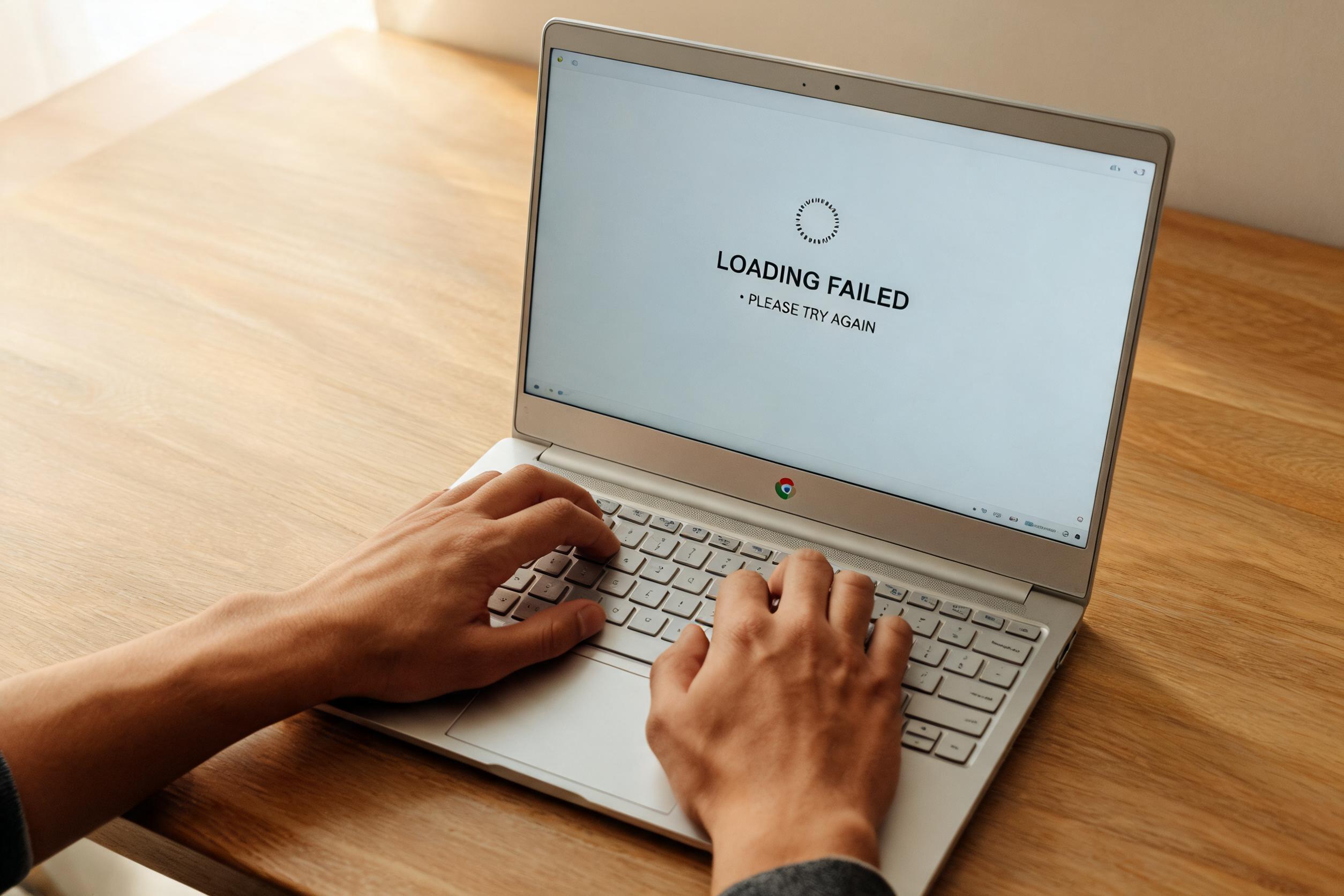
If you're thinking about upgrading your computer, you've probably come across Chromebooks. These devices, which look like conventional ultrabooks, are designed almost exclusively for web browsing and basic office tasks, relying entirely on Google's infrastructure.
While they may seem simple at first glance, entering the Chrome OS ecosystem involves a paradigm shift. It's not just a matter of hardware, but a cloud-centric work methodology that can be refreshing for some and frustrating for others, depending on their actual needs.
What exactly is a Chromebook?
Simply put, these are laptops that use Chrome OS , a platform developed by Google. Unlike traditional laptops, these devices are manufactured through agreements between Google and various brands, resulting in a huge variety of prices and designs, although mid-range and low-end models are particularly prominent.
The internal architecture is different; for example, they usually have limited storage since the idea is that you save everything to Drive. Also, if you look at the keyboard, you'll notice that they lack the classic function keys (F1-F12), prioritizing a more modern and minimalist design geared towards the touch interface and the web.
The strengths of betting on Google
One of its main selling points is undoubtedly the low price . By using components that would run slowly in Windows (such as Intel Celeron processors), Chrome OS makes the computer incredibly fast thanks to its extremely lightweight system, which is highly optimized to avoid unnecessary resource consumption.
In terms of security, you have the constant support of Google . This translates into automatic updates and rapid patches for vulnerabilities, as was the case with the security flaws in Intel and AMD processors, where Chromebooks were among the first to be protected.
Another big leap has been versatility. Now you not only use the browser, but you also have access to the Google Play Store to install Android apps and, for the more curious or technically inclined, the ability to run Linux applications , making the computer a much more flexible environment than it was a few years ago.
The hardware is also varied. You can choose from small 11-inch screens up to 15.6 inches, including convertible models that transform into tablets or devices that natively integrate Google Assistant , allowing you to manage your schedule or the weather with your voice.
Weaknesses you should consider

It's not all smooth sailing. The first shock is the adjustment period . Although the interface is intuitive, coming from Windows or macOS, getting used to a system where everything is done through the browser may require a few days of patience and consulting some tutorials.
When it comes to power, this is where they fall short. Even in the high-end range, like the Pixelbook, there's a noticeable price inflated compared to actual performance. For the cost of a premium Chromebook, you could buy a laptop with discrete graphics cards and cutting-edge processors that would put Google's machine to shame in terms of raw performance.
This brings us to the problem of demanding tasks. If you want to edit professional video, do rendering, or play demanding games, forget it. The performance is insufficient for resource-intensive software , and even opening too many Chrome tabs can start to take its toll on basic models.
- Lack of exclusive software: You cannot install Windows .exe or Mac .dmg files. Although there are cloud-based alternatives, some professional programs remain incompatible.
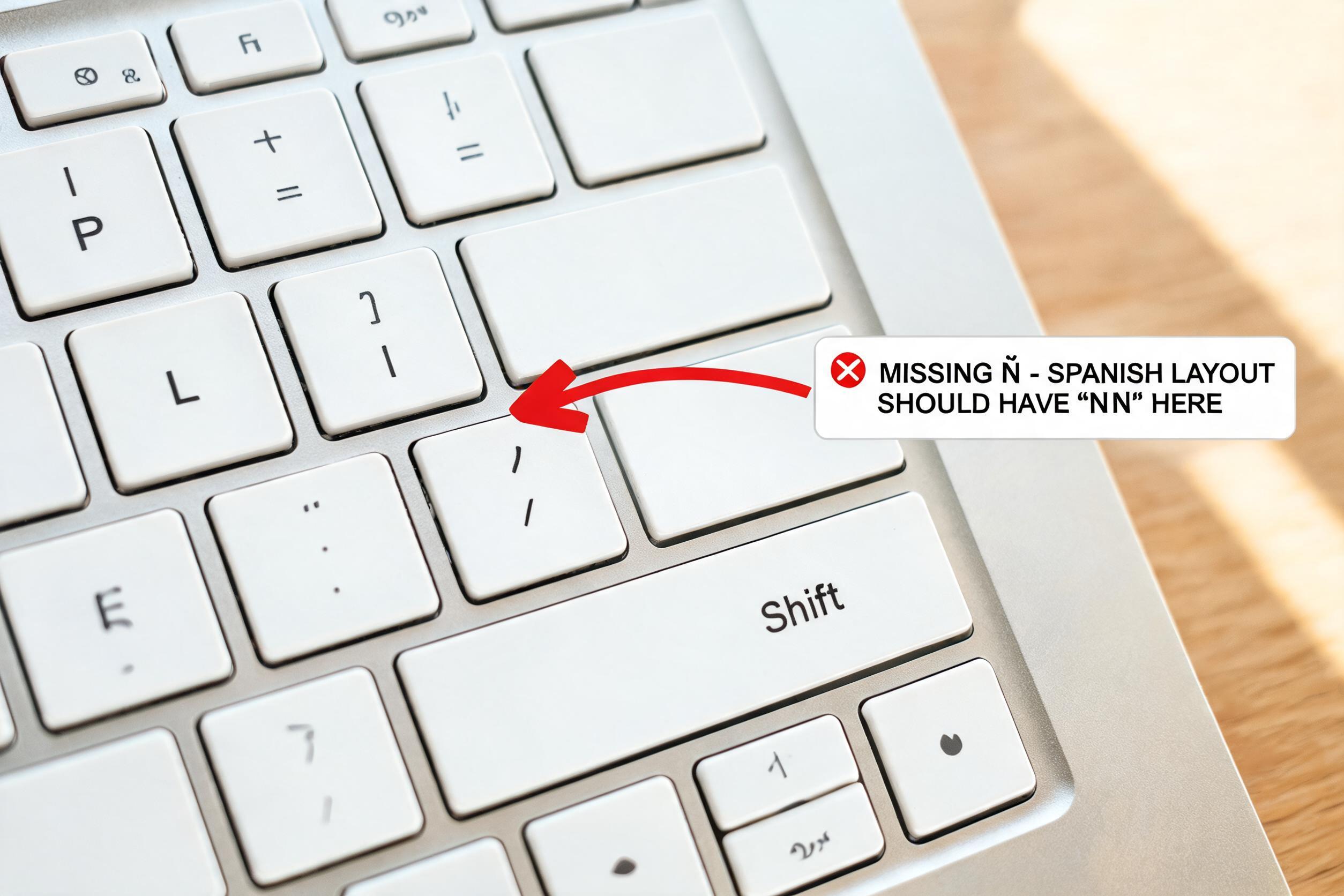
- Keyboard distribution: Many international models do not include the letter ñ by default, forcing the user to use stickers or search for specific models in stores like Amazon.
- Slow local processes: Because it depends on the cloud, if you don't have a stable internet connection, the usefulness of the equipment drops drastically.
The challenge of Data Science and AI
For someone studying Data Science and Artificial Intelligence , a Chromebook can be a double-edged sword. It's true that the Linux environment allows you to install Python and work with data libraries, acting as a safe and clean sandbox, ideal for those who want to escape Windows.
However, training machine learning models requires computing power (GPU and RAM) that these laptops lack. While integration with the Google ecosystem and a Pixel 9 is a marvel of synchronization, for heavy AI tasks you'll end up relying on remote servers or Google Colab , as the local hardware will be the bottleneck.
There is also uncertainty about the future, as rumors suggest that Google might merge Android and Chrome OS . This raises questions about whether Linux support will remain strong or if the system will become too much like a giant tablet, losing its laptop essence.
At the end of the day, these devices are engineering marvels for those seeking affordability, simplicity, and speed in browsing. If your workflow is web-based and you don't mind delegating raw processing power to the cloud, they're an unbeatable option, provided you're aware that they aren't direct replacements for a professional workstation.