- Social engineering techniques that trick the user into running malicious scripts on their own system.
- Using fake technical error alerts or CAPTCHA verifications to manipulate the Windows clipboard.
- Installation of dangerous malware such as infostealers and RATs that steal credentials, cookies, and financial data.
You've probably experienced this: while browsing the internet, a notification suddenly pops up saying your browser is outdated or there's a problem with your Zoom microphone. At first glance, it seems trivial or a common error, but these days cybercriminals have perfected the art of deception. This is how ClickFix was born , a social engineering tactic that doesn't try to hack your PC through a technical security vulnerability, but rather convinces you to open your home to the virus.
The most unsettling aspect of this method is that the user does all the dirty work. You don't need to download a suspicious executable file or click on a strange link; the attacker guides you step-by-step to copy and paste code into the heart of your operating system. It's a masterful manipulation that has triggered a surge in infections worldwide, especially in Latin America and Europe, affecting everyone from home users to large public institutions and technology companies.
What exactly is ClickFix?
This technique is based on what experts call pastejacking or clipboard hijacking. The process usually begins when you visit a compromised website. Hackers inject JavaScript code that launches a pop-up window. This alert might tell you that you need to prove you're human by completing a fake CAPTCHA or that you need to fix a technical problem to view a PDF document or join a Google Meet meeting.
The trick lies in the action button, which usually says something like "Fix it." When you click it, something invisible happens: the browser automatically copies a PowerShell command to your clipboard. The website then gives you very simple instructions: press Windows key + R, paste the content (Ctrl + V), and press Enter. At that precise moment, the user is running a script that downloads and installs malware directly into the computer's memory, often bypassing the browser's usual protections.
FileFix: The dangerous and stealthy brother
If ClickFix was annoying, FileFix takes the deception a step further. While ClickFix uses the "Run" dialog box, FileFix tricks the user into pasting malicious code into the Windows File Explorer address bar . Since this is a tool we constantly use to move folders, many people don't suspect that system commands can be launched from there.
In these cases, attackers often use lures such as fake Facebook security alerts or promises of PDFs containing important rules. The deception is so subtle that the malicious code hides behind a string of spaces, causing the user to see only the end of the file path and not the PowerShell script at the beginning. Once you press Enter, the system executes the malicious payload without raising any suspicion.
The attacker's arsenal: What malware do they install?
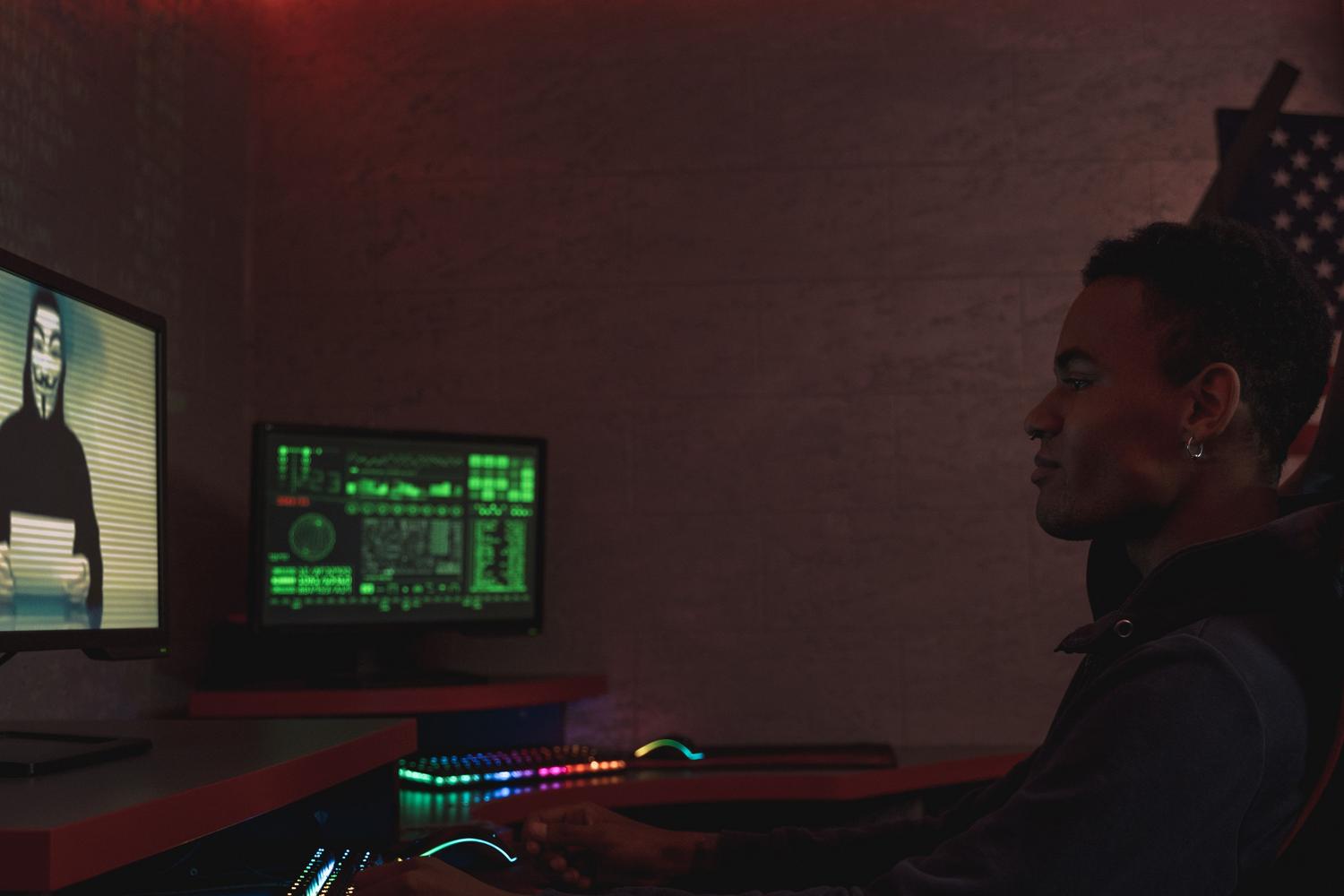
Once a user has fallen into the trap, their computer is exposed to a variety of devastating threats. The primary targets are usually infostealers , programs specifically designed to scour your PC and steal saved passwords, session cookies, authentication tokens, and even cryptocurrency wallet keys. Among the most common are Lumma Stealer, Vidar, and StealC.
In addition, there are remote access Trojans, or RATs , such as NetSupport or Latrodectus. These are much more dangerous because they allow the hacker to take complete control of the device , access the webcam, read emails, and deploy ransomware to encrypt all the company's data and demand a ransom. These campaigns have even reached TikTok, where AI-generated videos are used to promise free premium software in exchange for executing these commands.
How to protect your computer and avoid falling into the trap
The best defense against these types of attacks is, without a doubt, common sense and education. There's a golden rule you should never forget: no legitimate company like Google, Microsoft, or Meta will ever ask you to copy and paste code into your PC's command prompt to fix a bug or verify your identity. If you see instructions on a website that mention Ctrl+V or Win+R , close the tab immediately.
From a technical standpoint, it's essential to keep your antivirus software up to date and enable two-factor authentication (2FA) on all your accounts. For businesses, it's ideal to restrict administrator privileges on employee computers and block access to tools like PowerShell unless absolutely necessary. Conducting phishing drills and social engineering tests helps staff stay alert and recognize these deceptive patterns before it's too late.
If you suspect you've been the victim of such an attack, the wisest course of action is to disconnect your computer from the internet immediately and contact a cybersecurity expert. To prevent data theft, it's advisable to change all your passwords from a device you know is clean. The fight against ClickFix and its variants is an ongoing battle, so staying informed and wary of magical solutions that appear in pop-ups is the only way to keep your data safe.