- NVIDIA's DLSS stands out for its superior quality thanks to the use of Tensor cores and dedicated hardware.
- AMD's FSR is the most versatile and accessible option as it is open source and compatible with almost any GPU.
- Intel's XeSS offers a competitive balance, maximizing performance on its own Arc cards.

If you've recently gotten into PC gaming or just upgraded your graphics card, you've probably come across some acronyms that sound like gibberish: DLSS, FSR, and XeSS. Basically, we're talking about upscaling technologies designed to make our lives easier, allowing our games to run much more smoothly without the image becoming a blurry mess of pixels.
The idea is simple but brilliant: the graphics card renders the game at a lower resolution to avoid working as hard, and then, using algorithms or artificial intelligence , fills in the gaps so that it looks like a high-resolution image on your monitor. It's essentially a trick to gain frames per second (FPS) without having to buy a €3,000 GPU every two years.

NVIDIA DLSS: The pioneer of deep learning
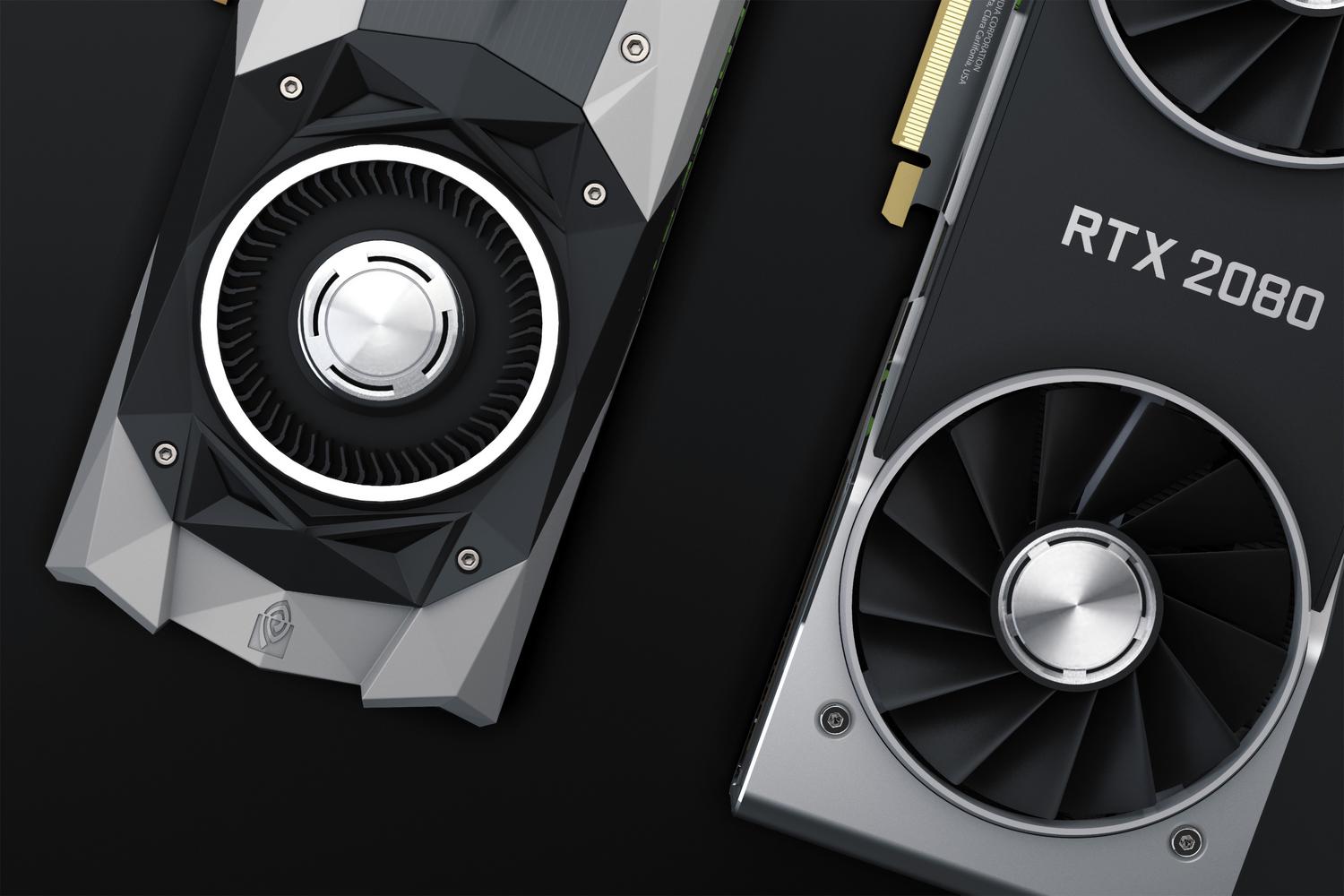
When we talk about DLSS (Deep Learning Super Sampling), we're entering the realm of NVIDIA's high-end offerings. This technology isn't just software; it requires specific hardware called Tensor Cores , which are only found in RTX cards (from the 2000 series onward). Older GTX cards are excluded because they lack the AI processing capabilities.
DLSS works in a rather sophisticated way. It uses trained neural networks to reconstruct high-quality images based on low resolutions and motion vectors. It has evolved tremendously throughout its versions:
- DLSS 1.0: The first attempt, although innovative, sometimes left the image somewhat blurred.
- DLSS 2.0: The big leap. Here they started using information from previous frames to achieve a sharpness almost identical to the native.
- DLSS 3.0: It introduced the famous Frame Generation and NVIDIA Reflex, allowing create artificial frames to increase fluidity, although it only works on RTX 40 series cards.
- DLSS 3.5: He added Ray Reconstruction, which makes the Ray tracing looks much cleaner and without noise.
- DLSS 4.0: Designed for the RTX 50 series, boosting the generation of multiple frames for each one rendered.
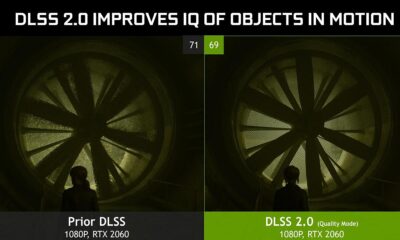
As for its modes, NVIDIA offers options ranging from Quality mode (where upscaling is smooth) to Ultra Performance, ideal for playing games in 4K while rendering at 720p. There's also DLAA, which doesn't aim to increase FPS , but rather applies a kind of intelligent anti-aliasing to make edges look perfect.
AMD FSR: The open and versatile standard
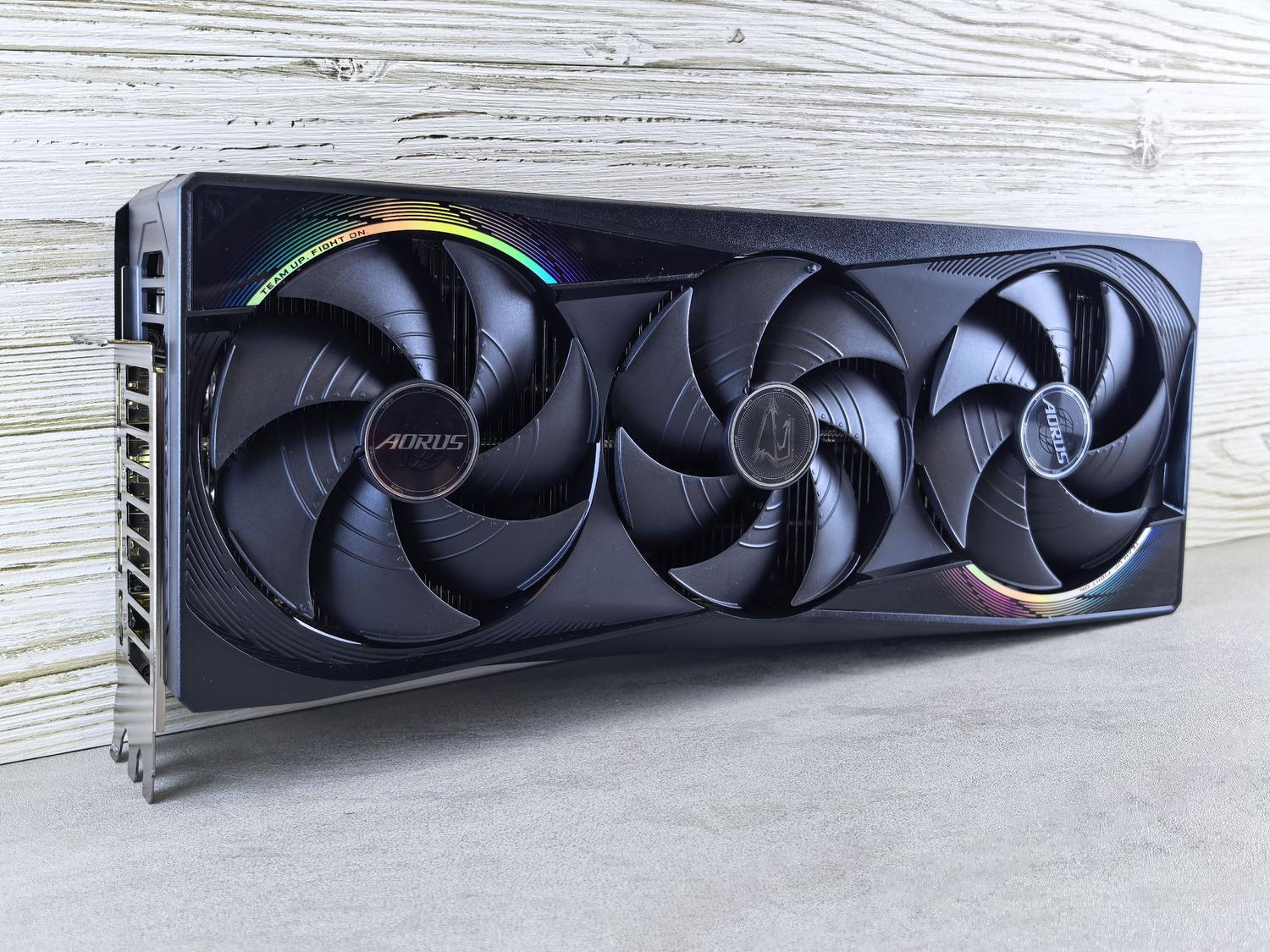
FidelityFX Super Resolution (FSR) is AMD's answer and has a completely different philosophy: it's open source . This means it doesn't require an AMD card to work; you can enable it on NVIDIA or Intel GPUs, making it the most democratic option on the market.
Unlike earlier versions of DLSS, the original FSR didn't use AI, but rather a spatial scaling algorithm that detected edges. This made it faster to implement, but the visual quality left much to be desired in aggressive modes. However, things have changed:
- FSR 1: Basic scaling, compatible even with very old graphics cards (RX 400 series).
- FSR 2: He introduced time scaling, coming very close to the NVIDIA visual stability.
- FSR 3: It introduced frame generation using Fluid Motion Frames (AFMF), allowing older games to feel much smoother, and was compatible with Radeon RX 5000 and above.
- FSR 4: The big news is the integration of Artificial Intelligence to improve image reconstruction, similar to what its competitors do.

AMD also offers modes ranging from Quality to Ultra Performance, and even a Native AA mode in FSR 3, which allows frame generation without lowering the game's resolution.
Intel XeSS: The new contender making a strong impression
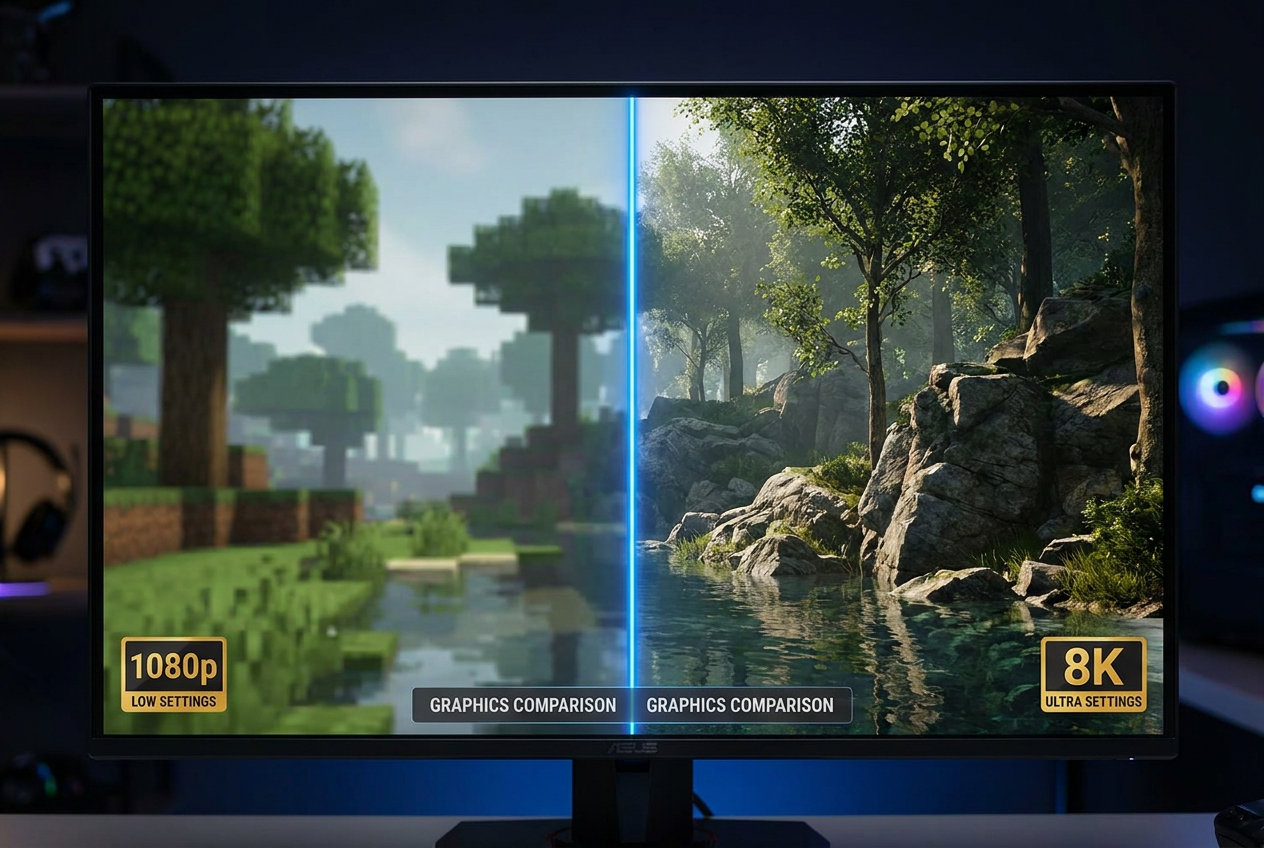
Intel arrived late to the party, but it's not here to make a splash. XeSS (Xe Super Sampling) is an interesting mix. Like NVIDIA, it uses AI models for upscaling, but Intel has been more flexible with compatibility.
There are two ways to run XeSS: XMX mode , exclusive to Intel Arc graphics , which uses dedicated AI cores for maximum quality, and DP4a mode, which works using standard GPU instructions and is compatible with AMD and NVIDIA cards , although with slightly lower performance.
Its versions have advanced rapidly. While version 1.x focused on pure upscaling, versions 2.0 and 2.1 introduced frame generation (XeSS-FG) and latency reduction (XeSS-LL), bringing it up to par with the other two major brands. In terms of modes, it is perhaps the most detailed, offering up to six different presets , including Ultra Quality Plus for those who want an extra touch of definition.

Direct comparison: Which one should you activate in your game?
If you're in a game's settings menu and all the options are available, don't panic. There's a general consensus based on performance and visual quality . If you have an NVIDIA RTX card, go straight for DLSS ; it's by far the most polished option. If you have a GTX or Radeon, FSR is usually the best bet due to its stability and support.
For Intel Arc users, prioritizing XeSS makes sense , as the hardware is optimized for it. However, there are nuances, since in some specific titles, the XeSS implementation can visually surpass that of FSR 2, dangerously approaching NVIDIA's quality.
In terms of support, DLSS remains ahead simply because it has been on the market longer. FSR follows closely behind thanks to its ease of integration for developers, while XeSS is growing rapidly but is still present in fewer titles.
The final choice always depends on your hardware and how the technology has been implemented in each specific game. While NVIDIA focuses on premium and restrictive performance , AMD and Intel aim to provide a smooth experience for as many people as possible, whether through open algorithms or cross-platform support, ensuring that frame rate is the absolute priority in any configuration.
