- Avoid connecting high-power appliances such as ovens, washing machines, or heaters to prevent overheating and fires.
- Do not automate security systems or computer equipment that require continuous power or specific shutdown processes.
- Verify that the devices have electronic and not mechanical switches for the automation to be effective.
- Prioritize certified brands and official applications to avoid security vulnerabilities and unauthorized access to the Wi-Fi network.
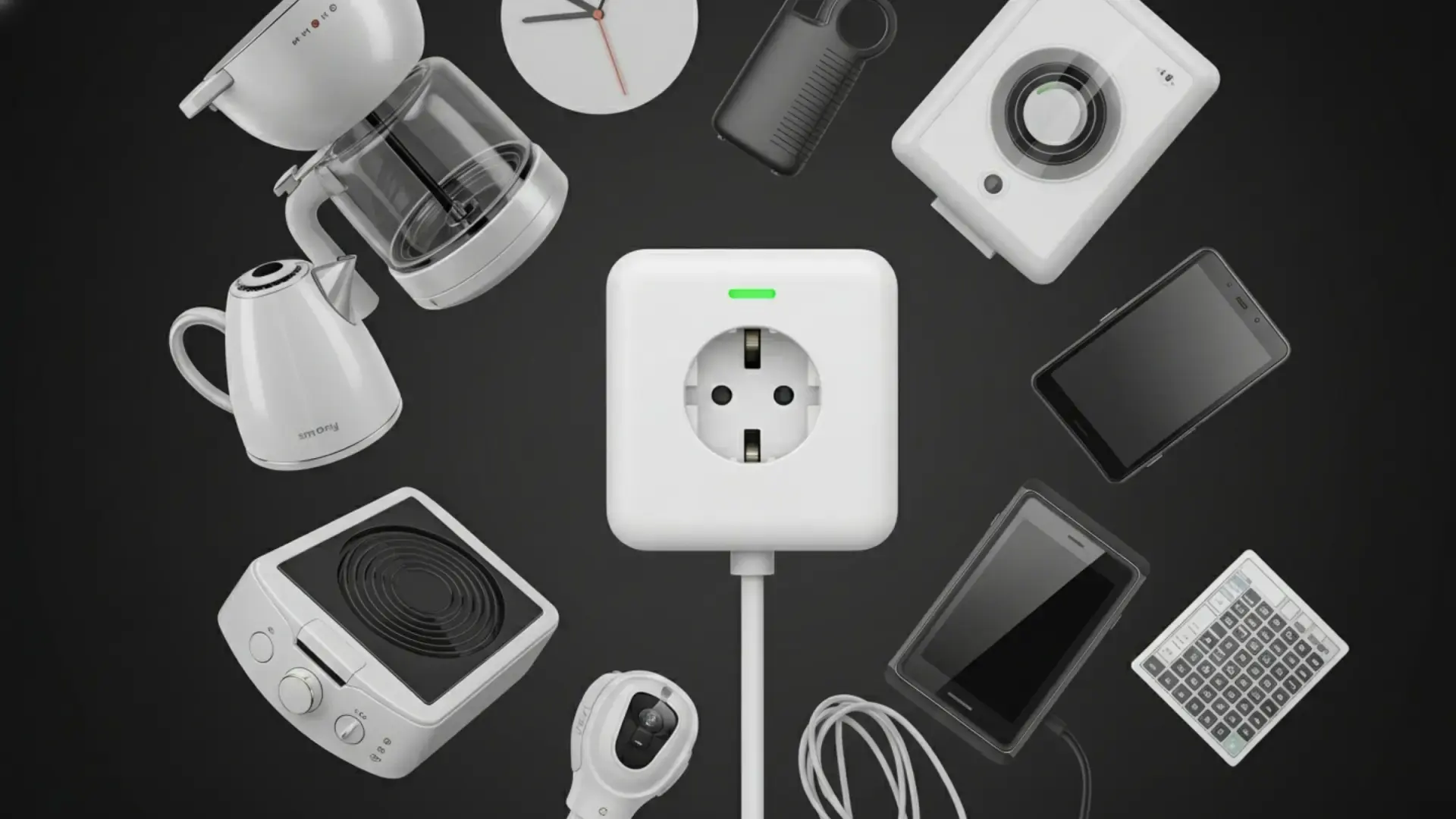
Smart plugs have become a staple in many homes thanks to their affordability and the cool features they offer, such as controlling lighting from bed or programming the coffee maker. These devices act as a bridge between the power supply and the device, allowing us to turn things on and off using Alexa, Google Home, or a simple mobile app.
However, there's one detail we sometimes overlook that can be a real headache: not everything can be plugged into them. While it might seem like anything with a cable will work, forcing these devices can lead to dangerous overheating , sudden power outages, or, if we're unlucky, a house fire.

The problem of power and heavy appliances
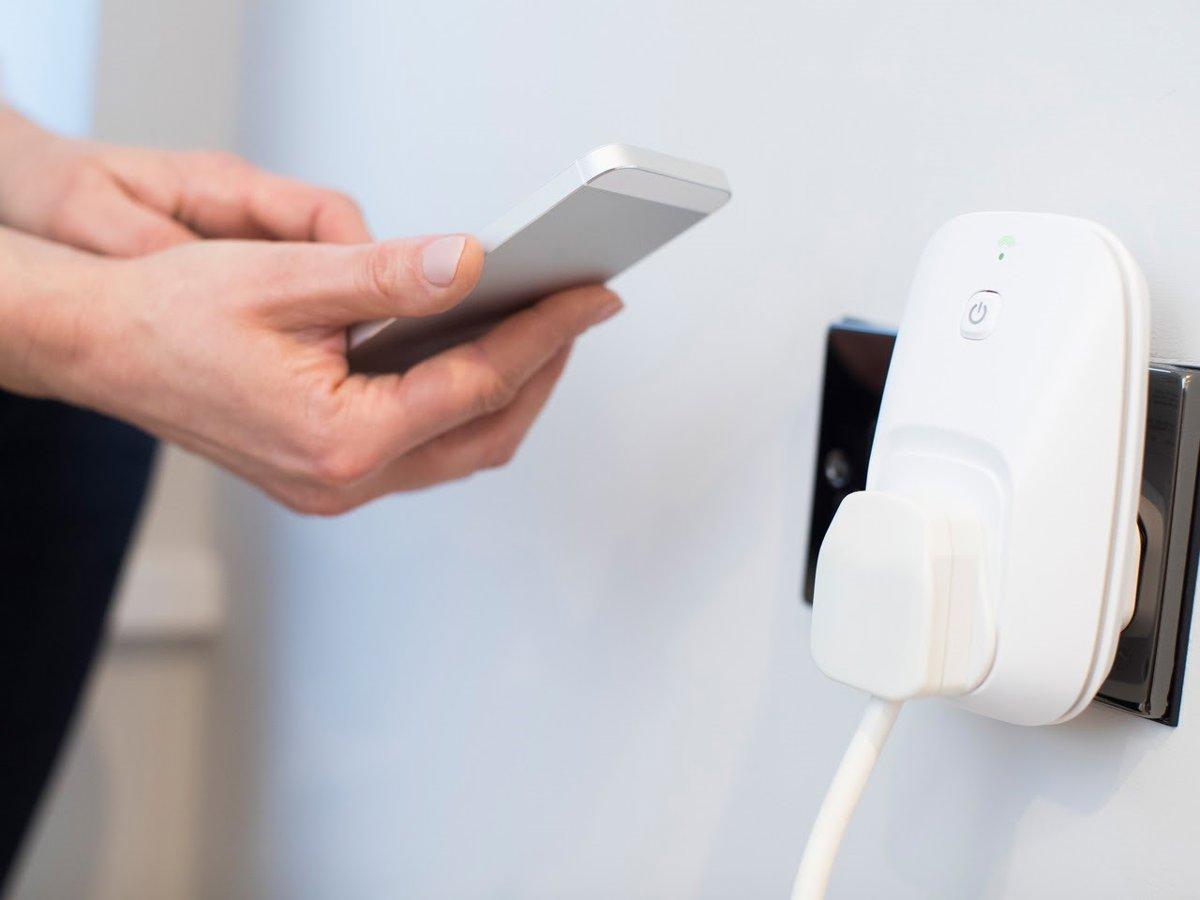
Most of these smart plugs are designed to handle low to medium loads, generally between 1.800 and 3.000 watts . The problem starts when we plug in appliances that draw a lot of power all at once. For example, electric ovens and microwaves , as well as large air fryers, consume a huge amount of energy in short periods. If we plug them into a smart plug, it can burn out or degrade quickly because these appliances need a stable power supply, which the smart plug doesn't always guarantee.
The same applies to washing machines and dryers . These appliances can easily exceed 2.500 watts and generate crazy energy spikes due to the combination of motors and water pumps. If the smart plug malfunctions or accidentally cuts the power, the machine will stop halfway through the cycle and you could damage the appliance . Ideally, these appliances should always be plugged directly into a wall socket.
Take extreme care with heat and safety
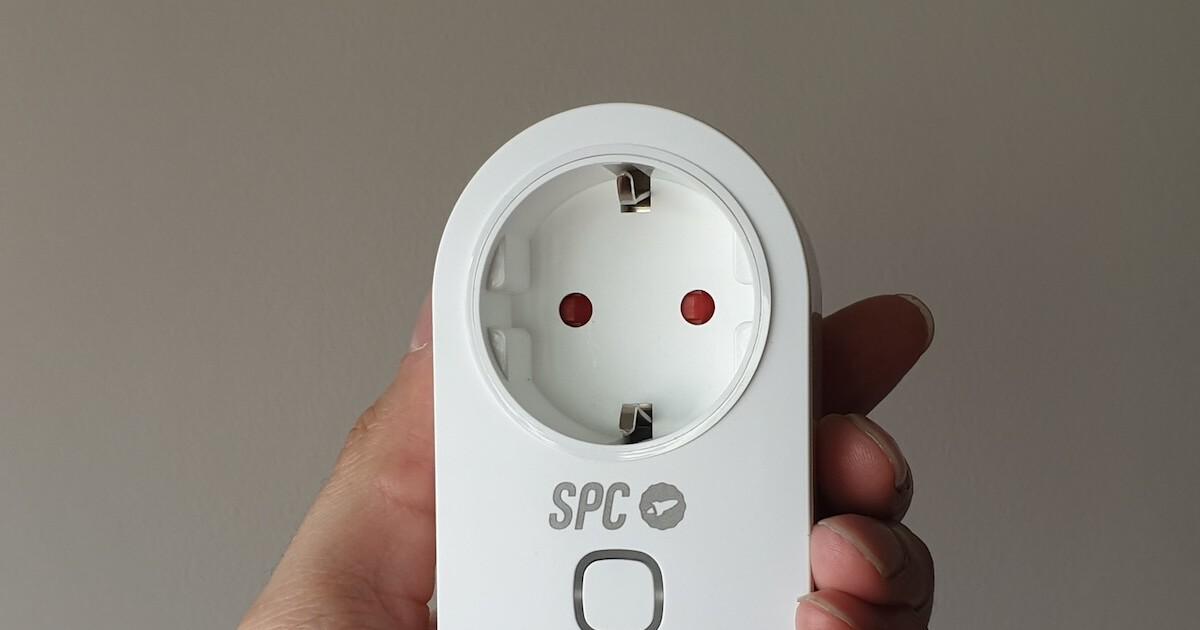
If there's one thing firefighters hate, it's the automation of appliances that generate direct heat. Electric heaters, radiators, and stoves are the worst offenders. By emitting constant heat, they raise the temperature of the smart plug itself, increasing the risk of fire. Furthermore, there's the danger of them accidentally activating through a routine when no one is home , leaving a heat source on unattended.
We also shouldn't forget hair dryers and straighteners . Even if used only briefly, they draw a tremendous amount of power (between 1.800 and 2.200 watts) in seconds. The risk of damaging the internal components of the plug is high, and frankly, it doesn't make sense to automate something we only use for ten minutes a day.
On the other hand, we have security systems and cameras . These devices need to be active 24/7. If you connect them to a smart plug, any power outage or app error could leave your home completely unprotected without you even realizing it. The wisest solution is to use fixed outlets with battery backup.

Sensitive electronic devices and usage errors
Many people plug in their Smart TVs or computers to save energy, but this can be counterproductive. Computers need to perform a logical shutdown process to prevent data loss or damage to internal components. Suddenly cutting the power is like unplugging your PC while it's working. If you want to automate this, it's much better to use dedicated smart power strips with built-in surge protection.
It's also important to note that devices with mechanical switches or levers won't work with smart home systems. If the physical button on your old fan is set to "off," the smart plug can send the power-on command a thousand times, but the fan will never start . Only modern models with electronic buttons are compatible.
Finally, we can't ignore the cybersecurity risk . Some cheap smart plugs open ports on your router, which can be an open door for hackers to access your home network. It's crucial to buy from reputable brands, ensure their apps are available in official stores, and avoid installing devices that require risky network configurations.
How to use home automation safely
To avoid any risks, it's best to use these gadgets with energy-efficient and stable appliances. They're perfect for lamps, humidifiers, small fans, or phone chargers. You can create great routines, like "night mode," which turns off all non-essential devices, or use the energy monitoring function to see how much energy your refrigerator uses (provided the outlet can handle its power).
They can even be used for unusual things, like programming Christmas lights , controlling a pool pump, or simulating someone being home by randomly turning on lights while you're away. The trick is to check the maximum wattage indicated by the manufacturer and never cover the plug with furniture or use it in damp areas like the bathroom.
The key to preventing technology from working against us is using it wisely. While these devices are the cheapest entry point to a connected home, they are not a substitute for professional installation . If you notice the plastic of the plug getting hotter than usual, it's best to unplug it immediately to avoid any unpleasant surprises. The success of home automation lies in balancing convenience with common sense and the electrical safety of our homes.
