- Latency is the time delay between the action on screen and the reception of sound, being critical in competitive and rhythm games.
- There are various technologies to mitigate this problem, from the use of advanced codecs such as LDAC and AAC to dedicated gaming mode.
- Connecting via 2,4 GHz dongles or USB-C cables is the ultimate solution for obtaining a near-instant response.
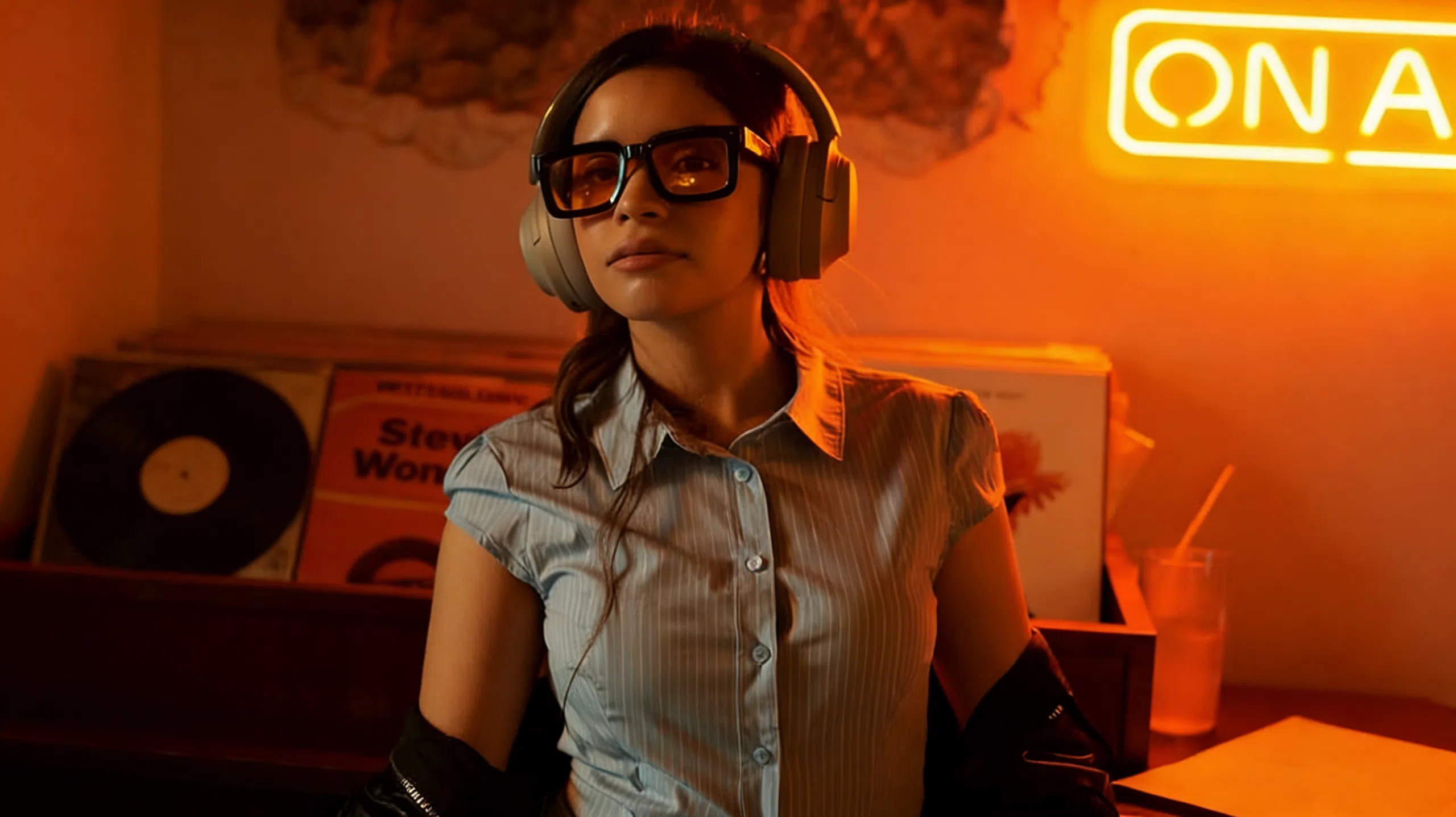
I'm sure it's happened to you: you're in the middle of an intense match, you shoot or jump, and the sound arrives a tiny bit late. That feeling is infuriating, especially if you enjoy playing games where timing is crucial. The freedom of being wireless is wonderful, but when it comes to latency in video games , things can get complicated if you don't have the right equipment or the correct settings.
Many people wonder if it's really worth spending more money on dedicated gaming headphones or if regular ones are sufficient for casual use. The short answer is that, although technology has advanced considerably, responsiveness remains a crucial factor in winning or losing a game, or simply enjoying a movie without the actors' lip movements being out of sync with their dialogue.
What exactly is latency and why does it bother us so much?
To put it simply, latency is that tiny time lapse that occurs between when the device sends the audio data and when your ears perceive it. In the Bluetooth standard, using the SBC codec, this delay can be around 200 or 300 milliseconds . It might seem insignificant, but in a rhythm game or a first-person shooter, it's an eternity that makes actions feel off.
This phenomenon doesn't depend solely on the Bluetooth version (although 5.3 is more stable and efficient), but on several factors. Sometimes, outdated firmware or having too many open applications consuming bandwidth can worsen the situation. Even a low battery can activate power-saving modes that slow down the connection, making the experience much less smooth.
Tips and solutions to reduce audio delay
If you don't want to buy new equipment right now, there are several things you can try to make your current headphones run faster. The first and most basic is to update the manufacturer's app and firmware; many brands release patches that optimize packet transmission time and significantly reduce latency.
Another smart move is to change the audio codec. If you're using Android, you can go into developer options and select LDAC or AAC , which are much faster than SBC. Also, if your headphones have a "game mode" or low-latency mode , activate it without hesitation, as it prioritizes transmission speed over extreme processing quality, lowering latency to very acceptable levels (sometimes less than 80 ms).
Don't forget the physical aspect. Bluetooth operates on the 2,4 GHz band, which is extremely congested. To avoid interference, try to stay close to the device (within about 1.5 meters) and, if possible, switch your Wi-Fi router to the 5 GHz band. Sometimes, simply restarting the pairing process and clearing the app's cache makes the connection stable and fast again.
Specialized hardware: When Bluetooth isn't enough
For those seeking absolute perfection and not content with "it's pretty good," there are hardware solutions designed for competitive gaming. This is where devices that don't rely solely on Bluetooth come in, but also include a 2,4 GHz wireless dongle . This is the technology used by high-end mice and keyboards for instant responsiveness.
A prime example is headsets that offer ultra-low latency of 20 ms . These headsets typically combine three technologies: a USB dongle for lag-free gaming, Bluetooth for using your phone on the go, and a wired USB-C connection for when you need absolute zero latency . It's no coincidence that professional gamers prefer these options or continue to use cables in fast-paced games.
Technical features that make the difference
When choosing your next headphones, don't just focus on the brand. Look for powerful drivers, such as 40mm or 50mm neodymium drivers with PET polymer diaphragms. This not only improves sound quality but also allows for more precise low-frequency sounds , which is vital for pinpointing the direction of a gunshot or footstep on a dark map.
- Hybrid connectivity: The ability to switch between 2,4 GHz, Bluetooth 5.3 and USB-C cable is the winning combination.
- Dual Driver Technology: It helps to achieve superior definition in mids and highs, preventing the sound from becoming blurred.
- MEMS microphones: Essential for your teammates to hear you clearly without picking up all the ambient noise.
- Autonomy and charging: A good charging case with an LED display and USB-C ensures you won't be left speechless in the middle of a raid.
Ultimately, the choice depends on how much importance you place on milliseconds. If you play casual games, a good pair of Bluetooth 5.3 headphones with a gaming mode will suffice. But if you're serious about competition or rhythm games, the ideal solution is to upgrade to a system with a dedicated dongle or go back to a wired connection to ensure that the sound and image are perfectly synchronized at all times.