- Pi-hole acts as a network-level DNS filter that removes advertising and telemetry from all connected devices.
- The integration with Unbound allows DNS queries to be resolved recursively and locally, eliminating dependence on external providers.
- Optimal configuration requires a static IP address and the implementation of balanced blocklists to prevent disruption of web services.

If you've ever felt like the internet is a jungle filled with intrusive ads and trackers that know everything down to the brand of cereal you buy, you've probably heard of Pi-hole. This system isn't your typical browser program that you install and forget about; instead, it sits at the heart of your home network to clean up the traffic from all your devices , from your smart TV to your robot vacuum, without you having to touch a single setting on them.
But be aware that installing the blocker is just the tip of the iceberg. For those seeking expert-level privacy, the real leap forward comes when combined with Unbound. While Pi-hole is the gatekeeper who decides who gets in and who doesn't, Unbound is the guide who eliminates dependence on giants like Google or Cloudflare , allowing you to resolve web addresses autonomously and independently. Let's break down how to set up this digital bunker step by step.
What exactly is Pi-hole and why is it better than an AdBlock?
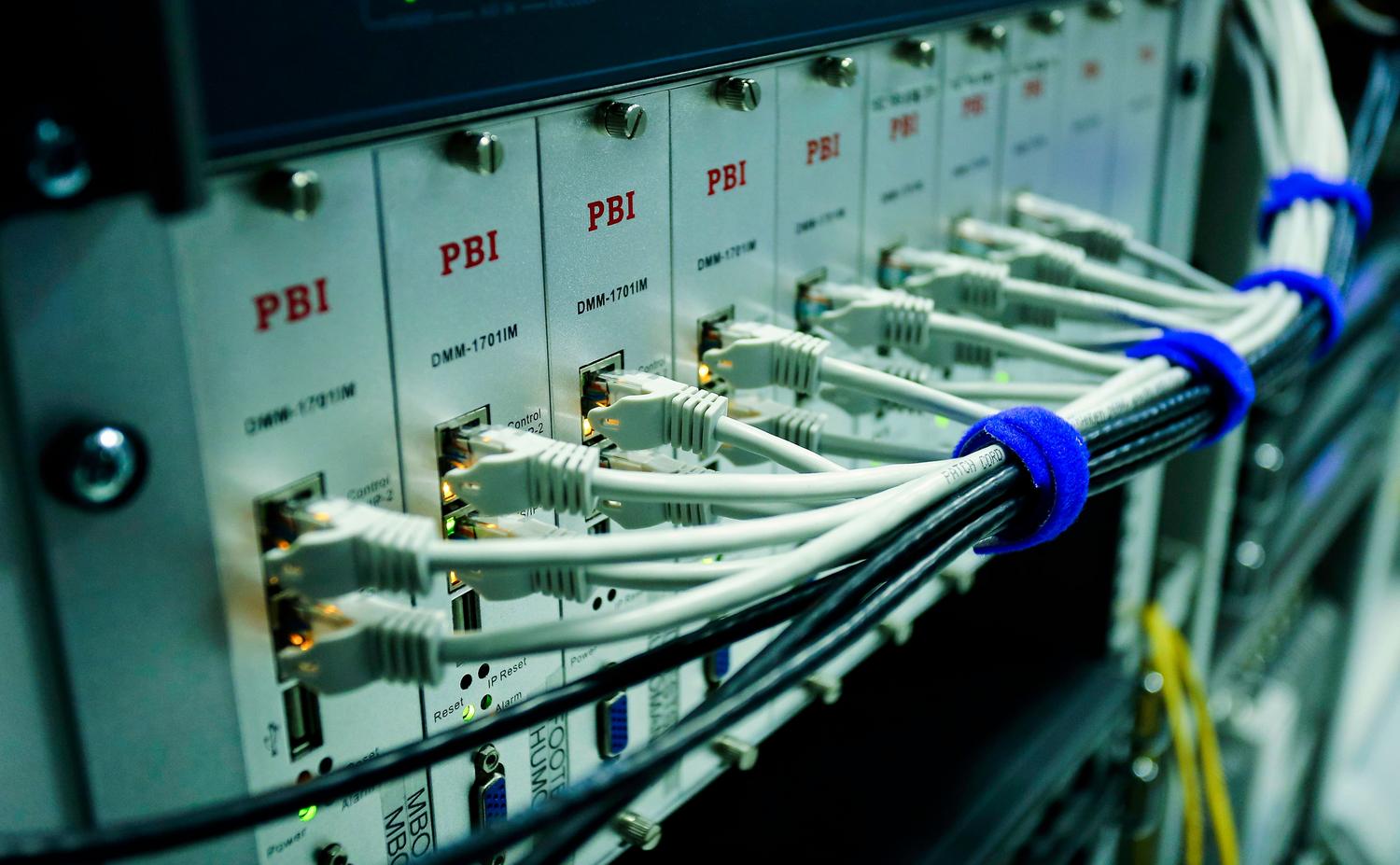
To put it simply, Pi-hole acts like a DNS server. When you type a website address, your device asks, "What is the IP address of this site?" Normally, that query goes to your internet service provider or a public server, which logs your activity. Pi-hole intervenes; if the request is for an ad server, the system responds that the address doesn't exist , preventing the ad from even loading.
Unlike browser extensions, Pi-hole has a global reach throughout your home. Whether it's an Instagram app on your phone, the heavy telemetry data from a Samsung Smart TV, or ads on a game console, everything goes through the same filter. Furthermore, by preventing thousands of adware elements from downloading, you'll notice a smoother browsing experience and save bandwidth.
The missing link: Total privacy with Unbound
Many believe that Pi-hole is the end of the story, but there's a catch: Pi-hole filters, but it doesn't "translate." To find a website's IP address, it still needs to query a third party (upstream DNS). This is where Unbound comes in as a local recursive resolver . Instead of relying on an external company, Unbound queries the internet's root servers directly.
This architecture is the final piece of the puzzle because it severs ties with third-party logs . You're no longer just another number in a large corporation's logs; you validate DNS responses yourself. Although the first time you access a website it might take a few milliseconds longer, Unbound stores that information in a local cache, making subsequent visits instant and completely private.
Required hardware and deployment options
The wonderful thing about this project is that you don't need a powerful computer. Since it's extremely lightweight software, you have several options depending on what you have at home:
- Raspberry Pi: It's the classic option. From a Pi Zero 2W (very cheap and efficient) to a Pi 4 or 5. You only need a microSD card and a stable power supply.
- Docker containers: If you already have a NAS (Synology, QNAP) or a mini PC with Proxmox, this is the best option. It allows you to set up Pi-hole on a isolated and clean environmentfacilitating backups and updates.
- LXC Servers: Ideal for those who use lightweight virtualization in Debian, allowing total control over the operating system.
Step by step installation guide

To get it up and running, the first thing to do is ensure that the device has a static IP address , so that the rest of the devices in the house always know where to find the DNS server.
Mounting Pi-hole
If you use the traditional method on Raspberry Pi OS, simply run the official script using the command curl -sSL https://install.pi-hole.net | bashThe wizard will ask you to choose an upstream DNS server (if you don't already have Unbound, you can use Cloudflare or Quad9). It is vital that Write down the password for the administration panel which appears at the end, as it is the key to managing your block lists.
Configuring Unbound for maximum privacy
To integrate Unbound, you must install the package and configure the server configuration file. The most important thing is to assign Unbound to a different port (usually 5335 ) to avoid conflicts with Pi-hole. You must download the root hints and generate the root key for proper and secure DNSSEC validation.
Once Unbound is running, go to the Pi-hole panel and, in the DNS section, uncheck the public servers and add your local IP address. 127.0.0.1#5335At this point, your network has gone from being an open book to being a personal data strength.
How to make your network actually use the system
Installing the software is useless if your devices don't know they should be using it. You have three options:
- Router Configuration (Recommended): You change the DNS in the router's DHCP server. This way, any device that connects to the Wi-Fi will be able to use the correct DNS settings. will inherit the lock automatically.
- Manual Adjustment: If your router is a closed ISP model that doesn't allow you to change the DNS, you'll have to configure Pi-hole's IP address on each device individually. It's a bit tedious, but effective.
- Hardware change: Investing in a neutral router (like Asus or TP-Link) that allows total control over the network is, in the long run, the better investment in domestic infrastructure.
Optimization and maintenance: Lists and common problems
The core of Pi-hole's effectiveness lies in its blocklists (Gravity). However, adding hundreds of lists can be counterproductive and break legitimate websites. Ideally, you should use well-maintained and balanced lists like OISD or HaGeZi, which filter out the vast majority of noise without causing as many false positives.
It's normal for some websites, especially banking or payment sites, to have problems. To fix this, simply check the query logs in your control panel and add the domain to the "Whitelist" . Regarding YouTube, it's important to know that Pi-hole can't block its ads because they are served from the same domain as the video; for that, you still need to supplement the network with uBlock Origin in your browser.
Advanced: Security, TLS and Redundancy
For more advanced users, HTTPS can be implemented in the admin panel using Let's Encrypt certificates, although this requires managing the entire certificate chain to avoid validation errors. If you have multiple people at home, it's highly recommended to configure a secondary DNS (such as 1.1.1.1) on your router. This way, if the Pi-hole restarts or fails, the house won't be left without internet access, even if ads temporarily reappear.
In more complex environments with multiple servers, tools like nebula-sync allow you to replicate configurations and whitelists between different instances, avoiding having to do the work twice and ensuring that the network always has an operational backup.
Setting up this ecosystem transforms your web browsing experience, giving you back control over your privacy and eliminating unwanted advertising at its source. By combining Pi-hole's intelligent filtering with Unbound's recursive autonomy, you create a robust system that not only speeds up page loading but also protects your digital identity from mass tracking by Big Tech.