- The GDID is a persistent code assigned to each Windows installation that allows tracking of devices regardless of IP or VPN.
- Its existence became public thanks to a legal process against the Scattered Spider hacker group and the intervention of the FBI.
- There is no official option to disable it without compromising system activation and access to the Microsoft Store.
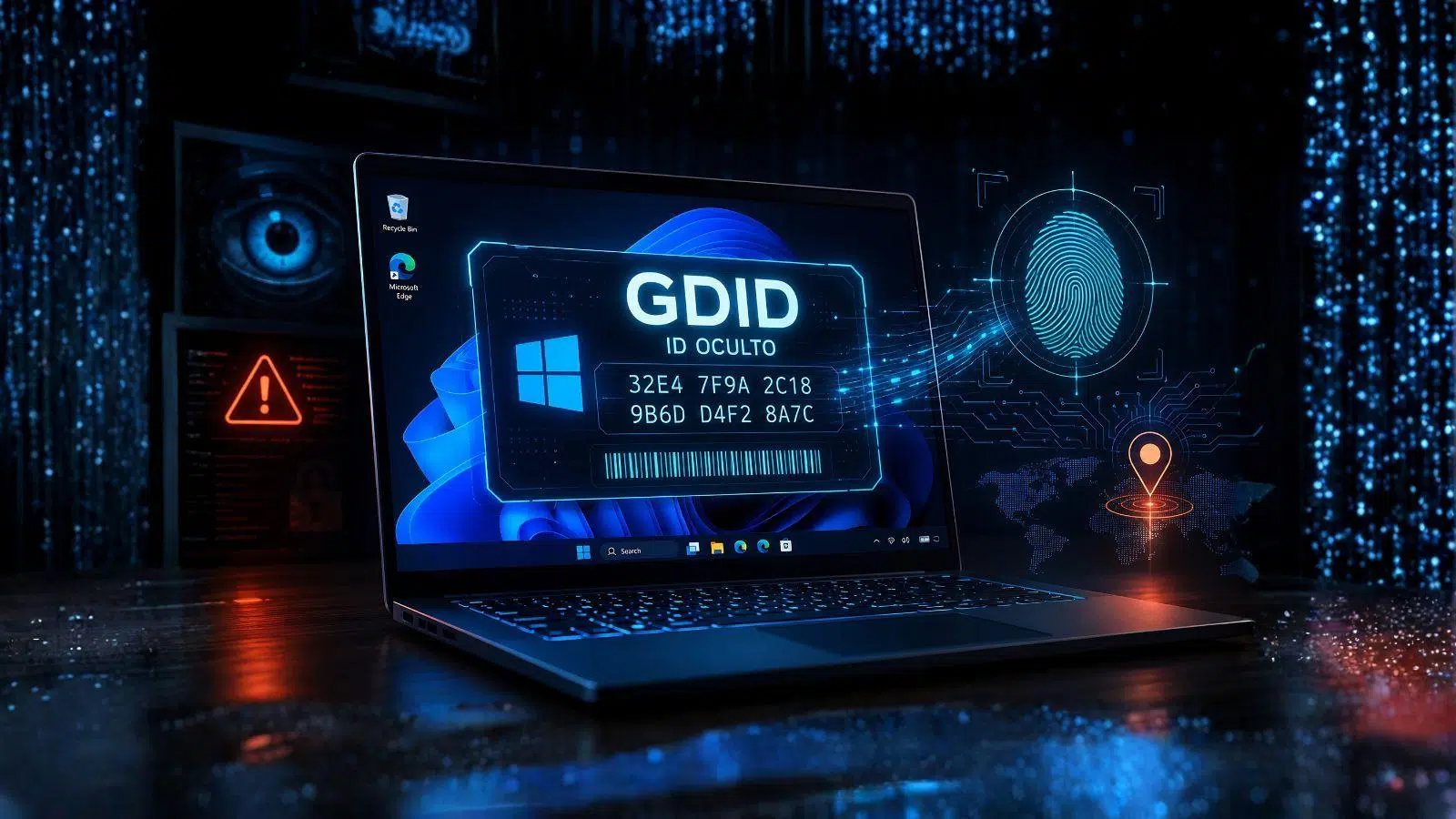
You've probably heard of cookies or IP addresses when it comes to internet tracking, but there's something much deeper and more discreet lurking in the shadows of our PCs. It turns out that Microsoft implemented a kind of indelible digital license plate called GDID some time ago, which essentially allows the company to know exactly which Windows installation is connecting to its servers, no matter where you are.
The most curious thing of all is that this mechanism has gone completely unnoticed by most users for years. There's no button on the control panel that says "I'm active," nor a checkbox to disable it. The truth is, we only learned of its existence not through a user manual, but because a court case in the United States revealed how the FBI used it to catch a cybercriminal who thought he was invisible behind a VPN.

What on earth is GDID and what is it used for?
For those unfamiliar with Microsoft's technical jargon, the GDID (or Global Device Identifier) is a unique and persistent code linked to a specific operating system installation. It's not the same as your motherboard's hardware ID or your hard drive's serial number; rather, it's a digital identity that Microsoft assigns to your installed copy of Windows, whether on a physical computer or a virtual machine.
According to the company itself, this identifier is used to manage internal processes such as update distribution , license validation, and the operation of Microsoft Store applications. Essentially, it's Windows' way of saying "it's me again" when interacting with Microsoft cloud services, ensuring a consistent experience and proper software activation.
The Scattered Spider scandal and the FBI investigation

The story took an interesting turn when the FBI began pursuing Peter Stokes, a suspected member of the Scattered Spider hacking group. Stokes was an expert at hiding; he used proxies, VPNs, and constantly changed countries , moving between Estonia, New York, and Thailand. For any ordinary investigator, tracking him would have been a nightmare because his IP addresses changed every few minutes.
However, the GDID was the key piece of the puzzle. Even though the IP address was different, the Windows installation identifier remained the same. Agents could see that the same g:decimal code visited the registration page of tunneling tools like ngrok and, shortly after, accessed the website of a luxury jewelry store that had been compromised. By cross-referencing this data with logins to Snapchat and Apple accounts, the FBI was able to trace an exact timeline of his movements and activities, leaving the hacker completely exposed.
How is this code generated and where is it hidden?
In the absence of detailed official documentation, reverse engineering experts have had to do the dirty work to understand how it works. It all starts when you link your PC to a Microsoft account. At that point, the wlidsvc service communicates with the login.live.com servers and requests a PUID (Passport ID). This value isn't created on your computer based on the hardware; instead, it's assigned directly by Microsoft from its servers.

Once received, Windows stores this data in the system registry, specifically in a path under MicrosoftIdentityCRLExtendedProperties with the value LID. Next, the Connected Devices Platform (CDPSvc) registers the computer in the Microsoft Device Directory, appending a lowercase "g" to the beginning. This completes the process, leaving a 64-bit digital fingerprint that travels through telemetry and delivery optimization reports.
The dilemma of privacy and lack of control
This is where things get ugly. Unlike Android or iOS, which ask if you want to share your advertising identifier or let you reset it with a click, Windows has no consent screen or option to turn it off. Privacy experts have labeled this "surveillance software" because the user has no control over this data.
Many will wonder if reinstalling Windows solves the problem. Technically, a clean install generates a new GDID, but there's a catch: if you sign in again with the same Microsoft account, the company can link the new installation to the old one through OneDrive, system activation, and other records. Therefore, the activity history isn't completely erased; it simply changes the reference code.
Is there any way to limit this tracking?
If you're worried that Microsoft knows too much about your device, there are some steps you can take, though they aren't a complete solution. One of the most recommended options is to use a local account instead of a Microsoft account, which drastically reduces the direct link to your online identity. It's also crucial to go to the Privacy and Security section and disable optional diagnostic data and personalized ads.
However, let's be realistic: forcibly removing the GDID usually breaks Windows activation and access to the Microsoft Store . For those handling extremely sensitive information, such as journalists or activists, the only real solution is to switch to Linux and browse through Tor, since the GDID is an identification layer that operates beneath any commercial VPN you install.
In short, GDID is a powerful tool that allows Microsoft and authorities to persistently identify a Windows installation, bypassing VPNs and IP anonymity. While its purpose is technical, the lack of transparency and the impossibility of disabling it without breaking the system raise a necessary debate about how much privacy we truly have left in the world's most widely used desktop environment.
