- Plex allows you to transform any computer or NAS into a personal media server to manage movies, TV shows, and music across your entire home network.
- There are advanced capabilities through mpv scripts that unlock playback controls, zoom, and professional subtitle management.
- The ecosystem offers free plans for local use and premium options like Plex Pass for remote streaming and privacy tools.

If you're someone who accumulates terabytes and terabytes of movies, TV shows, and music on hard drives, you know that organizing it all can be a real headache. That's where Plex comes in, a tool that essentially turns your computer into a private video library , allowing you to access your files from anywhere in your home or even from the street, with an interface that makes you feel like you're using Netflix but with your own content.
The most amazing thing about Plex is that it doesn't just scratch the surface; if you dig a little deeper, you'll discover a world of customization and features that aren't enabled by default. From the ability to automatically manage metadata to the option of tinkering with the player using external scripts for total control, this platform is a Swiss Army knife for any multimedia enthusiast.

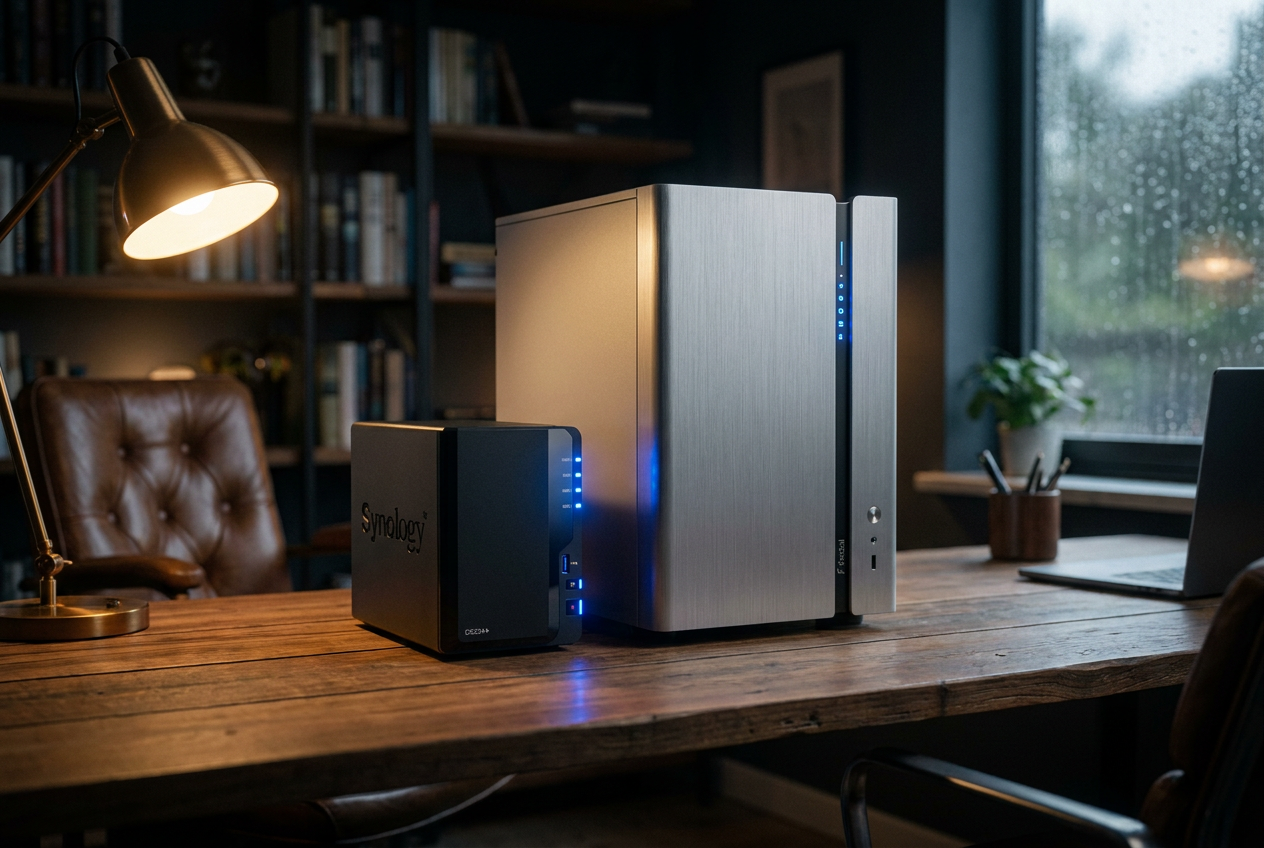
To put it simply, Plex is divided into two fundamental parts. First, there's the Plex Media Server , which is the brain of the system. This software is installed on your PC, a NAS (like QNAP or Synology), or even a Raspberry Pi, and it handles indexing your folders, searching for cover art and synopses, and organizing all the chaos. Then there's the client application , which is the gateway. You can install it on your Smart TV, mobile phone, game console, or tablet to access the content the server has prepared.

The system is very powerful because it automates library management . You don't have to write the description for each movie yourself; the server searches the network for metadata and creates a professional gallery for you. Furthermore, it supports a vast number of codecs, from common ones like H.264 and AAC to more modern formats such as HEVC (H.265), VP9, and AV1, ensuring that almost any file plays smoothly.
Hidden functions and hacks using mpv scripts

For more advanced users who feel the standard player falls short, there's a way to unlock advanced features by calling mpv's capabilities through scripts. This is especially useful on Windows, Mac, and Linux versions, as well as on Plex HTPC. By installing these scripts in your Plex user folder, you can enable keyboard shortcuts that seem like magic.
- Precise playback control: You can advance 10 seconds with the right arrow, vary the playback speed with the period (.) and comma (,) keys, or even move frame by frame using the apostrophe (') and semicolon (;) keys.
- Visual and audio management: You can take screenshots with the 's' key, record the screen on Mac with the '1' key, and quickly change audio tracks by pressing 'y'.
- On-the-fly subtitle adjustments: Forget complicated menus; you can move the text up or down with 'd' and 'e', change the size with 'z' and 'x' or adjust the time lag with 'v' and 'b'.
- Image manipulation: Motion mode is activated with 'm' to scroll the screen, while zoom is controlled with the equal sign (=) and the hyphen (-).
For this to work, you need to place the .lua files in the Plex scripts directory. On Windows, this is usually in AppData/Local/Plex/scripts , and on Mac, in the Application Support library. It's essential to restart the application for the new shortcuts to take effect.
Master tricks to optimize your experience
Taking Plex to the next level requires knowing some intricacies not covered in the basic manual. One critical point is file naming . To prevent Plex from getting confused and finding the correct cover art, it's best to follow the format "Title (Year)" for movies and "Title sXXeYY" for TV series. If you notice that the information for a series is incorrect, remember that Plex uses public databases like TVDB, which you can edit yourself by registering and correcting the data.
If you want complete privacy, there are some settings you absolutely must adjust. By default, Plex can send summaries of what you've watched to your shared friends. To prevent this, go to your privacy settings and mark everything as private in the activity section . Also, to prevent the platform from collecting your viewing habits, uncheck the "Send playback data to Plex" box in your web profile.
Technical configuration and server performance

When setting up the server, the transcoder is the key component. Here you decide whether to prioritize quality or speed. If you have a powerful processor, you can choose the "Put a strain on my CPU" option to achieve the highest possible quality, although the automatic mode is usually the most balanced. It's also recommended to allocate a temporary folder on an SSD so that the conversion files don't slow down the system.
Regarding access, Plex offers a very capable free version for local streaming. However, Plex Pass is the premium option that unlocks remote video streaming, advanced parental controls, content syncing for offline viewing on your mobile device, and the ability to turn your phone into a private cloud for photos and videos , replacing services like Google Photos.
Keyboard shortcuts and quick management
Navigating the web interface is much faster if you use the shortcut keys. For example, pressing the '?' key displays all available shortcuts. For those who are impatient, pressing the 'P' key opens the player directly, while 'W' marks content as watched or unwatched. For volume control and time skipping, the arrow keys are your best friend, allowing you to skip forward or backward in 10-minute increments with Alt + arrow keys.
For those seeking even more detailed management, external applications like Tautulli installed in Docker Compose on your homelab allow you to monitor usage statistics that Plex does not show by default, all while running locally to avoid compromising data security.
This platform has established itself as the ultimate command center for home entertainment, offering everything from simple installation for novice users to in-depth technical configuration with scripts and NAS servers . By combining automatic metadata organization, compatibility with virtually any device, and robust privacy protection, it creates an ecosystem where the user is the sole owner of their content, eliminating reliance on monthly subscription fees from traditional streaming services.