- Installation via F-Droid is recommended to avoid Google restrictions and ensure updates.
- Ability to run programming languages such as Python, Node.js and Ruby without needing root.
- Possibility to install complete Linux distributions and graphical environments using proot-distro and VNC.

Have you ever imagined carrying the power of a desktop operating system in your pocket? Well, it turns out it's not just a fantasy; with Termux you can transform your Android device into a fully functional Linux environment without voiding your phone's warranty or resorting to root access. It's essentially a terminal emulator that opens the door to a world of programming, network administration, and automation from anywhere.
If you're into tinkering with technical stuff or simply need to run scripts while on the bus, this tool is fantastic. In this article, we'll break it down from basic installation to advanced tricks , so you won't get lost and will know exactly how to squeeze every last drop of performance out of your mobile device, turning it into a true workstation.

What exactly is Termux?
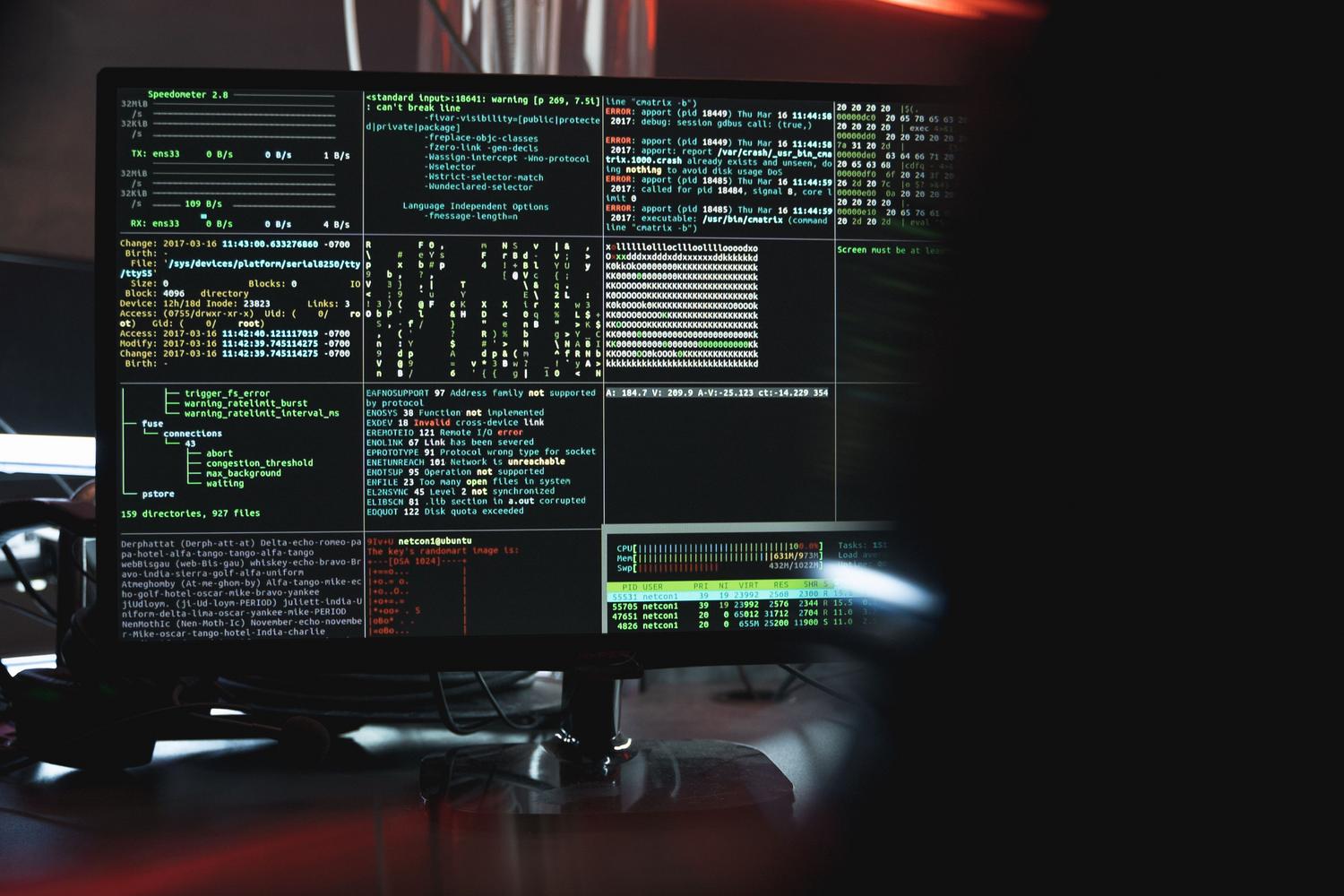
For those unfamiliar, Termux is an application that provides a functional Linux terminal for Android . The most amazing thing is that it doesn't require root privileges for most of its functions, allowing you to install packages and tools that you'd normally only see in a GNU/Linux distribution like Debian or Ubuntu. It's compatible with various processor architectures, including ARM, ARM64, and x86 , ensuring it works on a wide range of Linux tablets and smartphones.
How to get started: Installation and first steps
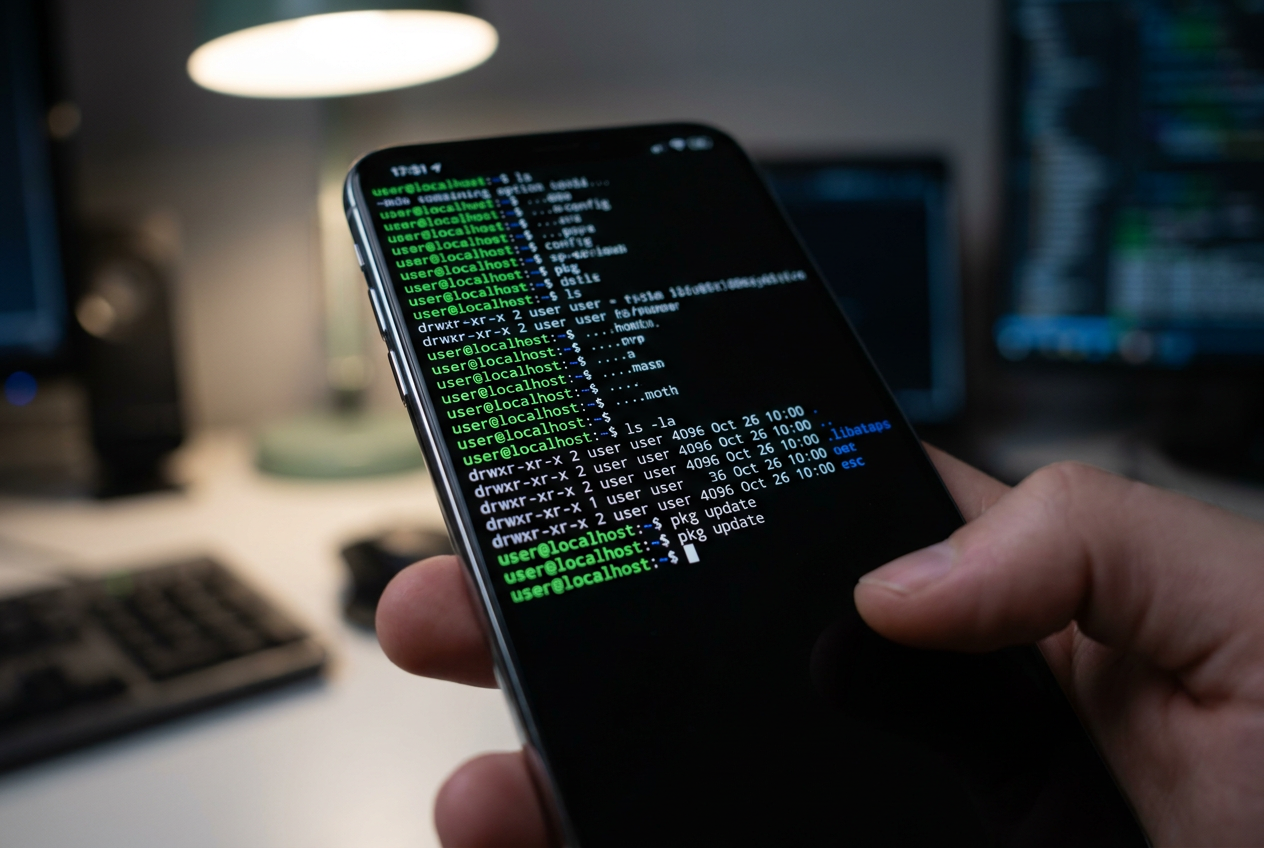
Here's a crucial detail: although Termux is available on the Play Store, it's best to download it from F-Droid . Why? Because Google has implemented restrictions that prevent the Play Store version from updating properly. So, the first step is to install F-Droid from its official website, and then search for and install Termux from there.
Once you open the app for the first time, don't rush into installing things willy-nilly. The first thing to do is update repositories and packages To avoid dependency errors, you must run the command pkg update && pkg upgradeIf you want Termux to be able to read and write to folders on your mobile device (such as Downloads or Documents), you need to grant it storage permission by running termux-setup-storage.
Mastering the command line
If you've never used a terminal before, don't worry, it's simpler than it seems. There are a few basic commands that are part of everyday life and that you must master to navigate through the folders: ls to see what files are there, cd to jump from one directory to another, mkdir to create new folders, touch to create empty files and rm When you want to delete something you no longer need. To quickly read the contents of a file, use the command cat It is your best ally.
Package Management: Installing Tools
Termux uses a package manager called pkg (which is basically a simplified layer over aptWith it, you can install virtually any development tool. For example, if you want to edit code, you can install Nano or Vim with pkg install nano o pkg install vimIf you are a programmer, you can set up complete environments of Python, Ruby, Node.js, Go or Rust installing their respective interpreters. To manage code versions, pkg install git is required.
Practical and advanced use cases
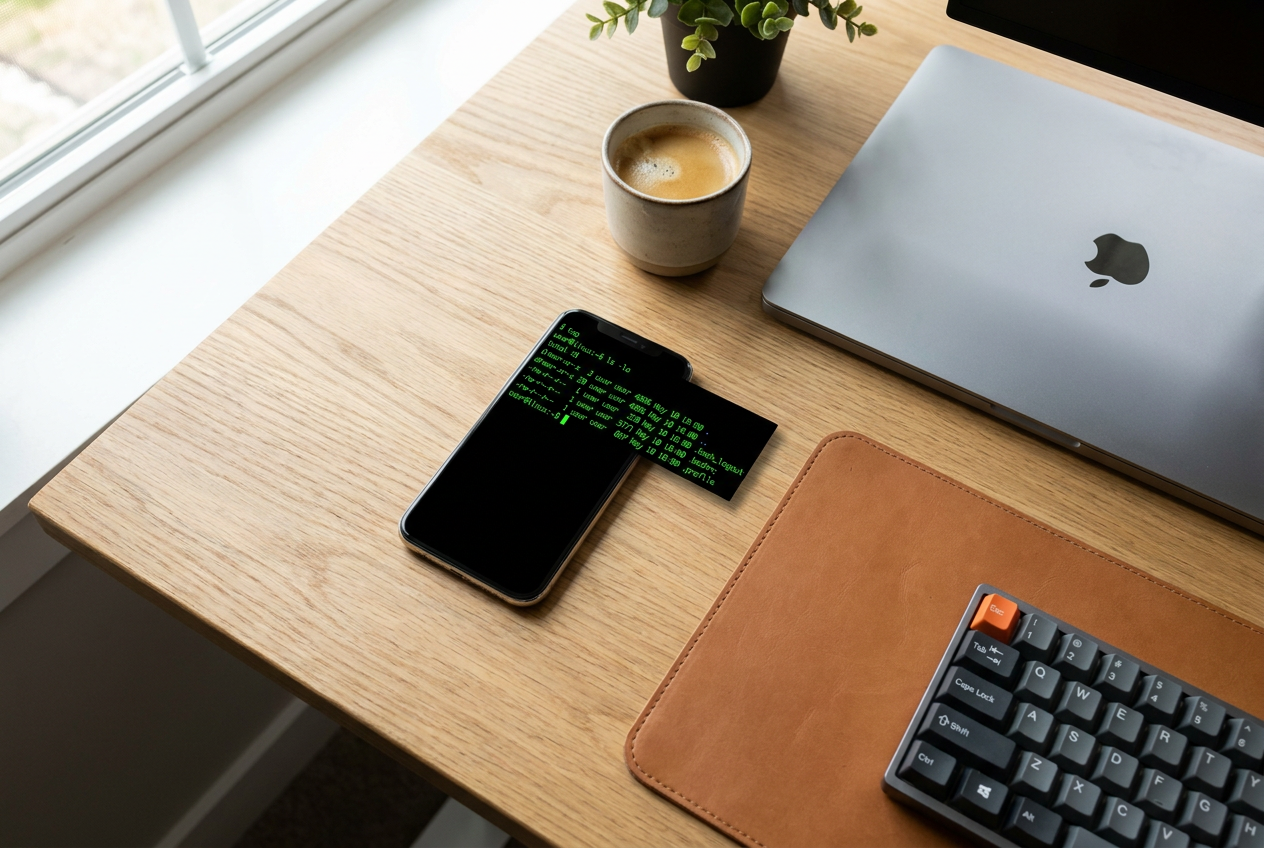
The versatility of this app is incredible. If you work in the Server Managementyou can install openssh to connect to remote machines via SSH or even set up your own SSH server on your mobile device to manage it from your PC. For those who want to quickly build a website, Python allows you to set up a instant web server on the local network with a single command.
In the field of cybersecurity and ethical hackingTermux is very popular because it allows you to run tools like Nmap for network analysis or Metasploit. Also, if you enjoy automation, you can run scripts on Android writing code in Bash to automatically back up or clean files, granting them execution permissions with chmod +x.
Taking Termux to the next level: Graphical environments and distributions
If the black screen seems too austere to you, you can install a desktop environment such as XFCE or LXQtTo do this, you need to install a VNC server and the X11 repository. Once configured, you can connect using a VNC app from Android and you'll see a classic Linux window interface. If you need a complete distribution (like Arch Linux or Debian) because some programs aren't in the official repositories, the tool proot-distro It's the solution. It allows you install a complete distro, create custom users and manage the system as if you had a lightweight virtual machine.
For more advanced users, there are options like installing the Fish shell for a more user-friendly prompt, using Neovim for expert-level programming, or even managing passwords with `pass` and `gnupg` . It's also possible to clone your own dotfiles from GitHub to keep all your custom configurations synchronized across any Android device you use.
From simply running a Python script to emulating a complete Linux distribution with a graphical interface, Termux transforms any mobile device into a powerful technical tool. Combining the pkg package manager, the ability to create Bash scripts, and the option to access remote servers, any computer enthusiast can leave their laptop behind for quick development or system administration tasks.