- Latency measures the travel time of data, while jitter is the variability of that time.
- High jitter causes robotic audio, pixelated images, and annoying lag in real-time applications.
- The stability of the connection depends more on traffic management and hardware than on the contracted speed.

It's probably happened to you: you're in the middle of a crucial game or an important work meeting, and suddenly the other person's voice sounds robotic, or your game character teleports around. Most likely, it's not a problem with your fiber optic speed , but rather two technical concepts that often go unnoticed but determine the actual quality of your online experience.
Even with massive data plans, download speeds aren't the same as real-time data transfer speeds. To understand why your connection sometimes stutters, it's crucial to analyze the interaction between latency and jitter , as these are the real culprits behind whether a video call is a pleasure or a complete nightmare.

Debunking concepts: What exactly is latency?
To start with the basics, latency (which in the gaming world we know better as ping) is the total time it takes for a data packet to travel from your device to the server and back to you. It's measured in milliseconds (ms) and is essentially a measure of your network's responsiveness.
In professional environments, low latency is vital. For example, for IP telephony to function without annoying delays, ideally this value should be less than 60 ms , although up to 150 ms is considered acceptable. When this time increases significantly, you'll notice an awkward silence after someone speaks, as the information takes too long to arrive.
Jitter: The invisible enemy of fluidity
This is where things get interesting. Jitter, or network fluctuation, doesn't measure how long it takes for data to arrive, but rather how much that arrival time varies from one packet to the next. Imagine you order a pizza and are told it will take 30 minutes; if one day it arrives in 30, another in 15, and another in 50, that irregularity is exactly what jitter is.

While latency is a constant delay that the system can manage, jitter is an unpredictable inconsistency . If data packets arrive out of order or at irregular rates, the receiving device cannot correctly reconstruct the information flow, resulting in the well-known micro-stuttering and image pixelation.
Key differences between latency, jitter, and packet loss
It's very common to confuse these terms, but they are different things. Latency is the travel time, jitter is the instability of that time, and packet loss occurs when data simply disappears along the way and never reaches its destination.
- Latency: It's the average delay. If it's high, everything is slow but steady.
- Jitter: It's the variability. If it's high, the connection is unstable and jumps around.
- Packet Loss: It's the absence of data. It causes abrupt outages and total disconnections.
How do these values impact your daily life?


Not all online activities are affected equally. For example, on-demand video streaming (like Netflix or YouTube) is hardly affected by jitter because it uses a storage buffer that downloads several seconds of content in advance, absorbing any irregularities.
However, in real-time applications the situation changes radically:
- Online Gaming: In competitive games, high jitter causes your actions not to be registered instantly, resulting in a erratic lag which makes precise control unfeasible.
- Video Calls and VoIP: On platforms like Zoom or Teams, jitter greater than 30 ms causes the audio to sound robotic and the video to freeze, since the fluctuation buffer It becomes saturated or empty.
- Virtual Reality (VR): It is the most sensitive environment; a small variation can cause visual desynchronization and lead to dizziness in the user.
Quality thresholds: When should you worry?
To determine if your connection is optimal, you can use these jitter ranges as a guide. A value below 20 ms is considered excellent and is the standard for professional gaming. Between 20 and 30 ms is very good for most video calls. If you start seeing values between 30 and 50 ms, the connection is acceptable, although you might notice occasional lag.
The real problem starts when we exceed 50 ms, where the dropouts become evident, and it becomes completely unacceptable if the jitter exceeds 100 ms, as real-time communication breaks down completely.

Common causes of network instability
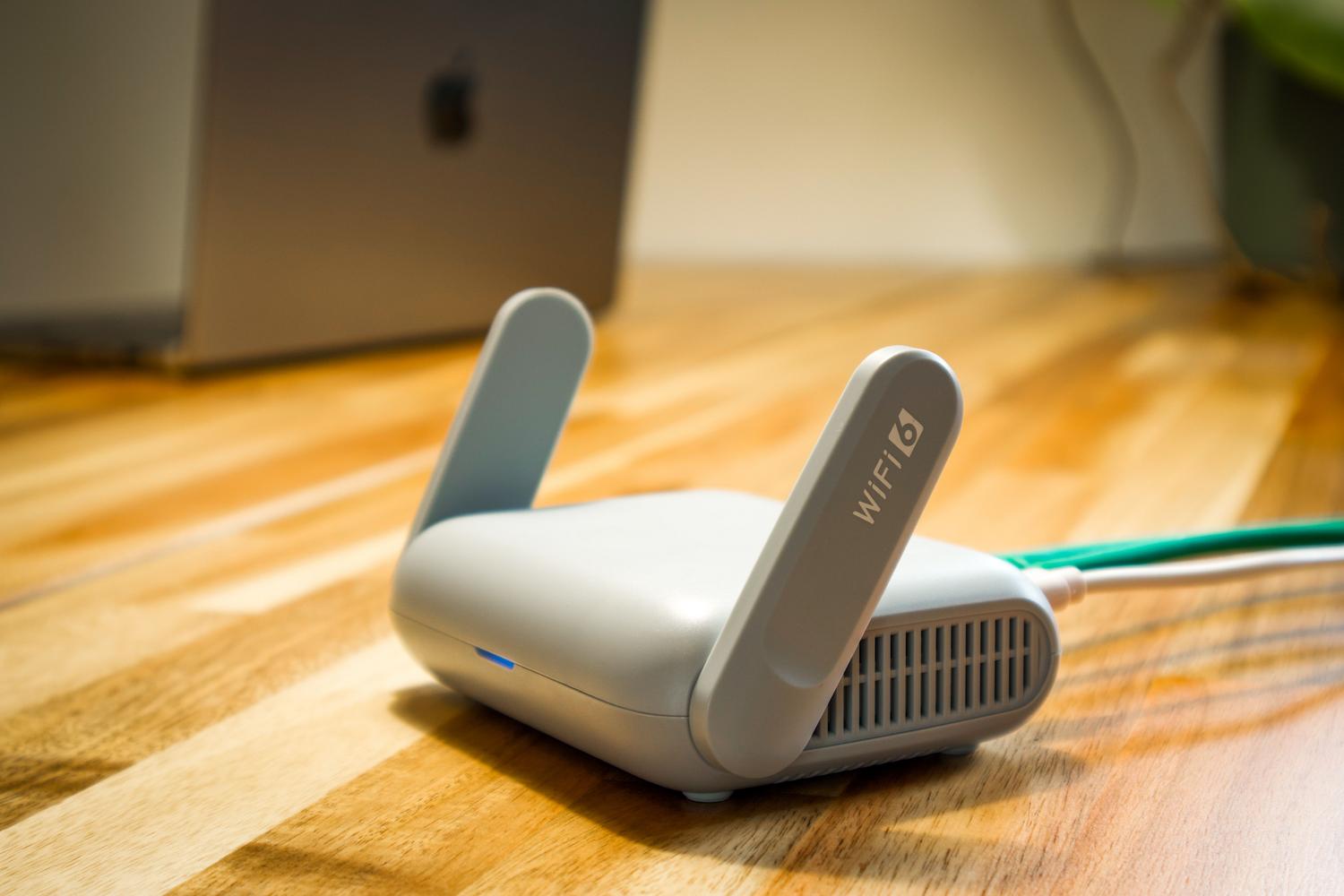
Jitter is usually not due to a single cause, but rather a combination of factors. The most common is local network congestion , which occurs when too many devices are competing for bandwidth (background downloads, cloud backups, or 4K streaming).
Wi-Fi interference also plays a role, as walls, microwaves, or congested channels from neighbors can cause packets to fluctuate. Similarly, outdated hardware , such as an old router with its CPU maxed out, can introduce inconsistent delays when processing information.
Tips and solutions to reduce jitter and latency
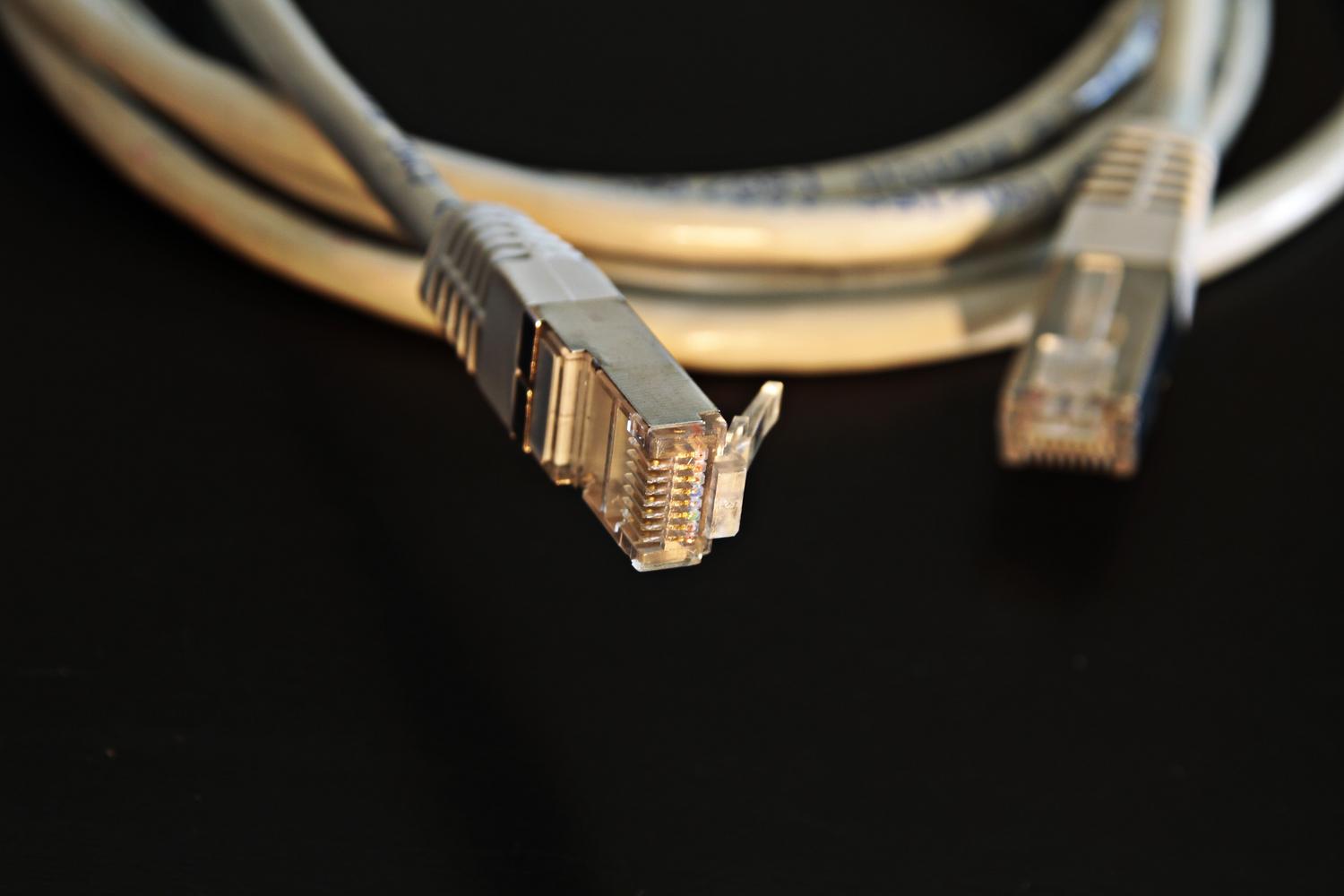
If you notice your internet connection is unstable, there are several steps you can take before calling your provider. The most effective, without a doubt, is to replace Wi-Fi with an Ethernet cable ; this eliminates interference and stabilizes packet delivery immediately.
Another solution is to configure Quality of Service (QoS) on your router. This feature prioritizes critical traffic (such as VoIP or gaming) over large downloads, preventing a Windows update from ruining your work meeting. It's also advisable to keep your router's firmware updated and minimize the distance to the access point if you must use a wireless connection.
In the business sector, the solution lies in contracting Dedicated Internet services with SLAs (Service Level Agreements). These connections guarantee exclusive 1:1 capacity and proactive monitoring that ensures latency and jitter remain under contractual control, preventing business operations from being compromised.
Maintaining a balance between low latency and minimal jitter is the only way to ensure modern communication tools operate seamlessly. From prioritizing cable usage to optimizing traffic management through QoS, there are various ways to transform an unstable connection into a smooth service, ensuring that stability takes precedence over mere download speed.
