- AdGuard Home acts as a DNS server that filters malicious and advertising requests before they reach devices.
- The installation can be done using direct scripts or Docker containers for more flexible and cleaner management.
- Its router-level configuration allows you to secure the entire home network, including Smart TVs and mobiles, without installing individual apps.

Let's be honest, browsing the internet these days is like walking through a minefield. Whether you're looking for a simple recipe or reading the day's news, there's always an annoying ad or a tracker trying to sneak onto your screen. While many of us use browser extensions, the problem persists on mobile apps and Smart TVs, where installing ad blockers is simply impossible.
This is where AdGuard Home comes in, a powerful tool that turns your Raspberry Pi into a digital shield for your entire home . Unlike traditional blockers, this system works at the network level, meaning that any device connected to your Wi-Fi, from your smart refrigerator to your kids' phones, benefits from clean and private browsing without having to configure each device individually.

What exactly is AdGuard Home and how does it work?

To put it simply, imagine that DNS is the internet's address book. When you type a web address, your device consults this address book to find out which IP address to connect to. We typically use our internet service provider's address book, which is not only slow but also logs every step we take online to sell that data to advertisers. In this regard, there are options like Google's DNS versus Digi's to improve speed and security.
AdGuard Home sits in the middle of this process. When a device requests an ad server address, AdGuard checks its blacklists and, if it detects advertising, simply doesn't return the address . The result is that the ad never even gets downloaded, leading to faster-loading pages and significant savings in mobile data and bandwidth.
AdGuard Home vs. Pi-hole: Which one to choose?
It's very common to compare it to Pi-hole, the veteran in this field. Although both do the same thing, AdGuard Home feels much more modern. It's developed in Go, which typically provides smoother and more efficient performance. Furthermore, its interface is much more intuitive and visually appealing to the average user.

A key advantage is that AdGuard includes built-in features that other systems require plugins or complex manual configurations, such as native support for encrypted DNS (DoH and DoT) and an integrated DHCP server. This greatly simplifies network management without having to wrestle with cryptic configuration files in the terminal.
Hardware requirements and preparation

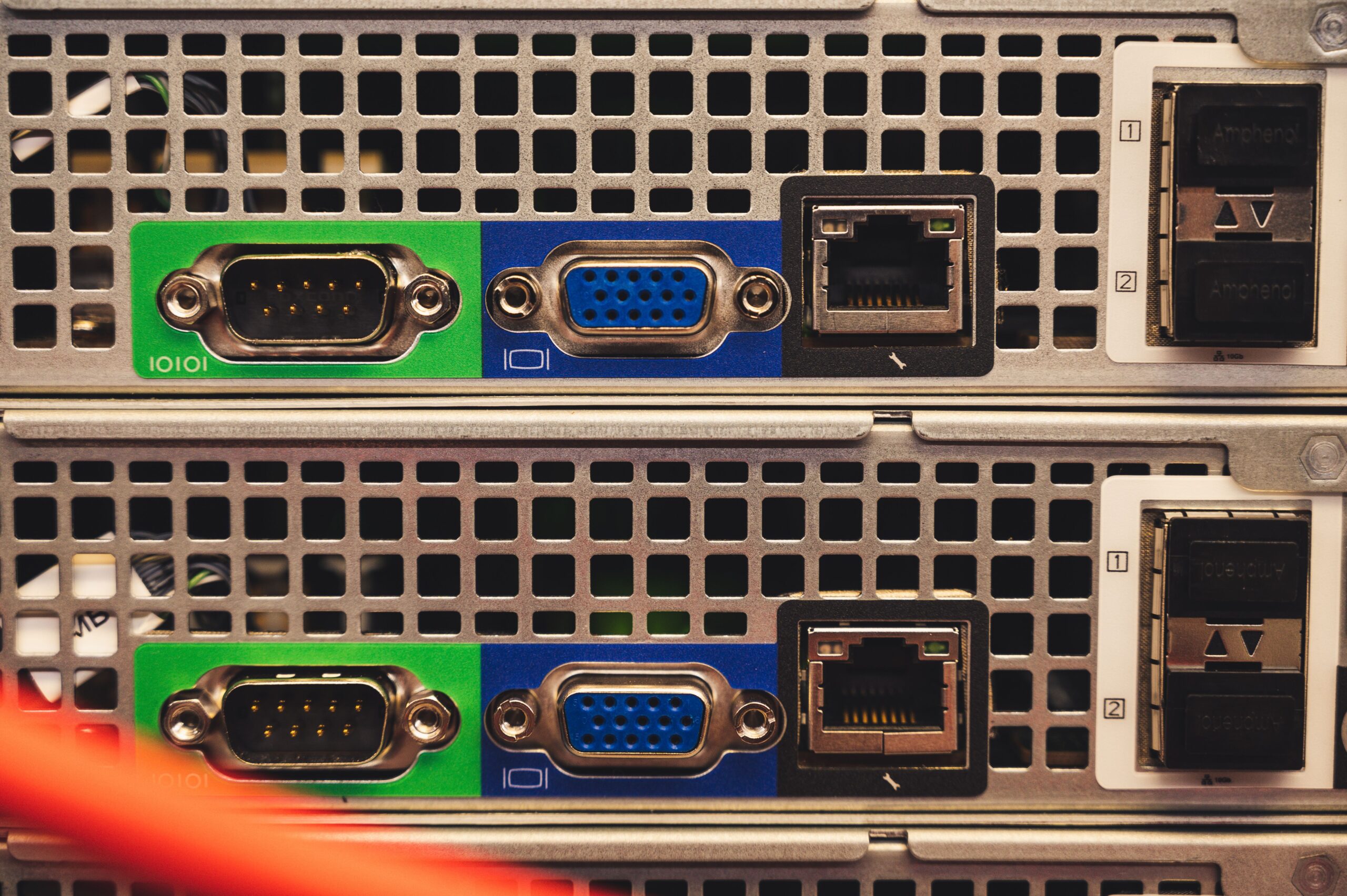
To set up this system, you need a server that's running 24/7. The best option is the Raspberry Pi, with the 8GB 4B being a beast, although more modest models like the Zero 2W also do the job. If you don't have the hardware on hand, you can use an old PC with Docker or even a free VPS server in the cloud, such as those from Oracle Cloud.
If you choose a Raspberry Pi, it's best to install Raspberry Pi OS Lite to avoid wasting resources on a graphical interface you won't use. It's crucial to assign a static IP address to the device; otherwise, if the router restarts the Raspberry Pi with a different IP address, your entire house will lose internet access because devices won't be able to find the DNS server.

Detailed installation process
There are two main ways to install AdGuard Home. The first is the fastest: run an automatic installation script from the terminal using a curl command. This method downloads the official binary and configures the service to start automatically with the system.
The second way is to use Docker, ideal for those who love order and want to avoid dependency conflicts. This is done using a file. docker-compose.ymlWe can define the necessary ports (53 for DNS, 3000 for initial configuration, and 80 or 8181 for the control panel). A critical detail in Ubuntu systems is free port 53, since the service systemd-resolved It usually occupies it, preventing AdGuard from starting.
Panel configuration and optimization
Once installed, you access the web interface by entering your server's IP address followed by port 3000. The wizard is very simple: you create an administrator user and decide which ports the system will listen on. Once inside the panel, the most important thing is to go to the DNS filters section to add more aggressive blocklists, such as those from HaGeZi, which are known for their effectiveness.
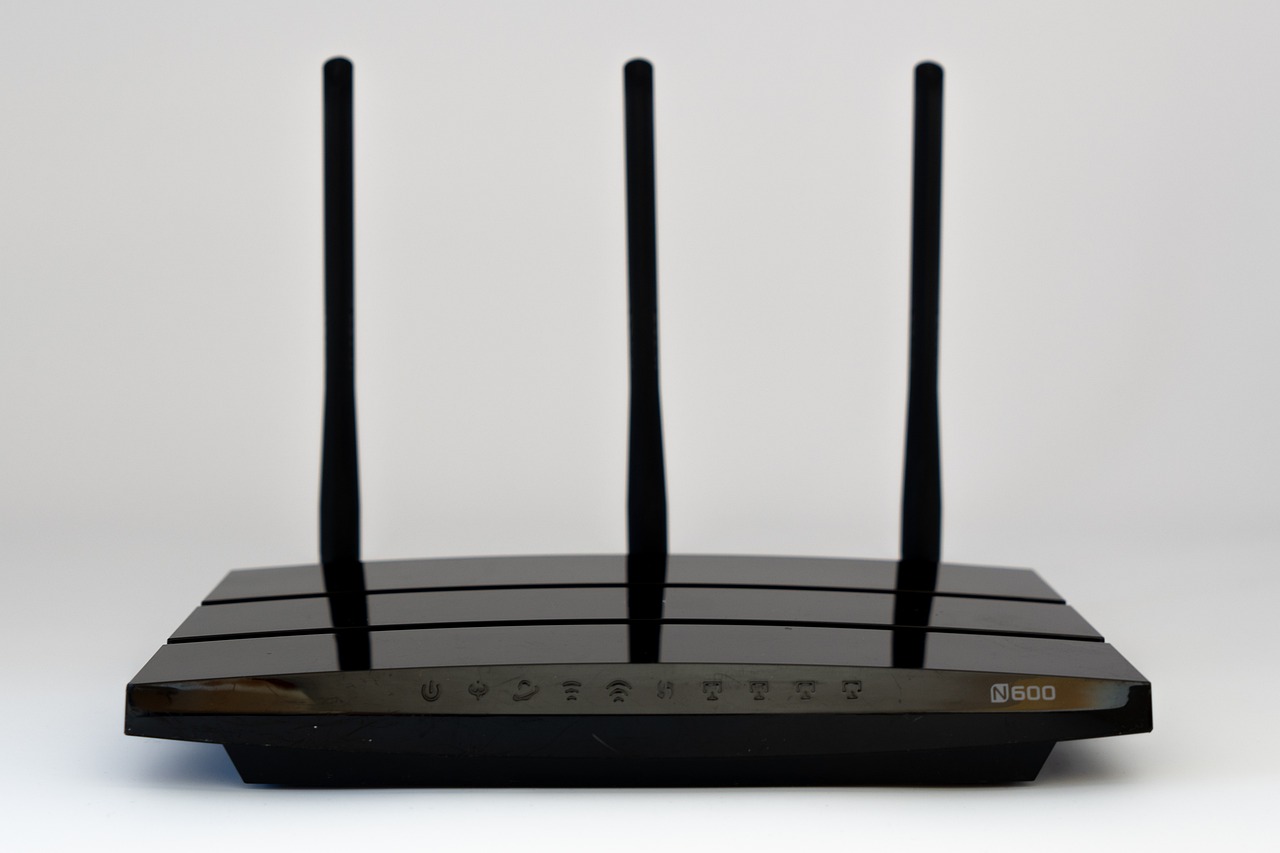
For complete filtering, you need to access your router's settings and change the DHCP DNS server to your Raspberry Pi's IP address. This way, any device connecting to the Wi-Fi will automatically inherit the ad blocking . If you have Android devices, be careful with the "Private DNS" option, as if it's set to automatic, the phone could bypass AdGuard and use Google's DNS servers.
Limitations and realities of DNS blocking
It's important to be realistic: a DNS blocker isn't magic. It can't remove ads from YouTube or apps like Instagram and Facebook because they serve ads from the same domain as the actual content. If you block the ad domain, you block the entire video or post.
To combat this, the ideal solution is to combine AdGuard Home with tools like uBlock Origin in your browser. While AdGuard cleans the network and protects "dumb" devices (like Roku or Smart TVs), the extension handles the surgical cleanup on your PC. This way, you achieve maximum privacy and a seamless user experience.
Customer management and parental controls
One of AdGuard's strengths is its ability to manage clients individually. You can assign different rules for each family member; for example, activate the safe search filter and adult content blocking only on your children's devices, while maintaining unrestricted access on your own.
For those using the system on a VPS, configuring the firewall and allowed clients is vital . Opening port 53 to everyone is dangerous, as it could amplify DNS attacks. The correct approach is to restrict access only to your own public IP address to maintain server security.
Table of Contents