- There are several applications compatible with Windows and macOS to extend the PC desktop using a tablet.
- The choice between WiFi connection or USB cable determines the stability and smoothness of the projected image.
- In addition to being an extra monitor, older devices can be transformed into car command centers or surveillance cameras.
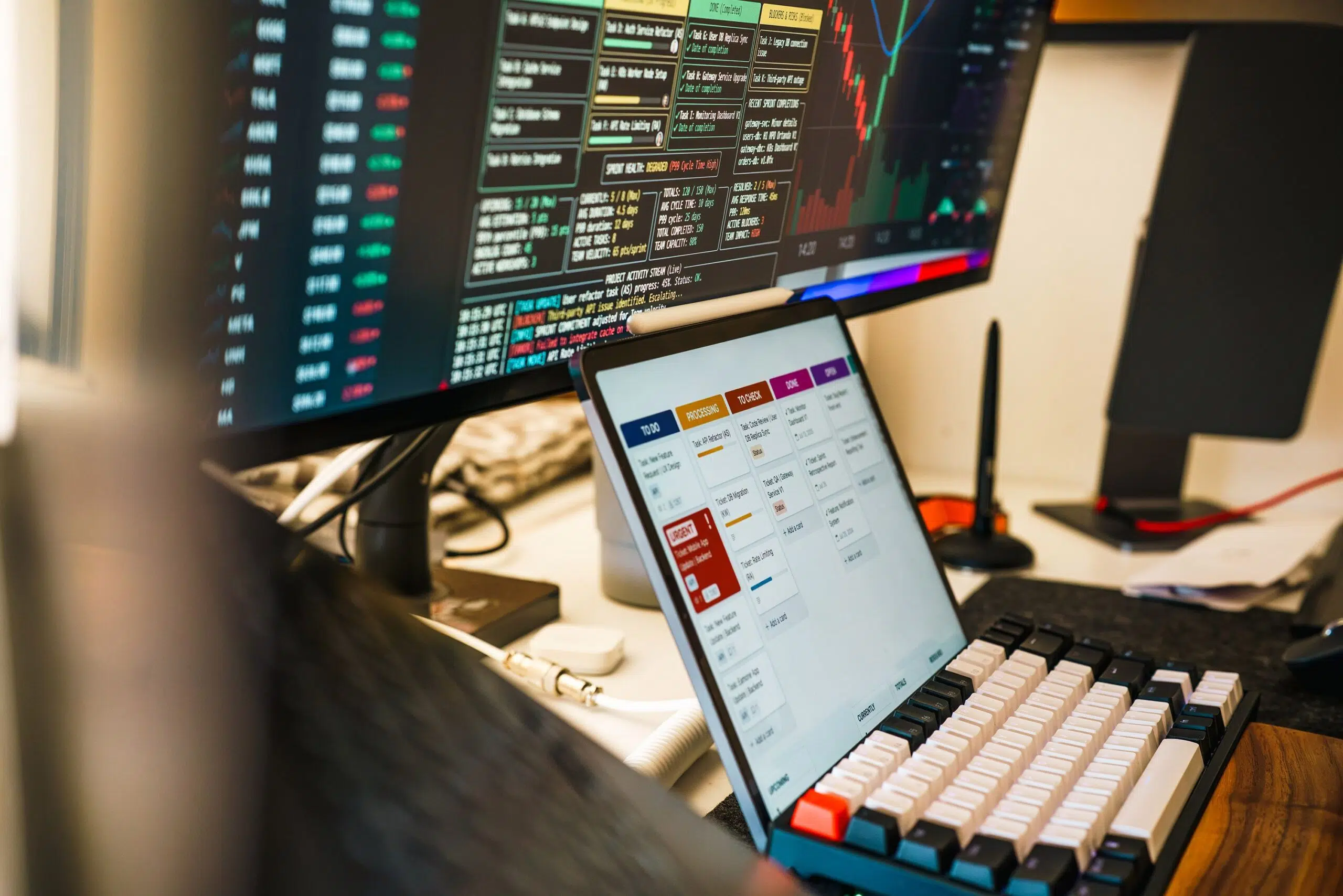
You probably have a few gadgets gathering dust in a drawer because they're no longer useful for everyday life. That's perfectly normal, since new models come out so quickly that our devices become obsolete in the blink of an eye. However, before bidding them farewell for good, it's worth considering that these gadgets can still add incredible value to our routine if we know how to get the most out of them.
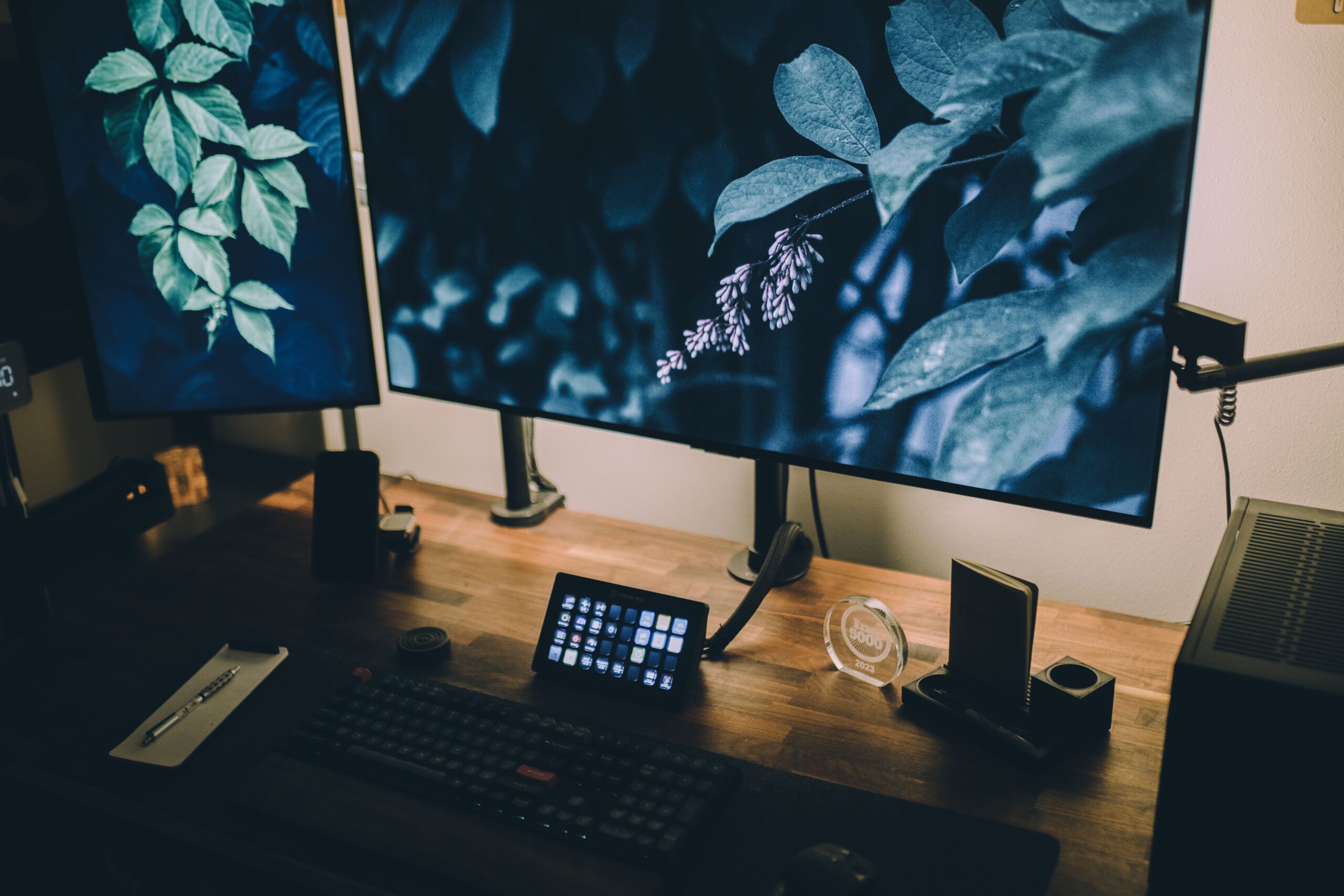
Having an old tablet lying around is a golden opportunity, especially if you want to boost your productivity at work. There's no need to spend a fortune on a new monitor that takes up half your desk and is a hassle to carry; a little software is all it takes to turn that device into an extension of your computer. This allows you to manage multiple windows simultaneously , use several browsers at once , write an email while watching a video, and make your workflow much smoother.

The best options for expanding your desktop
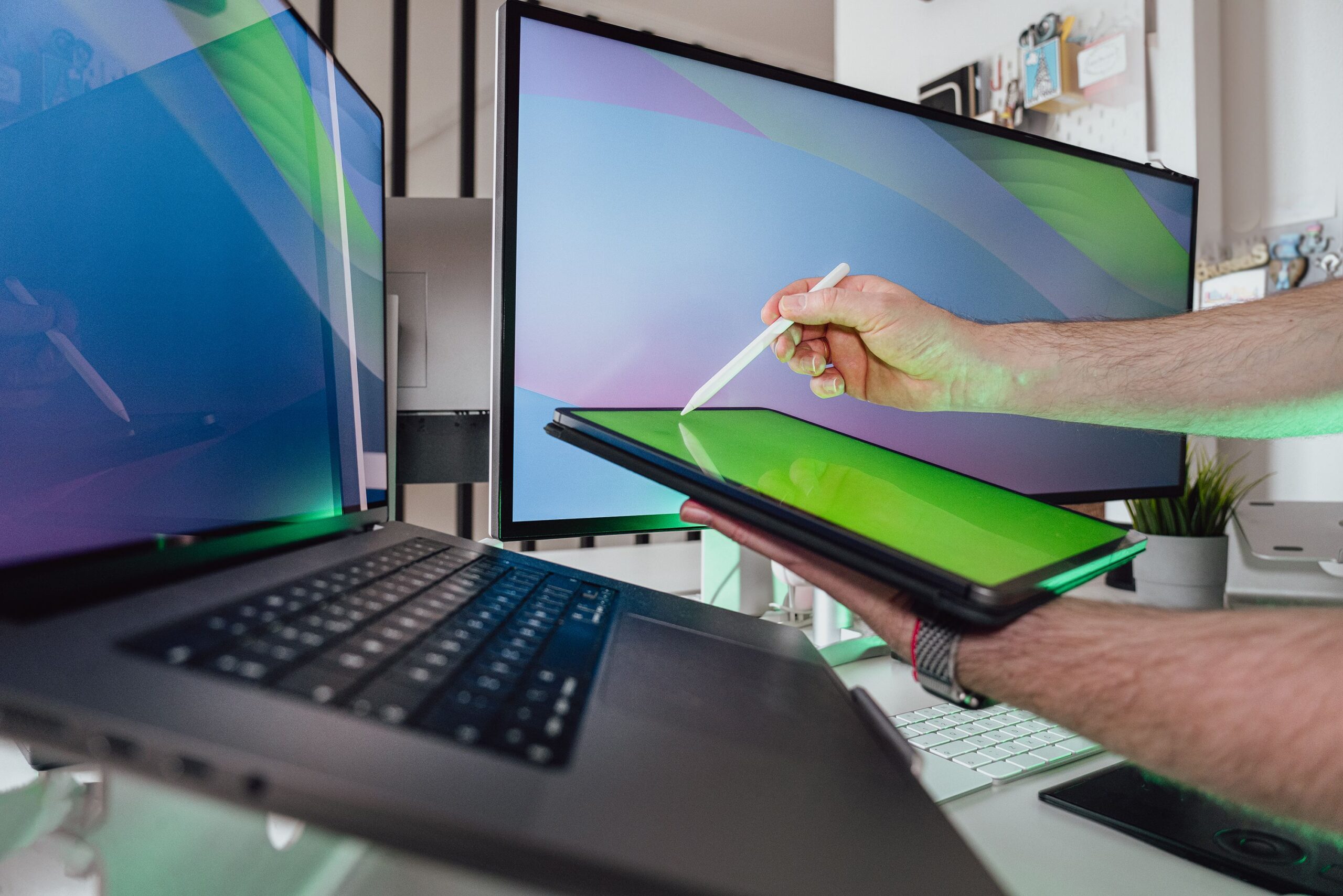
To make a tablet work as a monitor, we need a software bridge, since Windows doesn't allow this natively with Android. Depending on your needs, several tools stand out from the rest:
- spacedeskIt's the ideal option if you're looking for something completely free (at least until the end of 2025). It's very easy to set up via Wi-Fi: install the driver on your PC and the app on your tablet, make sure they're both on the same network, and you're done. Although there may be some lag, it's the most accessible solution.
- Splashtop Wired X DisplayIf your priority is the stability and fluidityThis is the winner. Because it works exclusively via USB cable, it eliminates image stuttering, making the tablet feel like a real monitor. It has a one-time cost of €7,49 and is extremely lightweight.
- duet displayOne of the oldest and most compatible tools with Windows, Mac, Android and iOSIt even allows you to use the tablet as a design tablet thanks to its drawing mode. However, its setup is more tedious and requires the installation of specific drivers.
- Super DisplayIt stands out for having a Flawless touch control and is very stable over WiFi. Although it offers a three-day free trial, it subsequently requires a one-time payment of €16,99.
When choosing, it's essential to keep in mind that a wired connection is always superior in terms of speed and stability. Wi-Fi is more convenient because there are no cables in the way, but if the network is public or slow, the experience can be frustrating with frozen screens. Also, remember that if your tablet's hardware is too old , some apps may not run as smoothly as expected.

Other ways to reuse old hardware
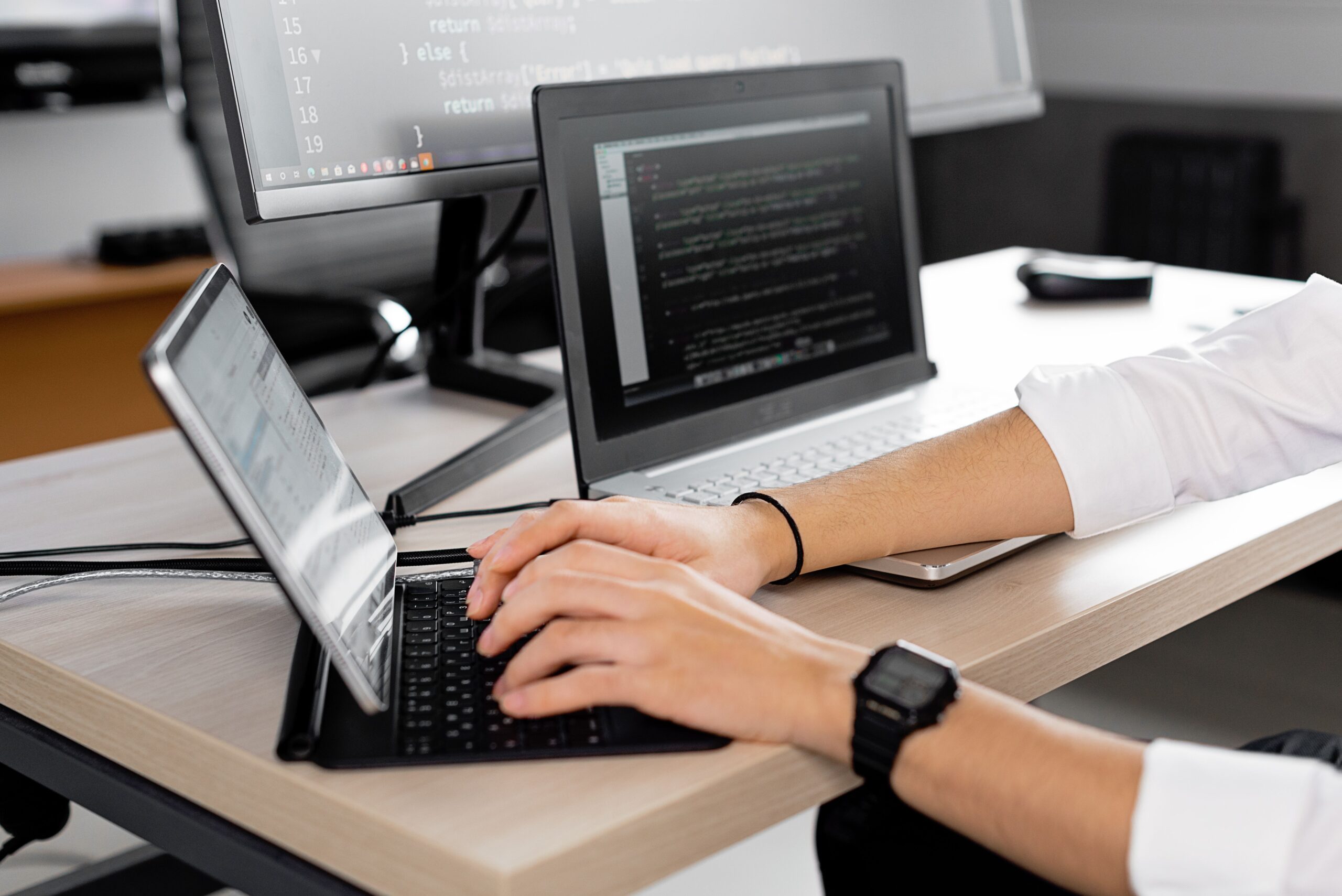
If you don't need an extra screen, there are other ingenious ways to combat planned obsolescence. For example, you can turn an Android tablet into an infotainment hub for your car . Using apps like Headunit Reloaded, it's possible to emulate the Android Auto experience , integrating Google Maps and other apps directly into the vehicle's console, provided the head unit's server is configured correctly.
Some people prefer a more domestic use, transforming the device into a security camera or a smart peephole for their front door. Even if you have a very old iPad that no longer supports current apps, installing systems like Kodi can allow you to continue accessing multimedia services that would otherwise be blocked by the operating system version.
Whether you decide to expand your workspace with a virtual monitor or install a control system in your car, the important thing is not to let useful technology end up in the trash. With the right tools and a little creativity, any old device can be repurposed and become an indispensable accessory for your daily life.