- OpenCode is an open-source programming agent that centralizes more than 75 AI models into a single terminal or desktop interface.
- It allows switching between proprietary models via APIs or subscriptions and local models through tools like Ollama.
- It differentiates its workflows through Plan and Build modes, optimizing security and the execution of code changes.
- It offers an extensible ecosystem through the use of Skills, plugins, and MCP servers to enhance the agent's capabilities.

If you work in development, you'll know there's a huge mess surrounding AI subscriptions right now. On the one hand, we have amazing tools, but on the other, Anthropic and Google are putting up barriers to using their models outside of their own websites. It's frustrating to pay a monthly fee and feel locked into a single interface when, for specific tasks, you know another model would be much better.
This is where OpenCode comes in, a solution that brings order to this chaos. It's not your typical chatbot that just throws a snippet of code at you and that's it, but a real programming agent that lives in your terminal, understands your project, and lets you jump from one model to another without having to close and open ten different tabs. Let's take an in-depth look at how to get the most out of this tool and how to configure it to work for you.

What the heck is OpenCode and why is it so cool?
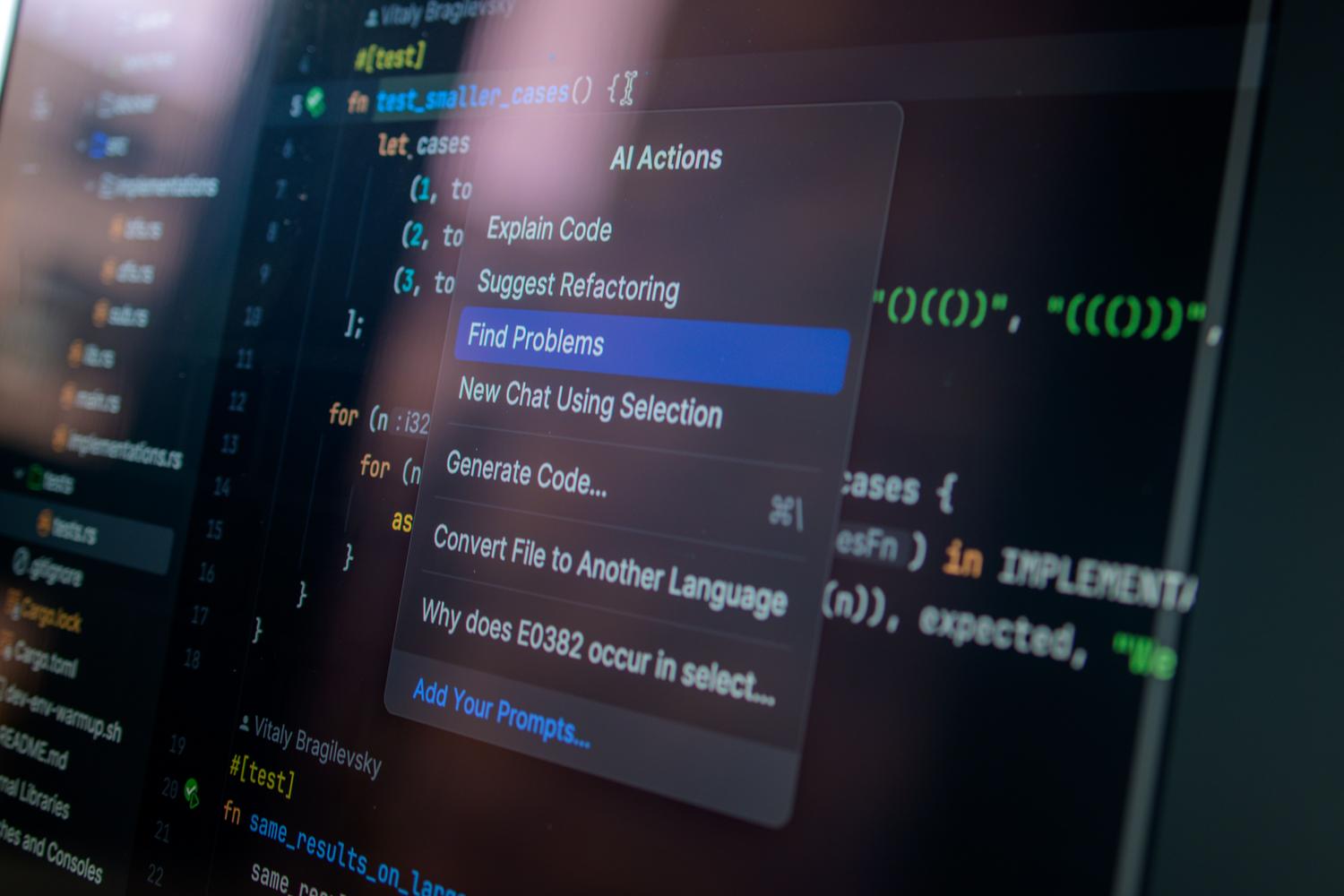
For those who aren't familiar, OpenCode is an open-source agent developed by the Anomaly team. Its main advantage is that it's a single binary , meaning you don't have to struggle with installing Node.js or Python for it to work. It allows you to program from the terminal, but it also has a desktop version and extensions for IDEs like VS Code, making it incredibly versatile.
What truly sets it apart from tools like Claude Code is its model agnosticism . While others force you to use only their AI, OpenCode connects with over 75 providers. You can use heavyweights like GPT-4, Gemini, or Claude, but you can also use local models if you're concerned about privacy or don't want to spend a penny on tokens.
Installation and first steps without complications

Installing it is a breeze. If you use macOS or Linux, a simple curl command in the terminal will get it up and running. For Windows users , the best recommendation is to use WSL 2. Although it can be installed natively with Chocolatey or Scoop, WSL's file system performance is vastly superior and will save you a lot of headaches.
Once installed, the first step is to give the agent "brain" control. This is done through the command /connectYou can choose your provider. Here's an important detail: if you already have Chat GPT Plus o GitHub CopilotYou can link your account directly and use those templates without paying extra for APIs. This is a huge advantage in avoiding additional invoices at the end of the month.

Claude's dilemma and the subscription war

It's not all good news. Anthropic recently decided to cut off OAuth access for third-party tools, meaning you can no longer use your Claude Pro subscription directly with OpenCode. This has caused quite a stir in the community, but there are workarounds. To use Claude now, you must resort to direct API keys (where you pay for what you use) or use OpenCode gateways like Zen or Black.
This brings us to a key point: the difference between tools. While Claude Code is probably the most powerful agent due to its deep integration with Anthropic models (using features like Adaptive Thinking ), OpenCode wins hands down in flexibility. If you prefer not to depend on a single company and want to combine, for example, Gemini for lightweight tasks and GPT for architecture, OpenCode is the place for you.
Workflows: Plan before you break things

One of OpenCode's gems is its agent system, divided into two modes: Plan and Build . Plan mode is like a consultant: it can read all your code, analyze it, and suggest changes, but it can't touch a single comma in your files. It's ideal when you're starting a new project and don't want the AI to start changing things randomly.
Once you have a clear path, press Tab and switch to mode BuildThis is where the agent gets to work, writing the code and executing commands in the terminal. And if the AI makes a mistake (which it will, because it's not perfect), you have the command. /undo to undo the changes and go back without panicking.

Enhancing AI with Skills, Plugins, and MCP
To make OpenCode more than just an intelligent editor, you can add Skills . These are essentially Markdown files where you teach the agent your project rules or team conventions. Instead of explaining your authentication process ten times, you create a skill, and the AI already knows it by default.
If you want to go further, there are plugins . There are powerful options like Context7, which prevents the AI from using outdated libraries, or opencode-vibeguard, which ensures your API keys aren't accidentally sent to the LLM servers. Furthermore, you can integrate MCP (Model Context Protocol) servers to connect the AI to external databases or services, turning it into a complete command center.
Quick comparison: OpenCode vs the rest
If you're wondering what to choose, the answer is clear. If you're looking for maximum reasoning power and only care about Claude, go for Claude Code. If you want something free and massive, Gemini CLI has a very generous free subscription. But if you're looking for balance, OpenCode is the way to go. Unlike Aider, which is great with Git but less powerful as an agent, or Cline, which relies on VS Code, OpenCode gives you complete terminal freedom with the power of an advanced agent system.
OpenCode positions itself as the ultimate tool for developers who want no limits. By combining the ability to run local models using Ollama , native integration with LSP to avoid compilation errors, and a community-based extensibility system, it makes AI a true team member, not just a text generator. The key is mastering the explore, act, and verify cycle to boost productivity without losing control of the code.
