- Advanced metadata and cover management for flawless e-book cataloging.
- Use of hierarchies and virtual libraries to structure complex collections.
- Format conversion and optimized transfer to various reading devices.

Having a mountain of digital files piled up on your computer can be a real nightmare. If you find yourself unable to locate that technical book or novel you left unfinished because the file name is an indecipherable code, you need a system to save the day. Calibre is the ultimate free tool to bring order to this chaos, allowing you to catalog, convert, and transfer your reading material with astonishing ease.
The best thing about this software is that it's cross-platform, so it works just as well whether you use Windows, Linux, or Mac. It's not just about saving files, but about creating a true personal library where each book has its own place, cover, and correct information. In this article, we'll tell you all the tricks, from the basics to advanced features you probably didn't even know existed, so your ebooks are always just a click away.

First steps: Feeding your library

To get started, the first step is to add the books to the program. You have several ways to do this: the simplest is to drag the files directly into the window or use the "Add Books" button to browse your folders. If you're lucky enough to have a friend send you a pack of books compressed in ZIP or RAR format, you don't need to decompress them one by one; Calibre allows you to import multiple books from a single compressed file, saving you valuable time.
If you're missing a title, the program has a great feature for searching for books directly on the web. By clicking "Get Books," you can track down DRM-free or public domain works, relying on trustworthy sources of information in the digital age . For paid books, Calibre doesn't give them away, but it helps you find the store with the most competitive price , redirecting you to the publisher's website to make the purchase and then add it to your collection.
The art of organization: Metadata and Cover Pages
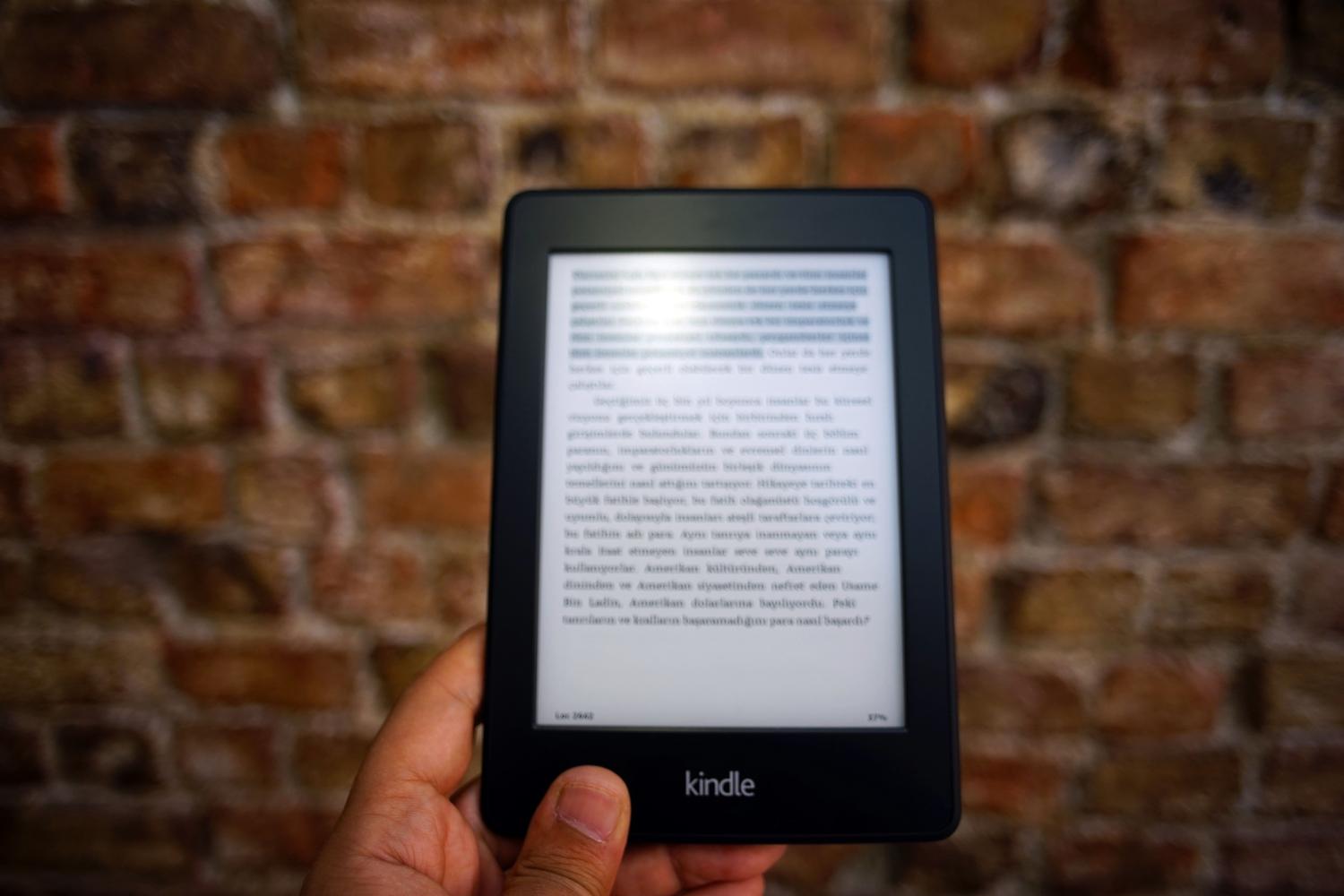
A book without metadata is like a book without a cover on a real bookshelf: you don't know what it is. Metadata is the backbone of Calibre. If your file is incorrectly tagged, you can use Edit Metadata to correct the author, title, or description. For series collectors, a vital trick is to edit the number field so the books appear in the correct order on your e-reader.
If you're too lazy to type everything out by hand, the program can do the dirty work for you. By selecting several books and using the bulk metadata download option , Calibre searches databases like Google or Amazon to fill in the gaps. The same goes for covers; if the image is unattractive or doesn't exist, you can automatically download the official cover to make your library look professional and appealing.

Advanced Structures: Hierarchies and Virtual Libraries
When you have hundreds of books, simple tags fall short. This is where hierarchies come in. Unlike hard drive folders, which are rigid, in Calibre you can create custom columns with a tree structure . For example, you can set up a Genre column with "History" and, within it, subgenres like "Military" or "Japanese," using periods to separate the levels (History.Military).
To set this up, go to the interface preferences, create the column as comma-separated text, and then, in the appearance section, mark it as a category with hierarchical elements . This allows you to search for books intelligently: you can filter to see only those of a general genre or specify a particular subgenre , all while maintaining the flexibility for a single book to belong to multiple categories simultaneously.
Another hidden gem is the virtual libraries. These aren't new libraries taking up more space, but rather smart, tag-based filters . If you want a quick overview of all the books in a specific series without mixing in the rest, you create a virtual library and the program will automatically group the titles whose metadata matches your search criteria.
Compatibility and transfer to devices
It's no use having your books organized on your PC if your eReader can't read them. Calibre solves this with its powerful conversion engine. If you have a Kindle, for example, you can convert any file to AZW3 or MOBI format . Ideally, you should configure the output profile according to your exact device model so that the font size and margins are perfect.
To transfer books, you have two options. The classic way is to connect the device via USB and select "send to device," ensuring the correct use and security of the USB drive . If your e-reader isn't officially compatible, you can use the option to connect to a folder and manage the files manually. For Kindle users, there's also the option to share books via email by configuring your @kindle.com account in the preferences to wirelessly send reading material.
To manage your workflow, you can use disk save templates. If you want Calibre to organize the files on your hard drive based on the outermost category in your hierarchy, you can use the `subitems()` function in the template language , creating a physical folder structure that reflects your logical organization within the program.
Mastering this tool allows you to transform a multitude of scattered files into a structured digital collection, complete with accurate metadata, attractive covers, and a hierarchical organization that makes searching for any text a breeze. From bulk importing and format conversion to wireless delivery to e-readers, Calibre positions itself as the indispensable command center for any digital reading enthusiast seeking efficiency and absolute organization.