- Secure storage requires encryption, access control, backups, and proper configuration both locally and in the cloud.
- Sharing files securely requires end-to-end encryption, multi-factor authentication, and clear permissions and governance policies.
- Services such as Google Drive, OneDrive, Dropbox, Box, pCloud, or Sync.com offer reliable options if used with appropriate security measures.
- The combination of encrypted local devices and secure clouds, along with training in best practices, minimizes the risk of data loss or leakage.
Protecting your digital documents is no longer just for giant corporations. Today, everyone handles sensitive files that shouldn't fall into the wrong hands : house deeds, medical reports, employment contracts, photos of IDs, passwords, and so on. How you store and share all that information makes the difference between peace of mind and living with the constant fear of a leak.
Whether you use a USB drive stored in a drawer or multiple cloud services, if you don't follow a few basic rules, your information could be more vulnerable than you think. This article will explain, in detail and without complicated technical jargon, how secure file storage works, what risks exist, and which solutions are truly reliable , both locally and in the cloud, so you can make informed choices about where and how to store your most important data.
What does “secure file storage” really mean?
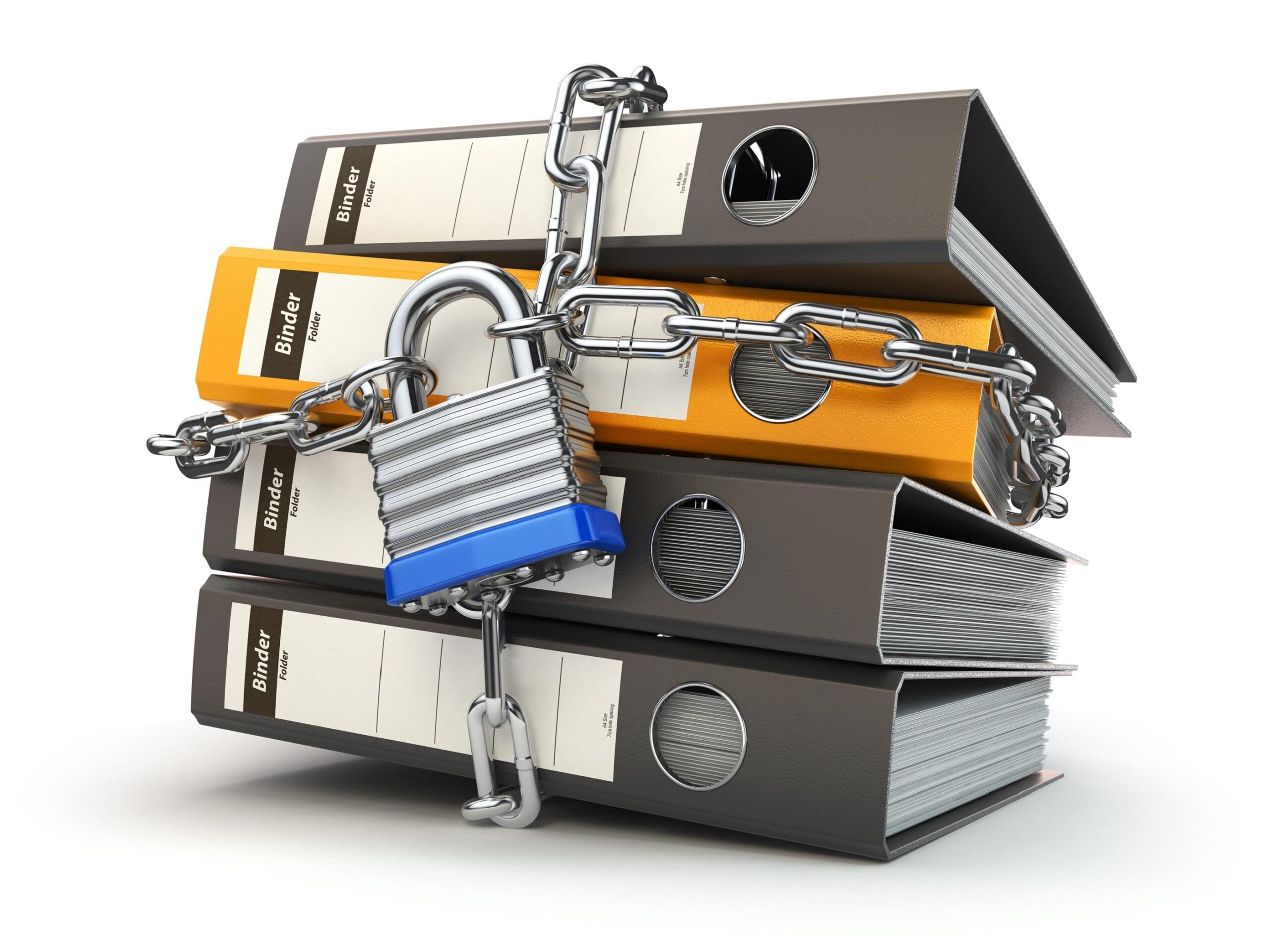
When we talk about secure storage, it's not enough for the file "not to be lost." Storage is secure when it protects the confidentiality, integrity, and availability of the data . In other words, it means that no unauthorized person can see it, no one can modify it without permission, and you can access it when you need it.
In practice, this involves combining several layers: strong encryption , access controls, robust authentication, backups, and threat monitoring . A good system should ensure that your documents are protected both while in transit (when you send them or upload them to a server) and when they are stored at rest.
Furthermore, secure storage is no longer limited to a hard drive in an office. Today, storage environments range from local physical devices to public, private, or hybrid cloud services , as well as specialized secure file-sharing platforms designed for regulated sectors (finance, healthcare, government, etc.).
Another key point is that a secure system doesn't have to be inconvenient. The best solutions strike a reasonable balance between high security and ease of use : they allow teamwork, document sharing, real-time collaboration, and automated backups, without requiring the user to be a cybersecurity expert.
Advantages of saving documents digitally and in the cloud

Switching from paper to digital formats represents a huge improvement in organization and security. To begin with, reducing paper usage saves physical space, management time, and money : you no longer need filing cabinets, boxes, or storage rooms full of folders, nor do you need to spend hours searching through piles of documents.
Furthermore, well-managed digital backups offer much greater peace of mind against losses due to fire, floods, theft, or other disasters . If you have your files backed up in the cloud and on more than one local storage device, a physical incident at home or in the office doesn't mean losing everything.
Another huge advantage is accessibility. With secure cloud storage, you can access your documents from any device with an internet connection : mobile phone, laptop, tablet, work computer… as long as you use secure credentials and, even better, two-factor authentication.
In the professional sphere, cloud storage services facilitate much more agile workflows. By centralizing documents in a shared space, teams have a single, organized, and collaborative point where it's easy to control versions, assign permissions, and reduce the chaos of duplicate files sent by email.
And we mustn't forget the environmental aspect. Every document you choose to save and sign digitally instead of printing it means less paper, less ink, less transport, and less waste —something many companies already include in their sustainability policies.
What is file sharing and secure storage
Secure file sharing is the practice of sending, receiving, and storing documents in such a way that only authorized people can access their content , both during transfer and once the file is stored.
To achieve this, it's not enough to simply "attach a file to an email and that's it." A robust system combines encryption, strong authentication, access control, and in many cases, digital signatures and certificates that allow verification of the parties' identities and the integrity of the documents.
Modern secure sharing solutions often include options such as encrypting the file before uploading it, applying passwords or expiration dates to download links , logging who has accessed it and when, or requiring additional authentication to view certain sensitive content.
For organizations, integrating these solutions into their overall information security strategy is key. It's not about having "a Dropbox lying around" without any control, but about defining clear rules about what can be uploaded, with whom it can be shared, with what permissions, and how it's all audited.
The other essential component is data loss prevention (DLP). This includes policies and tools that help monitor access, detect anomalous behavior, limit unauthorized copies, and periodically review systems and networks to locate potential security vulnerabilities before they are exploited.
Common risks when sharing and storing files
Working with digital documents has many advantages, but it also brings a number of recurring risks that should be kept in mind. The first is the lack of adequate encryption . If data is sent or stored in plain text, anyone who intercepts the communication or gains access to the device can read it effortlessly.
Related to the above is the problem of unauthorized access . Without robust authentication and authorization mechanisms, an internal employee, the wrong recipient, or an external attacker can end up seeing information they shouldn't, with all the legal and reputational implications that entails.
Another classic tactic is the use of weak, repetitive, or shared passwords . If a credential can be guessed in seconds or is leaked because it has been reused elsewhere, the attacker gains a master key to your documents, email, and cloud services.
Malware must not be forgotten. Viruses, Trojans, and ransomware exploit security flaws or user negligence to infect computers, encrypt files, and steal confidential data . Having a good, up-to-date antimalware program is no longer optional when you handle sensitive information.
Finally, there are internal threats: users with legitimate access who, through negligence or malicious intent, exfiltrate, delete, or share documents without authorization . To counter this, granular access controls, detailed activity logs, and a well-developed security culture are essential.
Methods for sharing files securely
There are several methods to enhance security when sending or sharing important documents. One of the most widely used is the transfer of encrypted files using secure protocols such as SSL/TLS along with robust algorithms like RSA or AES-256, which prevent third parties from understanding the content even if they intercept it.
It's also common to protect individual files with specific passwords and file-level encryption . This way, even if someone gains access to the email or folder containing the file, they won't be able to open it without the password, which should ideally be shared through a separate channel.
Meanwhile, secure online storage services and cloud platforms (such as Drive, OneDrive, Dropbox, etc.) add an extra layer: the file is saved on protected servers, with backups, encryption, and controlled sharing options . Ideal when collaboration is needed between several people or teams.
Even email can be strengthened with end-to-end encryption of messages and attachments . In that case, only the sender and recipient who possess the appropriate keys can read the content, drastically reducing the risk of eavesdropping.
Best practices for truly secure storage and sharing
The first major best practice is to implement end-to-end encryption whenever possible . This means that the document is encrypted on your device and only decrypted on the authorized recipient's device, preventing third parties (including some service providers) from reading it while it's in transit or hosted on their servers.
It's also essential to discuss multi-factor authentication (MFA). This system requires you to verify your identity with at least two different elements (for example, a password plus a code sent to your mobile phone, or a password plus your fingerprint), so that even if someone steals your password alone, they won't be able to gain access.
In the corporate world, digital rights management (DRM) is gaining prominence . These solutions allow companies to restrict actions such as copying, printing, or forwarding files, and even revoke remote access, which greatly helps prevent leaks and misuse of content.
Well-designed access controls are another key element. Not everyone needs to see everything. Organizations must define who can access what, with what permissions (read-only, edit, download, etc.), and for how long , applying the principle of least privilege to their storage systems.
All of this must be supported by a robust content governance policy. This means establishing clear rules on how documents are classified, retained, shared, and disposed of , following frameworks such as the NIST CSF and complying with privacy regulations such as the GDPR.
Furthermore, for these policies to work, state-of-the-art cybersecurity technologies are needed : firewalls, antivirus, intrusion detection systems, IAM (identity and access management) solutions, DLP tools, advanced threat protection, up-to-date patches, etc.
And, above all, there's the human element. Without proper training, everything mentioned above falls short. It's crucial that employees and collaborators understand the risks, know how to create strong passwords, avoid unsecured networks, and recognize phishing attempts . Technical security without a security culture is not enough.
Advanced secure sharing solutions for businesses
In highly regulated environments (healthcare, banking, public sector, critical industries, etc.), the security bar is even higher. That's why specialized platforms for secure file sharing and storage, with enhanced governance, compliance, and traceability features , are gaining importance.
These solutions typically offer what are known as private content networks, capable of unifying different secure exchange channels : encrypted email, shared folders, virtual data rooms, SFTP, managed file transfer (MFT), etc., all under a single set of policies and controls.
The idea is that organizations can connect existing enterprise content repositories (such as SharePoint, OneDrive, Google Drive, Dropbox, or Box) and apply a common layer of security, auditing, and governance across all of them, without forcing employees to drastically change the tools they already use.
Among the advanced features offered by these types of platforms are co-editing of documents with deep integrations into office suites , collaboration with external third parties while maintaining control of the data, detailed forensic logging of accesses and actions, and configuration options to adapt to specific regulatory frameworks.
For many companies, opting for this type of solution means moving from having "loose patches and tools" to a centralized and consistent approach to content security , reducing risks, simplifying audits, and significantly improving visibility into what is shared and with whom.
Local storage: USB drives, hard drives and backups
Beyond the cloud, many users are considering storing their sensitive documents on physical devices: USB drives , microSD cards, or external hard drives stored at home, as a kind of "digital safe" that is never connected to other people's computers.
This option, if well-planned, is valid, but its risks must be understood. The device can break, be lost, stolen, or have its data corrupted due to a power failure, an impact, or simply wear and tear over time.
To minimize problems, it's advisable to use multiple storage devices and keep at least two or three copies on different devices, ideally in separate physical locations . For example, an external hard drive at home, another at a trusted location, and, as a backup, an encrypted cloud vault. Using multiple storage devices and redundancy strategies greatly reduces the risk of accidental data loss.
In all cases, encrypting the content is essential. Simply "saving the PDF to a USB drive" is not enough. Ideally, the device, or at least the files, should be protected with robust encryption and a strong password . This way, even if someone gains access to the physical storage device, they won't be able to read anything without the key. Furthermore, it's advisable to use reliable hardware such as TPM 2.0 for key management and additional protection.
Regarding "minimal" vulnerability, an encrypted USB drive that never leaves home and is only connected to a clean, updated, and protected computer is a reasonably secure option for personal use . Its main enemy is not so much hacking as forgetting the password, physical damage, or not having backups.
What is a secure cloud and what should it offer?
A secure cloud is essentially an online storage service that employs advanced technical and organizational measures to protect your data from unauthorized access, loss, or attacks . Not all clouds are created equal, and the differences are quite noticeable.
First, it must offer data encryption both in transit and at rest. This means that communications with the service are over encrypted channels (HTTPS/TLS) and files are stored encrypted on the servers , so that if someone intercepts the traffic or compromises a disk in the data center, they will not be able to understand its contents.
It's also very important that the provider allows you to activate two-factor authentication . Adding a one-time code sent to your mobile phone or generated by an app adds a crucial barrier against password theft.
A good cloud service should include granular permissions and detailed access control : deciding who can view, edit, download, or share each folder or file, and being able to easily revoke access if someone no longer needs it.
Another key element is backups and automatic restore capabilities . Many providers save previous versions of files, which helps recover information after accidental deletions, errors, or even certain ransomware attacks.
Equally important is the monitoring aspect: the cloud must offer activity logs and alerts for suspicious behavior , as well as have protection systems against malware, DDoS attacks and other infrastructure threats.
Most popular secure cloud storage solutions
Among the most widespread secure online storage options are the large, general-purpose providers. Google Drive, for example, offers 15 GB of free storage and full integration with Google Workspace (Docs, Sheets, Slides, Photos), making it very convenient for collaborative work and personal use.
Dropbox remains a benchmark for its user-friendly interface, excellent synchronization system, and sharing and collaboration features . While it only offers a few gigabytes of free storage, its paid plans expand capacity and add advanced file recovery and team management options.
Microsoft OneDrive integrates seamlessly with Windows and Microsoft 365. It offers 5 GB of free storage and plans that combine storage with Word, Excel, PowerPoint, Outlook, and more , making it a very logical choice if you already use the Microsoft ecosystem daily.
For Apple users, iCloud Drive is the natural choice: it allows you to sync documents between iPhone, iPad, and Mac with strong encryption and 5GB of free storage . It's especially convenient for those who live within the Apple ecosystem and want everything to work seamlessly.
At a more professional level, Box is clearly geared towards companies that need advanced security and regulatory compliance . Its strength lies in real-time collaboration, granular permission control, and integration with over a thousand applications, from Microsoft 365 to Salesforce.
pCloud stands out for offering highly flexible plans and even lifetime storage . Its headquarters in Switzerland and its high-level security certifications make it a very attractive option for those who prioritize privacy.
Finally, Sync.com has gained a reputation for its focus on privacy and end-to-end encryption . With a few gigabytes of free storage and competitive paid plans, it's a good choice if you want to ensure that not even your provider can see the contents of your files.
Cloud security: who does what and which services are most sensitive
When you use cloud services, security is based on a shared responsibility model . The provider is responsible for protecting the infrastructure (data centers, hardware, networks, and some software), but the customer is responsible for securing their data, configurations, and access.
This means you must properly manage permissions, passwords, user groups, and the content you upload . If you leave public links to sensitive documents or share the account among several people, the problem is no longer with the provider but with your settings and habits.
Furthermore, not all cloud services pose the same level of risk. Email, collaboration platforms, and document storage services are particularly sensitive because they concentrate critical data and are used daily by numerous users.
The least secure services often lack strong encryption, have regulatory non-compliance, poorly secured data centers, host data in countries with lax regulations, are completely free without a clear business model, or don't invest enough in security . It's essential to carefully evaluate these factors before entrusting them with your information.
For European companies, the GDPR adds another layer of responsibility. Organizations that collect personal data must guarantee its confidentiality and protection . A data breach due to a poor choice of provider or misconfiguration can lead to significant penalties and lasting reputational damage.
Cloud types: private, public and hybrid
Depending on who controls the infrastructure and how the resources are used, we can talk about private, public, and hybrid clouds. A private cloud is a cloud environment dedicated to a single organization , with a very high level of control over where the data is hosted, how it is segmented, and what security measures are applied.
This option is usually more expensive and less flexible when it comes to scaling, but, when well managed, it offers a very high level of security because resources are not shared with other clients and it can be strictly adapted to the needs of the entity.
The public cloud, on the other hand, is offered by large providers to many different customers over a shared infrastructure. It is generally more economical and scalable , and providers invest heavily in security, but fine-grained control over certain aspects may be less, and the potential exposure to risk is greater due to the volume of users.
The hybrid cloud combines both approaches. It allows you to keep highly sensitive data in private environments and leverage the flexibility and cost-effectiveness of the public cloud for less critical workloads. Furthermore, segmenting information across multiple environments adds an extra layer of security, as everything is not concentrated in a single location.
For many companies, the winning strategy involves a well-designed hybrid model: confidential data on their own or private infrastructure, and collaborative services, less critical backups or capacity peaks in the public cloud, all orchestrated with good security practices.
How to choose a truly secure cloud service
When choosing a secure cloud provider, it's important to consider several key criteria. The first is physical access to the data center : the company must have strict controls in place to prevent unauthorized individuals from accessing the hardware where your data resides.
The second is to encrypt information at all times . Make sure the provider encrypts data both in transit and at rest and, if possible, offers end-to-end encryption or self-managed key options, especially in corporate environments.
Certification and compliance with standards also matter. In some countries, there are specific schemes, such as high-security certifications for cloud services, which guarantee a very demanding level of technical, operational, and legal requirements . In Europe, it is also generally considered advantageous for data to be hosted in territories with strong privacy laws.
Other important aspects include clarity in the terms of service, server location, backup policy, incident response times, and transparency in breach management . A good provider doesn't hide when problems arise; instead, they report them and act quickly.
Ultimately, the key lies in combining encrypted local storage with reliable cloud services, supported by best practices and common sense. With a few smart choices and some discipline, it's perfectly possible to securely store and share your files without sacrificing convenience and collaboration in your daily work.
