- Alternative solutions to Chrome web shortcut response failures.
- Advanced Gboard keyboard settings to optimize typing speed.
- Using bookmark widgets as a stable method for accessing frequently visited sites.
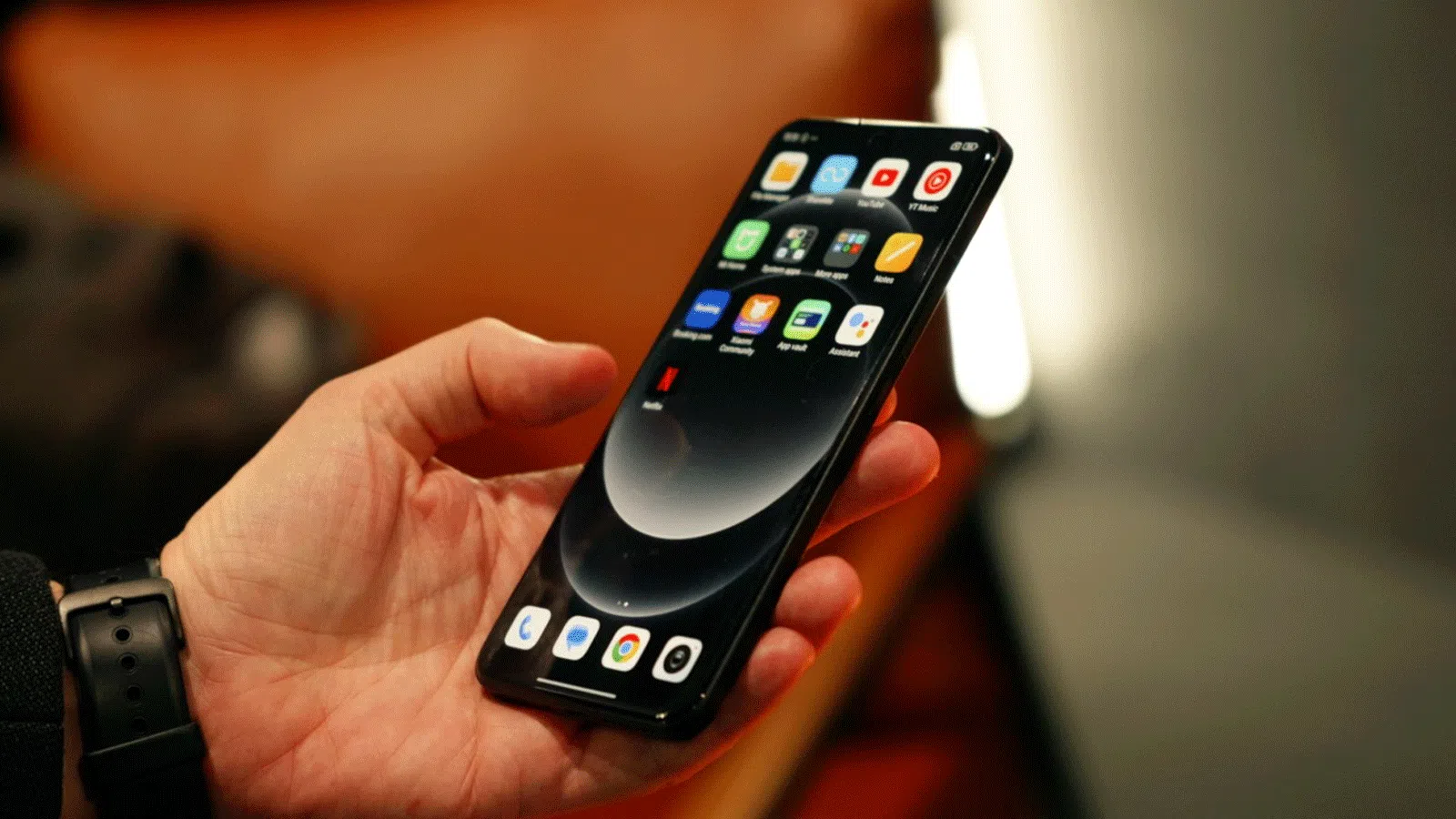
If you've recently switched to HyperOS, you've probably noticed how incredibly fast the system is and that the interface is significantly more polished than MIUI's. However, as with any software, annoying little bugs can sometimes appear that can drive you crazy, especially when you're trying to streamline your daily tasks with quick shortcuts on the home screen.
Many people have encountered problems managing their favorite links or getting the keyboard to respond to their needs. That's why we've compiled a series of recommended solutions and settings to make your device experience much smoother and prevent you from struggling with website icons that refuse to open.
Problems with Chrome web shortcuts
It's quite common for some users to experience erratic behavior when creating shortcuts in the Google Chrome browser. Sometimes, after a system update, the icon doesn't respond to the first tap, forcing the user to tap repeatedly until, by pure chance, the page finally loads.
This bug is especially frustrating because it doesn't always display an error message; it simply becomes a dead icon . Despite trying to clear the cache, restart the computer, or adjust battery settings to prevent the system from closing background processes, the problem tends to reappear without warning, affecting only links created from Chrome and not the overall functionality of the browser.
The winning alternative: The Scoreboard Widget
For those who don't want to give up Chrome because of its PC synchronization and saved history, there's a much more reliable solution. Instead of using the traditional "add to home screen" method, the ideal solution is to implement the system's bookmarks widget , which integrates seamlessly with the browser.
By using this feature, stability is significantly improved, and the typical crashes associated with individual access points are avoided . Furthermore, it allows for a much cleaner organization, as you can group multiple websites into a single, resizable box, preventing your desktop from becoming cluttered with loose icons. Best of all, it updates automatically if you make changes to your bookmarks directly within Chrome.
How to speed up typing with keyboard shortcuts
Beyond web links, HyperOS allows you to optimize how you write messages. Although the QWERTY keyboard has been the standard since the typewriter era to prevent mechanical jams, today we can add smart digital functions to avoid wasting time on trivial details.
To access these improvements, simply open the keyboard in any search bar, click the gear icon in the top row, and go to Preferences. Once there, scroll down to the Shortcuts section to find options that change the typing experience.
- Double space for dot: By pressing the space bar twice, the mobile phone automatically inserts a period and a space, ideal for those who type quickly.
- Automatic spacing after punctuation: A feature that saves unnecessary keystrokes when typing.
- Symbols using a long press: It allows you to see the special characters associated with a key simply by holding it down.
- Swipe to enter symbol: A very agile option where you slide the key down to insert the suggested symbol without changing menus.
Mastering these tools and knowing how to replace unstable shortcuts with functional widgets allows the use of a Xiaomi device with HyperOS to be truly productive and error-free , optimizing both web browsing and written communication.