- Collabora Office and LibreOffice share a code base, but are geared towards different profiles: Collabora focuses on businesses and simplicity, while LibreOffice focuses on flexibility and community.
- On the desktop, LibreOffice offers more applications and advanced options, while Collabora Office opts for a modern, lightweight interface consistent with its online edition.
- In the cloud, Collabora Online inherits the LibreOffice engine and prioritizes open formats, compared to alternatives like OnlyOffice that convert everything to DOCX/XLSX/PPTX.
- The choice depends on whether you prioritize open formats, professional support, server resources, or a more polished and familiar experience for users accustomed to Microsoft Office.

If you're considering which office suite to use and you've come across these two options, it's very likely that when you opened Collabora Office you got the feeling of being in front of... LibreOffice disguised with a different interfaceYou're not far off the mark: they share a lot of technology, but they're not exactly the same, nor do they target the same type of user or organization.
In a home environment or a small business, choosing between Collabora Office and LibreOffice can make all the difference. ease of use, support, online collaboration, and resource consumption. Both are from FOSS and free in their basic version, but each has its own focus, limitations and advantages, both on desktop and in online or mobile versions.
What are Collabora Office and LibreOffice and how are they similar?
LibreOffice It is a free and open-source office suite developed primarily by The Document Foundation. It includes a word processor (Writer), spreadsheet (Calc), presentation software (Impress), database (Base), mathematical formula editor (Math), and vector graphics editor (Draw). Its goal is to offer a complete and free alternative to Microsoft Officewith special emphasis on open formats such as OpenDocument (ODT, ODS, ODP).
For its part, Collaborate Office It is also an open-source office suite that relies on the LibreOffice engine and code, but is packaged, customized, and maintained by the company Collabora. This company specializes in offering professional office solutions, business support, and optimized versions both for desktop and for the cloud (Collabora Online). Hence, many people see Collabora as “the corporate” or professionalized version of LibreOffice.
Both suites share a very broad technological base: rendering engine, format compatibility, core office functions and open source philosophyThis means that, in terms of what you can do with text documents, spreadsheets, and presentations, the similarities are significant: opening and editing DOCX, XLSX, and PPTX files, working with open formats, exporting to PDF, and managing styles and templates.
Furthermore, both LibreOffice and Collabora Office are available for Windows, macOS and Linux systemsThis covers virtually any commonly used desktop environment, whether at home, in offices, SMEs, or public administration. And in all cases, without having to pay a mandatory license fee as with Microsoft Office.
An important point is that these office suites are integrated into broader ecosystems: LibreOffice can be combined with third-party cloud solutions Collabora Office also offers Collabora Online, which integrates with platforms such as Nextcloud or OwnCloud to provide real-time collaborative editing.
Key differences between Collabora Office and LibreOffice desktop
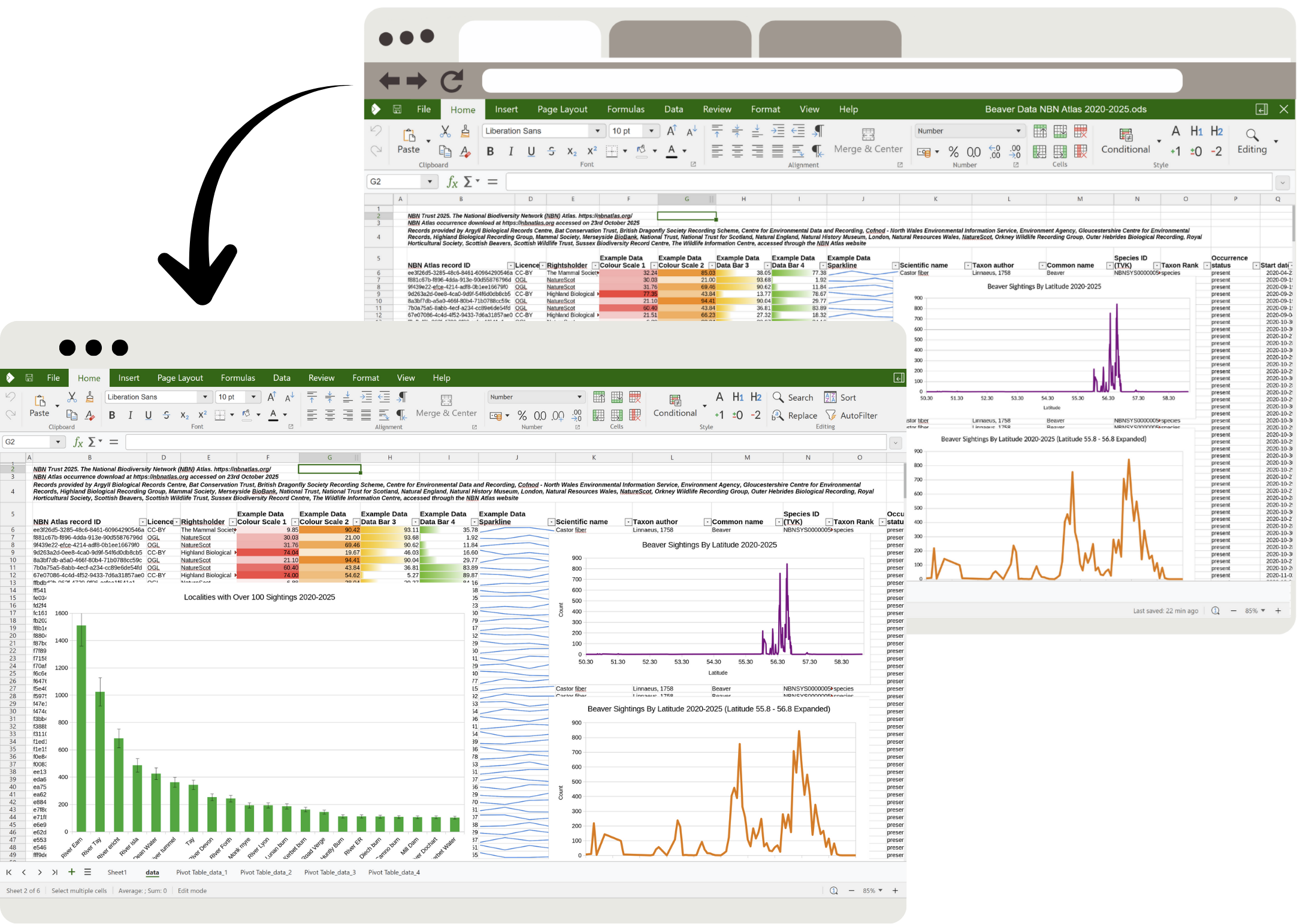
Although they share much of the same code internally, there are clearly noticeable differences in their day-to-day use. Collabora Office for desktop and classic LibreOffice, both in the interface and in the product model and the available options.
User interface and layout
LibreOffice has evolved over the years and today allows you to choose different Interface modes: traditional classic menus, tabbed "ribbon" interface, and simplified variantsEven so, many users perceive that the visual experience is still somewhat more outdated and less uniform than in alternatives such as Microsoft Office or OnlyOffice.
Collabora Office, in its new desktop version, is betting from the outset on a A more modern, clean, and productivity-focused interfaceVisually, it resembles the Microsoft Office Ribbon style (with tabs and ribbons), but it's optimized to primarily display the most common functions in work environments, without overwhelming the user with panels and submenus. The goal is for someone familiar with Office to be able to adapt relatively easily.
While LibreOffice is designed to provide access to a wide range of features and customizationsCollabora Office tends to prioritize simplicity, displaying the most frequently used office options first, with a more predictable interface organization. This is especially noticeable if you're coming from Microsoft Office and value the familiarity of the ribbon.
Internal technologies and performance
One technical detail that makes a significant difference is that LibreOffice Classic is based on the VCL toolkit for its desktop interface, while the new Collabora Office is built entirely on web technologies: JavaScript, CSS, Canvas and WebGL, the same ones used by Collabora Online in the cloud.
This web-based approach in Collabora Office allows the company Develop more efficiently, maintain consistency between the web and desktop versions and implement a more modern design without relying on the limitations of the traditional LibreOffice toolkit. Furthermore, it facilitates convergence: improvements made for the online version can be used in the desktop version and vice versa.
Another striking point is the absence of Java dependencies in modern Collabora Office. Unlike some variants of LibreOffice or earlier versions, Collabora Office removes Java-based componentsThis reduces the package size, simplifies installation, and results in a more self-contained binary, which is especially useful in corporate environments where minimizing dependencies is desired.
For its part, LibreOffice continues to offer a broader ecosystem of advanced features which in some cases rely on additional technologies. This can make the system somewhat heavier or more complex to configure, but also more flexible for users who need very specific features, especially in databases or macros.
Included applications and advanced features
Both LibreOffice and Collabora Office include the essential applications: word processor, spreadsheet, presentation and graphics/drawing editorIn LibreOffice these modules are called Writer, Calc, Impress and Draw, and in Collabora Office you will find them with very similar names and almost equivalent functions.
The clearest difference lies in the extras. LibreOffice adds two very important pieces that are not in the new Collabora Office. Included by default are the Base application (for databases) and the advanced mathematical formula editor (Math). It also offers a powerful macro system and deep customization, designed for advanced users or departments that automate complex office tasks.
In contrast, Collabora Office, especially in its modern web-based edition, focuses on what most offices use on a daily basis: text documents, spreadsheets, presentations, and diagrams, adjusting the standard settings so that the average user doesn't have to struggle with overly technical options.
If your small business or daily work requires very fine control over editing, integrated databases, advanced macros, or complex mathematical formulas, it's likely that LibreOffice will be more complete and versatile for you that Collabora Office, at least in its modern standard edition.
Format compatibility and working with Office documents
In terms of formats, both suites share a very solid foundation: They support OpenDocument (ODT, ODS, ODP) as a native format and open Microsoft Office formats without problems: DOCX, XLSX and PPTXThis is key if you need to exchange documents with clients or suppliers who primarily use Office.
Collabora Office, like LibreOffice, is very focused on ensuring a good interoperability with Microsoft OOXML formatsso you can edit complex documents without breaking the design. On the desktop, they work very similarly in this respect, although Collabora tends to focus on refining corporate use cases and templates commonly used in businesses.
In the online sphere, comparisons are usually made between Collabora Online and other solutions like OnlyOffice. In this area, OnlyOffice tends to Automatically convert documents to DOCX, XLSX, and PPTXWhile the LibreOffice-based branch (Collabora) maintains open formats (ODT, ODS, ODP) by default, it also allows working with Microsoft formats.
If you are particularly zealous about using open formats and standardsThe LibreOffice and Collabora product line is usually the most coherent option, compared to alternatives that silently convert everything to Microsoft's proprietary formats, with the risks of data loss that this can entail in certain cases.
Resource consumption and ease of use
One of the arguments in favor of Collabora Office is that the new desktop suite is designed to be easy to install and with moderate resource consumptionThis is largely thanks to the absence of Java and a more compact package. This is particularly interesting for systems with less powerful hardware or servers with many concurrent users, especially in enterprise environments.
LibreOffice, despite having improved its performance over the years, can be a bit heavier in certain configurations, and especially more overwhelming for users who only need the basic functionsIts wide range of customization options is an advantage for advanced users, but it can complicate the learning curve for those who simply want to write and create tables without further complications.
In terms of simplicity, Collabora Office seeks to offer more accessible frequent actions and fewer intermediate steps For typical office tasks, it comes with more refined default settings, avoiding complex configurations as much as possible. LibreOffice, on the other hand, allows for a greater degree of manual adjustment, at the cost of requiring more exploration of menus and panels in some areas.
Collabora Online, LibreOffice Online and OnlyOffice: differences in the cloud
When we move away from the desktop and talk about collaborative environments in the cloud, the following come into play Collabora Online, LibreOffice Online, and other alternatives like OnlyOfficeThis is where many organizations, universities, and companies compare options for simultaneous editing and remote work.
Collabora Online is, in practice, the LibreOffice "served version" for the browserMaintained and packaged by Collabora, it uses the same office suite as LibreOffice, but runs in a server environment and is presented through a modern web interface. LibreOffice Online as a source-source project was the foundation, but the polished, commercially supported product is Collabora Online.
In this context, many people wonder if “LibreOffice Online and Collabora are the same thing.” Essentially, They are two sides of the same project: the open-source base of LibreOffice Online and the Collabora Online business solution.Collabora adds professional support, long-term maintenance, specific fixes, and packages ready to integrate with private cloud platforms such as Nextcloud or OwnCloud.
On the other hand, OnlyOffice has become popular as an alternative for collaborative editing. It also needs to be integrated with a web-based file system such as Nextcloud or OwnCloud, which acts as an interface to open and manage documents, while the OnlyOffice editing engine takes care of the office part from the browser.
Connection limits and server resources
In self-hosted facilities, both Collabora Online and OnlyOffice tend to share a limitation in their Free versions: maximum of 10 documents open simultaneously or around 20 concurrent connectionsTo overcome these limits and scale to tens or hundreds of users, it is necessary to purchase a paid license directly from the solution provider (Collabora or OnlyOffice).
Regarding the method of execution, the difference is significant: Collabora Online processes most of the load on the serversending a relatively lightweight interface to the browser, while OnlyOffice runs the editor more intensively on the client side, constantly exchanging data with the server.
This means that, in environments with many users, Collabora may require more server resources But it puts less strain on client computers, which is ideal when you have users with modest devices. OnlyOffice, on the other hand, saves some work on the server at the cost of putting more strain on each user's browser.
Depending on the power of your server and the profile of the people who will be using the system (modern versus older computers, for example), one model may be a better fit than another. If your clients have powerful computers, OnlyOffice might be a good choice; if you're looking to minimize requirements at workstations, Collabora Online can align better with that need.
Editing and collaboration options
In terms of functionality, many administrators highlight that OnlyOffice usually offers a somewhat wider range of advanced editing options in the browser, coming very close to what its desktop version offers, and including extras such as integrated chat to collaborate directly while editing a document.
Collabora Online, for its part, quite faithfully replicates the editing capabilities of LibreOffice, with full support for styles, tables, images, comments, controlled changes, and other typical office productivity features. Although it may seem simpler at first glance, It covers most common tasks well. in academic and corporate environments.
However, there are reports from users who have suffered Data loss when editing ODT documents with OnlyOfficeespecially when they contained comments or complex tables. These isolated cases make the Collabora option (based on LibreOffice) seem more "native" and reliable if you're going to work intensively with open formats like ODT/ODS/ODP.
In both cases, we're talking about real-time collaboration solutions that allow multiple users to edit the same document simultaneously, with selection highlighting, comments, and automatic saving. The choice between Collabora Online and OnlyOffice will depend more on format requirements, compatibility, resources, and interface preferences than from the absence of basic capabilities.
Cloud file formats and open standards
A key difference between these solutions is the way they handle file formats. OnlyOffice tends to convert documents when opened to DOCX, XLSX, or PPTXTherefore, it always works internally with these OOXML formats. While this offers very high compatibility with the Microsoft ecosystem, it can also pose minor conversion risks for open formats.
In contrast, the LibreOffice-based family (including Collabora Online) uses OpenDocument (ODT, ODS, ODP) as the default working formatIt also allows you to open and edit OOXML formats when needed. If you're interested in promoting the use of open standards in your organization (common in universities and public administrations), this approach is usually more aligned with that philosophy.
In fact, many educational institutions and public bodies that seek to promote open standards and avoid dependencies on a single vendor They opt for Collabora Online as an editing layer on platforms such as Nextcloud. Collabora itself highlights success stories of universities that have adopted this solution to unify the office environment for students and staff.
When should you choose Collabora Office and when should you choose LibreOffice?
At this point, the choice between Collabora Office and LibreOffice depends largely on Your specific context: individual user, small business, administration, university, or mixed environmentThere is no single answer, but there are certain profiles for which each option is a better fit.
If you prioritize above all else the Ease of use, a modern interface, and moderate resource consumptionCollabora Office (especially its modern desktop version) is a very strong contender. It's designed to make the average office user feel comfortable quickly, without a steep learning curve or the need to tweak too many settings.
Furthermore, Collabora is a great fit if you want Align your desktop environment with a cloud solutionBy sharing technologies with Collabora Online, the experience between editing in the browser and on the desktop is consistent, and the company has a clear objective of convergence between both platforms, making better use of operating system functions such as advanced clipboard, printing or presentation projection.
On the other hand, if what you are looking for is Maximum control over your documents, many customization options, and a wider range of applications (including databases, a formula editor, and an advanced macro system), LibreOffice is often the best choice. It's geared toward users who aren't afraid to explore menus and customize the suite precisely to their needs.
LibreOffice also stands out for those who want a pure community-based free software projectLibreOffice is a platform where development doesn't depend directly on a specific company, but rather on a foundation and a broad community. If transparency, independence, and the possibility for the community to continue the project even if the sponsor disappears are key values for you, LibreOffice is a perfect fit.
In environments where the Professional support, maintenance contracts and guaranteed incident responseCollabora Office and Collabora Online are taking advantage of this. The company offers support services, controlled updates, and specific packages for organizations that need guarantees beyond what a volunteer community alone can provide.
Relationship with Microsoft Office and other alternatives
Although we focus here on Collabora Office and LibreOffice, it is impossible to ignore the dominant player in the sector: Microsoft 365 and its subscription version. It's the de facto standard in many companies, boasts a vast ecosystem, and offers deep integration with cloud services like OneDrive.
Microsoft Office stands out for a Highly polished user experience, apps for Windows, macOS, Android and iOS and perfect compatibility with their own formats. Furthermore, their web versions allow you to edit documents from any browser with real-time collaboration, without needing to install anything.
However, the most obvious weakness is the cost. It requires paying for a license or a subscriptionThis is something not everyone is willing or able to take on, especially in small businesses, freelancers, students, or home users who only need basic functions.
In response, LibreOffice and Collabora Office offer a free and open source alternative which more than adequately covers the needs of most users. They can read and write DOCX, XLSX, and PPTX formats, open and edit PDFs, and in the case of Collabora, offer a fairly familiar interface for those coming from Office.
If we add to this the ecosystem of other alternatives such as Google Docs or OnlyOfficeThe current landscape means that paying for Microsoft 365 only makes sense if you really need very advanced and specific features, deep integration with the Microsoft ecosystem, or direct formal support from the company.
In mobile devices, however, Microsoft still has a clear advantage thanks to its Well-integrated and powerful apps for Android and iOSLibreOffice doesn't have official, full-fledged mobile editing clients, and in this area, you often have to resort to third-party applications, OnlyOffice, or Google's own suite. If your priority is editing on your mobile device, you'll be more dependent on the app ecosystem than on the desktop suite you choose.
Looking at the whole picture, many people opt for a mixed strategy: Use LibreOffice or Collabora Office on your desktop as the main free tool and rely on Google Docs, OnlyOffice or the free versions of Microsoft Office online for occasional collaborations, depending on what best suits each case.
Taking all of the above into account, those looking to save on licenses, favor open formats, and have a solid experience both locally and in the cloud often find in LibreOffice and Collabora Office: two highly reliable, complementary, and flexible pillarscapable of covering everything from the simplest home use to serious deployments in universities, SMEs and organizations that want to regain control over their documents.

Table of Contents
- What are Collabora Office and LibreOffice and how are they similar?
- Key differences between Collabora Office and LibreOffice desktop
- Collabora Online, LibreOffice Online and OnlyOffice: differences in the cloud
- When should you choose Collabora Office and when should you choose LibreOffice?
- Relationship with Microsoft Office and other alternatives