- Google Chrome stands out for its speed, security, and cross-platform synchronization.
- It offers a clean interface, thousands of extensions, and advanced threat protection.
- Allows for effortless private browsing, customization, and automatic updates.
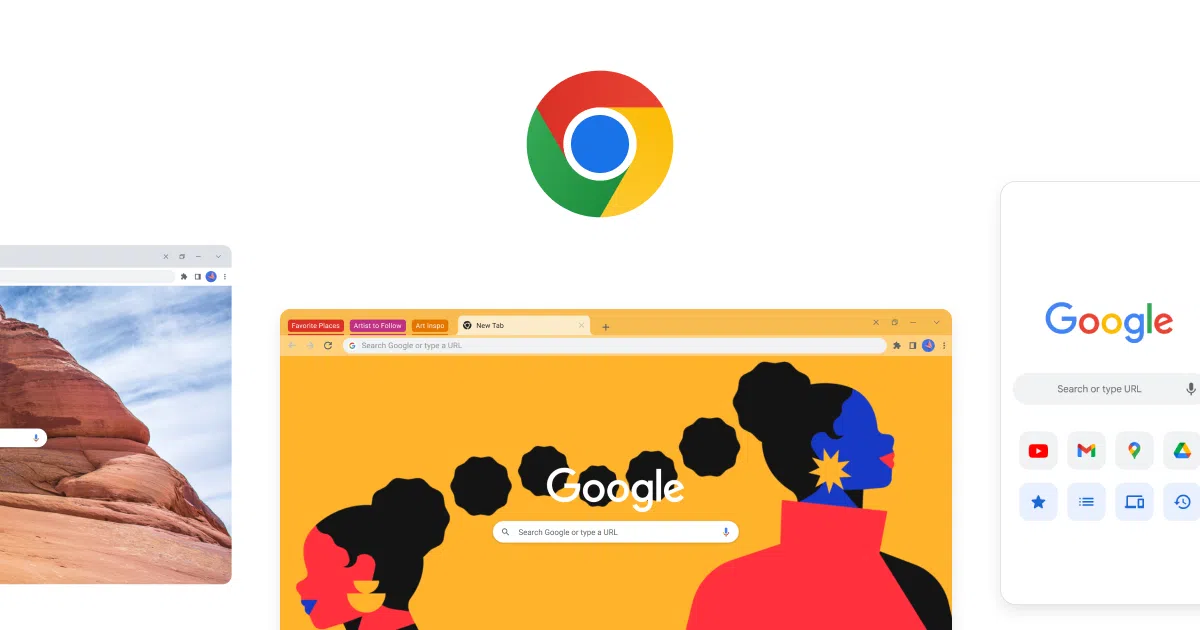
Google Chrome has become much more than just a web browser. Today, talking about Chrome means talking about daily internet access, speed, security, and cross-device synchronization. Have you ever wondered what's behind Chrome's popularity and why so many people choose it as their primary window to the web? If you want to discover all the details, from its history to its advanced features, this article is for you.
This comprehensive tour of Google Chrome is designed to answer all your questions and show you virtually everything you can do with it. Why is it so successful compared to other browsers? What technologies does it use? What are its advantages and potential drawbacks? Get ready to delve into each of these aspects and get to know the world's most popular browser inside and out.
What exactly is Google Chrome?
Google Chrome is a web browser developed by Google and available for free on various platforms, including Windows, macOS, Linux, Android, and iOS. Its name comes from the English word 'chrome,' which refers to the frame of the graphical user interface. Since its launch, Chrome has stood out for its speed, security, and ease of use , as well as for its commitment to cutting-edge web technologies.
The Chrome browser is based on open-source projects like Chromium and uses engines like Blink and V8, which allow it to render pages and execute JavaScript at high speeds. Although many of its components were originally open source, the final version of Chrome includes some additional features and functions developed by Google that give it additional power and a polished experience.
A little history: When was Google Chrome born?
The launch of Google Chrome marked a turning point in web browsing. Its beta version was released on September 2, 2008, initially for Windows, and quickly impressed with its speed and stability. Just three months later, in December, the first stable version was released to the general public.
Chrome gradually made its way to macOS and Linux, with releases in 2009 and the first fully stable, cross-platform version in May 2010 (Chrome 5.0). From then on, its growth was meteoric: in just a few years, it surpassed heavyweights like Firefox and Internet Explorer and became the most used browser on the planet, a position it still holds.
From its inception, Google's browser has continuously added features and improved its performance , incorporating updates every six weeks and facilitating the use of applications and services within the Google ecosystem.
Why is Chrome so popular?
The key to Chrome's success lies in its blend of speed, security, and ease of use, along with seamless integration with the Google ecosystem. Today, Chrome is used by over 65% of internet users worldwide, far ahead of alternatives like Safari, Microsoft Edge, and Firefox.
Some of the reasons behind its popularity are:
- Outstanding performance thanks to the V8 JavaScript engine and Blink to render pages.
- Automatic and frequent updates that improve security and add new features without disturbing the user.
- Very wide gallery of extensions and themes via the Chrome Web Store.
- Direct integrations with Google services such as Gmail, Drive, Docs or Calendar from the browser itself.
- Full synchronization between devices, allowing you to access your passwords, bookmarks, and history wherever you connect.
Main features of Google Chrome
Chrome brings together a set of features that differentiate it from the competition:
- Clean and simple interface: The minimalist window design gives full prominence to web content, eliminating unnecessary elements.
- Independent tabs: Each tab operates as a separate process; if one fails, it doesn't affect the rest.
- incognito mode: It allows you to browse privately, without leaving any trace in your history or storing temporary cookies.
- Smart search from the Omnibox bar: It's not just an address bar; it lets you search, perform calculations, or quickly access favorite sites.
- Integrated Task Manager: Provides statistics on memory and resource usage for each tab and extension.
- Transparent automatic updates: The user does not have to worry about checking for new versions or security.
- Themes and customization: Ability to modify the visual appearance and add functionality through thousands of themes and extensions.
- Synchronization with Google account: Make bookmarks, passwords, history, settings, and extensions available on any device you sign in to.
- Enhanced security: Includes sandboxing, phishing and malware protection, and secure password generation.
- Smart autocomplete: Fill out forms with saved data, such as addresses and payment methods.
How to install and use Google Chrome
Downloading and installing Chrome is a quick and intuitive process. Users simply need to access the official Chrome website from any browser and download the package corresponding to their device's operating system (Windows, macOS, Linux, Android, or iOS). Once downloaded, simply follow the steps in the installation wizard.
Chrome is also available in a wide range of languages and supports multiple platforms and architectures, including ARM processors, 32- and 64-bit systems, and mobile devices.
Once installed, you can customize it and install extensions , log in with your Google account to sync your data, and start browsing immediately.
Architecture: What's behind the tabs and security?
Chrome pioneered the use of a multi-process architecture, meaning each tab and extension runs as an independent process within the browser. The result? If a page or plugin crashes, only that tab is affected, which greatly enhances stability. Furthermore, process sandboxing helps protect the system from threats and malware.
This means that even if you are on several pages at once, each one runs in its own protected space, minimizing the risk of a failure compromising the entire browser or operating system.
Chrome and Privacy: What Data Does It Collect and How to Manage It?
Google Chrome collects certain data to improve user experience, but this has also been the subject of debate regarding privacy. The information it may optionally or automatically send includes unique identifiers, usage statistics, search query data, and, in some cases, sounds for speech recognition features.
However, users can manage many of these options from the browser settings, disable data transmission, or use alternative versions of Chromium created by the community that disable Google telemetry.
While Chrome is focused on security, integration with Google services means that some browsing is associated with your account. However, incognito mode, permission management tools, and advanced options allow for greater control over the information shared.
Chrome Web Store: Extensions, Apps, and Themes
The Chrome Web Store has become one of the best allies for enhancing your browser experience. Thanks to it, you can install thousands of extensions, themes, and web applications, from password managers and ad blockers to productivity tools, photo editors, social integration features, and much more. All of this can be installed and used without needing to restart your browser.
Extensions and apps are automatically updated and have passed security checks, especially since Google tightened its policy in 2017 to only allow verified extensions, strengthening user protection.
Advanced features and new highlights
Chrome not only allows you to browse the Internet; it offers a wide range of tools and features geared towards advanced users and developers :
- Integrated developer tools: They allow you to inspect, debug and edit web pages in real time.
- Support for the latest web technologies such as WebGL, WebRTC, HTML5, advanced APIs, etc.
- Voice search and image recognition (Google Lens) integrated into the browser.
- Complete web page translator for over 130 languages, accessible with a single click.
- Integrated password manager and autocomplete of sensitive information.
- Tab groups and advanced bookmark management for users who manage many pages at once.
- Hidden pages and experimental configuration flags to activate features not yet released to the general public.
Each of these features adds value and demonstrates why Chrome remains the benchmark for innovation in the browser world.
Disadvantages or criticisms of Chrome
Not everything is perfect: Chrome has received criticism regarding privacy due to its data collection practices, and also for its high memory consumption when many tabs or extensions are open. Furthermore, some studies indicate that it has been one of the browsers with the most reported vulnerabilities, due, among other reasons, to its enormous popularity and widespread use.
For those looking for more privacy-focused alternatives, there are spin-off projects such as SRWare Iron, Iridium, or Ungoogled Chromium, which disable telemetry and tracking, although they partially sacrifice integration with Google services.
Another aspect to consider is the dependence on a single company for a large part of the web ecosystem, an aspect that some users view negatively compared to more independent options like Firefox.
Versions and updates: How is Chrome evolving?
Google Chrome is constantly evolving. There are different release channels (stable, beta, developer, and Canary), each geared toward a different audience based on its level of stability and access to experimental features. Updates are distributed automatically, keeping the browser secure and functional without user intervention.
Chrome currently supports a wide variety of devices and operating systems, with optimized versions available for computers, tablets, mobile phones, and even smart TVs running Chrome OS and other derivatives.
Some interesting facts and notable achievements
Chrome was a pioneer in bringing the Blink rendering engine to other popular browsers , such as Opera or even Microsoft Edge from version 79. It was one of the first to fully pass the Acid3 test, which measures compatibility with modern web standards.
Among its milestones is the fact that it surpassed Internet Explorer for a full day globally in 2012, achieving a previously unprecedented usage share. In the world of web games, many developers consider it the best option due to its speed and compatibility with HTML5 and WebGL.
What technologies does Chrome use under the hood?
Chrome is primarily programmed in C++, JavaScript, and Python . Its V8 JavaScript engine was developed in Denmark and is known for its speed and efficiency in running complex applications like Gmail and Google Docs. For rendering, it uses Blink, a fork of WebKit, and for the graphical interface, it employs technologies such as GTK (on Linux) and Cocoa (on macOS).
Open collaboration through the Chromium project allows other manufacturers and the community to contribute and, in many cases, adopt its technology in other browsers or operating systems, such as Chrome OS, which is derived from the same core.
Who develops and maintains Chrome?
Chrome is developed by a large team at Google, but it receives constant input from the community through the open-source Chromium project. This allows the browser to evolve rapidly and ensures that any vulnerabilities or areas for improvement can be quickly identified and addressed.
Additionally, Google maintains open communication channels with users and developers, where bugs are reported, new features are discussed, and compatibility issues are resolved.
Frequently Asked Questions about Google Chrome
- Is Google Chrome free? Yes, you can download and use it free of charge on all major devices.
- Is Chrome safe to use? The browser receives constant security updates, but it's recommended to keep it updated and review installed extensions.
- Can I use it on any system? Chrome is available for Windows, macOS, Linux, Android, iOS, and many others.
- What if I have performance issues? It's recommended to review extensions, close unused tabs, and check for browser or system updates.
Google Chrome has established itself as a cornerstone of modern web browsing. Its focus on speed, security, integration with Google services, and ease of use has made it the browser of choice for millions of people worldwide. Whether you're a casual user, a demanding professional, or a developer, Chrome offers a balance of power and simplicity, staying ahead of the curve thanks to its adaptability and constant improvement. Customization and extension options allow complete control over the browsing experience, adapting to diverse needs and preferences. Continuous innovation and a commitment to security ensure that Chrome remains the benchmark in the world of browsers, facilitating a faster, safer, and more personalized browsing experience for everyone.