- Vulkan is establishing itself as the dominant graphics backend in Linux, progressively surpassing OpenGL in performance and efficiency.
- The transition allows for more direct communication with the GPU, reducing the processor load and improving the speed of the Viewport.
- It is essential to have up-to-date drivers and compatible hardware to avoid visual errors or unexpected program closures.

If you're involved in 3D modeling on Linux, you've probably heard that something big is brewing in the depths of Blender. For decades, OpenGL has been the standard, the old friend that made everything work, but the reality is that it's fallen a bit short of the demands of modern hardware. This is where Vulkan comes in , a low-level API that promises to take some of the load off the processor and let the graphics card run wild, especially in scenes that would leave you sweating with the traditional setup.
It's not just about gaining a few frames per second; it's a complete architectural shift. While OpenGL handled many things automatically and "invisibly," Vulkan gives Blender explicit control over memory and GPU timing. This means that, if everything is set up correctly, you can experience significantly smoother viewport rendering and shader compilation times that put the previous system to shame. However, there are still a few hurdles to overcome that you should be aware of before making the switch.
The technological leap: From OpenGL to Vulkan

The migration to Vulkan wasn't a whim, but a technical necessity. OpenGL was designed in a very different era and, while it has served its purpose faithfully, its structure created CPU bottlenecks . Vulkan, being a modern API, allows Blender to manage graphics card resources much more efficiently, reducing driver overhead and facilitating parallelism.
In the most recent versions, such as the 5.x series, Vulkan has gone from being an experimental option to becoming the default graphics backend in Linux . This is a milestone, as it implies that the development team considers the technology mature enough. In fact, there is speculation that in future versions, such as 6.0, OpenGL could disappear completely to focus all efforts on Vulkan for Windows and Linux, and Metal for macOS.
Technical requirements and compatibility
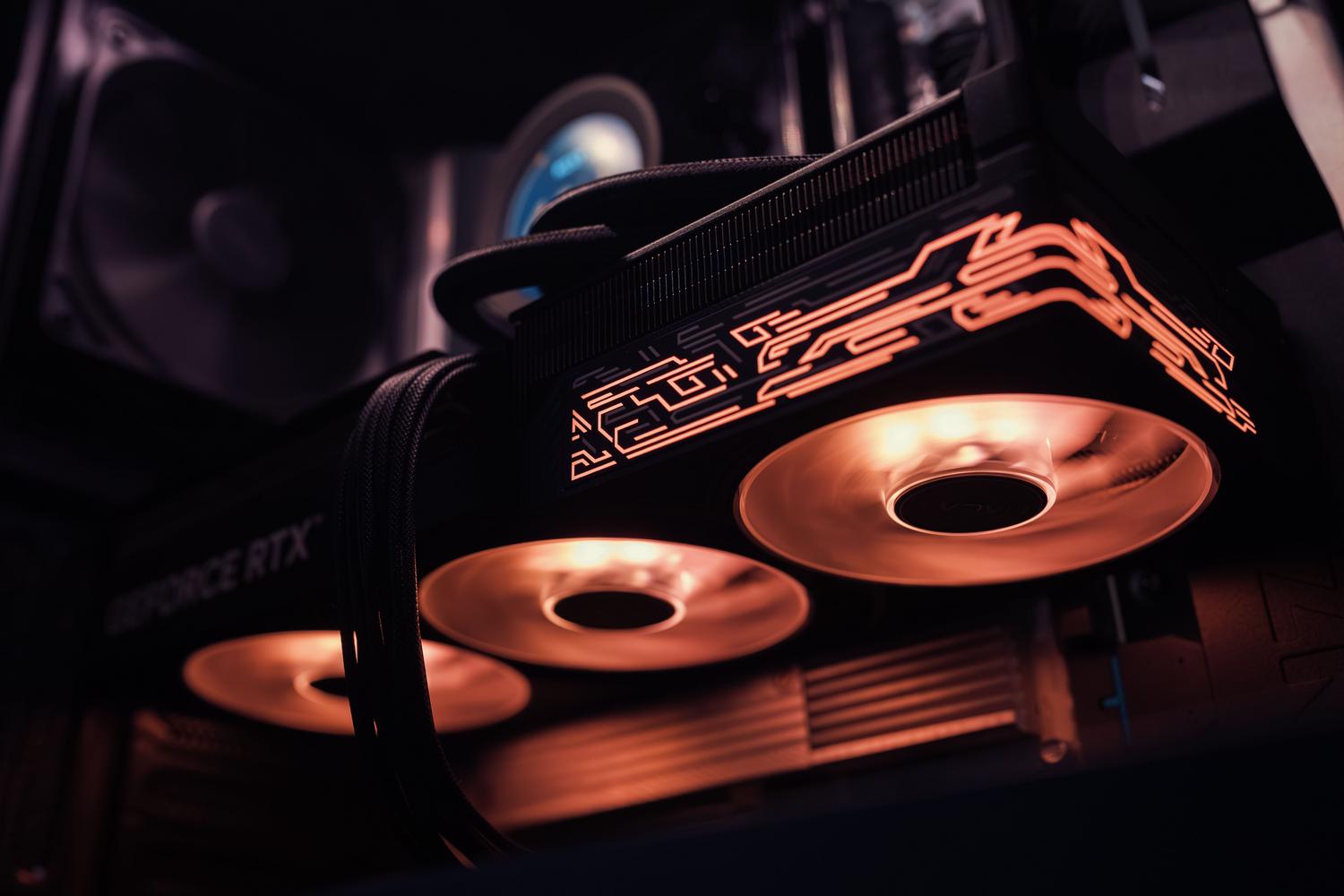
To avoid headaches with Vulkan, simply installing the program isn't enough; your computer needs to be up to the task. Ideally, you should have an NVIDIA, AMD, or Intel graphics card that supports Vulkan 1.1 or higher. For NVIDIA users on Linux, it's vital to use updated drivers (preferably version 550 or later) to prevent the software from crashing unexpectedly.
If you're using AMD or Intel hardware, the key is Mesa . Open-source drivers like RADV (AMD) and ANV (Intel) have evolved tremendously and generally offer enviable stability. If you notice corrupted textures or visual artifacts when enabling Vulkan, don't worry: you can revert to OpenGL from the System Preferences menu in Blender while you wait for a patch or update your drivers.
Real performance: Can you tell the difference?
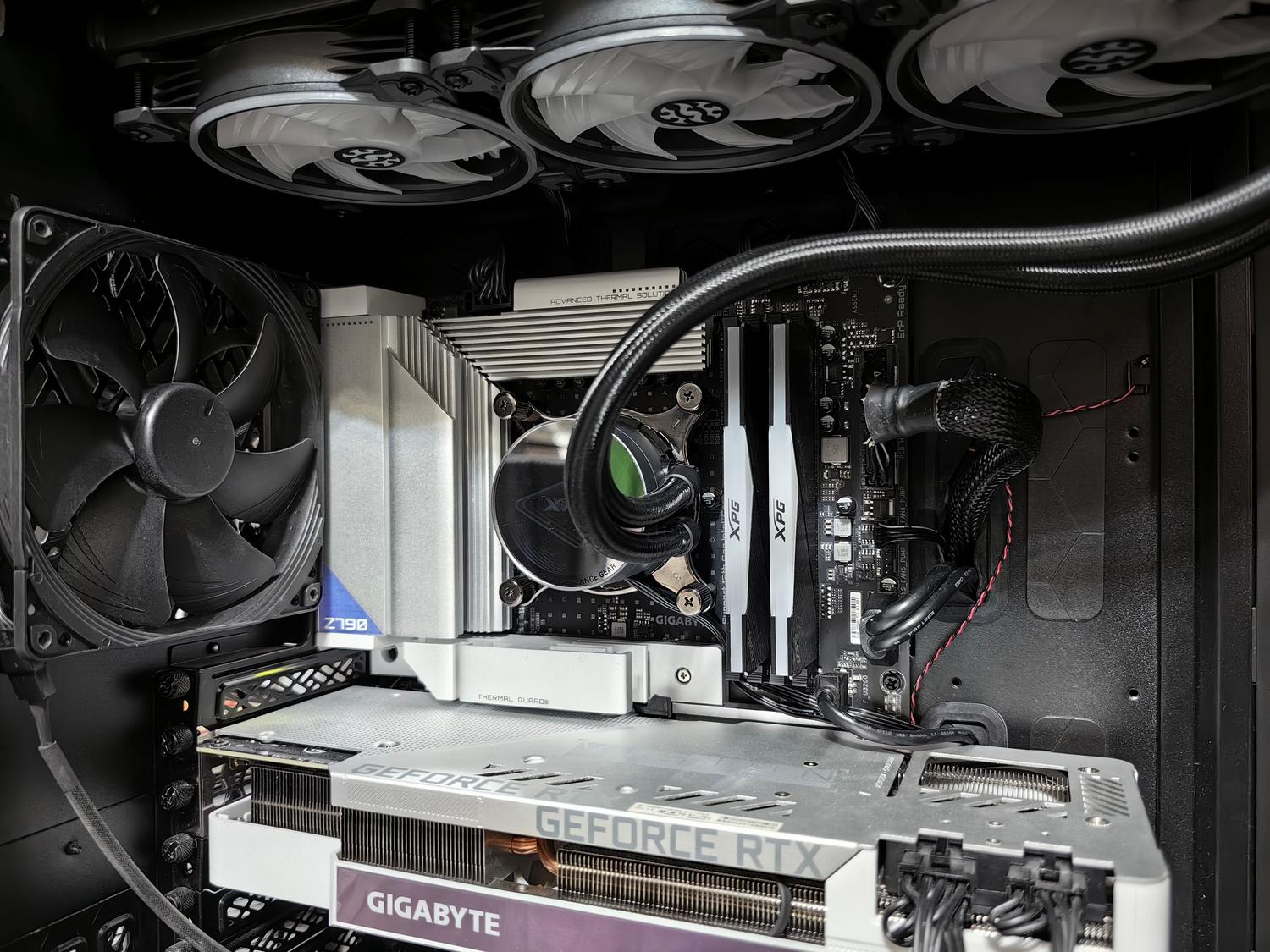
The short answer is yes, but it depends on what you're doing. In very complex scenes, Vulkan can significantly boost the frame rate. For example, in official tests with high-end hardware, significant FPS increases were observed in dense scenes when comparing both backends. Furthermore, shader compilation is much faster, which reduces those annoying stutters when loading materials for the first time.
However, let's be realistic: Vulkan isn't a magic bullet. In some tasks, such as Cycles rendering on NVIDIA cards, you might notice that performance is slightly lower than OpenGL because Vulkan doesn't yet have direct access to OptiX or CUDA memory . For interactive work in the Viewport and EEVEE, Vulkan wins hands down, but for final rendering, the situation is still evolving.
Possible problems and warnings
Not everything is rosy in this transition. There are some areas where Vulkan still falls short. For example, USD/Hydra support has shown instabilities that can cause system crashes due to memory corruption. Similarly, some older plugins or add-ons that rely on the BGL API (specific to OpenGL) can cause Blender to crash when attempting to run them.
Another interesting detail is the use of recording or gaming overlays . Some software layers that use Vulkan to display FPS or record the screen can conflict with Blender and prevent the program from even launching. If this happens to you, the solution is usually to disable these external overlays before starting the modeling process.
Recommended settings for professionals
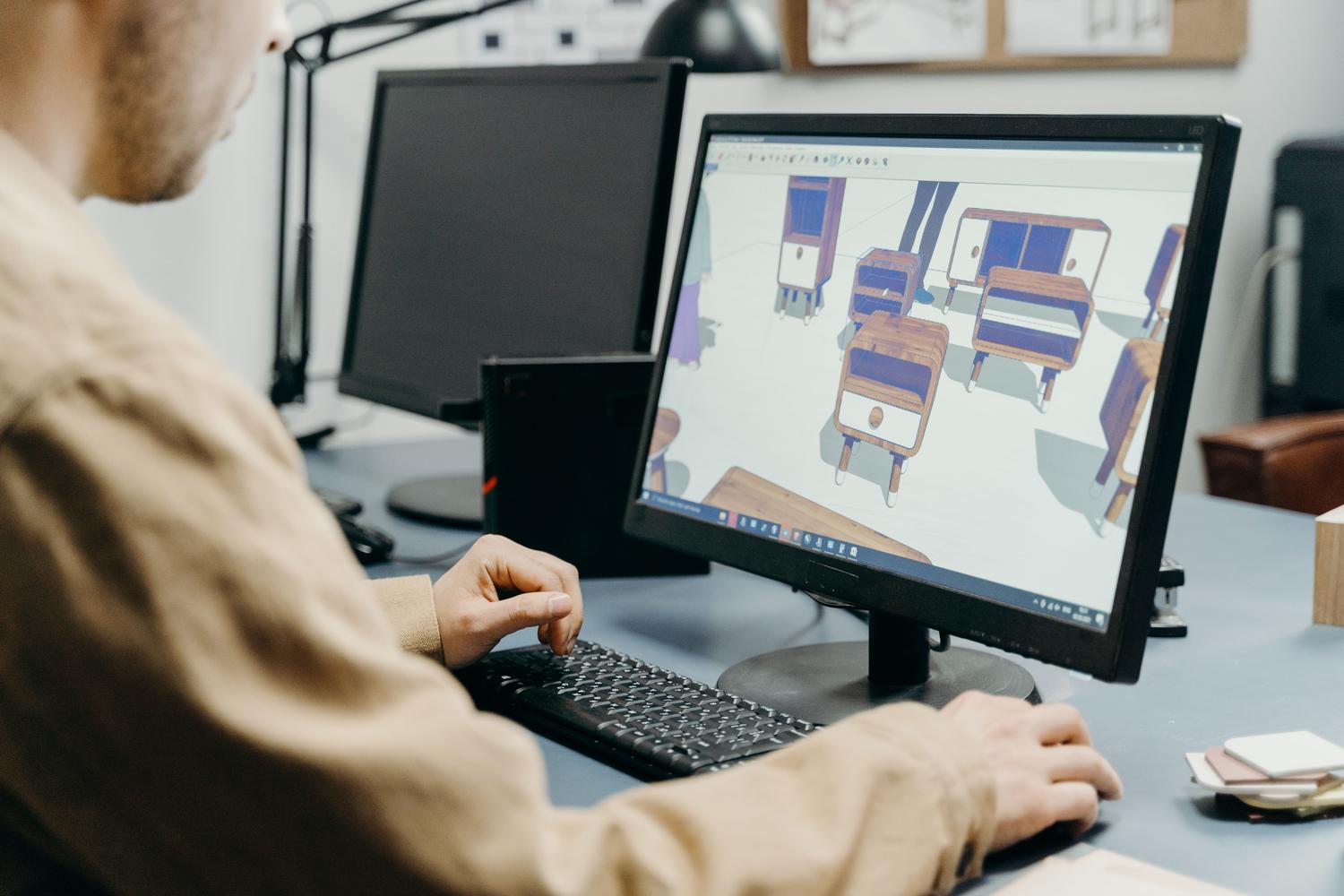
If you work in a studio or do architectural visualization, don't jump in blindly. It's recommended to use a workstation with at least 32 GB of RAM and 8 GB of VRAM to truly harness Vulkan's potential. Using SSDs is crucial to prevent loading large textures from becoming a bottleneck, especially now that Virtual Texturing is being implemented , which will allow loading only the portions of the texture the camera is viewing.
For add-on developers, the advice is clear: stop using direct OpenGL calls and start using Blender's GPU abstraction layer . This ensures your tools continue to work regardless of whether the end user has Vulkan, Metal, or OpenGL enabled, preventing the plugin from becoming obsolete with the release of Blender 6.0.
The adoption of Vulkan on Linux marks the beginning of a new era where Blender is freed from legacy dependencies to embrace a faster, more modern workflow. While some bugs still exist in beta versions and there are occasional conflicts with add-ons or overlays, the improved viewport fluidity and GPU efficiency make the migration worthwhile. Keeping Mesa or NVIDIA drivers up to date and validating projects on LTS versions is the safest strategy for enjoying optimized performance without compromising production stability.