- Foldy permite replicar la función StandBy de Apple en dispositivos Android, especialmente en plegables.
- La app detecta automáticamente la posición de la bisagra para activar pantallas de reloj y widgets.
- It offers a basic free version and a Pro version with more than 50 styles, support for Google Home and up to four widgets per screen.
- It is compatible with both foldable smartphones and conventional phones used in horizontal stands.
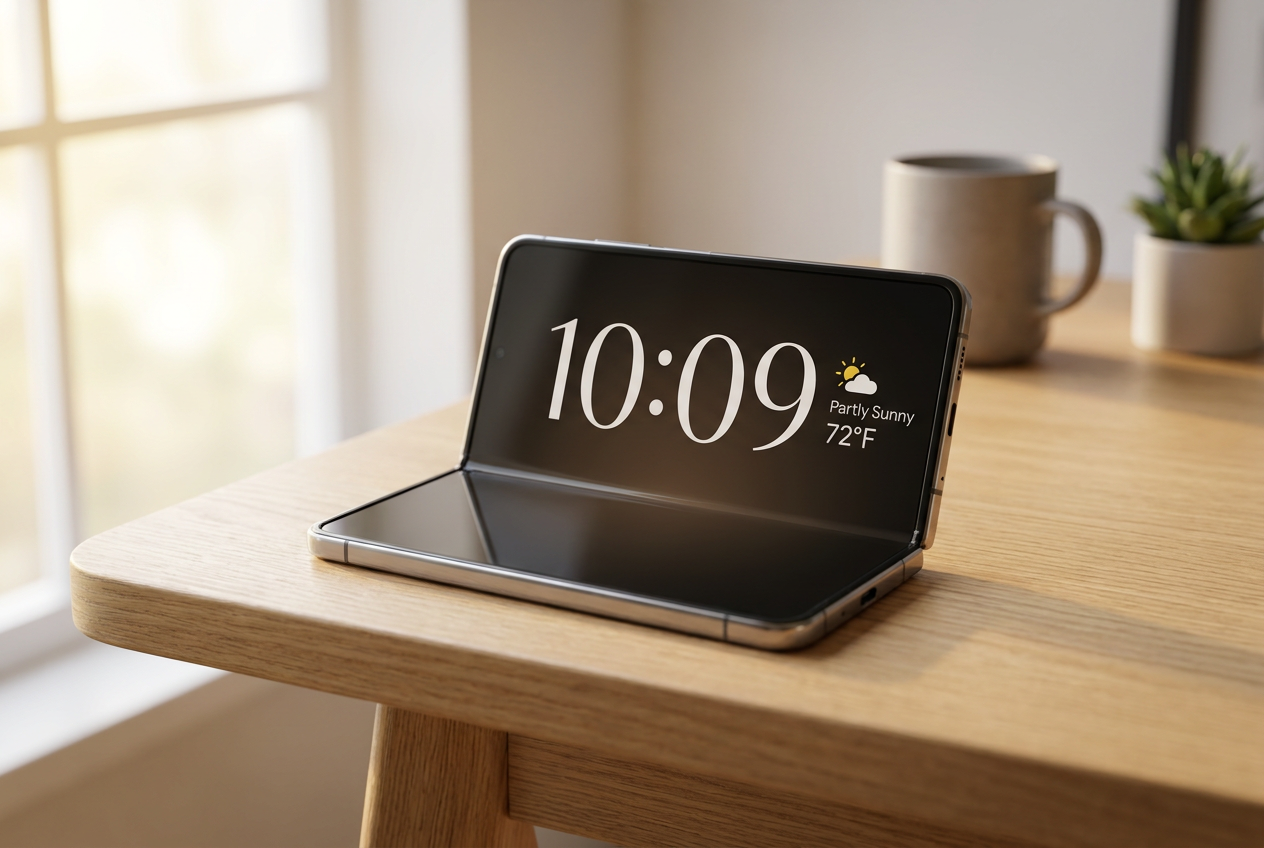
You've probably heard that Apple has made the leap into foldable phones with the iPhone Duo, and while some say it lacks optimized apps, there's one feature that has everyone amazed: Standby mode. Basically, it allows the phone to become a kind of smart display or desktop clock when you place it on a table, something that Android users have been missing on their foldable devices until now.
The good news is that you don't need to switch to the Apple ecosystem to enjoy something similar. An app called Foldy – StandBy Mode has appeared that does exactly that: it brings that secondary screen experience to Google phones, allowing us to take advantage of the hinge angle to prop the phone upright and check information at a glance without having to constantly unlock it.
What exactly is Foldy and how does it work on Android?
Para los que no estén al tanto, Foldy es una herramienta diseñada para simular el comportamiento de los Nest Hub de Google o las Amazon Echo Show, pero usando el hardware que ya tienes en el bolsillo. Lo más chulo es que automatically detects the hinge position, por lo que sabe si tienes el móvil en modo tienda o apoyado como si fuera un portátil, ajustando la interfaz en consecuencia.
Although the name suggests it's only for foldable phones, it actually works on conventional phones (the typical bar phones), as long as they're placed in a horizontal stand or desktop dock. However, the magic happens on book-style foldables, like the Galaxy Z Fold, where the integration is seamless and the aspect ratio fits perfectly.
Customization options and Pro features
The app is divided into a free and a paid version. With the free version, you can choose a basic digital clock widget or a monthly calendar , switching between them with a simple vertical swipe. However, if you upgrade to the Pro version, the range of possibilities expands considerably.
- Assorted designs: You have access to more than 50 styles, including analog and digital clocks with different fonts and colors.
- Visual multitasking: Puedes montar una pantalla con hasta cuatro widgets simultáneoscombining weather, upcoming calendar events, and notifications.
- Aesthetic customization: Permite añadir marcos de fotos para convertir el móvil en un portaretratos digital.
- Home control: It includes support for managing Google Home devices directly from the standby screen.
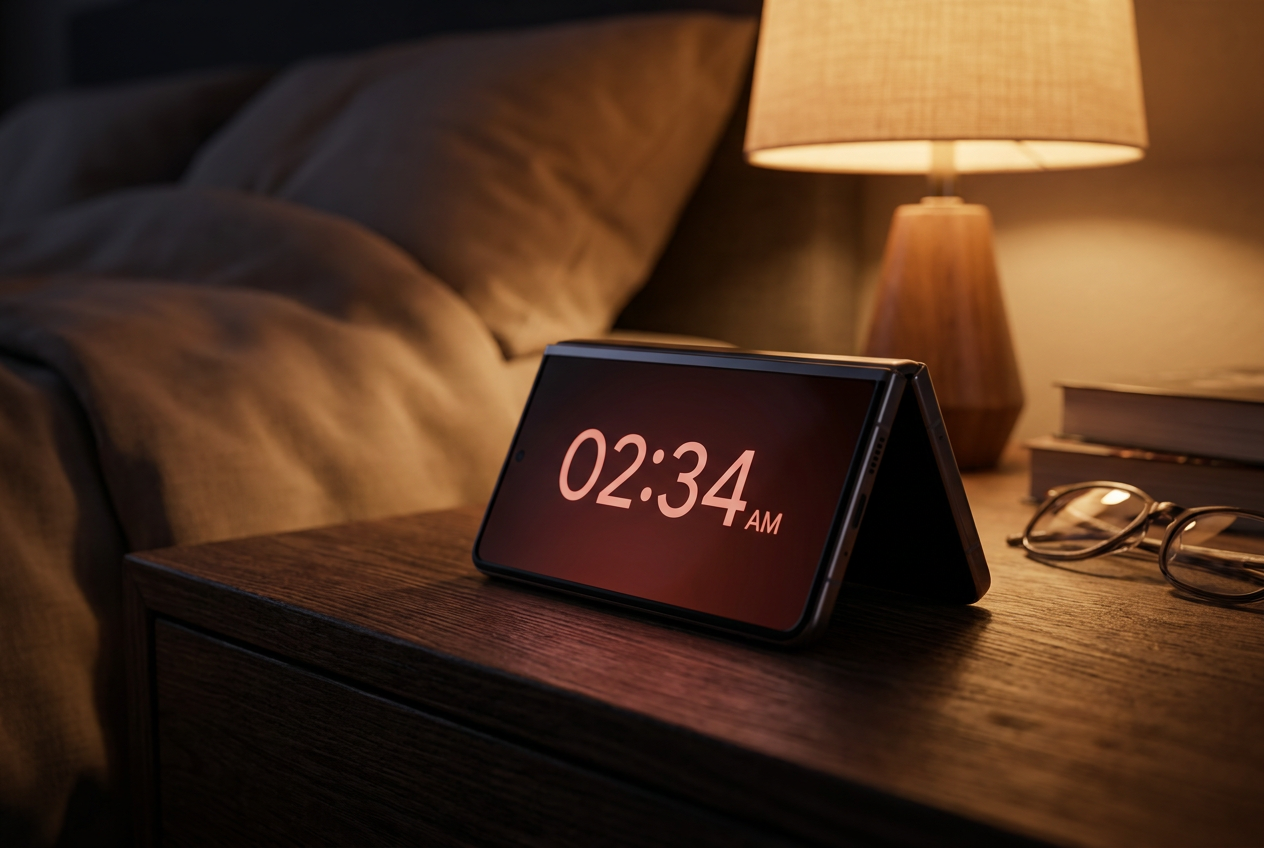
One very important technical detail is that Foldy can overlay the lock screenThis means you don't need to keep the device unlocked for hours, which helps prevent the battery from draining too quickly, especially since it uses black backgrounds that take advantage of OLED screens to save power, working similarly to an Always-On Display.
Comparison with the iPhone Duo's Standby mode
Para ponerlo en perspectiva, el modo de Apple en iOS 27 permite configurar la pantalla según si el móvil está medio doblado (usando la pantalla interior de 7,6 pulgadas) o en modo tienda (usando la pantalla exterior). Apple ha apostado fuerte por la salud visual, incluyendo un modo nocturno con tonos rojos that do not disturb while sleeping, something that Foldy tries to imitate through its various design and color options.
While on the iPhone Duo the configuration is done through the settings menu by searching for "sleep," on Android we rely on this external app. Foldy offers similar flexibility by allowing automatic activation based on position, although the user can calibrate the hinge's position so the system doesn't get confused and the screen activates precisely when desired.
Costs and availability
If you're interested in trying it, the app is available on the Play Store and is compatible with very old Android versions (from 1.6 onwards), although it truly shines on current models. Regarding pricing, the developer offers two options for Pro mode: a monthly subscription of approximately €0,99 or a one-time payment of €9,99 for a lifetime license. For those undecided, there's usually a 3-day free trial to see if the widgets and functionality really suit your daily needs.
This alternative transforms any Android smartphone, especially foldable ones, from a simple phone into a discreet and elegant information hub. Thanks to its ability to display the weather, calendar, and time without any interaction with the device, it becomes the perfect companion for your nightstand or desk while you work.