- Motion sickness arises from the contradiction between the balance of the inner ear and the fixed vision on the screen.
- There are technological solutions such as Motion Assist and Kinestop that simulate the movement of the vehicle with visual points.
- Eye strain and refractive errors can worsen the feeling of vertigo when looking at digital devices.

Have you ever been in the passenger seat, glanced at your phone for a while, and suddenly felt like the world was spinning? You're not alone; many people experience nausea and an uncomfortable feeling of unease as soon as they look at their phone screen while the car is moving, forcing them to put their smartphone away and look out the window.
This phenomenon, which can be a real ordeal on long journeys, has a fairly simple but curious scientific explanation. Basically, it's a sensory conflict where our brain goes haywire because it receives completely opposing signals from different parts of our body, causing what we technically call motion sickness.
Why do we get dizzy when we look at our phones?
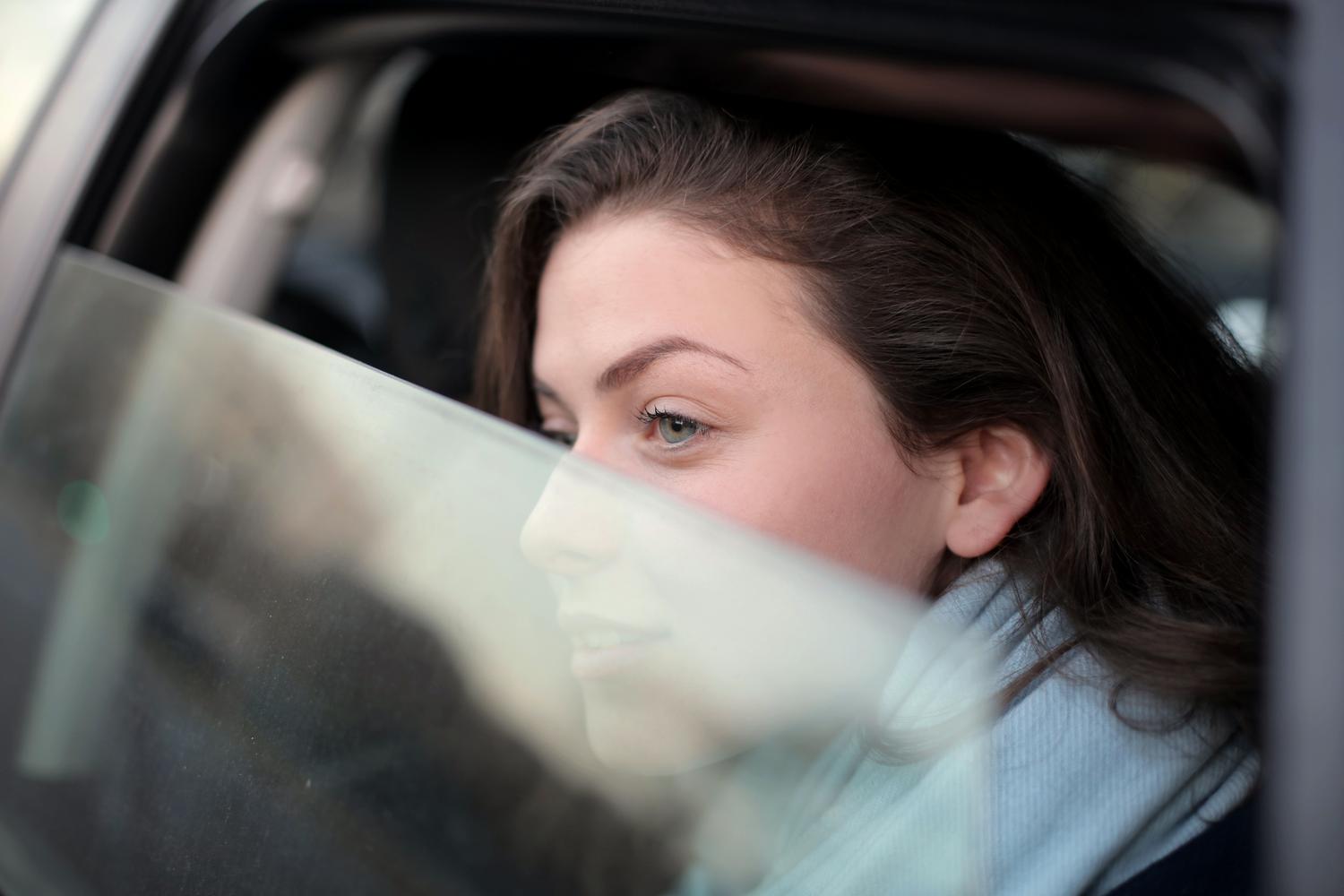
To understand this, it's important to know that our balance depends on perfect coordination. When we travel, our inner ear detects movement , curves, and vehicle braking. However, if we keep our eyes glued to a static screen, our vision tells the brain that we are stationary. This sensory discrepancy activates an ancient defense mechanism in our body, which, upon perceiving that something is wrong, triggers symptoms such as vertigo or vomiting.

However, it's not always just about being in a car. Some people experience dizziness even when standing still due to sensory overload . The endless scrolling of social media or using multiple monitors can create a sensation of artificial movement that confuses the visual and vestibular systems, resulting in a disoriented brain that doesn't know where it is.
Technological solutions for Android and iOS
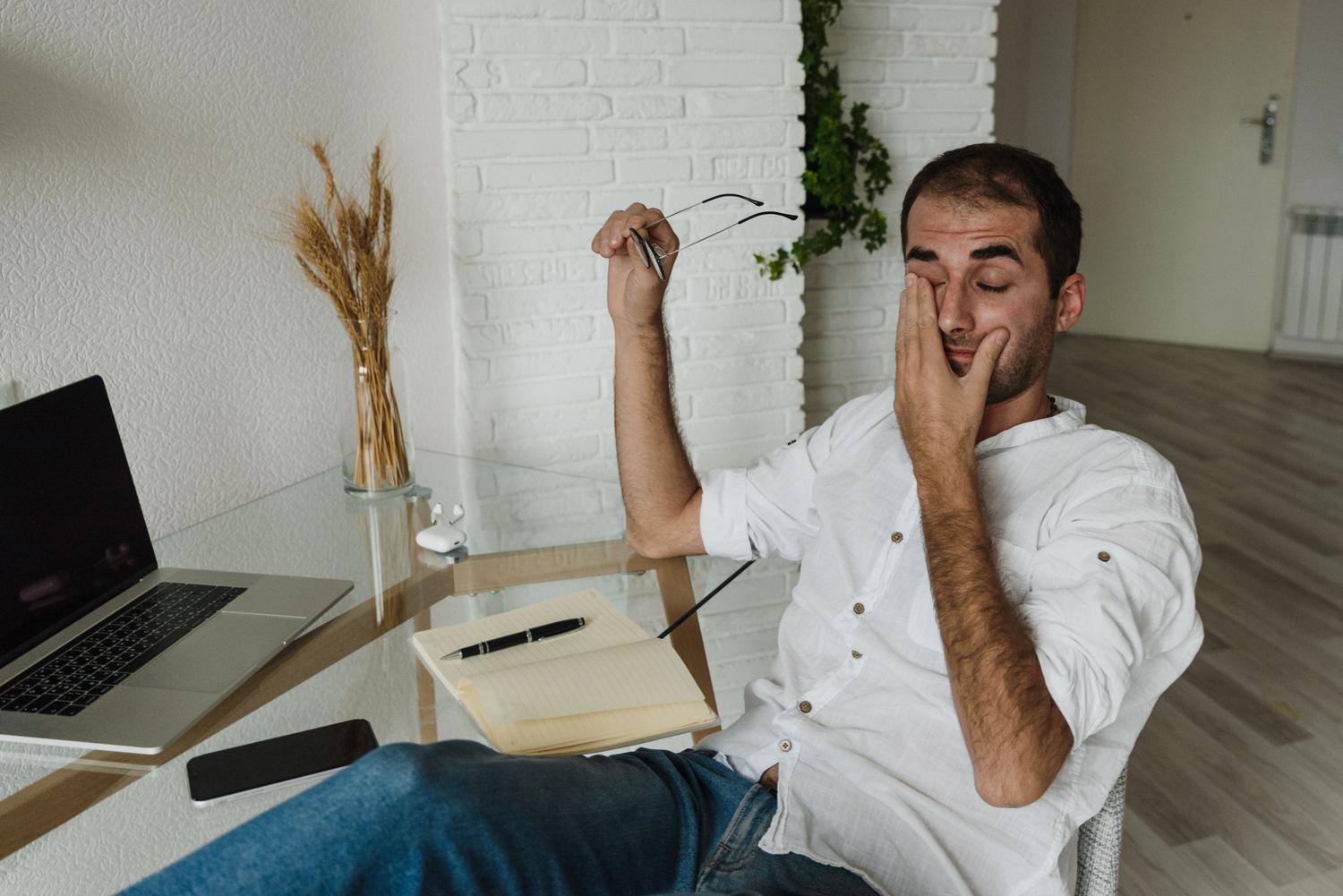
Fortunately, the technology that caused the problem now offers the solution. The concept is simple: trick the brain by adding a visual reference that moves in sync with the car. This way, the eyes perceive movement, and the inner ear stops interfering with the visual perception.
- Android and Motion Assist: Google has implemented a feature called Motion Assist (integrated in recent versions like Android 17). This tool uses the gyroscope and accelerometer The phone uses a feature to display dynamically moving dots along the edges of the screen. If the car turns right, the dots move to the opposite side, aligning the visual experience with the physics of the journey. To activate it, you usually have to navigate through the Google Play settings, enter the profile, then "All services" and finally "Personal and device security".
- iOS and Vehicle Motion Cues: Apple has released a similar feature called "Vehicle Movement Indicators." It can be found in the menu of Accessibility, within the motion section. When activated, animated dots appear that help reduce motion sickness automatically.
- KineStop: For those who don't have these native functions, there's the KineStop app. Available for Android for years, it creates a artificial horizon on the screen that synchronizes sight with movement, allowing you to read or watch movies without ending up with an upset stomach.
Visual health and its impact on dizziness

Sometimes, the problem isn't just the car's movement; our eyesight is already strained. Refractive errors , such as astigmatism, presbyopia, or hyperopia, can cause images to appear blurry, forcing the eye to work harder and leading to dizziness more quickly.
Another determining factor is computer vision syndrome . When looking at our phones, we blink much less (going from about 20 times per minute to just 8), which causes the eyes to dry out. This dryness and eye strain , combined with the blue light from screens, can cause headaches and light sensitivity, worsening the sensation of vertigo.
Practical tips to avoid discomfort
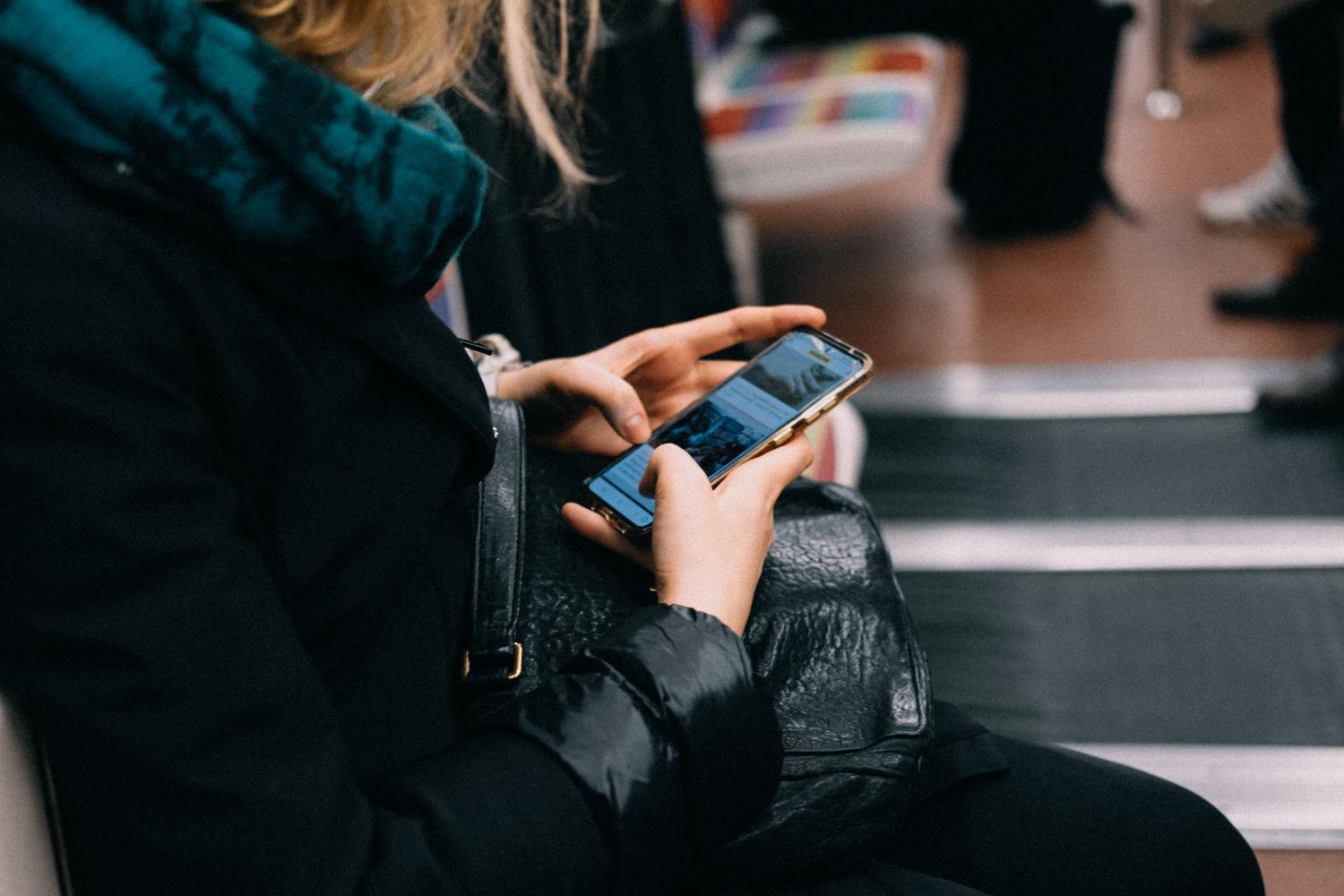
If you want to reduce your chances of getting dizzy, there are several habits you can adopt. First, it's essential to take frequent breaks ; look up from your phone every so often and focus on distant objects to relax your eye muscles. Maintaining a distance of about 60 centimeters between your eyes and the screen also helps prevent excessive eye strain.
It's also advisable to adjust the brightness and contrast so that the text is clear without glare, and to activate blue light filters to reduce eye strain. For those who are particularly sensitive, there are Blue Defense lenses, which act as a shield against harmful light and help the eyes feel more rested. Of course, the wisest course of action is to visit an ophthalmologist once a year to rule out any vision problems that may be exacerbating these symptoms.
Whether we opt for apps that simulate the horizon or improve our visual hygiene by using protective filters, the goal is to eliminate the sensory contradiction our bodies experience. Combining the use of motion indicators on our smartphones with visual breaks and regular medical checkups is the most effective strategy for enjoying any journey without nausea.