- Using the Smart Call function and Hiya's database to identify fraudulent calls.
- Configure blocking filters for unknown numbers and scams from Samsung settings.
- Spam management alternatives through the Google Calls app.
- Complement to technical security through registration on the Robinson List.

I'm sure it's happened to you: you're relaxing at home or at work, and suddenly your phone keeps ringing from an unknown number. When you answer, you're met with the typical pushy salesperson or a scam call trying to sell you some service you don't need. It's a real headache that, although it seems endless, can be managed quite well if you know where to look in your device's menu.
Having a Samsung phone is an advantage in this regard, as they have powerful built-in tools to banish spam calls . From using intelligent databases to manually blocking annoying numbers, there are several ways to restore peace to your smartphone and prevent commercial interruptions from ruining your day.

Smart Call technology and the alliance with Hiya

To combat this problem, Samsung implemented the Smart Call feature . This tool is essential because it allows us to identify who is on the other end of the line even if we don't have the contact saved in our address book. Basically, the system analyzes the number and alerts us if it's a potentially annoying call , giving us the option to hang up immediately or report the number to help other users.
Behind this power is a key ally called Hiya . It's a world-leading phone security platform that protects millions of people and businesses. Hiya provides the infrastructure and database necessary for Samsung to efficiently detect fraud and spam , connecting the security network to Galaxy devices to filter malicious phone traffic.
How to set up a lock in the Samsung Phone app

If you want to take matters into your own hands and configure your phone, the first thing to do is open the Phone app (the one with the green icon and the white phone ). Once inside, go to the top right corner, tap the three dots, and enter the Settings menu. Here you'll find the key feature: the Block Numbers section.

- Unknown numbers: If you activate this box, the phone will automatically reject any calls from numbers that are not in your contact list.
- Unwanted calls and scams: This option is fantastic because it uses Samsung's database to filter traffic. You can choose a filter. Strict on scammers high-risk or a more flexible one that also includes regular business calls.
- Manual lock: If there's a specific number that's driving you crazy, you can add it directly to the blacklist from this same section.
The best thing about this system is that, when the number is blocked, the caller feels that the call is still on hold, but your mobile neither rings nor vibrates , so you don't even realize that they have tried to contact you.
Alternative using the Google app
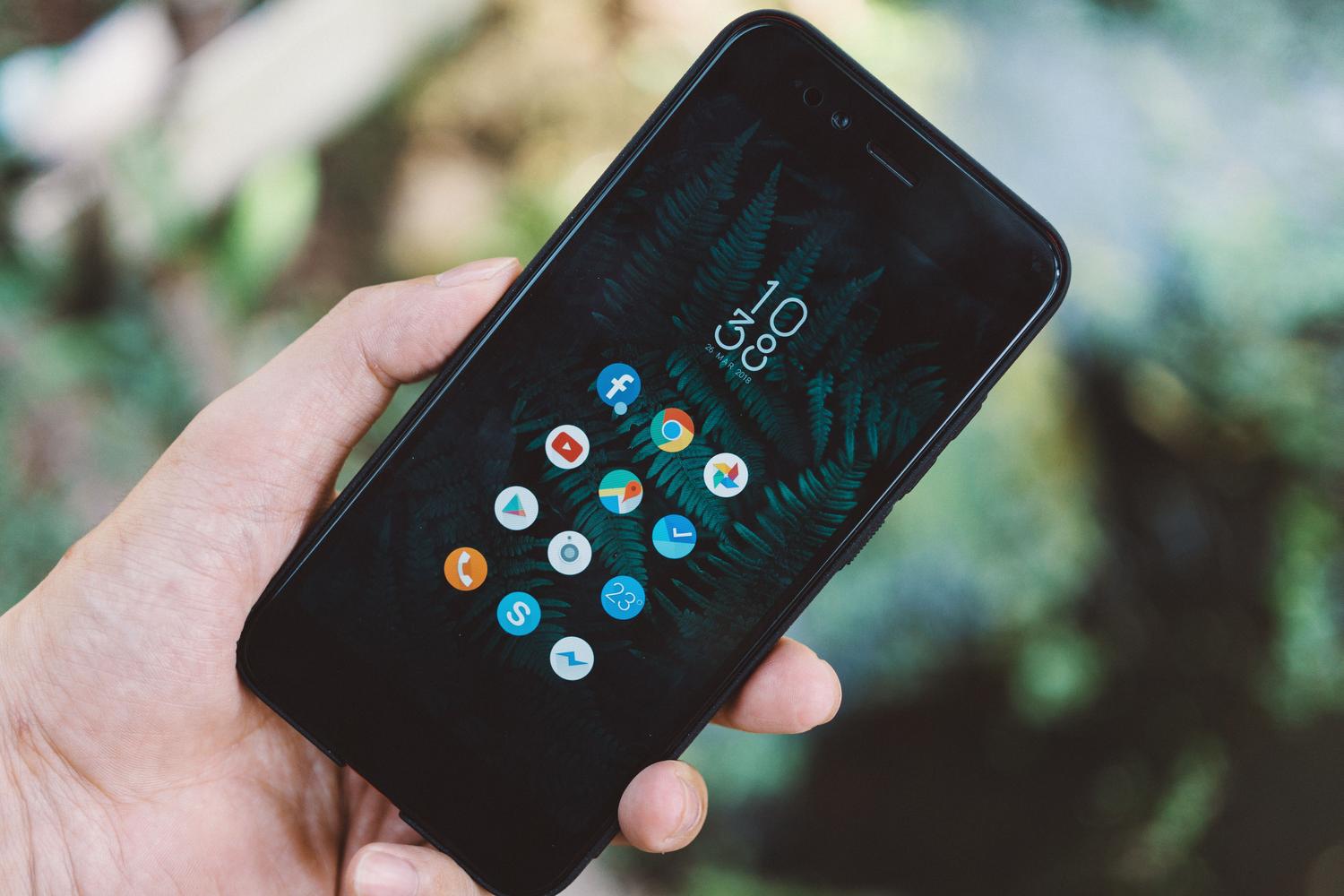
Many Samsung users prefer to use the Google Phone app (the one with the blue icon on a white background ). The process is very similar: tap the three dots at the top, go to Settings, and look for the Caller ID and Spam option . Here you have two choices: activate total blocking or simply activate spam alert . The latter option is useful if you want the phone to ring but receive a notification indicating that it's spam, allowing you to decide whether to answer or not.
Other legal measures in Spain
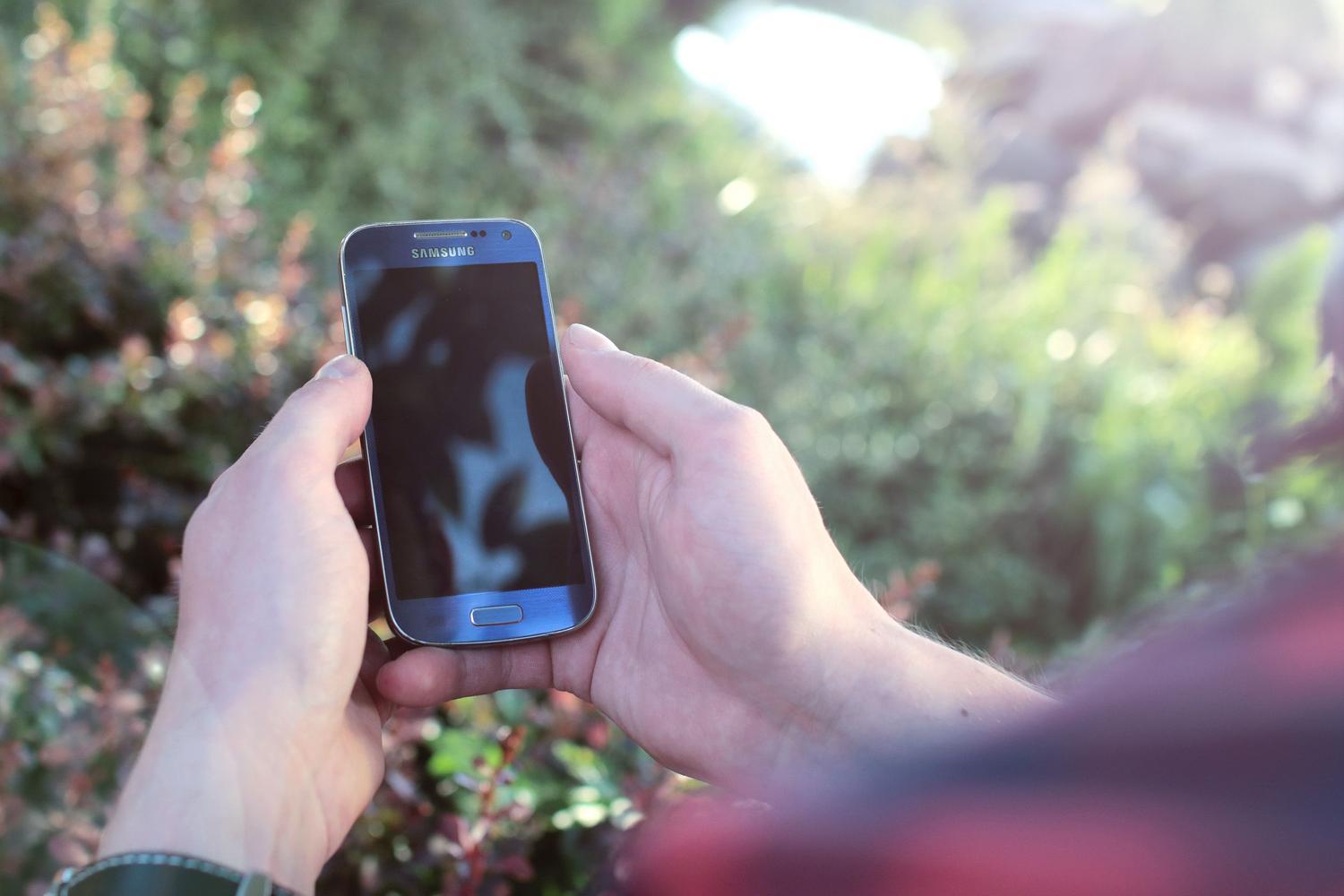
Beyond technology, in our country we have the Robinson List . It's a free service where you can register your number so that legitimate companies stop calling you for advertising purposes. Although it's very effective, it's important to keep in mind that some companies, especially those operating from abroad , often circumvent these legal regulations, so blocking calls on your device remains the most drastic and effective measure.
By combining registration on the Robinson List with Samsung's filtering features, Smart Call, and Hiya support, you can drastically reduce phone noise. Whether blocking unknown numbers, using risk filters, or reviewing other tutorials on mobile connections , you have complete control to make your Galaxy a space free of annoying telemarketers and scams.
