- Implementation of a WireGuard-based mesh VPN network that eliminates the need to open ports on the router.
- Ability to use the Raspberry Pi as an exit node to browse with the home IP from anywhere.
- Subnet routing configuration to access local devices that do not support client installation.
- Advanced security integration using ACLs and remote DNS filtering with tools like Pi-hole.
If you've ever felt that managing remote access to your home is a headache, especially if you're behind CG-NAT or don't want to open ports on your router, Tailscale is the tool that will save your life. Basically, it's a VPN that creates a mesh network where your devices can communicate with each other as if they were in the same room, even if one is in your living room and the other is in a café in Japan—all without absurd technical complications.
The best part is that it uses the WireGuard protocol , which means it's incredibly fast and extremely secure. Whether you have a Raspberry Pi, a Windows PC, or an Android phone, Tailscale creates an encrypted end-to-end tunnel, preventing your data from passing through unnecessary central servers and minimizing latency. It's essentially the easiest way to create your own private digital ecosystem, accessible from anywhere in the world.
What exactly is Tailscale and why is it so cool?

Unlike commercial VPNs we use to change our IP address and watch shows from other countries, Tailscale creates a Tailnet . This is a virtual private network where each device receives a fixed and unique IP address. Its most powerful feature is that it doesn't require port forwarding , eliminating the risk of exposing your network to external attacks and making it work even when your internet provider has you behind a NAT, avoiding the hassle of traditional port forwarding .
The system is based on a decentralized architecture. Although you use a Google, Microsoft, or GitHub account to authenticate, network traffic travels directly between your devices . Only in very extreme cases, where the firewall is very restrictive, does it use DERP servers as relays to ensure the connection is never interrupted.

Setting up Tailscale on your Raspberry Pi step by step

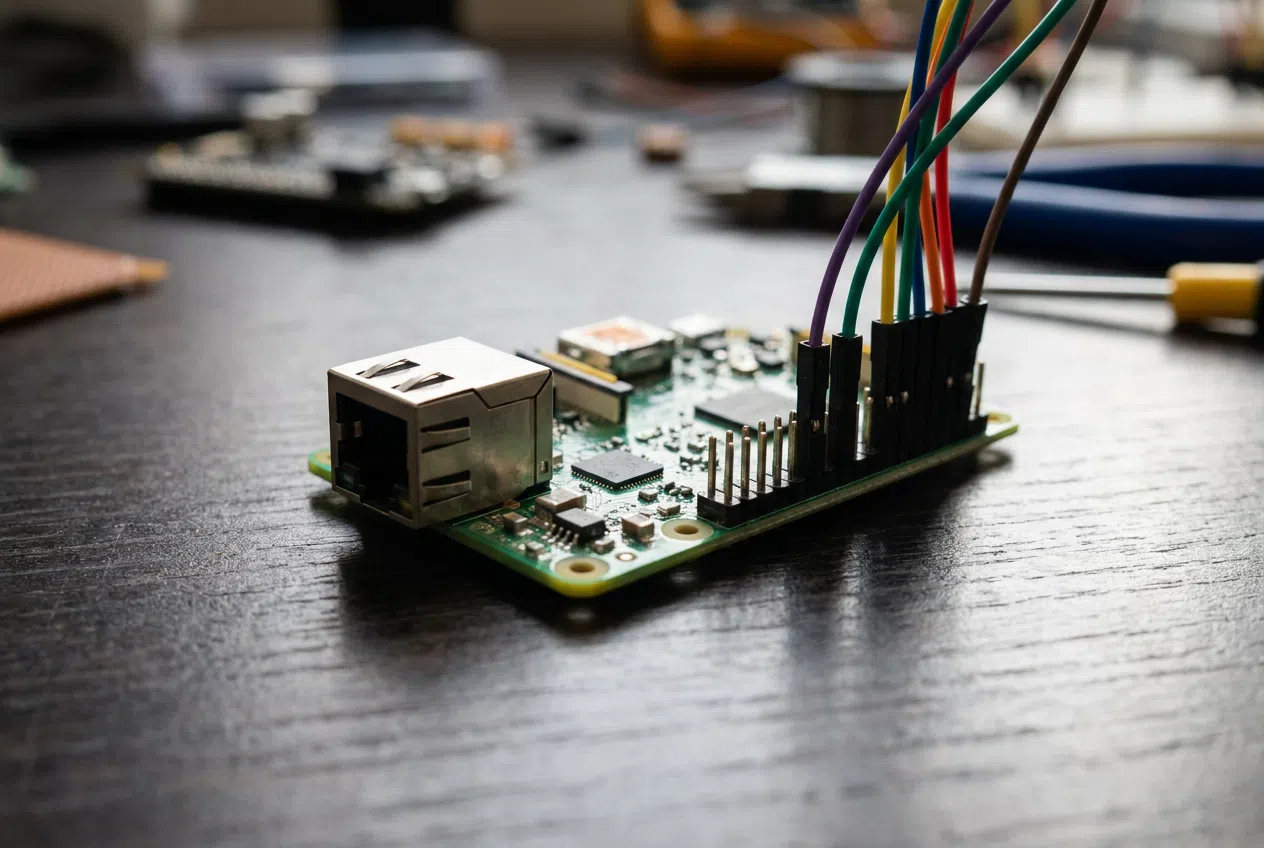
The Raspberry Pi is the perfect candidate to be the heart of your network thanks to its low power consumption. To get started, you need to have installed Raspberry PiOSIf you're going to use the Pi without a monitor (headless mode), remember to enable SSH using sudo raspi-config or by creating an empty file called ssh on the boot partition.
Installing the software is straightforward. Simply run the official installation script or add the repositories using apt-transport-httpsOnce the package is installed, the command sudo tailscale up will give you a Authentication URLBy opening it in your browser and logging in, your Raspberry Pi will be linked to your account and will appear in the web control panel.
The Exit Node Trick
Imagine you're connected to public Wi-Fi at an airport and you're not sure about its security. If you configure your Raspberry Pi as an exit node , you can force all your mobile traffic to pass through your home network before reaching the internet. This way, you'll browse using your home IP address and with all your traffic encrypted.
To achieve this, you must first enable the IP forwarding on Linux by editing the file /etc/sysctl.conf and adding net.ipv4.ip_forward = 1Then, restart Tailscale with the command sudo tailscale up --advertise-exit-nodeDon't forget to log into the web administration panel and approve the route in the device configuration to make the node operational.

Accessing your entire LAN with the Subnet Router
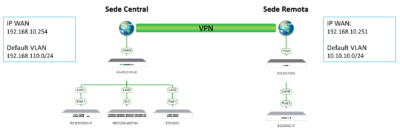
This is where many people get stuck. A subnet router allows devices that do NOT have Tailscale installed (such as an older printer, a NAS , or IP cameras) to be accessible from outside. Instead of installing the client on each device, the Raspberry Pi acts as a gateway for your entire local network.
If your home network uses the 192.168.1.0/24 range, you must run sudo tailscale up --advertise-routes=192.168.1.0/24However, if you find that the external network you're connected to uses the same IP address range (the typical IP conflict), the solution is advertise specific hosts using /32 masks (for example, 192.168.1.5/32), thus preventing the system from getting confused and the VPN from breaking, something fundamental in the static IP address management.
Advanced Management: DNS, Security, and Plans
Tailscale offers a feature called MagicDNS that lets you forget about IPs and access your machines by name. Additionally, you can integrate servers like Pi-hole or AdGuard Home by configuring the Nameservers in the control panel and enabling the option to override the local DNS. This means you'll have ad blocking on your mobile device even when using mobile data outside your home.
In terms of security, the system implements automatic key rotation and allows you to create ACLs (Access Control Lists) using JSON files. With these rules, you can decide, for example, that your mobile phone can access the NAS, but that a guest's laptop can only access a specific machine, maintaining granular control over permissions.

For the vast majority of users, the Personal plan is free and allows you to connect up to 100 devices, which is more than enough for a home environment. There are paid plans for businesses that add priority support and more complex user management, but the free version is surprisingly generous.
Having a WireGuard-based mesh network transforms your Raspberry Pi into a versatile tool that eliminates CG-NAT barriers, allowing you to manage local services and browse with complete security. By combining its ability to act as an exit node and subnet router, you achieve transparent and professional remote access without exposing ports to the outside world.