- Key differences between static and dynamic addressing for network optimization.
- Critical advantages in security, server hosting, and enterprise remote access.
- Manual configuration methodologies and advanced IPAM management tools.
- Strategies to mitigate security risks and avoid address conflicts on the network.
When we delve into the world of networks, it's normal to have questions about what an IP address is and what it's used for on the internet. Basically, an IP address acts like a digital license plate , allowing any device, from a large company's server to your office printer, to find and communicate with others without getting lost.
Depending on how these addresses are assigned, we can talk about dynamic or static configurations. While the former change periodically, the latter remain fixed, which is a fundamental pillar for those who need stable and predictable connectivity for critical services.

What exactly is a static IP address and how does it differ from a dynamic one?
Simply put, a static IP address is one that is manually assigned and doesn't change over time unless someone changes it in the settings. It's ideal for devices that need to be reachable at all times, such as routers or web servers. In contrast, a dynamic IP address is managed by the DHCP protocol, which "rents" available addresses that change periodically , making it much more convenient for home users with mobile phones or laptops.
- Static IP: Manual, constant configuration requires administrative maintenance and usually incurs an extra cost if it is public.
- Dynamic IP: Automatic, rotating, easily scalable and generally free allocation within the provider's package.
Advantages of opting for a fixed addressing

Having a stable digital identity offers clear benefits, especially in professional settings. For example, website managers need to link their domains to a static IP address, as this improves DNS efficiency and makes it easier for visitors to find the site without errors. Furthermore, for those working with VoIP or video calls, the stability of a fixed IP address reduces latency and prevents annoying interruptions during communication.

Regarding remote work, static IPs are key to implementing allowlisting or whitelisting . This allows a company's security team to configure the firewall to only allow connections from specific IP addresses, blocking any intruders. They also greatly facilitate remote access via VPNs or virtual desktops, as the server always knows exactly where to find the employee's device.
How to configure and manage these addresses in practice
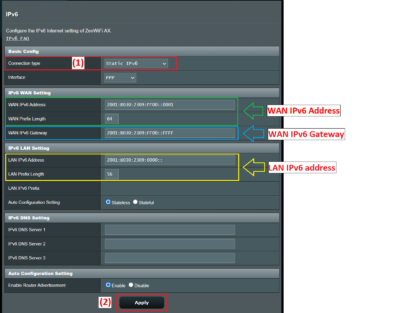
If you want to set up a static IP address, the process varies depending on your environment. For a local network, you first need to choose an address within the subnet that isn't being used by the DHCP server to prevent two computers from trying to use the same IP address. Then, you must manually enter the following information on your computer: the IP address, subnet mask, default gateway, and DNS servers.
Depending on the operating system, the steps vary: in Windows, it's done through the network adapter properties; in Linux, it's usually done by modifying the interfaces file or using commands like nmcli; and in macOS, it's managed through the network settings. At the enterprise level, it's best to request a static public IP address from your internet service provider (ISP), although this often involves a monthly fee. If you don't know where to start, you can learn how to find your router's IP address and configure it.
Risks, challenges, and how not to go crazy with management
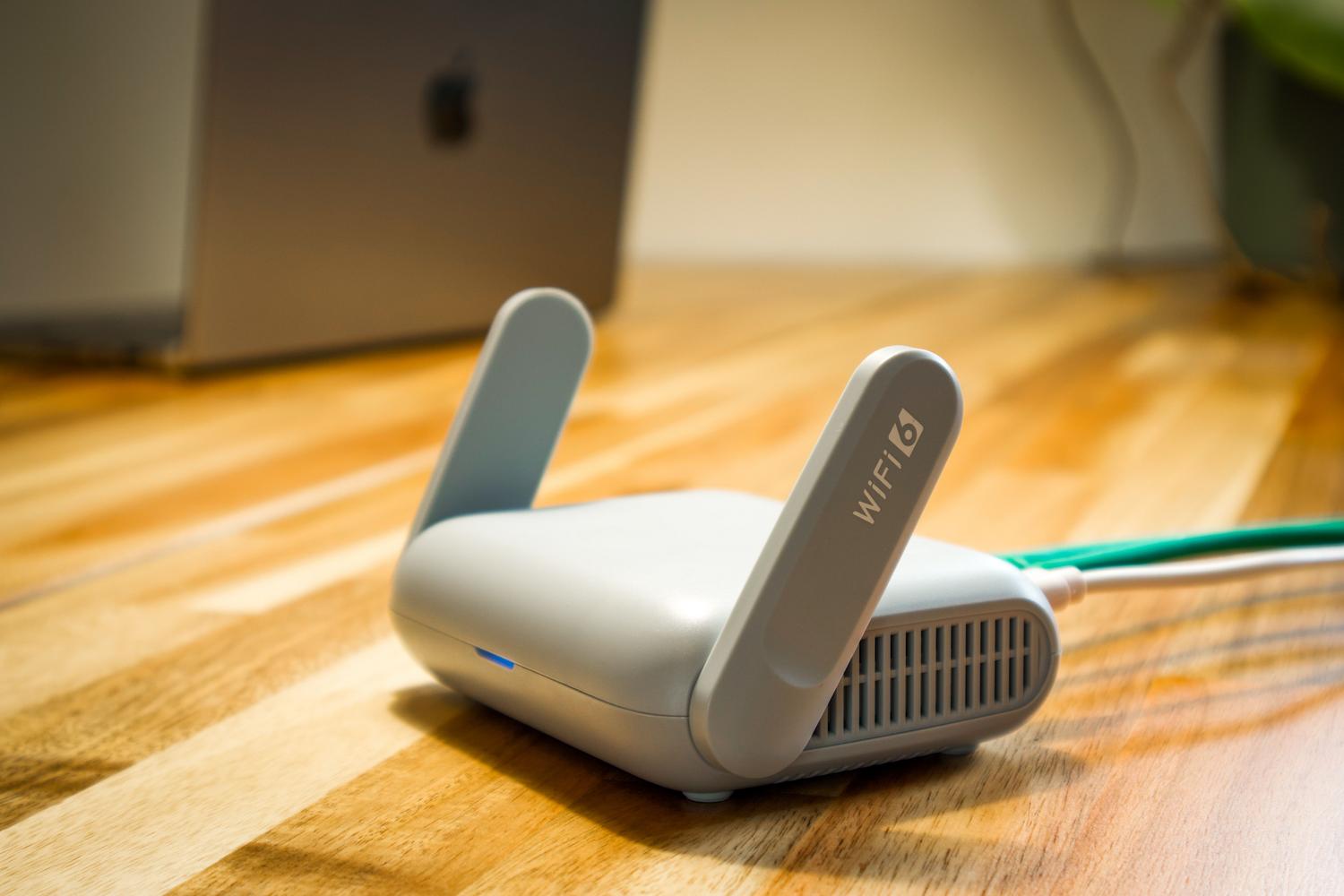
It's not all sunshine and roses; manually managing static IPs can be a real headache if the network grows significantly. The most common risk is IP conflict , which occurs when two devices share the same address, causing both to lose connection. Furthermore, from a security standpoint, a static IP is a more visible target for hackers, as the attacker knows the server will always be in the same location.
To avoid these problems, IPAM (IP Address Management) tools exist that allow you to centralize control of the entire address space. These solutions allow you to scan the network in real time, track who is using each IP address, and manage supernets to optimize space. A smart alternative is to use DHCP reservations : the server always assigns the same IP address to a specific MAC address, combining the stability of a static IP with the ease of managing a dynamic one, thus avoiding problems in shared IP and DNS networks.
Advanced security measures and best practices
To ensure a robust network, simply assigning IP addresses is not enough. It's vital to implement strict firewall rules and, if possible, link the IP address to the device's MAC address . This way, even if someone attempts to spoof the IP address, the system can block access if the hardware doesn't match. In highly organized environments, it's recommended to maintain a detailed and up-to-date record of all IP address assignments to prevent overlaps.
Implementing alert systems is also crucial. Tools exist that notify the administrator when an IP address changes state or when a device attempts to connect to a static IP address without prior approval . This is especially useful in IoT networks, where groups of devices can be approved using their OUI (Original User Identifier) to streamline deployment without sacrificing control.