- Teachable Machine allows the development of image, sound, and pose recognition models without writing code.
- The tool democratizes artificial intelligence by making machine learning easier for non-technical profiles and educators.
- It is possible to export the trained models for integration into web applications, IoT projects, or local software.

Have you ever thought that artificial intelligence is only for computer geniuses or mathematicians with PhDs? Well, get that idea out of your head because today anyone can experiment with machine learning without having to wrestle with a single line of code. Thanks to intuitive tools, access to this technology has been democratized, allowing everyone from students to entrepreneurs to take their first steps into the world of AI in a completely visual way.
One of the brightest examples in this area is Teachable Machine, a Google web platform that transforms model training into something almost like a game. It's not about creating a complex chatbot, but about designing systems capable of classifying images, recognizing sounds, or detecting body postures in real time. It's the perfect entry point for those who want to understand how a machine "learns" from examples and how to apply that knowledge to educational or creative projects.
Basic concepts to avoid getting lost along the way
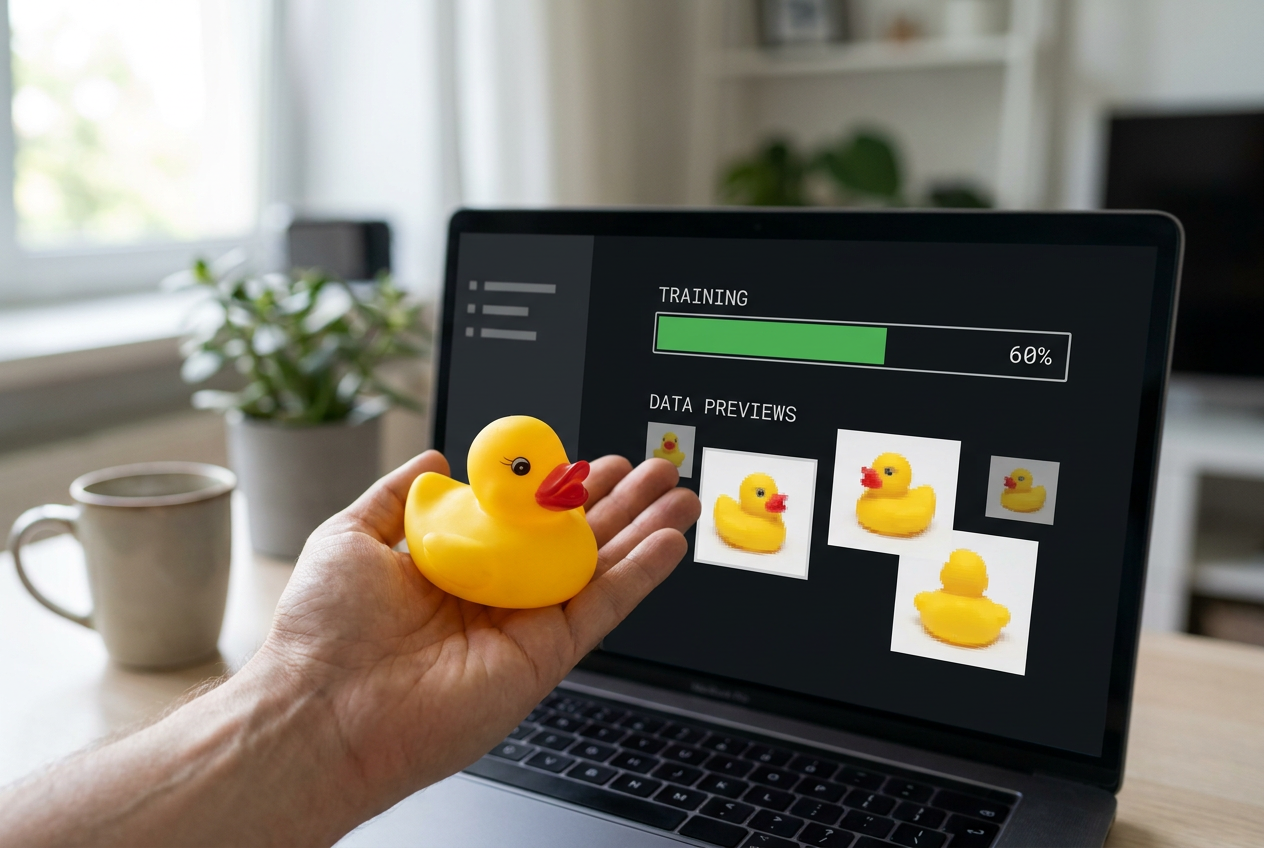
Before diving into the tool, it's helpful to understand what Machine Learning is . Essentially, it's a branch of AI that allows computers to learn from data instead of following programmed instructions step by step. Imagine you're a child learning to distinguish an apple from a pear; your parents show you various fruits and tell you which is which. Well, the AI model does the same thing: it analyzes patterns in the provided data to make decisions about things it has never seen before.
These models are the driving force behind technologies we already use daily, such as Alexa-type voice assistants or Netflix recommendation systems. In the educational field, this is invaluable, as it allows students to understand the inner workings of AI and develop critical thinking skills about how information is processed in the digital age.
Step by step to create your first model

If you want to get started, the process is surprisingly simple. First, go to the official Teachable Machine website and choose the type of project that interests you most: images, sounds, or poses . If you choose images, for example, you'll see that the system asks you to define "classes." A class is simply the category you want the AI to recognize. If you want it to distinguish between a pen and a notebook, you'll create a class for each.
To feed these lessons, you have two options: use your webcam to capture photos in real time or upload files you already have saved on your computer or in Google Drive. A trick to ensure the model is accurate is to provide variety; don't take ten identical photos, but rather capture the object from different angles, lighting, and positions . The more clean and varied examples the machine has, the fewer errors it will make.
Once your data is ready, it's time to click the "Prepare model" button . This is where the magic happens: the system processes the images and begins training. It's crucial not to close the tab or open resource-intensive programs during this process to avoid errors. Afterward, you can test the result in the preview by placing the object in front of the camera and seeing how the AI assigns a probability of success to each category.
Advanced tips and data optimization
It doesn't always work perfectly the first time, and that's part of the fun. If you notice your model getting confused, you probably need to clean your dataset . For example, if you're classifying insects and there's a person in the background of the ant photos, the AI might think that people are part of what defines an ant. Removing these irrelevant images is key to obtaining "clean" data and efficient training.
For those seeking a more professional approach, tools like the Imageye Chrome extension allow you to download images in bulk from Google to feed the models. Additionally, it's highly recommended to reserve some samples for testing ; that is, save a few photos that the AI hasn't seen during training to verify whether it has truly learned to generalize or simply memorized the images.
Export and real-world applications
The best part is that your work doesn't have to be confined to Google's website. You can export your model in TensorFlow.js format , allowing you to integrate it into your own website or mobile app. There are also options to download it in formats compatible with TensorFlow Lite, ideal for Internet of Things (IoT) projects or local devices.
From a pedagogical perspective, teachers can use this to create activities that connect with real-life situations. For example, they could train an AI to identify galaxy types based on Hubble's morphology, or create a system that recognizes everyday objects to solve a specific classroom problem. This transforms students from passive consumers of technology into active creators of AI-based solutions.
Other tools for non-experts
While Teachable Machine is fantastic, there are more options on the market for those seeking a low-code approach . Google AutoML is the bigger, more powerful, and enterprise-oriented sibling, integrating with Google Cloud. On the other hand, Lobe.ai offers an extremely simple drag-and-drop experience for image models, while Runway ML is a paradise for digital artists who want to create art or edit videos with AI.
If you're more comfortable with Microsoft, Azure Machine Learning Studio lets you design complex workflows without coding. And if language and text are your thing, Hugging Face is the go-to platform, offering a vast library of pre-trained models that you can customize to analyze sentiment or translate languages. All these platforms share a common goal: to eliminate technical barriers so that innovation depends on ideas, not on knowing how to write code.
The ability to train intelligent systems has become accessible to everyone, allowing creativity and education to merge with cutting-edge technology. By mastering tools like Teachable Machines and their alternatives, any user can transform simple data into functional models capable of recognizing their environment, optimizing processes, and opening the door to innovations that were previously reserved only for computer experts.