- AI allows you to automatically transform texts, PDFs, and videos into flashcards optimized for studying.
- There are versatile tools that combine gamification with spaced repetition systems.
- Digitizing memory cards facilitates personalized organization and access from any device.
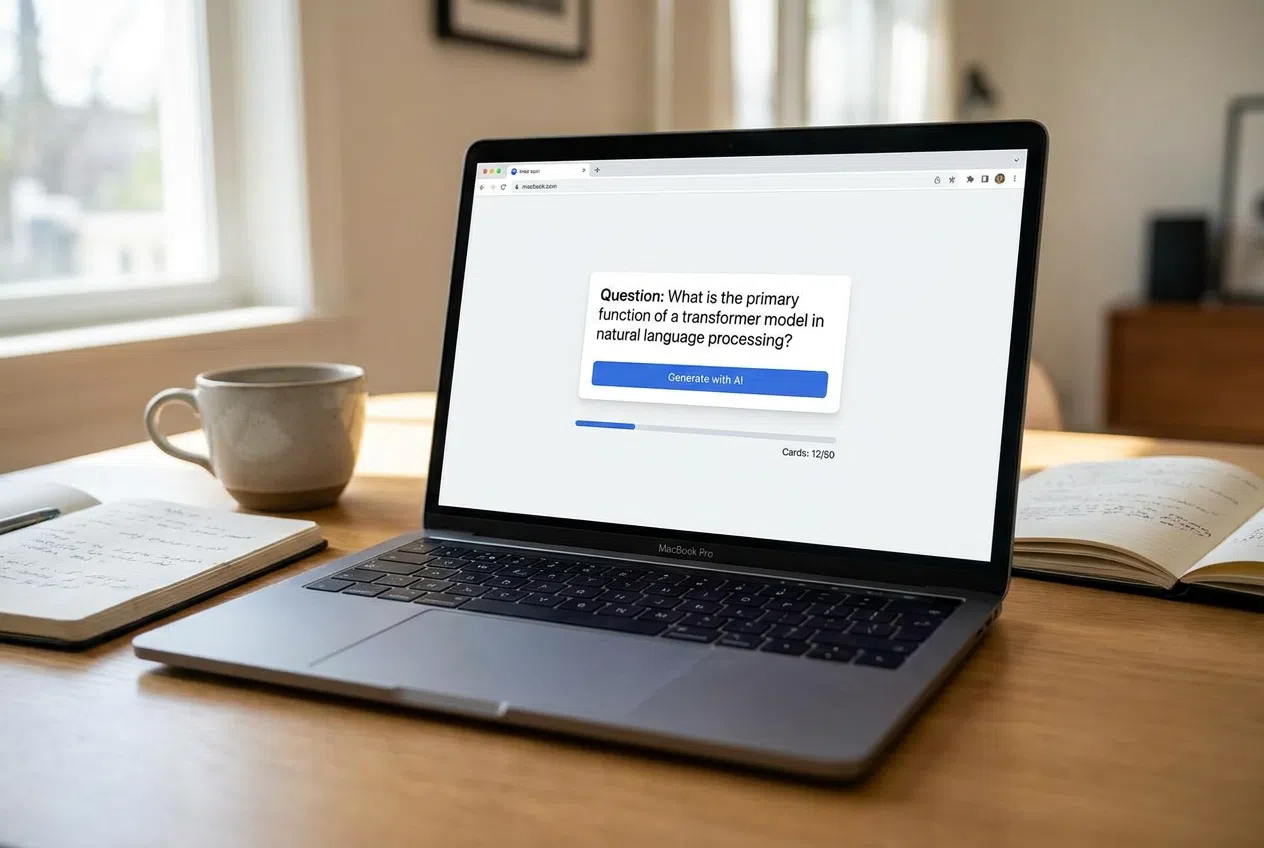
If you're facing a mountain of notes and feel like there's no way you can memorize it all, you're not alone. Flashcards have always been the secret weapon for retaining complex concepts and definitions, relying on constant self-assessment. Now, with the advent of artificial intelligence, this process has taken a quantum leap, allowing us to move from scraps of paper to intelligent digital ecosystems that do the hard work for us.
The beauty of these new technologies is that you no longer have to spend hours manually entering data. Now, you can upload your own materials , such as lecture slides or entire books, and let an algorithm identify the most important information. This not only saves a huge amount of time, but it also makes learning much more dynamic and, frankly, far less boring than the traditional method.

AI-powered tools for generating content

In today's market, solutions like Algor stand out, positioning itself as an online creator capable of converting any format (be it a video, an image, or text) into flashcards in a matter of seconds. It's an ideal option for those preparing for competitive exams or university entrance exams, as it even offers the possibility of exporting the cards for printing if you're someone who still prefers the feel of paper.
On the other hand, there are platforms that integrate advanced AI workflows to analyze uploaded content. These tools scan your notes and automatically extract definitions and key concepts , creating high-quality study decks. It's the perfect solution for those looking to integrate their sources directly into applications like Anki, allowing them to study complex content efficiently and on a massive scale from the very beginning.

Interactive and design platforms
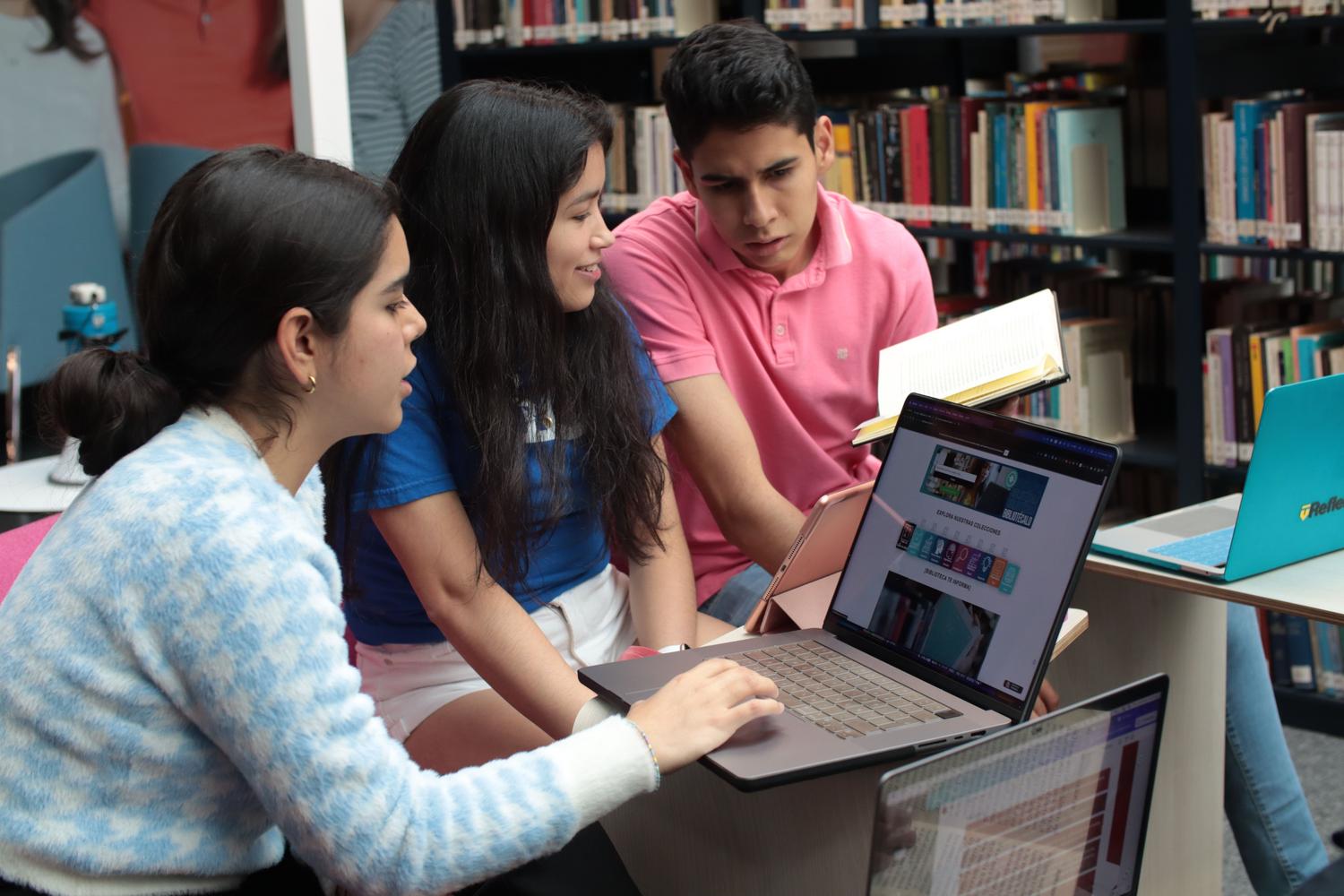
If you're looking for something more visual and less rigid, Genially is a fantastic option. Unlike conventional study apps, it allows you to create professional-looking flipcards without writing a single line of code. It's a powerful tool for instructional designers or teachers who want to add advanced interactivity and embedded elements to their courses or websites.
For those who prefer a more structured and gamified approach, Quizlet remains a benchmark. It allows you to organize your studies into folders and offers various learning modes. For example, the "learn" mode distinguishes between flashcards you've already mastered and those you still need to review . It also includes features like "match" mode for pairing concepts and "quiz" mode with multiple-choice and true/false quizzes.
Other digital alternatives and methodologies
There are other specialized apps depending on the objective. TinyCards focuses much more on visual learning , making it ideal for subjects like geography or history thanks to its image integration. Memrise, on the other hand, orients its methodology towards languages, structuring learning as if it were an interactive quiz , although it's important to note that not all of its features are free.
We also found options like Memorizar.com (from Studymode), which stands out for being entirely in Spanish. This platform allows you to import pre-made flashcards or design them from scratch, including a unique three-sided flashcard option. Its study modes help filter memorized content to focus solely on weak points.

Step-by-step guide to generating cards with AI
To get the most out of an AI-powered flashcard generator, the process is usually very intuitive. First, you upload your study material , either by pasting the text or uploading files in Word, PDF, or PowerPoint format. It's essential that the content is long enough for the AI to identify the most relevant patterns and concepts.
- Format selection: You can choose between term-definition pairs, questions and answers, or multiple-choice formats.
- Review and editing: Once generated, it is advisable to review the content, remove anything unnecessary, or add images manually to reinforce visual memory.
- AI Optimization: Many tools allow you to request specific adjustments from the AI to change the tone or type of card through an improvements panel.
- Practice and feedback: When studying, the user marks whether they already know the answer or are still learning, which generates a performance summary detailed.
For educators, these tools are a goldmine, as they allow sharing access through codes and monitoring which cards are more difficult for the group, thus identifying the critical points of the syllabus that require more reinforcement in class.
The evolution of flashcard study, from paper to artificial intelligence, has transformed memorization into a streamlined and personalized process. Whether using Algor's analytical power, Genially's interactivity, or Quizlet's structured approach, the key lies in combining technology with spaced repetition to optimize study time and ensure long-term knowledge retention.