- The problem is usually a visual glitch caused by system processes, graphics drivers, or third-party scheduled tasks.
- Many cases are linked to a specific component of the Google Chrome browser that runs when the computer is unlocked.
- There are several solutions available, ranging from restarting File Explorer to disabling tasks in the Windows Scheduler.
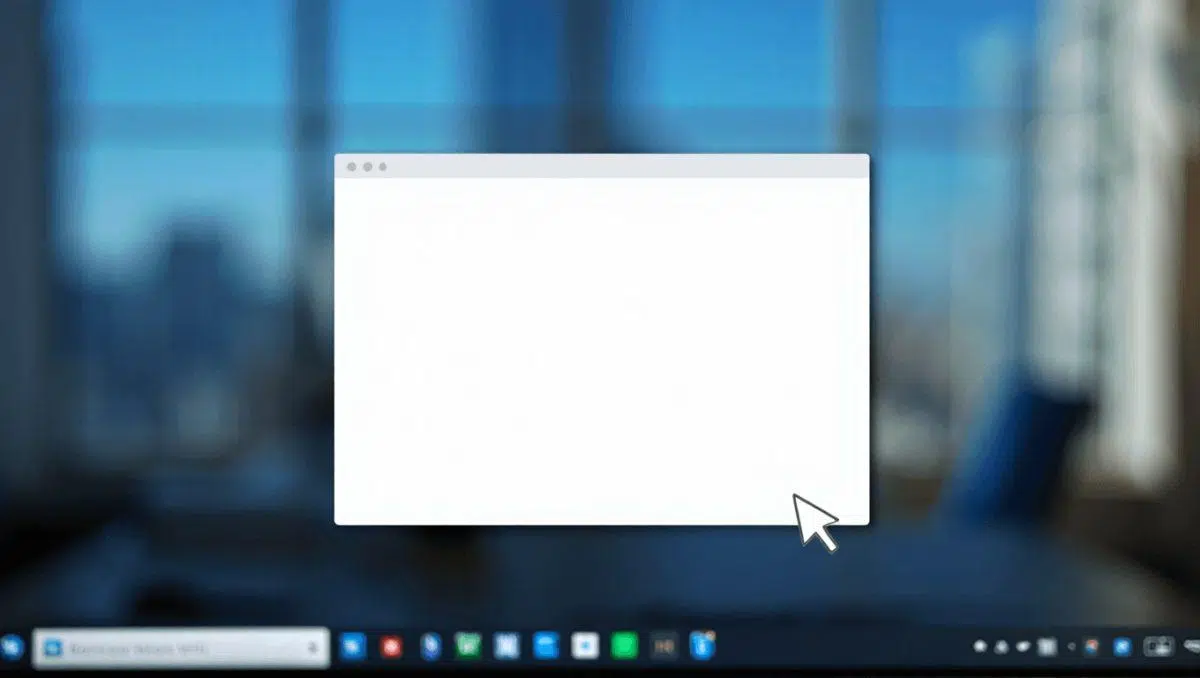
If you suddenly encounter a completely white box that appears out of nowhere on your screen, the first thing to do is not to panic . Although it may seem like erratic behavior or even a symptom of a virus, it is most likely a simple graphical glitch or a system component that has frozen while trying to load.
This phenomenon is quite common in both Windows 10 and Windows 11 and usually appears as an empty rectangle, sometimes with a title bar and sometimes with nothing, that pops up intermittently . It won't break your computer, but recognizing that it's a real nuisance can help you stay calm while you look for a solution.

Why does this visual impairment occur?
There are several reasons why your PC might display this box. First, your graphics card drivers may be outdated or corrupted, preventing the GPU from rendering the interface elements correctly. It's also common for hardware acceleration in some applications to cause the rendering area to go blank if there's a hardware conflict.
On the other hand, many modern applications use engines like WebView2 or Chromium/Electron to display their interface; if these components fail, the window will remain empty. Even File Explorer itself, specifically the preview pane , can crash and cause this effect. We also can't forget that incomplete Windows updates or overloads caused by overlay programs like Discord or Xbox Game Bar can interfere.

The unexpected culprit: Google Chrome
Interestingly, a significant number of users have been found to experience this white screen immediately upon logging in or unlocking their computer. After investigating on forums like Reddit, it was discovered that the problem is not related to the processor (whether Intel or AMD), but rather to a scheduled task in Google Chrome.
The specific process is called RunPlatformExperienceHelperOnUnlock and is located in the GoogleUserPEH folder of Task Scheduler. Although Google hasn't officially acknowledged the bug, this component manages interactions between the browser and the system, and when it runs, it seems to leave that annoying visual trace in the upper-left corner of the screen for a few seconds before disappearing. To optimize your browser, you can review your browser extension management and permissions.
Step-by-step guide to removing the white window
If you'd like to try some quick fixes, the simplest is to restart the explorer.exe process from Task Manager. This refreshes the interface and usually clears the window if it's a one-off glitch. Alternatively, closing the application you suspect is causing the conflict and reopening it might be enough.

For more in-depth solutions, we recommend following these steps:
- Update your drivers video by visiting the manufacturer's official website.
- Disable hardware acceleration in the settings of Chrome, Edge, or design apps.
- Repair corrupted system files by running the command sfc / scannow and later the DISM tool.
- If the problem is with Chrome, open the windows task scheduler, locate the GoogleUserPEH folder and disable the task mentioned above.

Other cases: The Windows search engine
Some users report that the taskbar search window remains blank for several seconds after a cold boot . Despite attempts to rebuild the search index or restart the Windows Search service, the problem initially persists before functioning normally. This is an interface loading issue that usually resolves itself after a short period of use.
For those who suspect it might be something more serious, it's always a good idea to run a full scan with Windows Defender or use tools like Malwarebytes. Even if it's unlikely to be malware, checking for dangerous antivirus programs or unknown processes consuming network or CPU resources provides ultimate peace of mind.
Keeping your system up-to-date with the latest updates and avoiding the use of beta drivers is the best strategy to prevent these errors from recurring. If the white box reappears, it's best to monitor the Windows Event Viewer to pinpoint the exact process causing the problem and apply the appropriate fix without having to format your computer.
