If you're fed up with being bombarded with ads while browsing the internet, setting up a filtering server is the ultimate solution. The Raspberry Pi Zero is a gem for this, as it's small, consumes very little power , and does the dirty work of cleaning your network without you even noticing.
Pi-hole is essentially a "black hole" for ads; it intercepts DNS requests and blocks malicious or advertising domains before they reach your device. It's a super lightweight tool that you can leave running in a corner of your house and almost completely forget about.
What do you need to start?

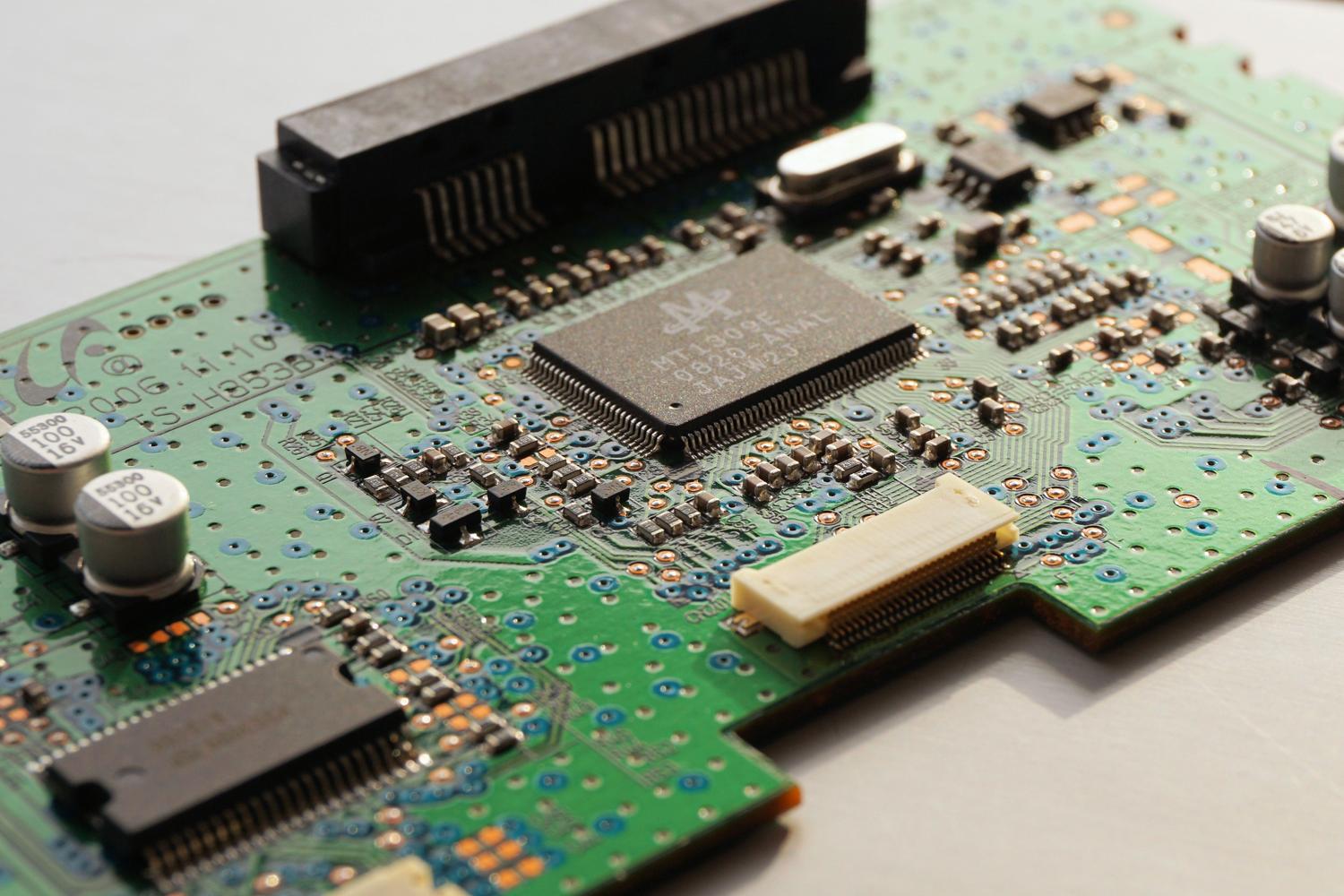
The first thing to consider is the hardware. Although the software is very lightweight, you need a computer that can handle it. Pi-hole requires a minimum of 512 MB of RAM and about 2 GB of disk space, although 4 GB would be ideal for more flexibility. If you're using a Raspberry Pi Zero 2W, we strongly recommend using an Ethernet HAT for a stable connection, as the Wi-Fi can sometimes be unreliable.
Regarding power, a common question arises as to whether it can be powered via the router's USB port. The answer is that, although some routers allow it, it's preferable to use a reliable wall outlet to avoid unexpected restarts or system instability.
Supported operating systems
Not just any software version will do. For everything to run smoothly, you need to install a distribution that uses systemd or sysvinit . Here are the most reliable options:
- Raspberry PiOS: The Buster and Bullseye versions work perfectly on ARM architecture.
- debbian: Fully compatible with versions 10, 11 and 12.
- Ubuntu: From 20.x to 23.x, both on ARM and x86_64.
- Other options: Armbian OS, Fedora (36-38) and CentOS Stream (8/9).
Be careful with this: if you try to install it on versions that are too recent or unsupported (such as some Raspbian 12 builds on older models), you might encounter compatibility errors that prevent you from progressing.
Network and Port Configuration
To prevent your network from malfunctioning, the Pi-hole server must have a static IP address . If you don't want to manually configure the IP address on the Raspberry Pi, you can set up a DHCP reservation on your router so that it always receives the same address.
Regarding ports, you need to be careful to avoid conflicts. Port 53 (TCP/UDP) is the core of DNS ; if you have another DNS server like BIND, you'll need to disable it. Web administration uses port 80 (HTTP) , so if you already have an Apache server, you'll need to change the lighttpd port. If you're interested in using Pi-hole as a DHCP server, you'll need to open ports 67 and 547. Finally, the FTL API engine listens on port 4711, but only locally.
Step by Step Installation Guide
The quickest and easiest way is through automated installation. Simply log in via SSH (using PuTTY, for example) and run this command: curl -sSL https://install.pi-hole.net | bash
If you prefer not to run scripts directly from the web, you have more manual alternativesYou can download the executable with wget -O basic-install.sh https://install.pi-hole.net and then run it with sudo bash basic-install.shAnother way is to clone the official GitHub repository using git clone --depth 1 https://github.com/pi-hole/pi-hole.git Pi-hole and enter the automatic installation folder to launch the script.
Deployment using Docker
For those who prefer containers, Docker is a fantastic option. The easiest way is to create a file docker-compose.ymlIn this file you must define the image pihole/pihole:latest and map ports 53, 67, and 80. It is essential to add cap_add: NET_ADMIN If you are going to manage DHCP and configure the volumes so that your blacklists are not deleted when the container restarts.
Once the server is up and running and you see the final screen with your login details, the final step is to configure the DNS on your devices or directly on your router. This way, all traffic from your home will be filtered, and you'll say goodbye to annoying banners.
Setting up Pi-hole on a Raspberry Pi Zero transforms your browsing experience by removing advertising at the network level, requiring modest hardware, a static IP address, and an installation that can be automated using scripts or Docker containers, ensuring that DNS and HTTP ports are free for optimal performance.