- The breakage of the plastic supports is a common failure due to insufficient design for the mechanical stress of the equipment.
- There are several repair options available, ranging from the use of epoxy resins to complete replacement of the casing.
- It is essential to be careful with the internal wiring that runs through the hinges to avoid irreversible damage.
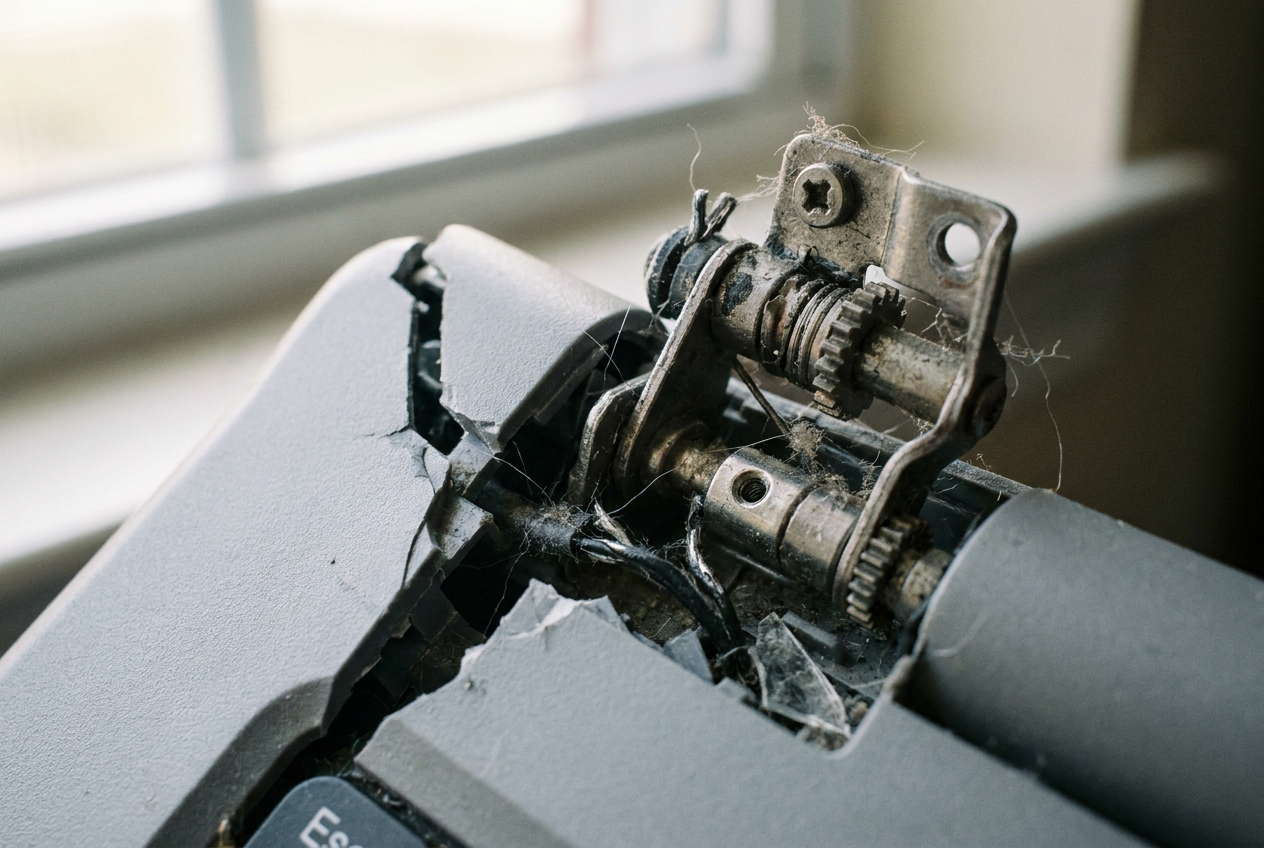
I'm sure it's happened to you: you carefully open your computer and suddenly notice the screen wobbling or the plastic casing starting to give way. It's a terrible shock because it seems like the screen has completely detached, but the reality is that the screw mounts have shattered. This problem is much more common than we think and often leaves us with the dilemma of whether to attempt a DIY fix or take it to a repair shop.
Most of the time, the problem lies in the fact that manufacturers use tiny screws to withstand brutal mechanical force every time you move the lid. Essentially, it's a design flaw and a case of planned obsolescence , since the plastic simply can't withstand the tension of the metal hinge in the long run. If you find yourself in this situation, don't despair; there are several ways to repair a broken laptop hinge, depending on how much trouble you want to make.

The dilemma: Epoxy or casing replacement?
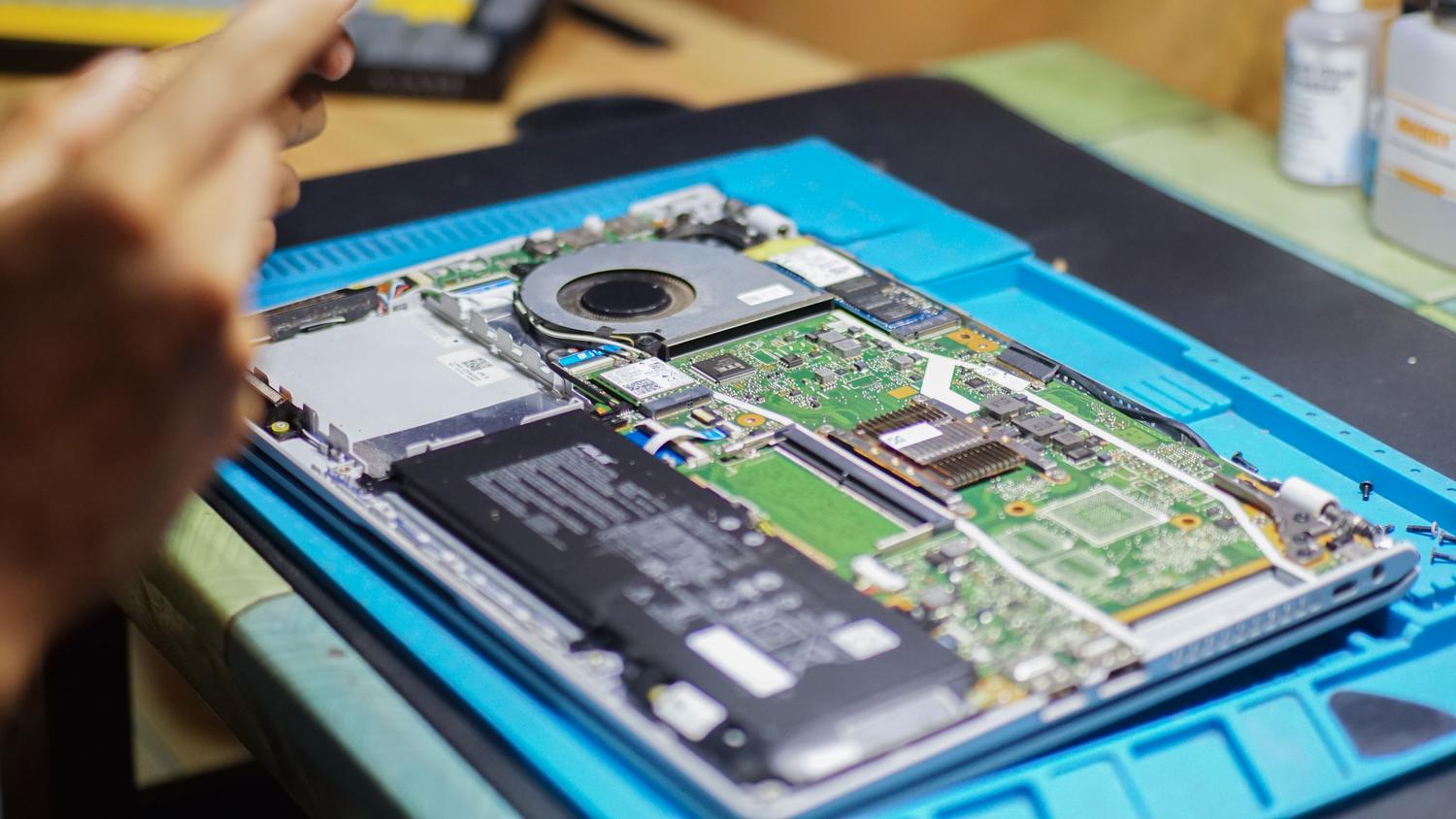
When brass hinges come loose from the plastic, many of us consider using putty or epoxy resin to rebuild the base. It's a tempting option because it's cheap, but there's a catch. For example, on devices like the Sony XM5 headphones, epoxy works great if you rotate the hinge pin every 20 minutes while it cures to prevent it from getting stuck. However, on a laptop, things are more delicate. You have to be very careful because critical cables , such as those for the Wi-Fi antenna, webcam, or the screen's flex cable, run through the inside of the hinges.
If you try to fill the gap with resin without looking where you're going, you could cover a cable or, worse, glue it to the chassis, rendering it unusable. That's why many people prefer to replace the entire casing . Although it involves disassembling the whole device, it's a much cleaner and more professional solution. Sometimes the price difference is minimal, and you avoid the risk of the epoxy patch breaking again after a couple of days due to constant pressure.
Ingenious alternatives and technical solutions
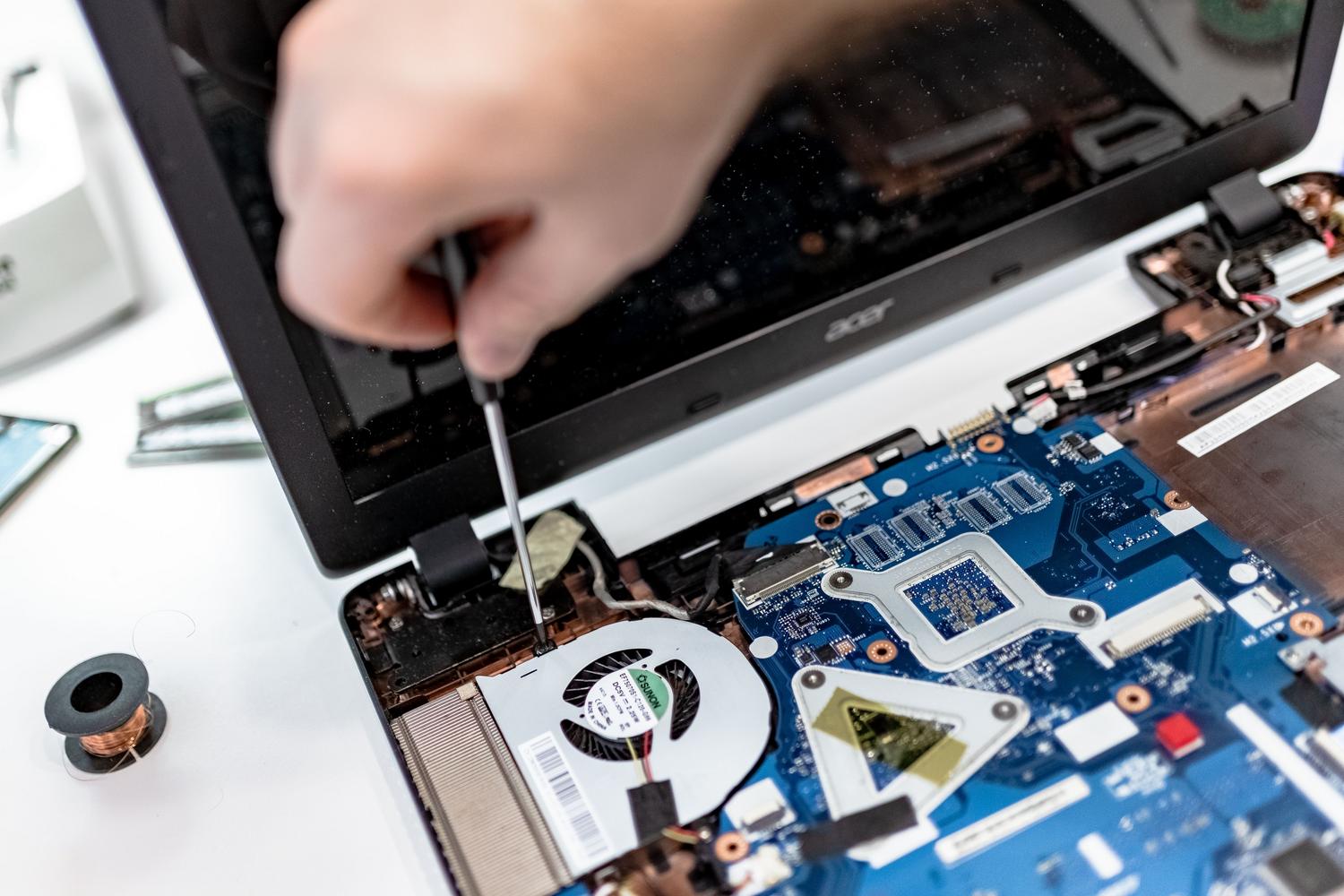
If you don't have the budget for a new casing and epoxy isn't feasible due to cable placement, there are some more aggressive but effective mechanical solutions . One technique involves blocking a mounting hole on the back by driving a long screw through the hinge base and securing it externally with a crown nut . This creates a real physical anchor point that doesn't rely on rotten plastic, ensuring the screen doesn't move.
For those hesitant to touch the hardware for fear of damaging the computer, specialized technical services are available. These professionals know that the motherboard cable is usually located on the left hinge, and the camera and microphone cables on the right. A technician can reinforce the area or replace the components without risking frying the motherboard, thus preventing errors that shorten the PC's lifespan —something that often terrifies users who have only ventured to upgrade the RAM so far.
Precautions when handling hardware
If you decide to take the plunge and open your laptop, remember that the biggest danger isn't a lost screw, but static electricity or improperly seated internal components. There's no need to panic, but you do need to be meticulous. If you're using resin, keep in mind that in some cases it's not necessary to clean the plastic with acetone, but it is vital that the material fully cures before forcing the lid open.
The key to a lasting repair is distributing the force . If you only glue the surface, the hinge lever will quickly break the epoxy. Ideally, you should find a solid support or, if your budget allows, replace the plastic part so the computer regains its original stability.
Whether you opt for strong resins, a through-screw system, or a complete case replacement, the key is to properly manage hinge tension and protect internal wiring to prevent the laptop from becoming completely unusable due to a purely mechanical problem.