These days, more and more people are choosing to move away from public clouds and set up their own systems at home. And let's be honest, having complete control over your data without depending on the whims or privacy policies of a large company is priceless peace of mind. Whether it's for storing family photos or work documents, having your own personal cloud storage space online is much easier than it first appears.
To achieve this, Nextcloud has become the go-to tool. It's not just a place to drop files, but a complete productivity ecosystem that lets you sync calendars, manage contacts, and collaborate in real time with other users. Best of all, you can choose the hardware that best suits your needs, from an old PC gathering dust to a dedicated server or an SBC device.

Hardware options for your private cloud
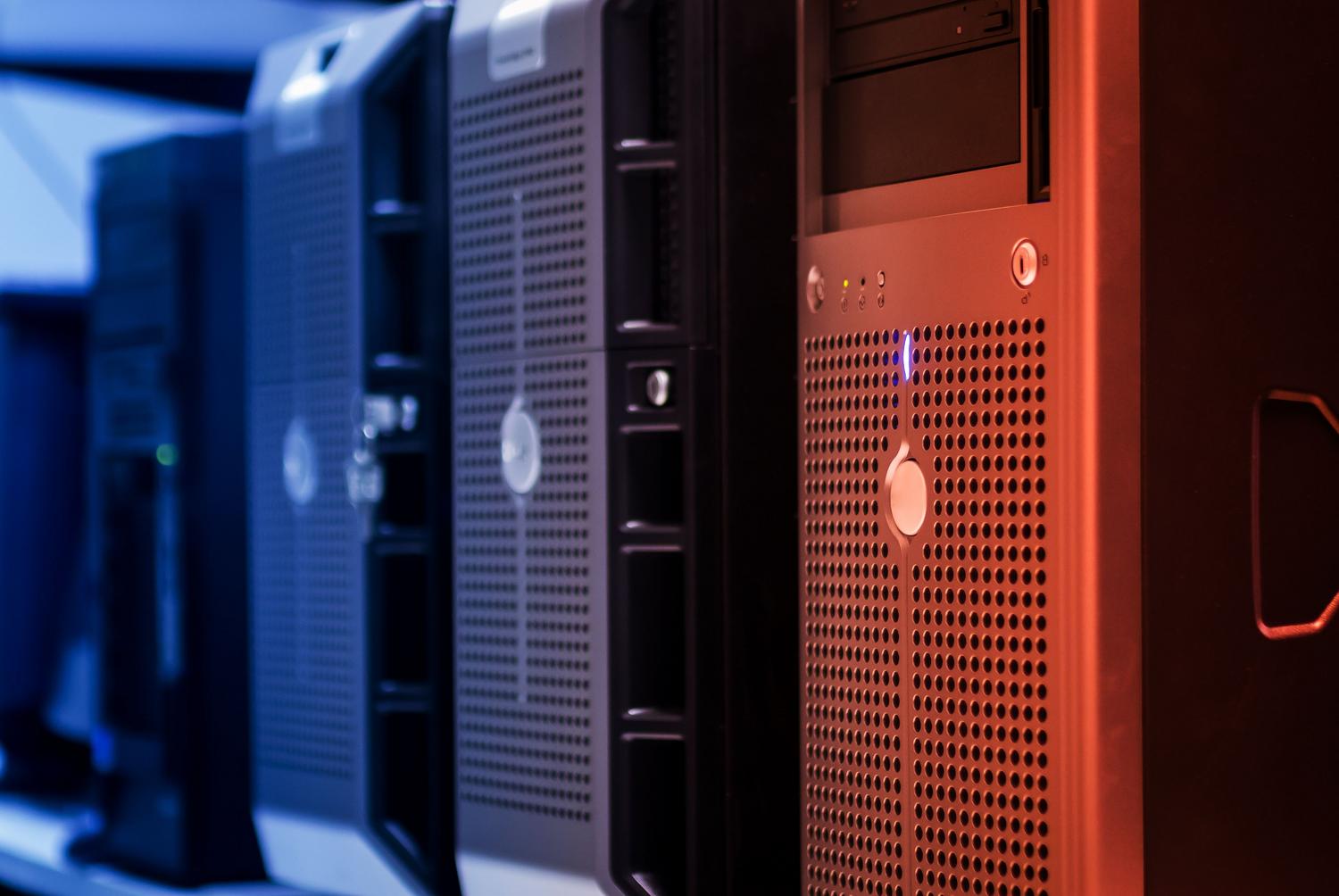
If you want to keep things simple, you can start with a Cloud VPS . It's a very affordable option, almost like paying for a couple of coffees a month, and it gives you the power you need for personal use. Depending on your needs, you can choose basic profiles with around 6 GB of RAM or upgrade to more powerful configurations with NVMe storage for lightning-fast performance.
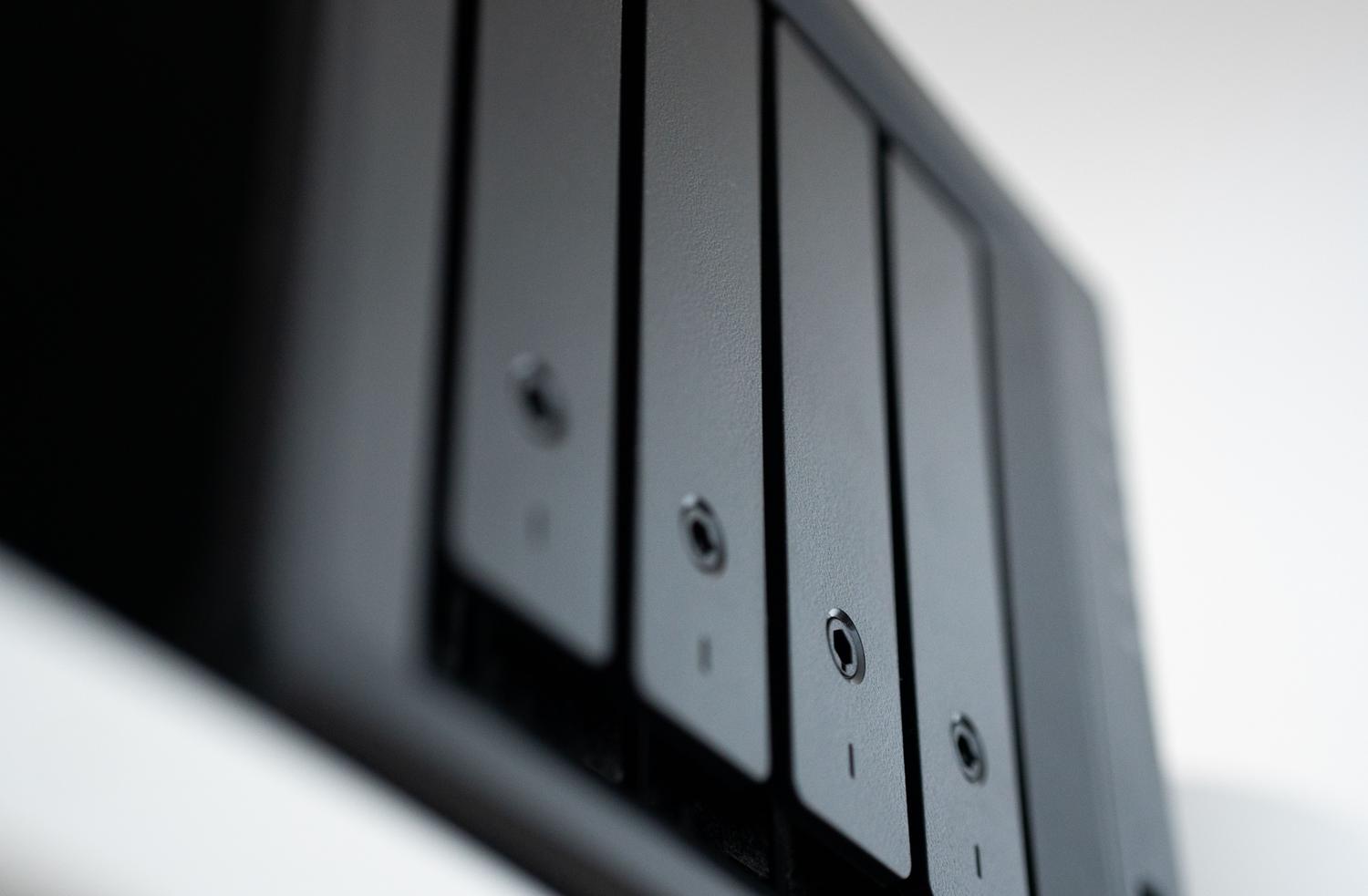
On the other hand, if you prefer to have the hardware in your living room, NAS servers are the ideal option. For example, on a Synology NAS you can install Nextcloud as an alternative to Synology Drive, taking advantage of the ease of use of its DSM system. There are also more compact and powerful options like the ZimaBoard SBC , which, thanks to its x86 architecture and compatibility with CasaOS, allows for smooth deployment without the typical compatibility issues of other, more closed systems.

Step-by-Step Installation in Linux Environments (Ubuntu/Debian)
For those who prefer to do things manually on an Ubuntu or Debian server, the first step is to ensure the system is perfectly configured. After connecting via SSH, it's crucial to create an administrator user and avoid always using the root account for security reasons. Once this is done, the firewall (UFW) must be configured to allow only necessary traffic through ports 80 and 443.
The basic technology "stack" requires the installation of a web server Apache, a MySQL or MariaDB database, and PHP with their corresponding extensions (such as gd, curl, zip, and mbstring). One area where people often go wrong is PHP configuration; it's vital to adjust the upload_max_filesize and the post_max_size If you plan to upload large files, this will prevent the server from cutting off your connection halfway through.
Database and Software Configuration
Before launching the installer, you must log into the MySQL console and create a specific database For Nextcloud, assign a user with full privileges. Then, download the latest stable version from the official website and extract it to the Apache directory (usually /var/www/html) and folder permissions are adjusted so that the user www-data can write on them.
For everything to work properly, a configuration file must be created. VirtualHost in ApacheThis allows the server to know exactly which folder to direct traffic to when someone accesses your domain or IP address. Don't forget to activate the modules. rewrite y headers before restarting the service.

Security and Remote Access
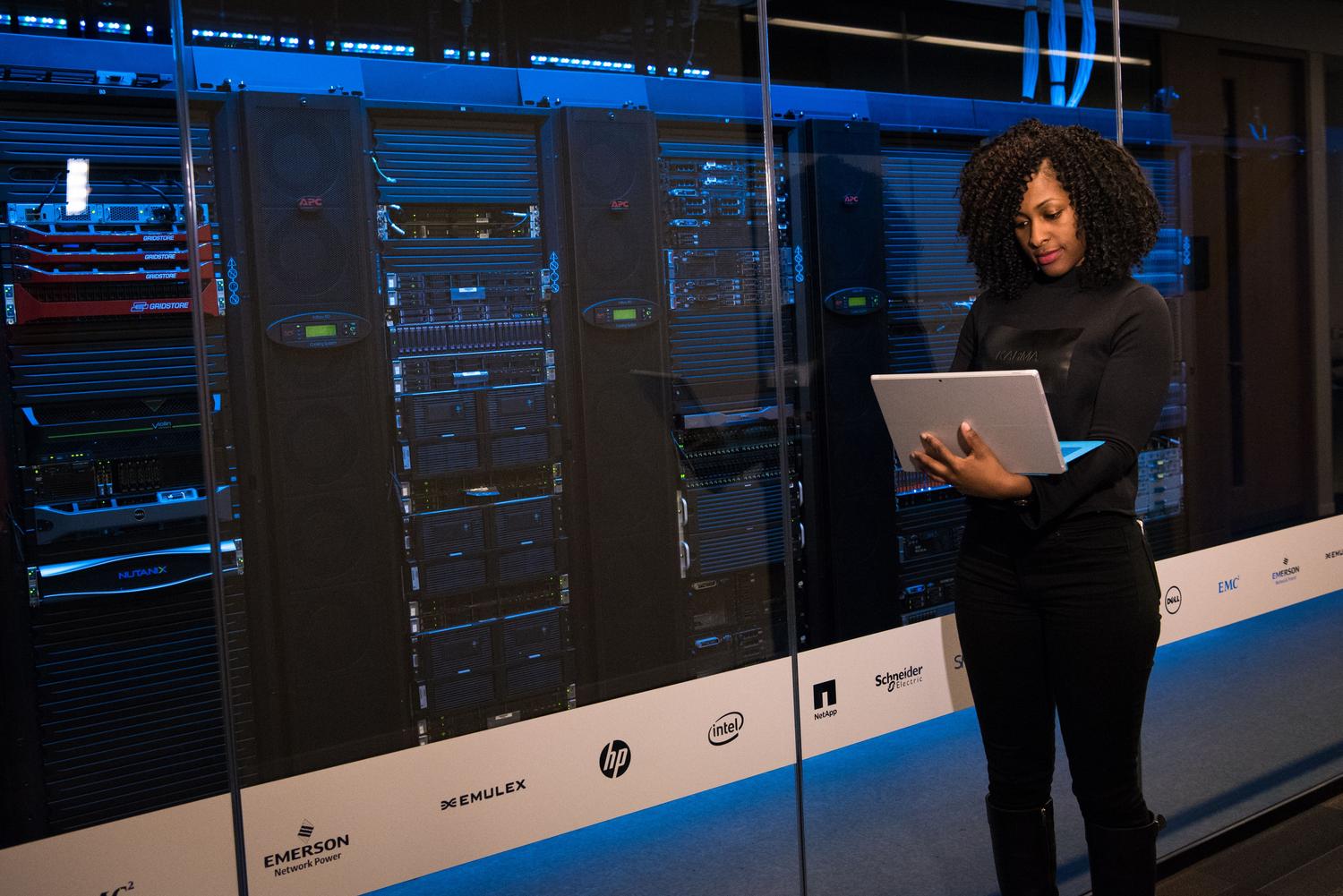
Setting up a cloud service is one thing, but ensuring its security is quite another. The best approach is to install a free SSL certificate from Let's Encrypt using Certbot, so that communication between your devices and the server is encrypted. Additionally, to prevent attacks, it's very useful to install Fail2Ban , which automatically blocks IPs attempting brute-force attacks and strengthens cloud security to protect your data.
If you want to access your files from outside your home without opening all the router's ports, the best option is to set up a VPN . This creates a secure tunnel to your local network, allowing you to manage your cloud storage as if you were sitting on your couch at home, regardless of your location, always keeping in mind the importance of a VPN in this process.
Optimization and External Storage Tips

Once Nextcloud is up and running, you may notice that some processes are slow. To fix this, you should edit the file config.php and activate the cache memory with APCuAlso, schedule system tasks using a cron Instead of using the AJAX system, it makes the interface much more agile.
A common problem occurs when we want to connect Nextcloud to external storage, such as a TrueNAS server via SMBSometimes, even though the operating system sees the drive, Nextcloud complains that it is missing. smbclientIn installations using "snap" methods, this can be a headache due to packet isolation. In those cases, the ideal solution is Mount the SMB drive directly to the Linux file system (using fstab) and then add that local folder as external storage in the Nextcloud interface, similar to How to synchronize folders locally.
For those seeking complete flexibility, the WebDAV protocol is a gem. It allows you to connect external clients like Cyberduck, making your cloud behave like another disk drive on your computer, facilitating file uploads and downloads without necessarily using a web browser.
Ultimately, building your own cloud infrastructure is a continuous learning process that frees you from monthly fees and corporate surveillance. From choosing the right hardware—whether it's a VPS, a Synology NAS, or a ZimaBoard—to fine-tuning Apache and implementing SSL security, each step gives you greater control over your data. With proper database configuration, PHP optimization, and the intelligent use of external storage via SMB or WebDAV, any user can have a professional, scalable, and, above all, private system.