- Cloud security is based on a shared responsibility model between provider and customer, which varies depending on the type of service (IaaS, PaaS, SaaS).
- Protecting the cloud requires combining encryption, granular IAM, network segmentation, continuous monitoring, and tested backups.
- Public, private, hybrid, and multicloud environments require specific strategies supported by Zero Trust and tools such as CSPM, CIEM, or CDR.
- Privacy and regulatory compliance (GDPR, HIPAA, etc.) require the application of strict technical and organizational controls over data and access.
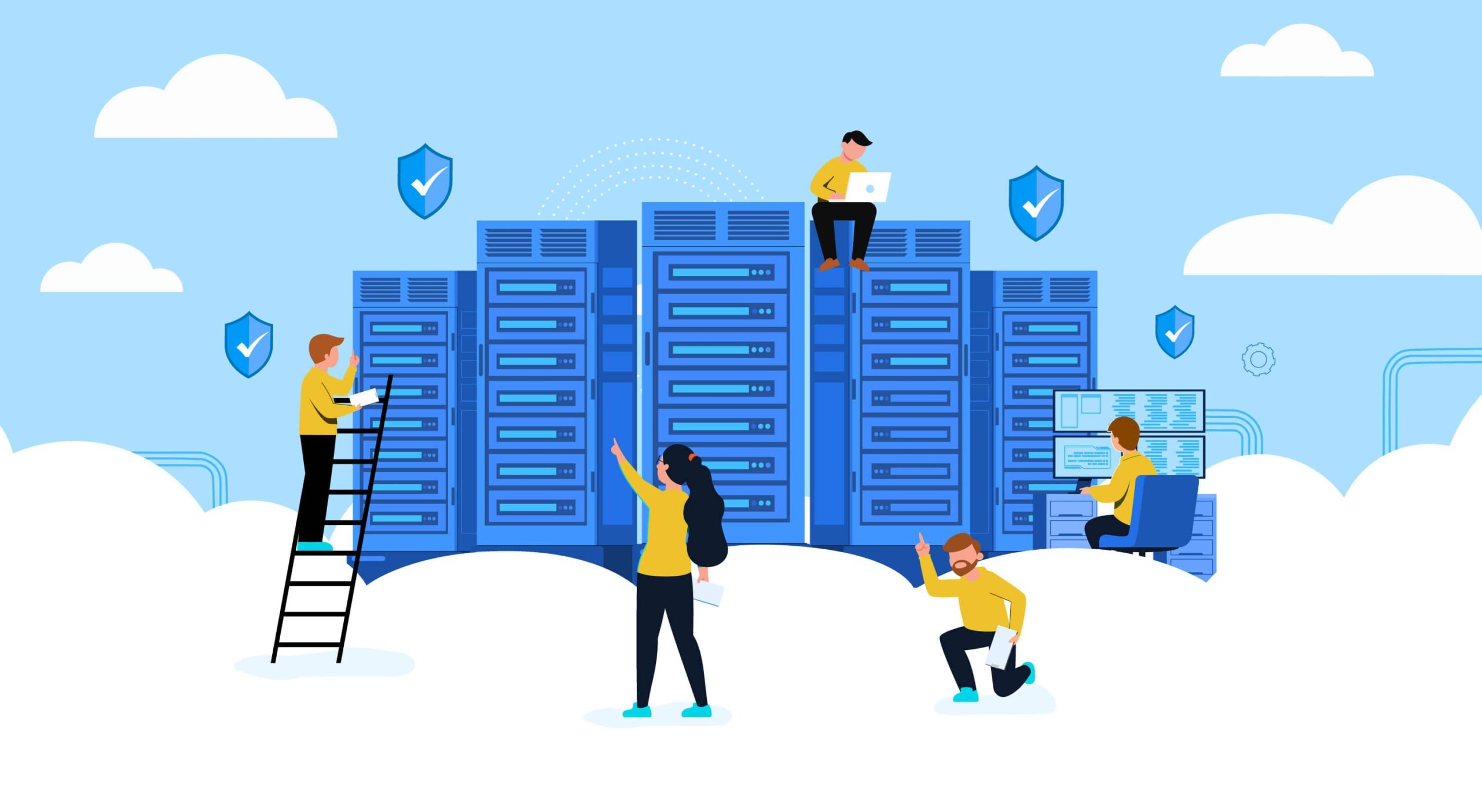
Cloud security has become a key component for any company or organization that uses cloud services daily. We're no longer just talking about large corporations: SMEs, freelancers, and even individual users rely on applications and data hosted outside their own servers.
In this context, a good understanding of what it means to protect data, applications, and infrastructure in cloud storage , what part falls to the provider and what part to the client, and what specific risks exist, makes the difference between working with peace of mind or being one click away from a serious cybersecurity incident.
Definition and fundamentals of cloud security
When we talk about cloud security, we are referring to the set of technologies, processes, policies, and best practices designed to protect everything that lives in a cloud environment: data, applications, operating systems, virtual networks, and the underlying infrastructure itself.
This discipline is part of cybersecurity, but it has its own nuances. In the cloud, protection is shared between the service provider and the client . The provider secures the physical components and part of the logical layer, while the client is responsible for configuration, data protection, user security, and how the services are used.
In essence, cloud security is structured around several key areas: data protection, identity and access management (IAM), governance and compliance, business continuity and disaster recovery , as well as alignment with data protection laws and industry regulations.
The scope of cloud security ranges from physical elements such as data centers, routers or power systems , to logical layers such as virtualization platforms, operating systems, middleware, APIs, runtime environments, user applications and, of course, the data layer and end devices (computers, mobiles, IoT, etc.).
Because ownership and management of these components in the cloud are distributed differently depending on the service, it is vital to clearly define the boundaries of responsibility . This is where the well-known shared responsibility model comes into play.
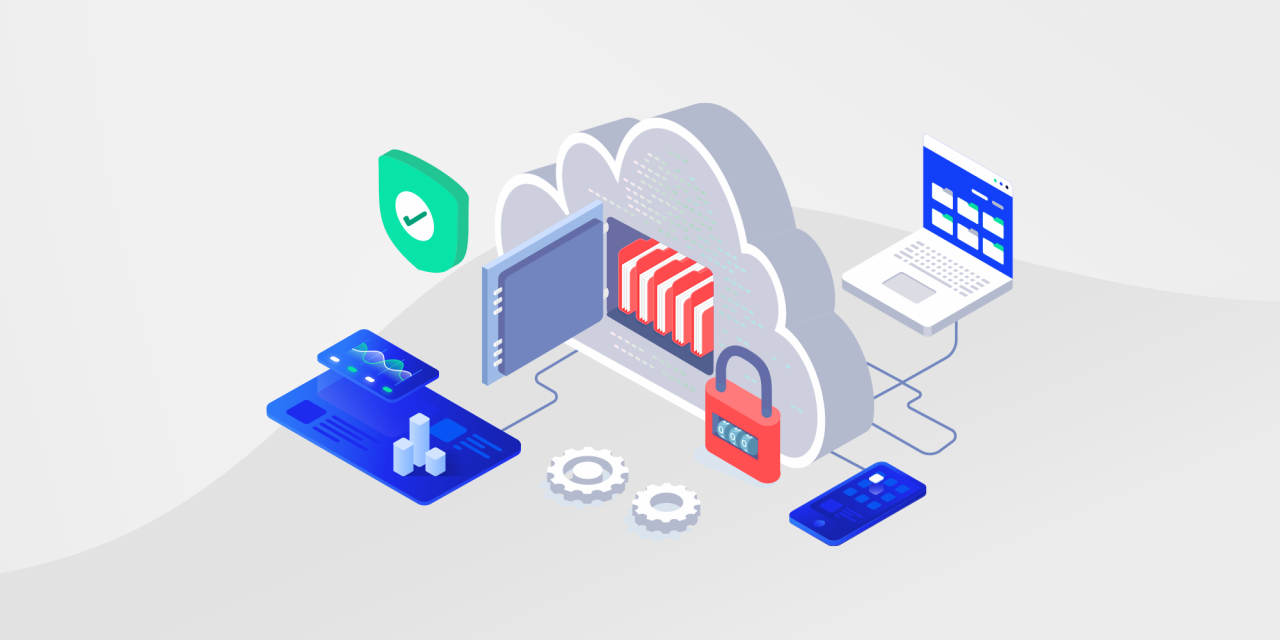
Shared responsibility model in the cloud
A shared responsibility model is applied by virtually all providers (AWS, Azure, Google Cloud, and others) . This means that both the provider and the customer have specific duties to ensure the security of the environment.
The provider is typically responsible for the security of the cloud itself : data centers, physical network, hardware, hypervisors, physical hosts, and part of the virtualization layer. This includes patching, configuration, and access control to the physical resources on which virtual machines and managed services run.
The customer, for their part, is always responsible for security "in" the cloud . This involves managing users, roles, and permissions (IAM), protecting accounts against unauthorized access, encrypting and controlling their data, securing the applications they deploy, and maintaining an appropriate compliance posture.
Between these two extremes, there are responsibilities that vary depending on the service model :
-
Software as a Service (SaaS) : The provider manages the infrastructure, operating system, middleware, and the application itself. The client is responsible for users, passwords, permissions, functional configuration, and protecting the data they enter or generate.
-
Platform as a Service (PaaS) : The provider handles the infrastructure, operating system, runtime, and some of the platform tools. The customer manages their application code, data, user access, and integration security.
-
Infrastructure as a Service (IaaS) : The provider secures the physical hardware and virtualization, but the customer must protect the operating system of their virtual machines, the middleware, the data, the applications, the logical network, and the devices and networks from which they are accessed.
The more managed the service (e.g., SaaS), the more security tasks the provider assumes . As we move closer to the IaaS model, control increases, but so does the customer's responsibility.
Cloud deployment environments and models
The way the cloud is deployed also influences how security is managed. There are different cloud environment models that address different needs and risks.
In a public cloud , resources belong to a third-party provider and are shared among multiple customers (multi-tenant). This is the typical model for AWS, Azure, or Google Cloud. It offers high scalability, pay-as-you-go pricing, and minimal infrastructure management by the customer, but requires strict data segmentation and configuration to prevent leaks between tenants and public exposure errors.
A private cloud is a dedicated environment for a single organization, hosted on its own premises or on a third-party site, but isolated. It provides greater control, customizable security, and resource isolation , and is geared towards sectors with stringent regulatory requirements such as healthcare, finance, or the public sector.
The hybrid cloud model combines public and private clouds, allowing data and workloads to be moved between them. This provides flexibility: we can host critical data in the private cloud and leverage the elasticity of the public cloud for peak demand. However, it also increases the complexity of securing communications and enforcing consistent policies across both sides.
In a multicloud approach , an organization uses services from multiple providers (for example, AWS plus Azure plus an industry-specific SaaS). This reduces vendor lock-in and improves resilience, but makes unified policy management, visibility, and compliance more difficult due to the need to orchestrate different platforms and tools.
For all these models, measures such as strong encryption, granular IAM, periodic audits and specialized tools (CASB, CIEM, CSPM) are recommended to maintain a consolidated view of the security posture.
How cloud security really works
Cloud security relies on a set of coordinated technical and organizational mechanisms that, if applied correctly, drastically reduce the risk of incidents.
One of the key pillars is data encryption in transit and at rest . Secure protocols (TLS) are used when data travels between users, applications, and servers, and military-grade encryption mechanisms are applied to data stored on disks, databases, or other objects. This way, even if someone steals the information, they will not be able to decipher it without the key.
Just as important as encryption is proper key management : store them securely using cloud-based file encryption tools (ideally in key management modules or services), rotate them regularly, and control who can use them. Poor key management can compromise even the strongest encryption.
Another essential component is identity and access management (IAM) . This includes defining users, groups, and roles, assigning the minimum necessary permissions (principle of least privilege), using multi-factor authentication (MFA), and periodically reviewing outdated or excessively privileged accounts.
At the network level, cloud security uses virtual firewalls, logical segmentation, virtual private networks (VPNs), and microsegmentation . The idea is that not everything can communicate with everything else; only the strictly necessary traffic should exist between services, zones, and environments.
Continuous monitoring and threat detection complete the picture. Cloud-based Detection and Response (CDR) tools, SIEM solutions, threat intelligence, and AI-powered anomaly detection systems enable the identification of suspicious behavior, unusual access, or dangerous configurations in near real-time.
All of this is supported by backups, disaster recovery (DR) plans, and business continuity (BC) , which ensure that if something breaks or is compromised, the organization can recover without a catastrophic impact.
What makes cloud security different from traditional security?
The main difference is that, in the cloud, the traditional perimeter practically disappears . Previously, it was enough to protect the company's internal network behind a perimeter firewall; now, data and applications are distributed across internal data centers and external providers, accessible from anywhere.
Furthermore, cloud infrastructures are characterized by their rapid scalability and ephemeral nature . Virtual machines, containers, and serverless functions appear and disappear automatically, which greatly complicates the task for traditional security tools, designed for static environments.
Integration with multiple third-party services, APIs, and end devices significantly increases the attack surface . Any misconfiguration or insecure behavior (such as leaving a bucket open or sharing keys via email) can have a cascading impact.
Finally, in public, hybrid, and multicloud environments, there is an additional component: logical proximity to other customers and systems . A failure in isolation or a vulnerability in a shared service can escalate to multiple tenants if the provider does not act quickly.
Main risks and threats to cloud security
Cloud environments, if not managed properly, can expose companies and users to a wide range of threats , both external and internal.
A recurring problem is unauthorized access , often resulting from the use of stolen credentials, weak passwords, or poorly managed administrator accounts. In remote work scenarios, with employees accessing the system from multiple locations and devices, this risk is multiplied.
Another critical risk is data loss or leakage . Misconfigurations (public storage when it should be private), human error, malware attacks, phishing, or exploitation of application vulnerabilities can expose sensitive information.
Regulatory non-compliance is another major headache. Regulations such as GDPR, HIPAA, PCI DSS, and others require specific controls over how data is stored, processed, and transferred. In the cloud, it's easy to lose track of where data physically resides or who accesses it if security isn't designed with this regulatory framework in mind.
We must also not forget attacks against availability , such as distributed denial-of-service (DDoS) campaigns that attempt to overwhelm cloud services and take them offline. Although major providers have robust defenses, no environment is immune.
Finally, misconfiguration errors and internal threats stand out . Leaving unnecessary ports open, failing to change default values, or granting more permissions than necessary to users or applications opens the door to abuse, both by third parties and by internal staff with malicious intent or insufficient training.
Privacy, regulations and laws related to the cloud
The protection of personal data in the cloud is heavily influenced by legal and regulatory frameworks . In Europe, the General Data Protection Regulation (GDPR) sets the rules on how data of European citizens can be stored, processed, and transferred.
In sectors like healthcare, regulations such as HIPAA add further requirements regarding the confidentiality, integrity, and availability of clinical information. Furthermore, in the realm of cloud providers with a presence in the US, laws like the Cloud Act allow certain authorities to request access to data stored on their servers, even if those servers are located in other countries.
To meet these demands, many organizations resort to techniques such as data masking or pseudonymization , which separate identifying data from the rest of the information, as well as strong encryption and strict access and registration controls.
In any case, even if the cloud provider offers tools and certifications, the ultimate responsibility for compliance also lies with the customer , who must ensure that they configure and use the services in accordance with applicable law.
Types and specific cloud security solutions
In recent years, specialized solutions have emerged to address specific cloud security challenges and complement the native functions of providers.
Cloud Security Posture Management (CSPM) platforms continuously review the configuration of cloud resources to detect errors, deviations from best practices, and compliance issues, proposing or applying automated corrections.
Cloud Infrastructure Entitlement Management (CIEM) tools focus on permissions and identities in complex cloud infrastructures, helping to reduce excessive privileges and provide accurate visibility into who can do what on each resource.
Cloud Detection and Response (CDR) systems and modern SIEMs provide advanced threat detection and response, correlating logs from different sources, adding threat intelligence, and alerting in real time to anomalous behavior.
In software development, practices such as SAST (Static Application Security Testing) and DAST (Dynamic Application Security Testing) help detect vulnerabilities in code and runtime environments before they reach production.
In modern architectures, there is also talk of secure Infrastructure as Code (IaC) , which involves validating infrastructure templates and definitions (Terraform, CloudFormation, etc.) to ensure that resources are born with a secure configuration.
Cloud workload protection platforms (CWPPs) focus on protecting virtual servers, containers, and serverless functions, while technologies like SOAR automate orchestration, response, and integration across multiple security tools.
In container orchestration environments, Kubernetes Security Posture Management (KSPM) solutions help secure clusters, network policies, roles, and configurations specific to this ecosystem.
Zero Trust: A Key Approach to Cloud Security
The Zero Trust model proposes abandoning the idea that what is "inside" the network is trustworthy and what is outside is not. Instead, all access should be continuously verified, regardless of the user's or resource's location.
In practice, Zero Trust promotes a principle of least privilege : each user, service, or application can only access what it needs for its function, nothing more. This way, if an account is compromised, the impact is more limited.
This approach also requires securing web applications and APIs from the design stage, reviewing open ports, database permissions, third-party integrations, and authentication and authorization policies, to prevent an attacker from moving freely if they compromise a component.
Another key element of Zero Trust is microsegmentation . Instead of a flat network, smaller security zones are created within the data center or cloud environment, applying strict traffic policies between zones and between workloads. This way, even if one part is compromised, the rest remains protected.
Best practices and concrete measures to secure the cloud
To leverage the cloud securely, it's necessary to combine technical, configuration, and awareness measures . Some of the most relevant are:
First, it's advisable to encrypt all communications with the cloud and especially sensitive data , such as credentials, financial information, or personal data. Whenever feasible, end-to-end encryption offers a superior level of protection.
Equally important is the careful configuration of all cloud services . Never leave default values, and never accidentally expose buckets, databases, or machines to the internet unless absolutely necessary. Reviewing IaC templates and using CSPM tools helps minimize these errors.
Basic cybersecurity practices remain essential: strong passwords , password managers, MFA, antivirus, antimalware, and avoiding unsecured public Wi-Fi networks . A single infected device or a single leaked key can compromise your entire cloud footprint.
It's also essential to perform regular backups and test that they can be restored. These backups can be stored locally, in another cloud, or with a different provider, ensuring they don't share the exact same infrastructure to avoid single points of failure.
Finally, organizations should limit and continuously review permissions and access for both people and IoT applications and devices, creating guest networks, separating production and testing environments, and maintaining good account and service hygiene (eliminating what is no longer used).
Advanced challenges of cloud-native security
In highly cloud-oriented environments, especially with CI/CD, microservices, containers, and serverless functions, additional security challenges arise.
The attack surface is larger, with multiple potential entry points: open ports, exposed APIs, credentials embedded in code , or overly permissive network configurations. Malware, zero-day attacks, and account takeovers are now commonplace.
Furthermore, the lack of comprehensive visibility across IaaS, PaaS, and SaaS environments makes it difficult for many companies to know exactly what assets they have in each cloud and how they are configured, complicating inventory and risk management.
Workloads are constantly changing: resources are dynamically deployed and destroyed at scale, making it impossible for traditional tools to keep up and enforce consistent policies . That's why integrating security controls from the earliest stages of the development lifecycle (DevSecOps) is so important.
Added to this is the complexity of managing highly granular privileges and access keys . A poorly defined role or a forgotten password with excessive permissions can create a huge vulnerability. And in hybrid and multi-cloud environments, orchestrating consistent compliance and governance policies without the right tools becomes virtually impossible.
Ultimately, organizations need security specifically designed for cloud-native environments , with centralized visibility, strong automation, and the ability to adapt to highly distributed environments.
This entire ecosystem of concepts, technologies, and best practices makes cloud security much more than "putting antivirus software on the remote server": it is a continuous process of design, configuration, monitoring, and improvement, in which the provider and client must work together to keep data, applications, and users truly protected.

Table of Contents
- 1 Definition and fundamentals of cloud security
- 2 Shared responsibility model in the cloud
- 3 Cloud deployment environments and models
- 4 How cloud security really works
- 5 What makes cloud security different from traditional security?
- 6 Main risks and threats to cloud security
- 7 Privacy, regulations and laws related to the cloud
- 8 Types and specific cloud security solutions
- 9 Zero Trust: A Key Approach to Cloud Security
- 10 Best practices and concrete measures to secure the cloud
- 11 Advanced challenges of cloud-native security