- Microsoft Publisher will stop working completely for Microsoft 365 users in October 2026.
- The PDF format is the ideal solution for preserving the design of finished documents and ensuring their universal readability.
- LibreOffice Draw presents itself as the most viable free alternative for opening and editing PUB files.
- For professional editions, tools such as Affinity Publisher, Adobe InDesign, or Canva are recommended.

If you've noticed your Microsoft Publisher designs are at risk, you're not alone. It turns out Microsoft's desktop publishing tool has received a final verdict: October 13, 2026 , will be the day the program reaches its end of life. Most worryingly, if you're using the version tied to a Microsoft 365 subscription, the application will no longer be able to open and edit PUB files at all, rendering your brochures and newsletters simply unreadable.
For those with a perpetual license (such as the 2016, 2019, or 2021 versions), the software will still launch, but it will essentially be a temporary fix since there will be no security updates. Worst of all, Microsoft hasn't planned a successor application or facilitated an automatic migration from the PUB format, which is closed and proprietary, meaning neither Word nor PowerPoint can recover those documents.
How to save your documents before it's too late?
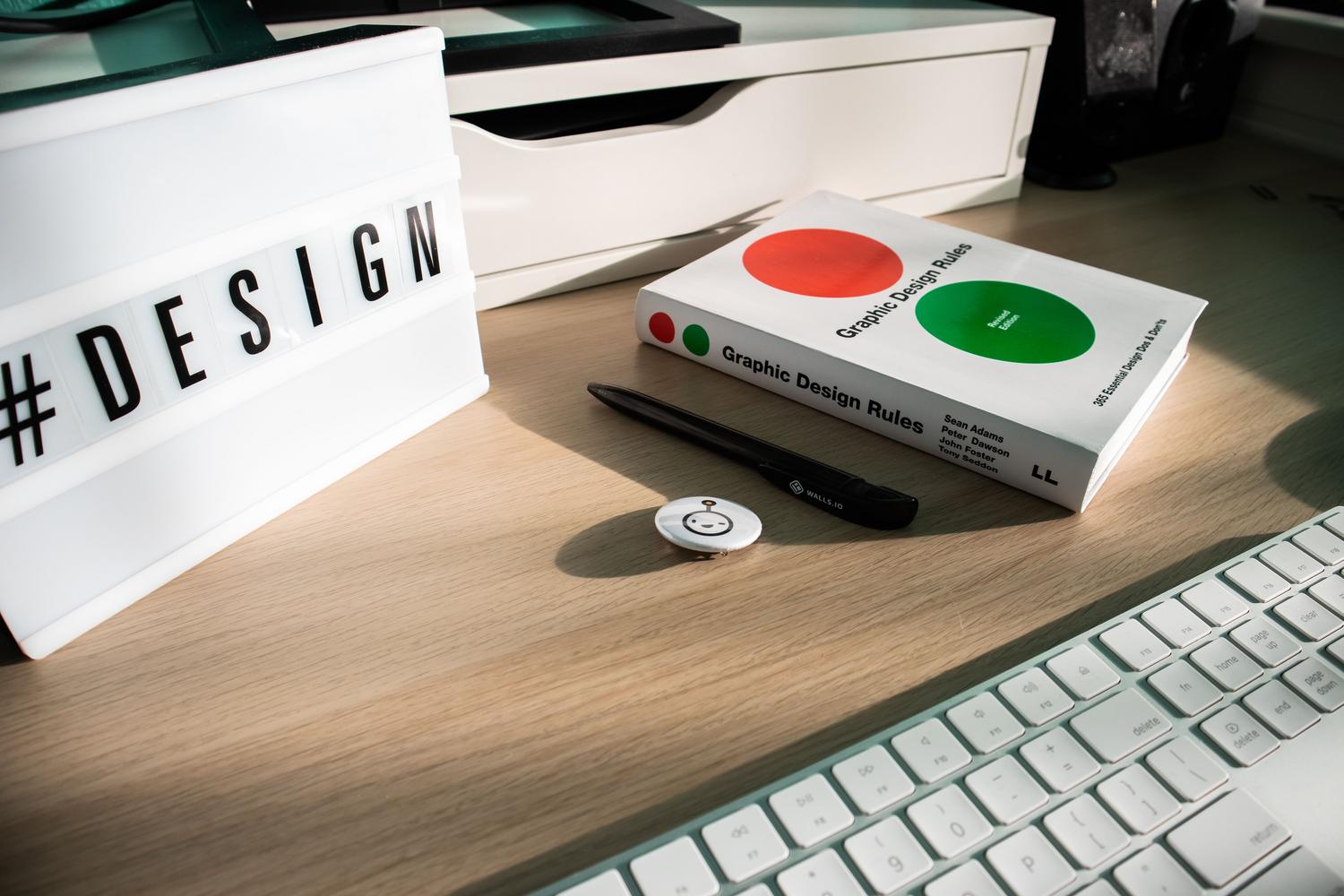
The official recommendation is not to wait until the last minute and to start converting your files right now. For documents that are already finished and don't need further editing, the PDF format is undoubtedly the best option. This format acts like a digital photograph, freezing the design , fonts, and images, ensuring that any device can view the content without needing to install any expensive software.
If you don't currently have Publisher installed but need to extract information from a .pub file, there are free online converters that process the document in the cloud using encrypted SSL connections. Simply upload the file and, in seconds, obtain a PDF that maintains the original layout. These services typically delete data from their servers after a few hours to ensure privacy.
Alternatives to continue editing your posts

The problem arises when we have files that need weekly revisions. Since the PUB format is so restrictive, transferring the work to another tool can be a real headache. Here are the most viable options depending on your needs:
- Canva: The simplest and most modern alternative, ideal if you are not a designer and prefer to work with templates in the browser.
- Affinity Publisher: Probably the most faithful replacement in terms of desktop publishing functions, with the advantage of being a single payment without monthly subscriptions.
- Adobe InDesign: The absolute professional standard for printing, although it requires a monthly subscription.
- Write: A powerful, free, and open source for those seeking total independence.
- Microsoft Word or PowerPoint: Useful only for very basic designs, although Microsoft is the one that suggests them.
Let's be realistic: none of these tools open PUB files perfectly. Often, when trying to import the content, fonts and graphics get misaligned. The most sensible approach is to convert the existing file to PDF and, for the active documents, recreate the design from scratch in the new tool using the PDF as a visual guide.
Free solutions and alternative viewers
For those seeking a solution without spending a penny, LibreOffice Draw has become the go-to option. Thanks to the libmspub library, this office suite allows you to open and edit Publisher files, and even save them in OpenDocument Format (ODF) to avoid relying on proprietary formats in the future. While not professional desktop publishing software, it's more than adequate for managing simple brochures and catalogs.
If you only need to quickly preview the content without editing anything, there are online viewers and tools like Wondershare PDFelement. These programs work by converting the PUB file to PDF or image in real time, allowing macOS or Android users to view the content, since Publisher never had a native Mac version.
To avoid unpleasant surprises, it's crucial to act while the format is still supported. Over time, finding a team with the appropriate license will become increasingly difficult. Converting your files now is the only way to clear the deadline from your calendar and ensure your work isn't lost in digital limbo.