- The importance of using password managers to avoid reusing passwords and combat digital fatigue.
- Key differences between free management tools and paid versions with advanced features.
- Implementation of complementary security measures such as two-factor authentication and the creation of complex keys.
Today, almost everything we do happens through a screen, and with that comes managing a huge number of accounts. It's normal to feel overwhelmed by password fatigue , that stress of having to remember dozens of different combinations to avoid leaving the door open to any hacker. Sometimes, for the sake of convenience, we make the mistake of using the same password for everything, but that's essentially handing the key to our digital lives to anyone who wants in.
Having a solid strategy to secure our online access isn't just about preventing email theft. We're talking about protecting banking information , private conversations, and our very identity. A lapse in security can lead to financial fraud or someone impersonating us online, seriously damaging our reputation and peace of mind. That's why it's crucial to move beyond simple passwords and implement a robust protection system.

What exactly is a password manager and what is it used for?
Imagine you have a digital safe where you keep all your keys. That's essentially what a password manager is. These programs are designed to store and organize your credentials in encrypted form. Instead of trying to memorize each code, you only need to remember a single master key to access the entire repository.
There are mainly two types. On the one hand, we have native browser managers , like those integrated into Chrome or Safari, which are very practical because they sync with your Google or Apple account. On the other hand, there are third-party managers , which are standalone applications that you can install on any device, allowing you to centralize everything without depending on a specific browser brand.
These programs don't just store data; many include a random password generator . This is key because it allows you to create strong and complex passwords without having to rack your brains thinking of strange combinations, since the software does it for you and saves it automatically.

Operation and start-up
The process is quite intuitive. They work like an encrypted container: when you register on a new website, the manager detects the action and saves the password on its servers via encrypted transmission. Thanks to real-time synchronization, if you add a password on your computer, it will be instantly available on your mobile device.
To start using them, simply create an account and, in the case of third-party services, install the browser extension and the smartphone app. Once configured, the manager integrates with your keyboard or browser to autofill username and password fields , saving you time and typos.
Differences between free and paid options
You're probably wondering why anyone would pay for a service when there are free options. The answer lies in the level of security. Free versions are usually limited to the bare minimum: saving the password and that's it. Some even limit the number of devices or the number of passwords you can store.
In contrast, paid services offer a much more comprehensive suite of tools. These include Dark Web leak scanners that alert you if your email address has appeared in a stolen database, significantly stronger encryption, and the ability to securely store confidential attachments.

Analysis of the best available managers
Featured free options
- Google Password Manager: Ideal for those looking for simplicity and full integration with Android and Chrome.
- Apple Passwords: Very powerful for users of the iOS and macOS ecosystem, now with a standalone app.
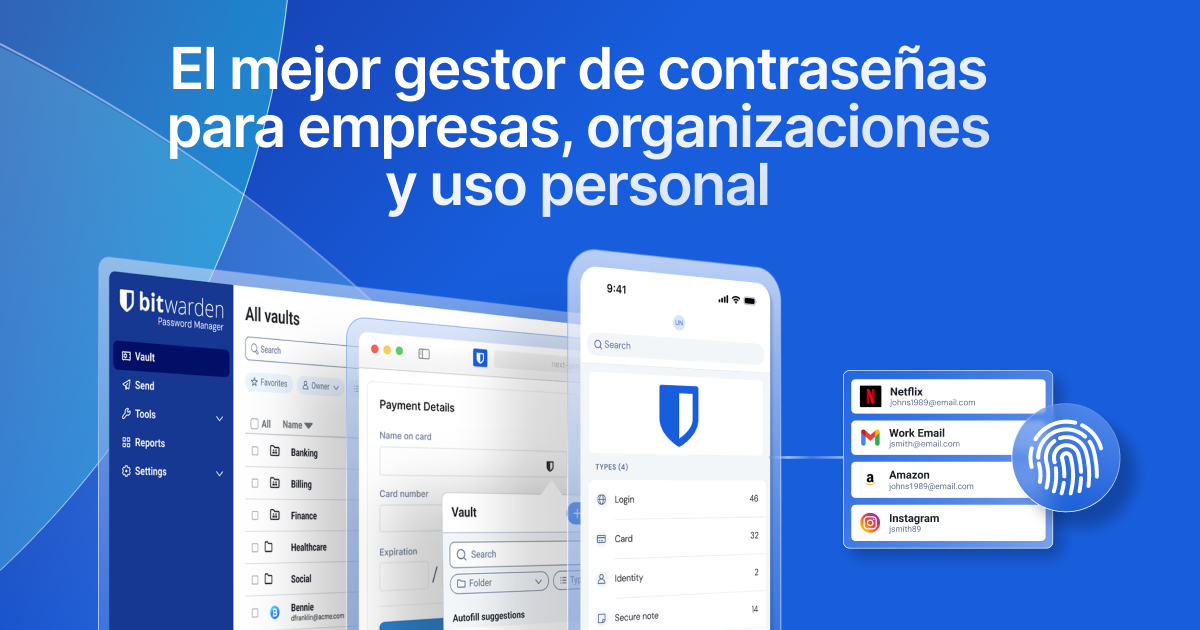
- Bitwarden: It's probably one of the best options because it is completely free for individual users and allows you to manage passkeys.
- LastPass and Dashlane: Both offer free versions, although they are more limited (for example, restricting the number of keys or the type of device).
- Avira and RoboForm: They offer basic plans that allow synchronization, although advanced features are reserved for paid plans.
Payment and professional solutions
For those who prioritize security, there are tools like NordPass , which stands out for its ease of use and offline functionality. 1Password is another top choice, highly regarded for its modern design and robust master key system, although it is somewhat more expensive.
If you're looking for something more technical or business-oriented, Psono is an excellent option since it allows you to install the server on your own premises. On the other hand, KeePassXC and PasswordSafe are open-source alternatives; although their interface may seem a bit outdated or clunky, they are extremely reliable and transparent.
We also found options like Keeper , with biometric access and offline mode, or Enpass , which positions itself as an economical but very complete alternative with support for multiple operating systems.

Golden tips to secure your access points
Having a good program isn't enough; you also need to know how to manage your passwords. Forget about using dictionary words or your birthdate, as hackers use software that can guess these common combinations in seconds . Ideally , you should create strong passwords by mixing uppercase and lowercase letters, numbers, and unusual symbols.
A huge mistake is writing down your passwords on scraps of paper that anyone can find. Instead, opt for two-factor authentication (2FA) . This system adds an extra layer of security by requiring a code sent to your mobile phone, meaning that even if someone steals your password, they won't be able to access your account.
It's important to note that some older advice has become outdated. For example, changing your password every month is no longer recommended, as it often leads users to create predictable variations of their old password. The current trend, supported by organizations like the UK's NCSC, is to use long passphrases made up of random words , which are easier to remember and harder to crack.
Protecting our digital lives depends on a balance between using technological tools like password managers and adopting conscious habits. Implementing strong passwords, avoiding redundant passwords, and enabling two-step verification are the best defenses against cybercrime, ensuring that our personal and financial information remains out of reach of unauthorized third parties.
