- Critical differences between quick formatting and secure data erasure to prevent file recovery.
- Specific reset and deep cleaning procedures depending on the operating system and disk type (HDD or SSD).
- Importance of regulatory compliance and data erasure certification in professional and business environments.

If you've decided to get rid of your old computer, whether to make a few euros by selling it, give it to a cousin, or simply upgrade your setup, there's one step you can't skip: completely wiping your data . It's not just about throwing a few folders in the Recycle Bin and emptying it, because that's like trying to erase a drawing with your finger; the data is still there, and anyone with even a little technical know-how can recover deleted files from your PC.
In this regard, it's crucial to understand that there's a world of difference between a superficial wipe and irreversible data deletion . Depending on whether you have an old mechanical hard drive or a modern SSD, or whether you use Windows or macOS, the process will vary. To avoid any unpleasant surprises and ensure your privacy remains protected, we'll explain step-by-step how to wipe your computer clean and ready for its new owner.

What exactly do we need to clean?
Sometimes we think that deleting the desktop is enough, but the reality is that we accumulate digital junk in the most unexpected places. Before you start using deletion software, take a look at these areas where traces of your identity tend to remain >:
- Critical folders: Don't forget to thoroughly check your downloads, documents, and desktop. That's where PDFs with bank details or contracts often end up.
- Multimedia: Use the search engine to locate extensions such as .jpg, .png, .mp4 or .mov, since the personal photos and videos They may be scattered throughout the disk.
- Web browsers: Chrome, Firefox, and Safari save your passwords, browsing history, and session cookies. This is vital. Clear Chrome cache and cookies to protect your access.
- Accounts and profiles: Remove any secondary user accounts and unlink the device from your Microsoft or Apple ID account to avoid activation lock.
How to reset Windows to its factory settings
Microsoft has made things much easier in versions 10 and 11. There's a built-in tool called Reset this PC that does the heavy lifting for you. To access it, go to Settings, then System, and then Recovery.
Here you'll find two options. The first, "Keep my files," is useful if you only want to clean the system but keep your photos. However, if you're going to sell the computer, you should definitely choose the " Remove everything" option . Once selected, don't stop there; go to "Change settings" and check the " Erase data" box . This will cause Windows not only to delete the file index but also to overwrite the drive, making recovery nearly impossible.
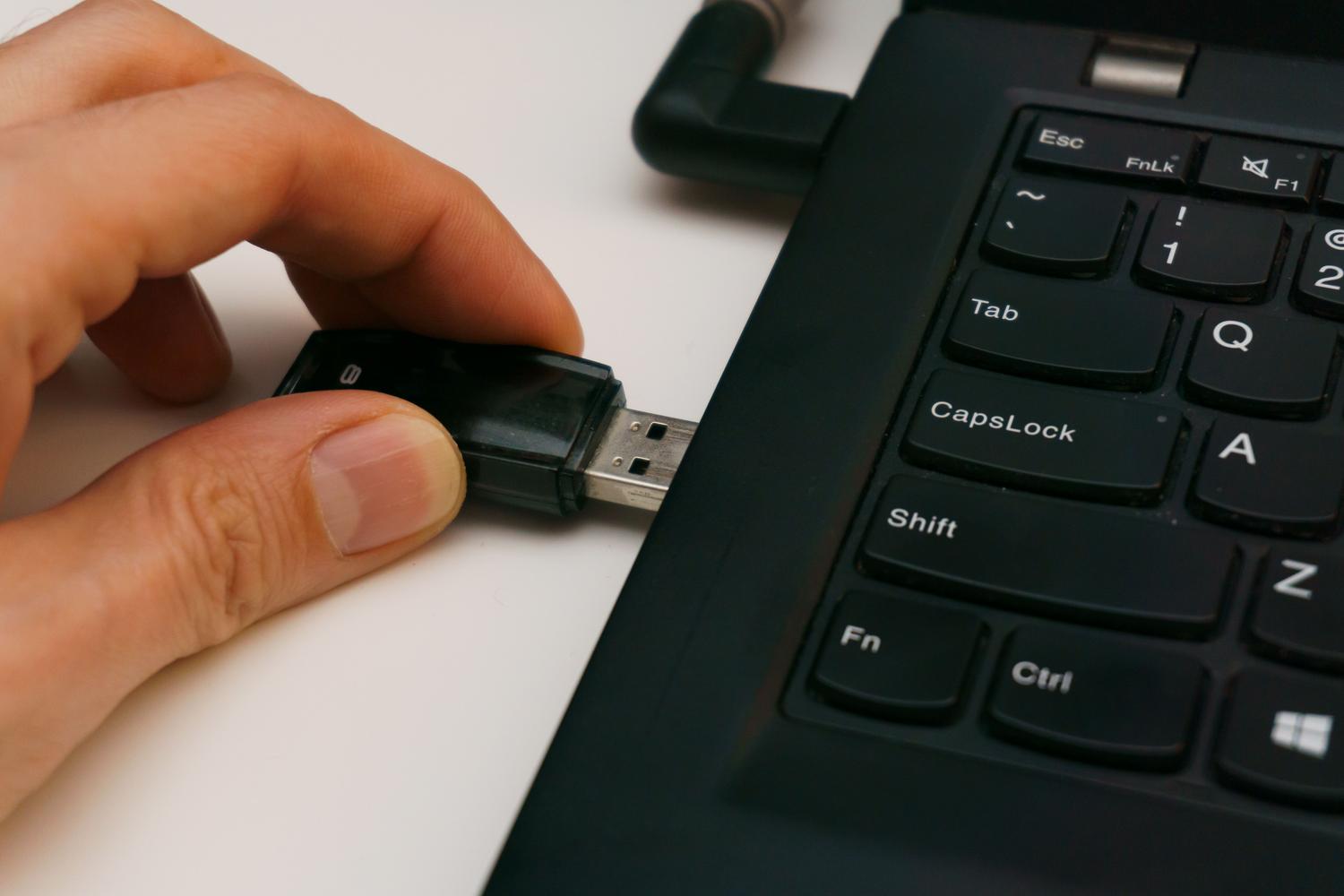
If you prefer a more thorough approach, you can opt for a clean installation from a USB drive . By creating an official Microsoft installation medium, you can boot your PC from the USB drive, delete all disk partitions, and reinstall the system from scratch, ensuring that no trace of the previous owner remains.
The process on Mac computers
In the Apple ecosystem, the procedure depends on the hardware you have under the hood. If you have a modern Mac with Apple Silicon chips (M1, M2, M3, or M4) and macOS Monterey or later, you're lucky enough to have the "Erase All Content and Settings" option in the General menu. It's a very quick process that unlinks your Apple ID and erases the encryption key in a flash.
For older Intel Macs, the process is more manual. You'll need to restart your computer and hold down the Command + R keys to enter Recovery Mode. From there, open Disk Utility, select your main disk (usually Macintosh HD), and erase it. If it's an older HDD, you can adjust the overwrite security level to be more thorough.
The truth about formatting: HDD vs SSD
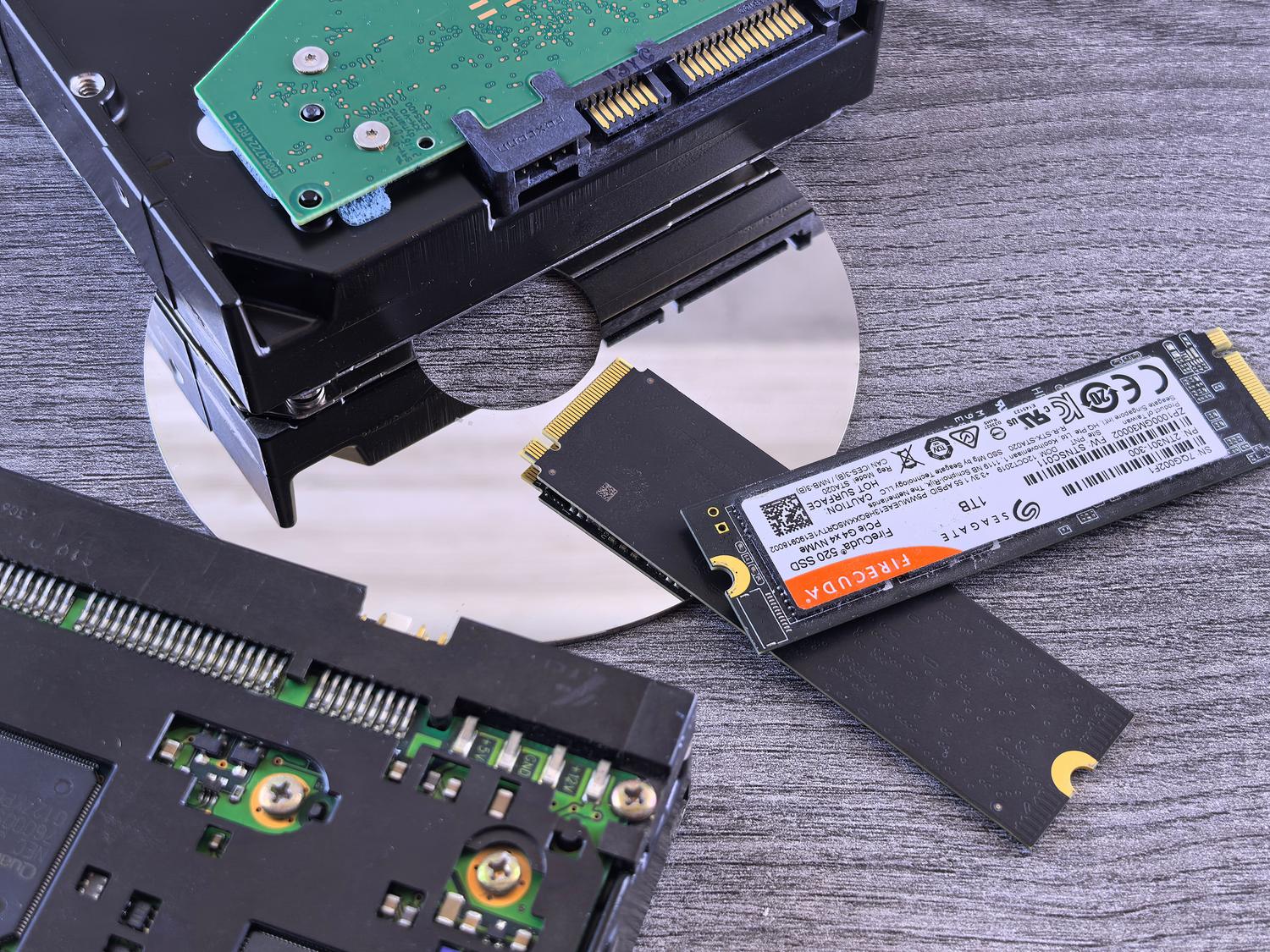
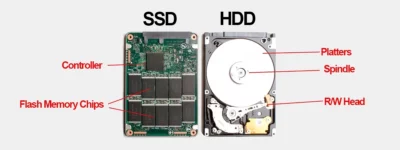
This is where many people go wrong. A quick format doesn't erase data; it only tells the system that the space is free to write new files. If you're using a mechanical hard drive (HDD) , it's best to use overwrite tools like DBAN or Eraser. These programs write random data over your files following standards like DoD 5220.22-M , which passes over the disk multiple times to ensure nothing is recoverable.
But be careful, don't use DBAN on an SSD or NVMe drive. The architecture of these drives uses something called "wear leveling," which makes traditional overwriting ineffective and can also shorten the drive's lifespan. In these cases, the correct command is ATA Secure Erase . The easiest way to execute it is by downloading the manufacturer's official software, such as Samsung Magician or Crucial Storage Executive, which sends a direct command to the disk controller to erase all memory cells.
Mobile and tablet cleaning
On both Android and iOS, security is very high thanks to hardware encryption. When you perform a factory reset , the device destroys the encryption key, turning any remaining data into unreadable digital noise. However, before pressing the erase button, remember to unlink your Google or Apple ID account and remove any microSD cards you may have inserted, as these are not always automatically formatted.

Legal responsibility and certificate deletion
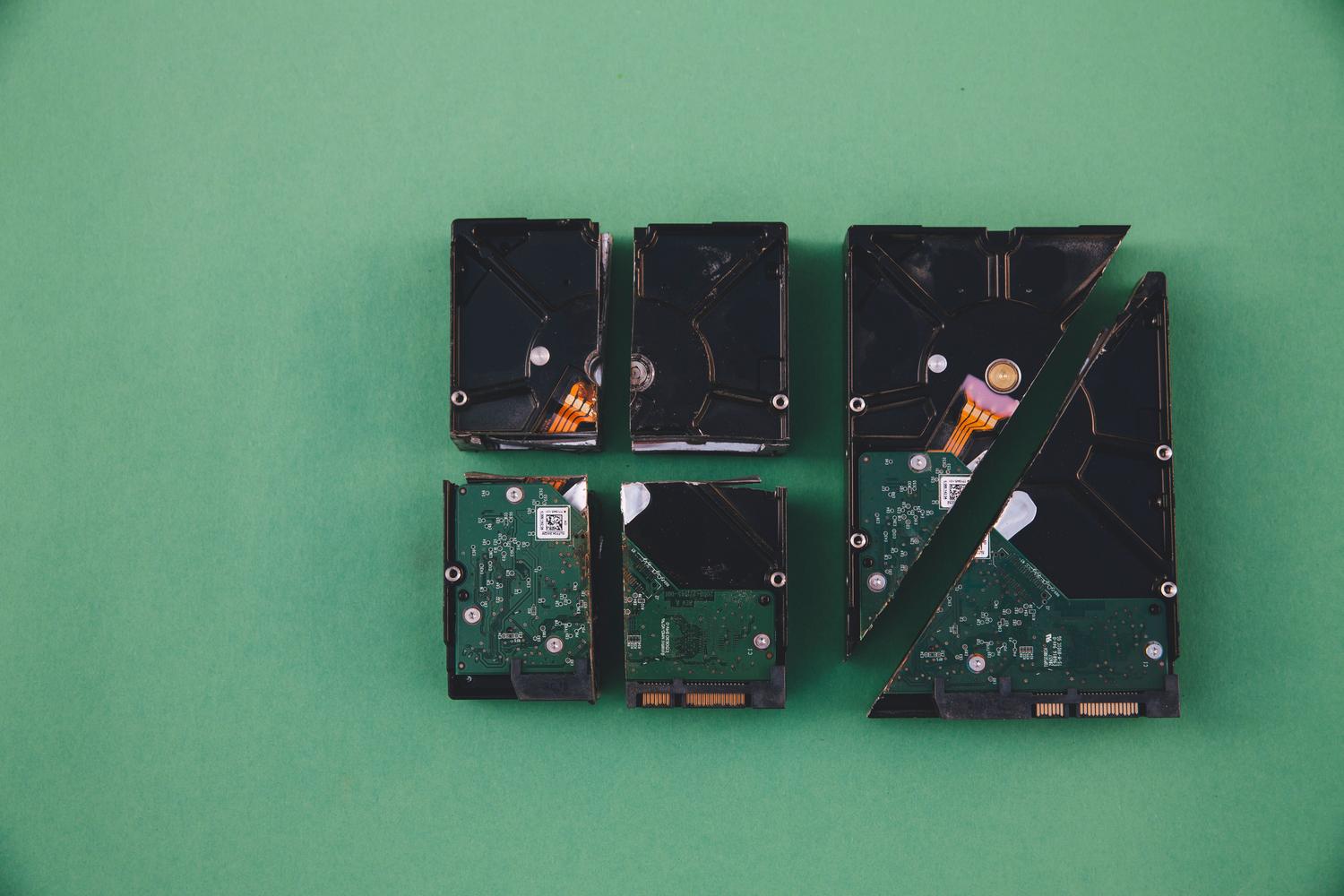
If you're managing the sale of company equipment, the issue is no longer just about privacy, but also about legality. The GDPR (General Data Protection Regulation) requires companies to ensure that customer and employee information is securely destroyed. Simply formatting the drive is not sufficient proof in the event of an audit by the Spanish Data Protection Agency (AEPD).
In these professional environments, the Erasure Certificate comes into play . This document certifies, using the disk's serial number, that an irreversible destruction method has been applied. In extreme cases of maximum confidentiality, the only real option is physical destruction using industrial shredders that reduce the disk to minuscule particles, ensuring that not even the most advanced laboratory can recover a single bit.
To prepare a device for its new life, the most important thing is to choose the right tool according to the hardware, always prioritizing overwriting on mechanical disks and cryptographic erasing on SSDs and mobile devices, thus ensuring that our privacy does not end up in the hands of a stranger.
