- Repurposing mobile hardware such as telemetry nodes and contextual sensors using Home Assistant.
- Transforming old smartphones into touch control panels and AI-powered smart speakers.
- Implementation of advanced security, monitoring and automation solutions without investment in new hardware.
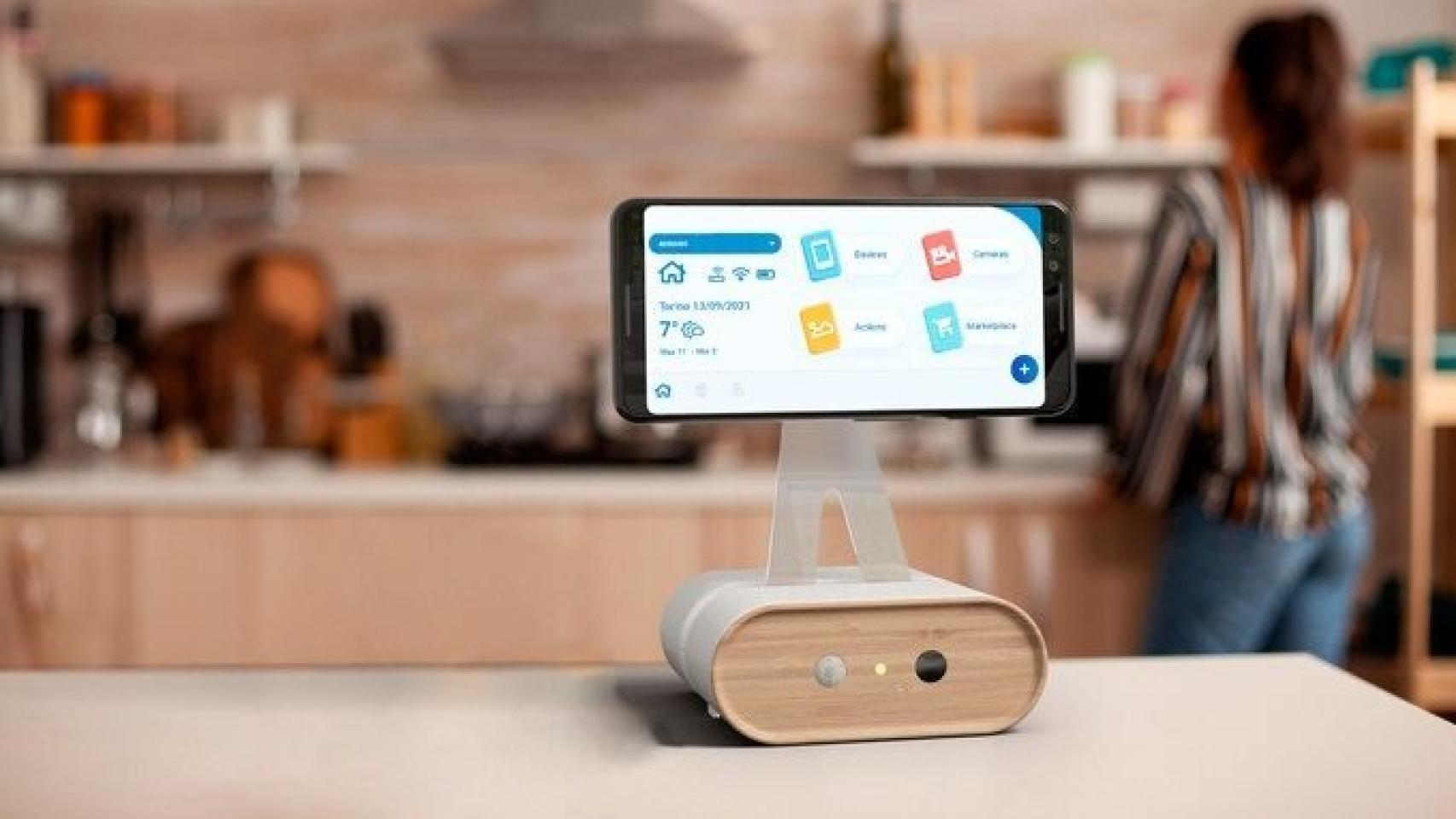
You probably have an Android phone gathering dust in a drawer, forgetting that inside that chassis lies hardware capable of amazing things . Instead of letting it end up as electronic waste, you can give it a second life by transforming it into the centerpiece of your connected home, turning it into an active device that manages your house without spending a penny on new hardware.
This idea isn't exactly new, but it's one of the most ingenious ways to leverage existing technology. By integrating an older device into an automation system, we not only save money, but we also gain access to an impressive density of sensors that come pre-installed and would be quite expensive to acquire separately if we wanted to set up a complete home telemetry network.

Home Assistant: The core of smart control
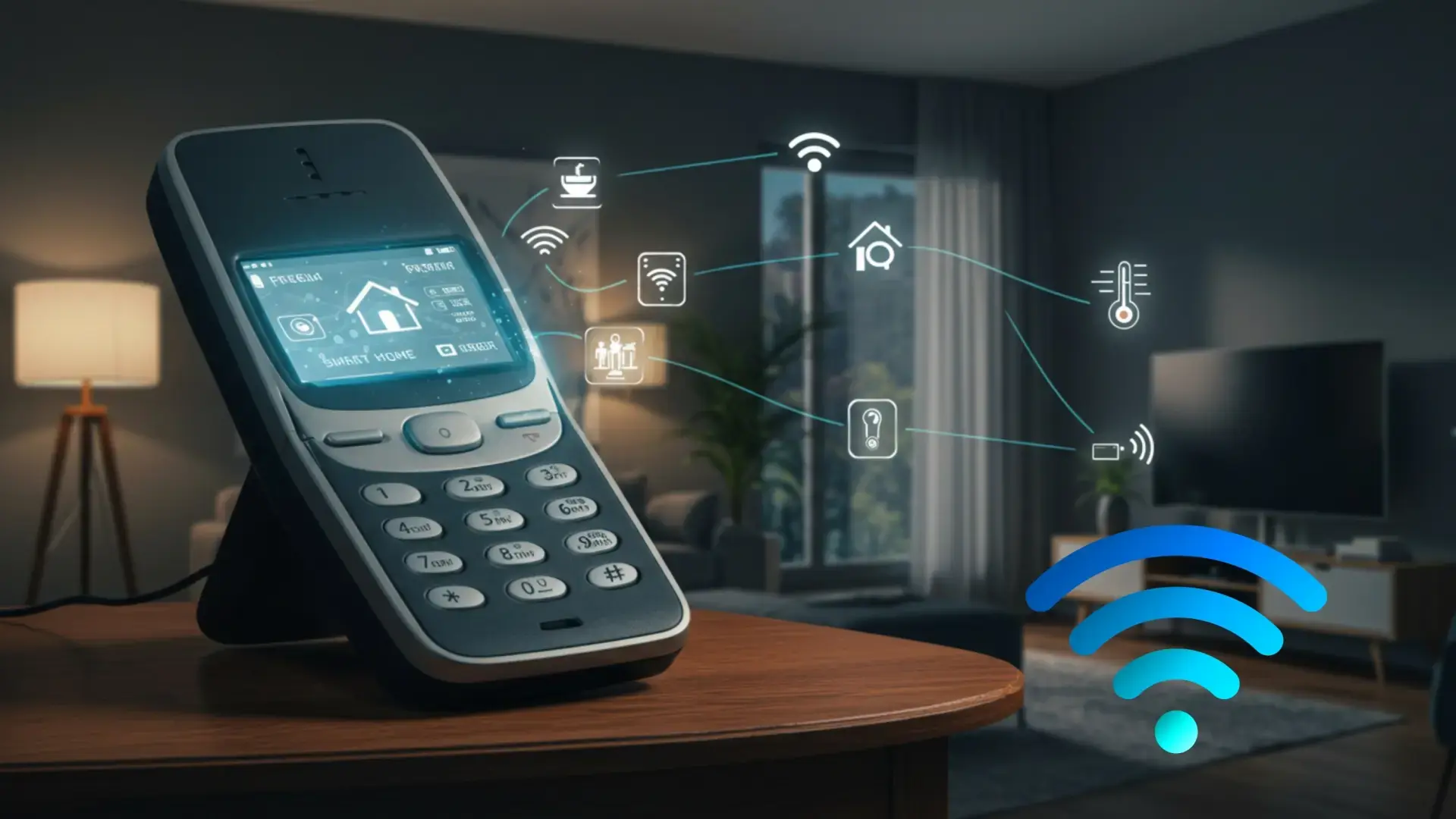
For a mobile phone to function as a true automation hub, the best approach is to use Home Assistant . This open-source software, detailed in our comprehensive guide to home automation and Home Assistant , can orchestrate a vast number of diverse devices, allowing the smartphone to send real-time data to the central server. Essentially, the phone becomes a micro telemetry station that feeds the system with valuable contextual information.
The magic lies in the internal sensors. A device that's several years old already features a triaxial accelerometer , intelligent ambient light sensors, and microphones capable of detecting acoustic events. This data is packaged into lightweight JSON files and transmitted via protocols like WebSocket or REST API, allowing the system to react to changes in brightness or movement in a specific room.

If we want to take the system to the next level, we can implement MQTT messaging as the data bus. This decouples the device from the server, reducing latency on your home network to below 100 ms, making smart home responses virtually instantaneous and much more scalable if we decide to add more mobile nodes in the future.
From an architectural standpoint, the flow is simple: the mobile device collects the data, sends it to the server, and Home Assistant interprets it as virtual entities . For example, the battery status can be used as a trigger; if it drops below 20%, the system can activate a notification or adjust energy consumption in other areas of the home.
Transforming the mobile phone into a touch and voice control panel
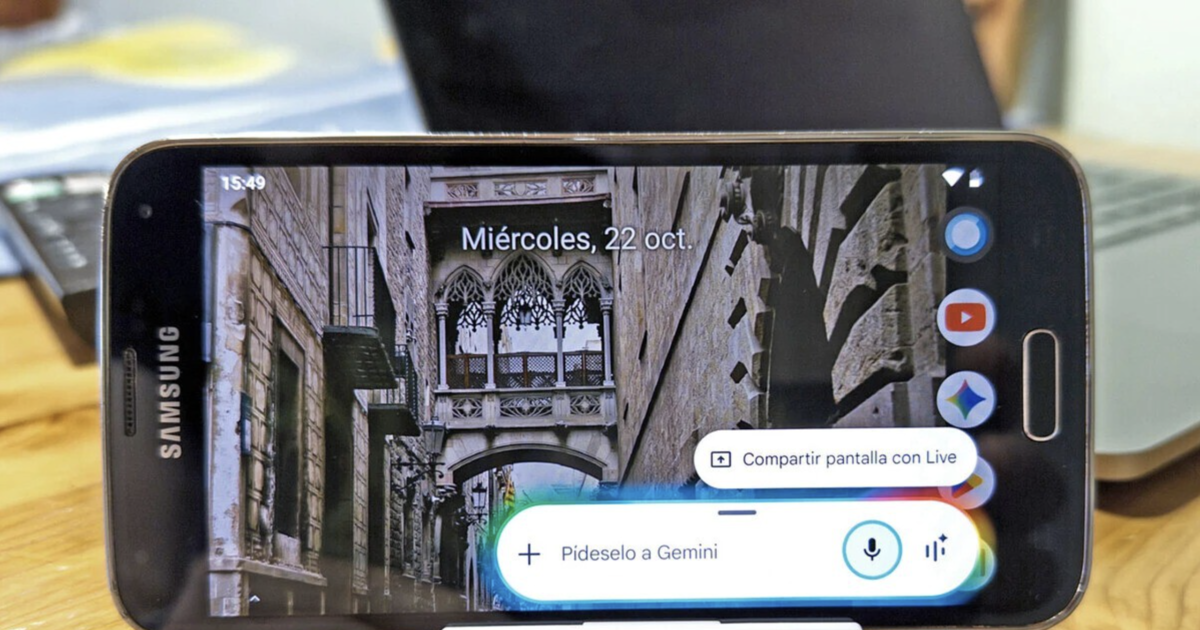
Another very practical option is to emulate the Google Nest Hub experience. If you have a device with Android 9 Pie or higher, you can take advantage of Gemini's AI to manage your home using voice commands. Simply configure "Hey Google" and enable responses on the lock screen so the device responds instantly without needing to enter PINs.
For a smooth experience, it's best to disable the screen lock , since the device won't contain sensitive data and we want the assistant to activate instantly. We can use Ambient Mode to keep the screen on at low brightness, functioning as a smart home touchscreen that displays the weather, calendar, or even serves as a digital photo frame.

If you don't like your phone constantly listening, you can install Nova Launcher and configure gestures. For example, you can program a double tap on the screen to directly open the Google Home app or the Xiaomi control panel, making interaction much more natural. You can also create Action Blocks , which are customizable widgets for executing specific requests to the assistant without speaking.
- Google Home: It is the ideal tool for managing routines and devices from various brands in one place.
- Physical support: It is vital to place the phone in a comfortable stand and leave it. permanently connected to the charger.
- Caffeine: This app is very useful for preventing the screen from turning off if you're not convinced by ambient mode.
Applications and tools for automation
Not everything has to be complex code; there are tools that make the process much simpler. For example, Tasker is a true automation powerhouse that allows you to execute actions based on specific triggers, such as turning on the lights when it detects that your phone has connected to your home Wi-Fi at dusk.
On the other hand, IFTTT is ideal for bridging the gap between services that don't normally communicate. Furthermore, there are options for those who prioritize security: turning your phone's camera into a security camera using apps, such as using an old Android phone as a security camera, is a quick and effective solution for monitoring rooms or pets without buying dedicated cameras.

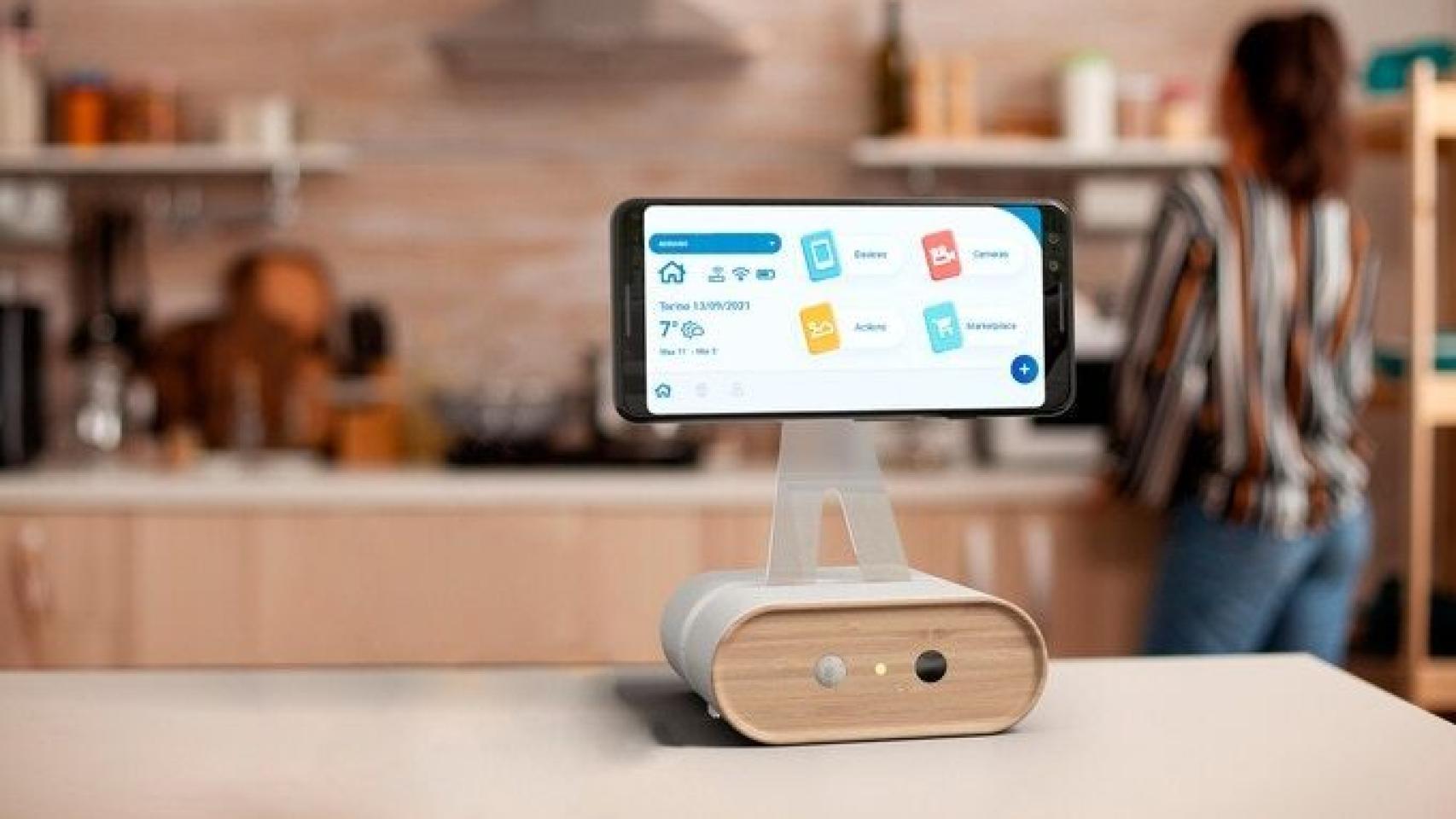
There are also innovative projects like Adriano , a hub specifically designed to synchronize older smartphones with professional standards such as ZigBee and Z-Wave , extending compatibility to thousands of actuators in smart buildings , smart locks, and thermostats from various brands.
Technical considerations, energy and sustainability
A critical point is energy management. Keeping a phone on 24/7 can lead to battery degradation and overheating. The most sensible approach is to use chargers with long cables or wireless charging stations, configuring the software to prevent overheating. On Android, you can adjust the accelerometer's sampling rate to save power.
It's crucial to manage the Doze Mode in modern Android versions, which tends to close background processes. To prevent the node from disconnecting, we need to configure battery exceptions or use foreground services with persistent notifications to ensure the data channel to the server isn't interrupted.

Before starting, it's recommended to perform a factory reset and clear internal storage to remove unnecessary apps that slow down the system. You should also review your privacy settings and remove any personal accounts if the device will be shared or connected to cloud services.
Beyond the technical aspects, this approach is a victory for sustainable electronics . By extending the lifespan of a smartphone, we reduce the amount of electronic waste and promote responsible consumption. It's a way to experiment with advanced home automation without fear, as the risk of damaging an expensive device is completely eliminated.
The processing power of an older mobile phone is still more than enough to create a modular ecosystem. Whether it's a presence sensor based on WiFi RSSI signal strength , a baby monitor, or a lighting control center, these devices demonstrate that hardware versatility can extend far beyond its original commercial lifecycle through the integration of open systems and contextual automation logic.
