- There are multiple AI platforms that allow you to chat and generate content without needing to create a user account.
- Options like Duck.ai or Venice.ai prioritize privacy by avoiding training models with user data.
- It is possible to run language models locally on the computer to ensure complete privacy and offline operation.

Today, entering the world of artificial intelligence can seem like a hassle if every website asks for an email, a password, and phone verification. Fortunately, there are plenty of options for those who just want to quickly find the answer to a question or write a text without having to go through the tedious registration process that so often ends in a forgotten password.
The advantage of these tools is that they eliminate any friction. Whether you're a student needing a summary, a programmer looking for a bug in your code, or someone who's simply curious, direct access makes technology truly accessible to everyone , without technical barriers or endless forms wasting our time.

Direct options for uncomplicated chatting
If you're looking for something simple and in your language, Nation AI is a great alternative. It presents itself as a very straightforward solution where you type your question and receive the answer in seconds. It's ideal for those who want a ChatGPT-like experience but without the mandatory registration, allowing you to translate texts, correct mistakes, or generate creative ideas instantly.
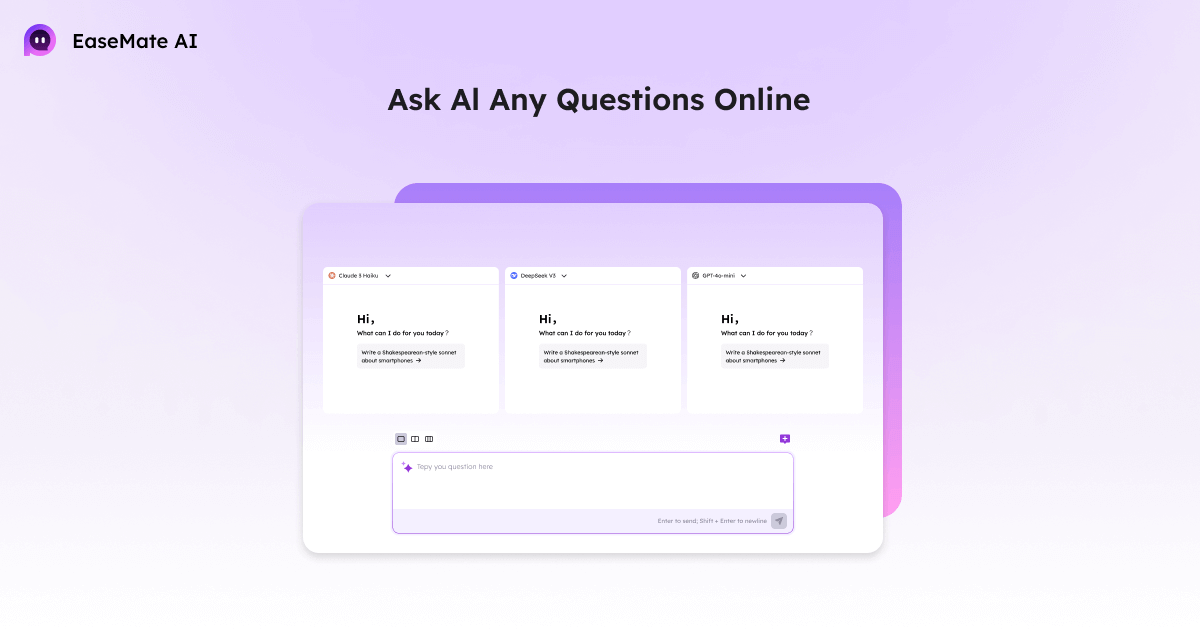
On the other hand, we have services like EaseMate AI or AI Chatting, which prioritize extreme simplicity. These platforms allow you to interact with advanced models, such as some versions of GPT-4, letting you experiment with powerful capabilities without spending a penny or sharing your personal data, thus optimizing your daily workflow.
Even the giants have given way. OpenAI now allows the use of artificial intelligence without registration or an account , although in this mode it typically uses the GPT-4o mini model , which is extremely fast but slightly less sophisticated than the paid versions. Similarly, Microsoft Copilot allows incognito mode, even offering an advanced voice mode that's fantastic for those who prefer speaking to typing.

Privacy and open models without traces

For those concerned about their data being used to train the machine, there are safe havens. Duck.ai, powered by DuckDuckGo, is one of the best options. It lets you choose between several models like Llama 3.1 or Claude 3 Haiku , ensuring your conversations are private and not saved to improve the model, though keep in mind they don't have real-time internet access.
If you're looking for something even more unrestricted, Venice.ai positions itself as an uncensored and private AI . It uses models like Llama 3.3 and offers interesting features, such as the ability to simulate conversations with famous people or a specific mode for programmers, all without leaving a trace of your activity.
We can't forget Hugging Face, which is more than just a chatbot; it's a global community. In its "Spaces" section, anyone can test countless language and broadcast models (for images) without registering, making it the perfect laboratory for tech enthusiasts.

AI for technical profiles and Google tools
For developers, Google offers a very powerful ecosystem. Through Google AI Studio, you can obtain an API key to integrate Gemini models into your own applications at no cost at certain levels. There's also Gemini Code Assist , which helps with code autocompletion in IDEs like VS Code, offering a generous number of free completions per month.
More specialized tools exist, such as NotebookLM, which allows you to create custom assistants by uploading your own documents to obtain audio summaries and detailed analyses. Additionally, Google Cloud offers limited free services for translation, facial recognition in images (Vision AI), and speech-to-text conversion, ideal for those who need data processing at scale without initial investment.
How to bring AI to your own computer
If privacy is your top priority or you simply don't want to rely on an internet connection, the solution is to run the AI locally. Tools like Ollama let you download models like DeepSeek-R1 directly to your computer and chat via the console, which is fantastic for tech-savvy users.
For those who prefer a more visual approach, LM Studio is the winning option. It offers a very user-friendly interface, similar to that of any online chat, but processes everything using your computer's hardware. This ensures that no data leaves your home , eliminating any risk of leaks or external surveillance.

Tips for getting the most out of prompts
To ensure the AI doesn't get lost and gives you exactly what you're looking for, you don't need to be an expert, but you do need to be clear. Instead of asking vague questions, it's best to specify the objective and the format . For example, saying "tell me about cooking" is not the same as asking for "a three-course vegan recipe book in a table format."
Remember that these tools don't have egos, so you can ask them to adjust the tone as many times as you like. If the response sounds too robotic, tell them to be "more natural" or "more approachable." The key is to iterate: ask for a draft, revise it, and then request that they adapt it for a specific social network like LinkedIn or Instagram.
Basic precautions when using free services
However, it's not all sunshine and roses. It's important to understand that generative AI can be prone to hallucinations , meaning it can fabricate data with astonishing certainty. Therefore, it's crucial to verify any critical information, whether it's a historical date, a current law, or a medical recommendation, always consulting official sources.
Another vital point is information security. Never, under any circumstances, paste passwords, bank details, or confidential company documents into a public chat. Even if they promise privacy, the wisest course of action is to anonymize the data before sending it to prevent sensitive information from floating around in the cloud.
Today we have a huge range of options, from simple Spanish-language chatbots like Nation AI to powerful local implementations with LM Studio or the privacy-focused Duck.ai. Whether it's for writing an email, studying a complex topic, or programming a website, these tools allow us to harness the power of natural language processing without the hassle of registration, provided we exercise caution with personal data and verify the accuracy of the information obtained.
