- Dual boot offers maximum hardware performance, making it the ideal choice for demanding games and software.
- Virtual machines prioritize convenience and security, allowing both systems to run simultaneously without restarting.
- The choice depends on the necessary balance between the raw power of the equipment and the flexibility of the daily workflow.
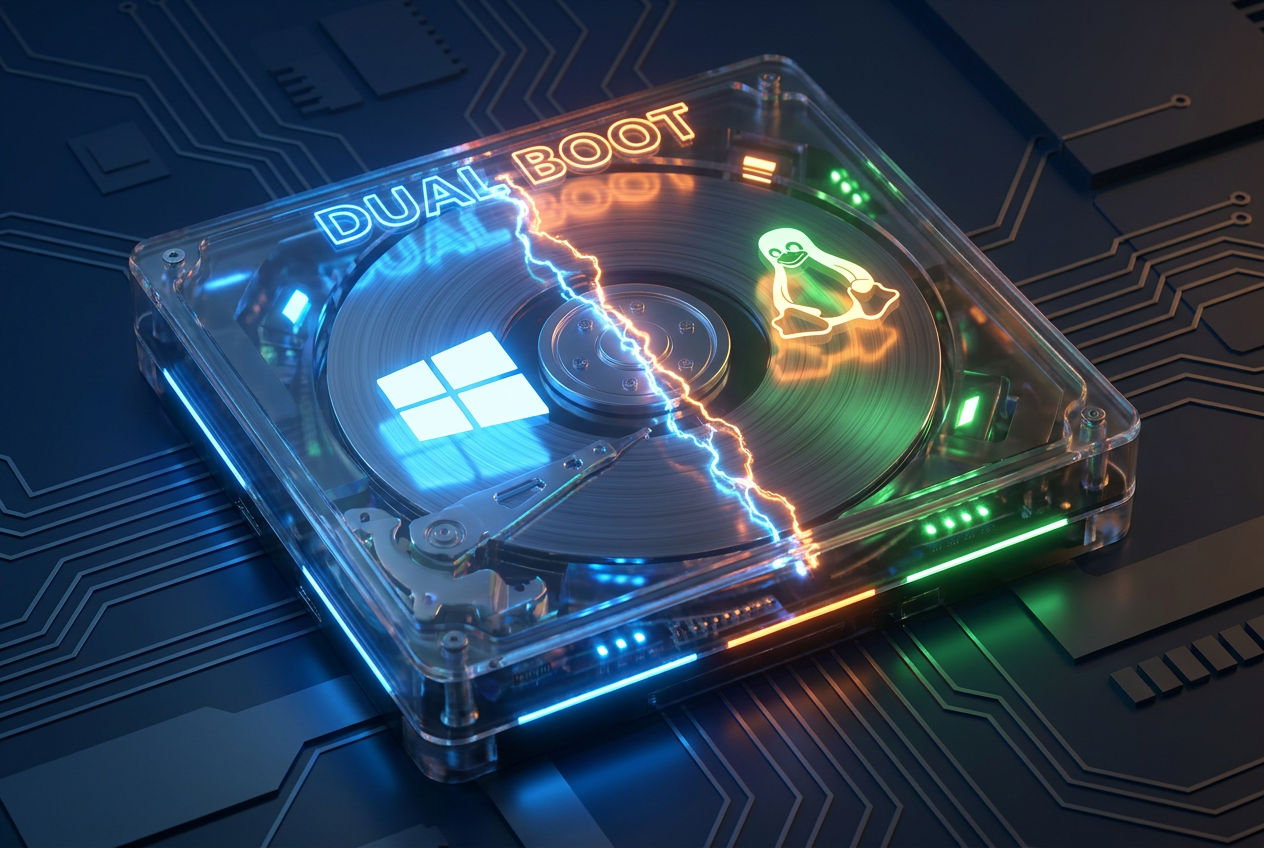
If you've considered switching to Linux but don't want to completely abandon Windows, you've probably encountered the age-old dilemma: should I dual-boot my PC or set up a virtual machine? It's not a trivial decision, because depending on what you want to do with your computer, one option might work perfectly while the other could be a real headache.
The issue isn't just a matter of taste, but also how your hardware resources are managed . While one method forces you to choose sides every time you turn on your machine, the other lets you play on two sides in real time. To avoid creating problems for yourself, we're going to thoroughly analyze each method, its strengths, and those little pitfalls that no one tells you about.
Dual Start: Pure, unadulterated power
Dual booting basically involves installing Linux alongside Windows on the same hard drive, but you can also use separate drives for added security. This involves dividing the storage into independent partitions; Windows and Linux each have their own partition, without interfering with each other. When you turn on the computer, a boot manager, such as the well-known GRUB, prompts you to choose which operating system you want to start with.
The big advantage here is that the system you choose has complete control over the hardware . If you boot into Linux, all your RAM, processor, and graphics card are 100% dedicated to that environment. Therefore, if you're into gaming, heavy video editing, or CAD design, this is the way to go. There are no intermediate layers limiting the power, resulting in native and smooth performance.
But of course, it's not all sunshine and rainbows. The main drawback is its rigidity: if you're on Windows and need something from Linux, you have to restart the machine , which completely disrupts your workflow. Furthermore, the configuration is more technical and carries certain risks. For example, it's very common for Microsoft to overwrite the bootloader after a Windows update , leaving you without access to Linux and forcing you to perform technical acrobatics to recover GRUB.

Virtual Machines: Flexibility and total security
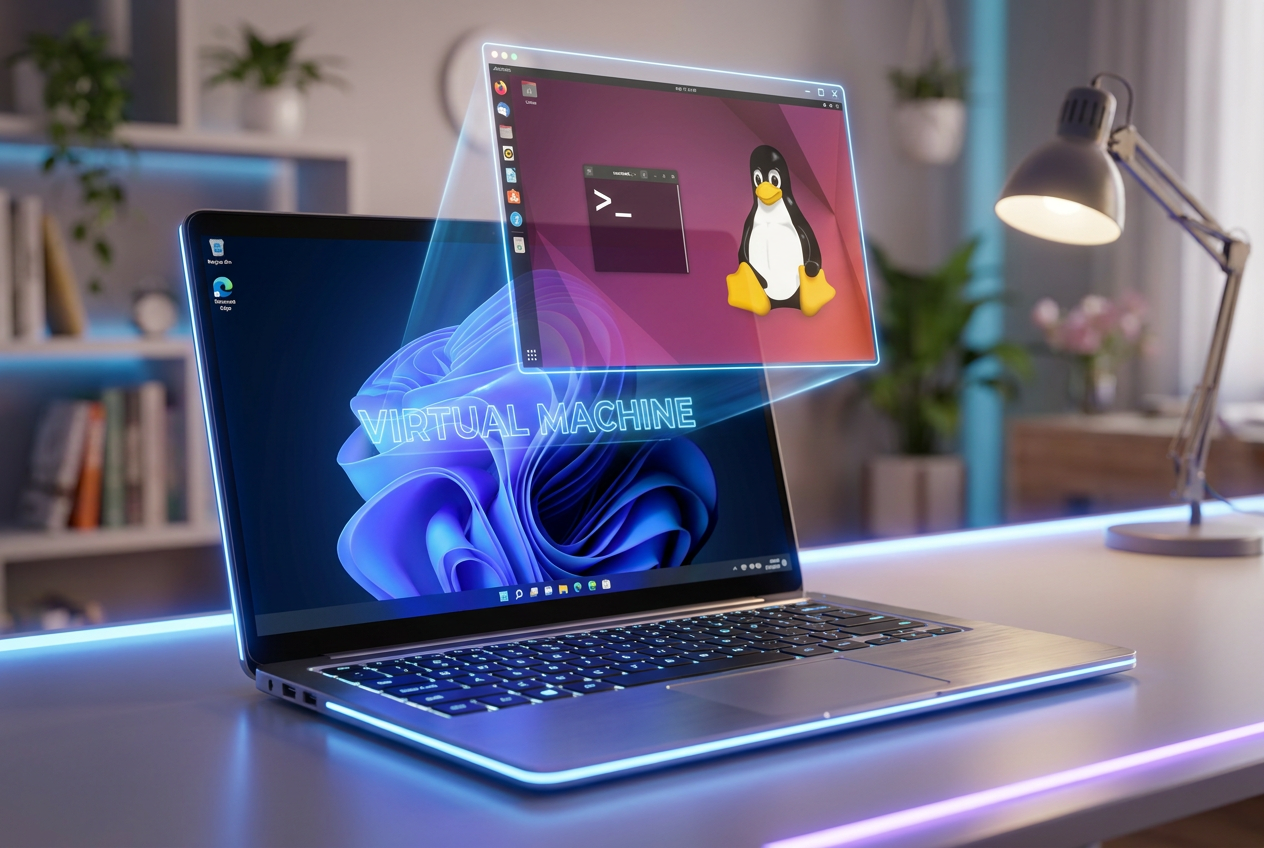
On the other hand, we have virtualization. Instead of partitioning your disk, you install software (like VirtualBox, VMware, or Parallels) that creates a simulated computer within your main system. This means you can have Linux running in a window while you continue chatting or browsing in Windows. It's the most convenient and modern option for those who don't want to complicate things. If you're looking for a detailed guide, you can check out how to install operating systems with VMware.
From a security standpoint, virtual machines are unbeatable because they operate in a completely isolated environment . If you install a suspicious program in the VM and the system crashes or a virus infects it, your physical computer won't suffer a scratch. Furthermore, you have the option of snapshots , which allow you to save the exact state of the system and revert to a previous state if something goes wrong during testing.
The weak point is, obviously, performance. Since the virtual machine has to share resources with the host system, processing power is divided . For office tasks or programming, you won't even notice, but if you want to run a demanding game, you'll find the system stutters. Furthermore, it requires a fair amount of RAM , as you're running two operating systems simultaneously.

Direct comparison: Which one suits you?
To decide, you need to evaluate your priorities. If you're an advanced user, a developer who needs to test software with maximum reliability , or a gamer who can't tolerate any lag, dual booting is the option for you, even if it means restarting.
- Dual Start: Ideal for heavy software, maximum GPU performance, and total system separation.
- Virtual Machine: Perfect for testing distros, using Windows-specific applications on Linux (or vice versa) and maintaining stability.
There's also an intermediate alternative: the Windows Subsystem for Linux (WSL) . It's neither a full VM nor a dual boot, but rather a way to run Linux tools directly within Windows. It's fast for the terminal, though it falls short of a full graphical interface.
Common problems and how to avoid them
If you choose a dual boot setup, be careful with Windows Fast Boot . This mode leaves the kernel hibernated on the disk, which can prevent Linux from mounting the partitions or cause errors when switching systems. Disabling it from the control panel will prevent problems.
Another common problem is clock mismatch . Linux uses the UTC standard, while Windows uses local time. When switching between systems, the clock gets out of sync by a few hours. The solution is to force Linux to use local time using a command or by editing the Windows registry.
In virtualization, the bottleneck is usually the disk. An SSD instead of an HDD makes a huge difference in VM boot speed. It's also essential to enable virtualization in the BIOS/UEFI; otherwise, it won't start.
Ultimately, it all depends on whether you value the raw power of the hardware more or the convenience of having everything at your fingertips. If you want to squeeze every last drop of performance out of your system for gaming or demanding projects, dual booting makes sense. But for most users looking to experiment and use specific tools without jeopardizing their main installation, a virtual machine is the safest and smartest option.
