- Unknown, gifted, or found USB drives are a critical vector for malware, data theft, and physical damage to equipment.
- Cables, public chargers, and cheap USB gadgets can be used for juice jacking attacks or to cause electrical failures.
- In personal and professional environments, it is key to separate devices, encrypt data, disable autoplay, and limit ports.
- Training, clear policies, and tools such as analysis kiosks drastically reduce the risks associated with USB use.
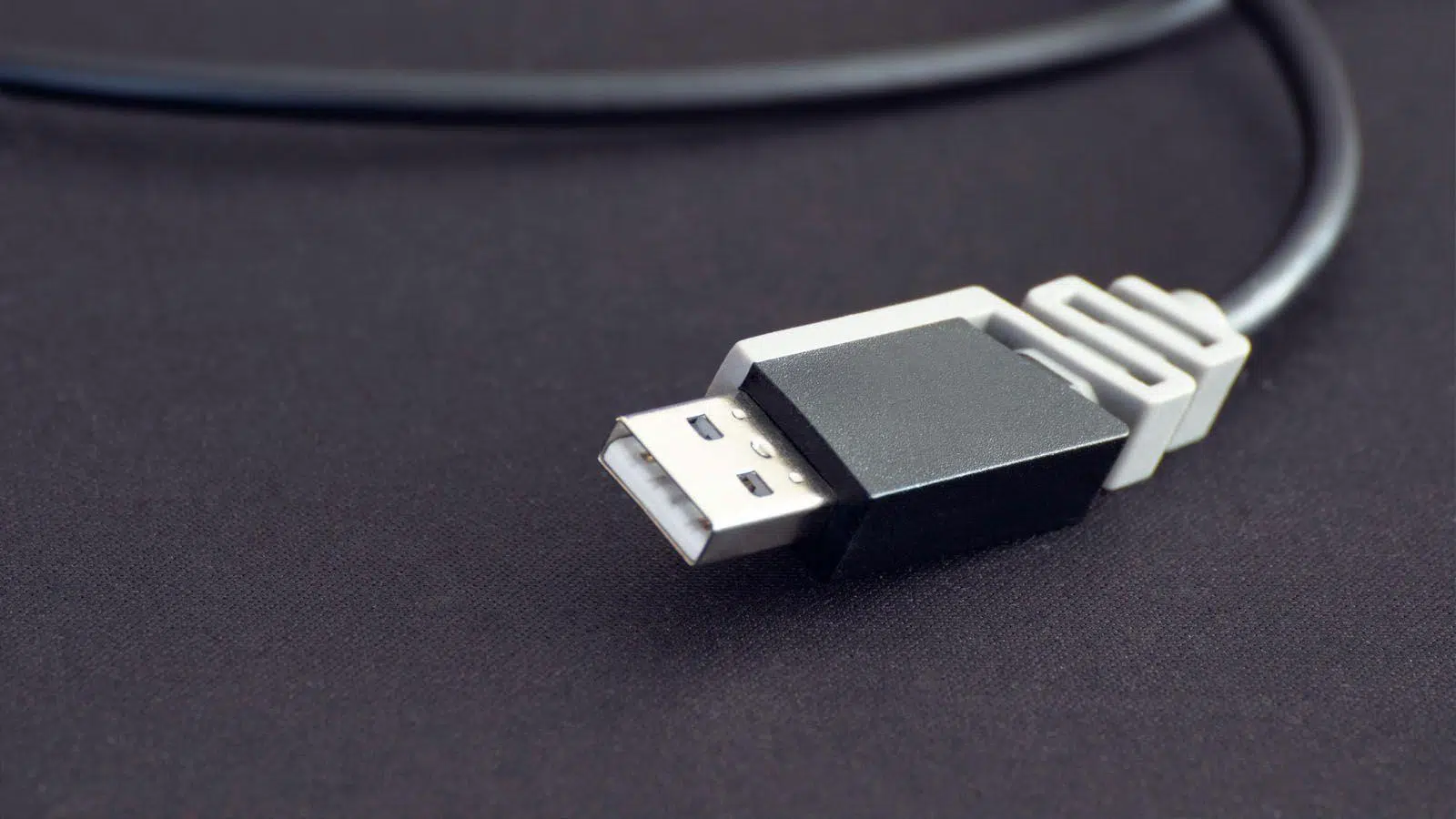
In our daily lives, we connect all sorts of gadgets via USB to our computers and phones almost without thinking: flash drives, external hard drives, chargers, borrowed charging cables… and, if we're not careful, even the odd device we've found lying around. This seemingly innocent action can open a huge door to data theft, malware, or even physical damage to our equipment . You don't have to be a cybersecurity paranoid to take this issue seriously.
Beyond installing antivirus software or avoiding downloading suspicious files, there's one aspect we often overlook: what we physically plug into our PC or phone via the USB port . In this article, we'll take a detailed look, using real-world examples, at which USB devices you should never connect to your computer or mobile device, what techniques attackers use, what the worst-case scenario might be, and what best practices to apply both at home and in professional environments.
Why the USB port is such a dangerous attack vector
The USB standard was created to make our lives easier, but that same convenience makes it a very attractive attack vector for cybercriminals . Two things pass through a single connector: electricity for charging and a bidirectional data channel. And therein lies the problem.
When you connect a USB device, the operating system recognizes it, installs drivers, and often blindly trusts that what's been plugged in is legitimate . If the device has been tampered with, it can masquerade as an innocent keyboard, mouse, network card, or flash drive and, from there, perform actions that the user hasn't authorized.
Furthermore, USB attacks bypass traditional barriers such as the "air gap" (the physical isolation of a network). Even if you have an industrial or corporate network completely disconnected from the internet, all it takes is for someone to insert an infected USB drive for that protection to be ineffective. This is how well-known threats like Stuxnet and Triton have been introduced into critical infrastructure.
If that weren't enough, the USB port can not only be used to sneak malware in: it can also be a channel to literally fry the hardware , as happens with USB Killer devices, which discharge voltages far above what the motherboard can tolerate.

USB drives you should never connect to your computer or mobile phone
There are certain devices that, however tempting they may be, are best left untouched. Some are clearly suspicious, while others seem completely harmless , but in all cases, the risk is hardly worth it.
Unknown or "found" USB flash drives and memory sticks
It's a classic scenario: you're walking down the office hallway, through the library, on campus, or even in your building's entrance hall, and you see a USB drive lying on the floor or abandoned on a table. More than 40% of people who find one end up plugging it into a computer to "see what's on it ," according to experiments conducted at universities.
Attackers are well aware of this curiosity and exploit it. A common tactic involves leaving infected USB drives in parking lots, elevators, mailboxes, or common areas of businesses and schools . There have also been cases of USB drives being mailed to random users, disguised as advertising or promotional "gifts."
Inside that USB drive there can be anything: Trojans, worms, ransomware, keyloggers, rootkits, adware… Many of these malware programs are designed to spread as soon as they detect other storage devices or computers on the same local network, and to remain hidden for as long as possible.
Even worse, you don't always need to open any files : if the computer has autoplay enabled, the system can execute malicious code as soon as you insert the device. In corporate settings, a simple infected USB drive can lead to a serious security incident, massive data theft, or the shutdown of critical systems.
And there's an important legal detail that's rarely discussed: a lost USB drive can contain stolen documents, illicit photos, or third-party banking information . Simply possessing or accessing certain types of content can lead to legal problems, even if you had nothing to do with its creation; see our tips for preventing personal data theft.
"Surprise" USB drives that arrive in the mail or are given away at events
Another very delicate case is USB devices that you receive without having asked for them : aggressive marketing campaigns, supposed gifts at fairs, congresses, promotions in shopping centers or even anonymous postal shipments.
Sometimes they are perfectly legitimate, but there have been campaigns distributing infected USB drives to install malware or spy on victims . Melbourne police, for example, had to issue a warning asking citizens not to connect USB drives found in their mailboxes to their computers, as many contained malicious software.
In companies and public bodies, this type of "gift" USB drive should be considered a high-risk device and must undergo mandatory analysis processes or, directly, never be used in production equipment.
USB cables and chargers of dubious origin
With the trend of charging mobile phones everywhere, new attack techniques have emerged that exploit seemingly harmless chargers and cables. A public charger in an airport, hotel, or shopping mall can be modified to do more than just charge the battery.
The so-called juice jacking relies precisely on this: public USB charging ports can be used to install malware or monitoring tools on connected devices. A compromised port can access the contents of a phone, steal passwords and personal data, and use it to impersonate you, empty bank accounts, or sell your information on the dark web.
Something similar happens with some modified USB cables that conceal a microcontroller . On the outside they look like normal cables, but inside they can behave like a keyboard that, when connected, starts typing commands at high speed to download malware, create privileged users, disable antivirus software, and much more.
The moral of the story is clear: never assume that a charger or USB cable is "just" a harmless piece of plastic , especially if you don't know where it came from or who might have handled it.
Very low quality USB devices (fans, lights, cheap gadgets…)
At the opposite end of the spectrum from sophisticated attacks are cheap, poorly made USB devices : two-euro fans, flexible lamps, heated mugs, mini toys, etc. Although their original purpose may not be malicious, the poor quality of the components can pose a serious problem.
Poor power management, faulty soldering, or nonexistent protections can cause short circuits, voltage spikes, or overloads that damage USB ports, motherboards, or batteries . And that's without even considering that some of these gadgets may incorporate modified firmware or storage chips that, again, could be used to introduce malicious code.
The recommendation is simple: if you're going to connect something to a USB port, make sure it's from a reliable manufacturer and comes with a minimum warranty . Free or suspiciously cheap items often end up being expensive when it comes to security and hardware.
USB Killer and other devices designed to damage hardware
Within the "don't even think about plugging it in" category are the so-called USB Killers . Unlike a normal flash drive, its interior isn't used to store data, but rather to accumulate energy using capacitors.
When connected to a USB port, they rapidly charge their capacitors from the power lines and discharge about 200 volts of direct current onto the data lines . This charge-discharge cycle repeats several times per second until the device is removed. Unless the computer has very specific protection, the result is usually a dead USB port, a fried motherboard, or a completely unusable computer.
Even with antivirus software and other active defenses, no software can protect your hardware from a purely electrical attack . Therefore, inserting a USB drive of unknown origin into your PC can not only lead to infection but also irreversible physical damage.
Specific risks of connecting unsafe USB drives
We've already seen which devices are best avoided, but it's worth clarifying exactly what can happen. Connecting a suspicious USB device can compromise both the logical aspects (data, operating system, network) and the physical aspects (hardware).
Malware: From Silent Trojans to Destructive Ransomware
Malware distributed via removable media is highly varied. In industrial and corporate environments, it is abundant in Trojans with backdoors, bots, droppers that download other threats, worms that replicate automatically, rootkits that hide from the user and antivirus software, and all kinds of adware and spyware.
Some ransomware families specifically target other connected hard drives or USB drives to spread . Others focus on stealing confidential information: internal documents, configuration files, saved browser credentials, databases, etc. In extreme cases, we're talking about ransomware that encrypts all accessible files and demands a ransom for their recovery; learn how to protect yourself from ransomware.
On PCs with autoplay enabled or misconfigured, simply inserting the device is enough to start the fun . There's no need to open anything or double-click any files: the system executes whatever the attacker has prepared.
Commitment to industrial networks and "air gapped" systems
In the field of Industrial Control Systems (ICS), USB is a double-edged sword. On the one hand, it is essential for updating firmware, loading new configurations, or transferring data to equipment that is not connected to the network . On the other hand, it is a huge threat vector.
Despite isolation measures, many industrial plants have seen their systems compromised precisely because of a failure to implement best practices in the use of removable media . Stuxnet and Triton are two high-profile examples, but not the only ones. Poorly managed memory can completely undermine an air gap strategy: what wasn't coming in through the network ends up in a technician's pocket.
Furthermore, the long lifespan of industrial equipment and the coexistence of legacy systems with more modern ones make it difficult to maintain them all under consistent safety policies. Personnel operating these control devices become, de facto, the main risk factor if they are not properly trained and aware of the risks.
Data loss, privacy, and potential legal liabilities
Not all danger comes from outside. USB drives also pose a huge risk when used to store sensitive information : personal data, corporate documents, backups, private photos, etc.
They're small devices, easy to lose, forget in a bag, or leave plugged into someone else's computer. If the computer you connect it to is infected, it can copy the contents of the USB drive without you even noticing . And if you lose the drive, anyone who finds it can access your documents if they aren't encrypted.
In the professional sphere, this translates into clear risks of corporate information leaks and regulatory compliance issues (for example, regarding data protection). That's why many organizations expressly prohibit the use of personal devices for handling company information.
Physical damage to the hardware
Aside from USB Killer devices and similar gadgets, a faulty or poorly designed device can cause serious electrical problems . A power surge or short circuit in a cheap gadget can damage the USB port, part of the circuit board, or even the power supply.
There are also risks associated with leaving devices connected for extended periods unnecessarily. If there is a power surge or failure while the USB drive is writing data , the file system of the flash drive or the computer itself can become corrupted, resulting in data loss.
Best practices: how to use USB more safely
We can't always do without USB drives or ports, but we can significantly reduce the risk by applying a series of technical and common-sense measures . Some are for any home user, while others are geared primarily toward businesses and industrial environments.
Never connect unknown USB devices
It might seem obvious, but it's still the most important point: if you don't know where a USB drive came from, don't connect it to any equipment you care about . No flash drives found on the street, "forgotten" at the office, that arrive in the mail unsolicited, or that someone lends you without any guarantees.
If you find a USB drive, the most sensible option is not to use it for anything related to your devices . In corporate environments, it should be handed over to the security or IT department for analysis or secure destruction. At home, throwing it in the trash (breaking it if you want to be sure) is often the least bad option.
Avoid charging your mobile phone at public USB ports
Airports, train stations, hotels, shopping malls, and even buses are increasingly offering "free" USB ports for charging your phone . The problem is that you rarely know what's behind that connector: a simple power adapter or a device with access to your data.
To reduce the risk of juice jacking, it's best to always use your own charger connected to a wall outlet , or carry an external battery that only you use. If you have no other option than to use a public charging port, ideally you should use special cables that block the data pins and only allow charging.
Separate personal and professional devices
At work, it's important to draw a clear line: personal on one hand, professional on the other . You shouldn't connect your personal USB drive to the company computer, nor should you use a company USB drive to take personal files home.
In practice, this means: corporate USB drives identified, inventoried, and with clear usage policies ; prohibiting or restricting personal devices as much as possible; and subjecting any external memory to prior controls (such as analysis at security kiosks) before allowing it into the internal network.
Protecting stored information: encryption and content management
When there's no other option than to store sensitive data on a USB drive, the best protection is to encrypt it with a strong password . This way, even if someone manages to get hold of the physical drive, it will be much harder for them to access the contents.
Additionally, it's a good idea to limit the type of information stored on these devices . Avoid, as much as possible, storing particularly sensitive or essential data that isn't backed up elsewhere securely. And when you no longer need them, use secure deletion so that the files can't be easily recovered.
Configure the operating system and use security tools
On the technical side, there are several basic measures that help a lot. For example, disabling autoplay on removable drives , so that nothing runs without your permission. It's also advisable to have a good, up-to-date antivirus program that automatically scans removable media when you connect it.
In advanced industrial and corporate environments, you can go further with specific USB port control solutions : restricting which types of devices can be connected, applying different policies depending on the equipment, logging everything that is plugged in, blocking unsigned firmware, etc.
An increasingly popular tool is the USB scanning kiosk : dedicated devices where flash drives are connected before being allowed into the network. These kiosks perform scans using multiple antivirus engines, protect against BadUSB, allow for secure data erasure, manage device inventories, and generate authorization tickets.
Taking care of the physical "health" of your USB drives
Besides safety, it's always a good idea to take good care of your device so it lasts longer and doesn't let you down. Always use the safe removal method before unplugging, avoid leaving it plugged in unnecessarily, clean the connector occasionally, and protect it with its cover to reduce the risk of physical damage.
It's also best not to force the connector in : if it doesn't go in, it's probably upside down. Pushing it in roughly can damage both the flash drive and the computer's port. And if you're working on a laptop with a very low battery, avoid writing data to the USB drive at that moment: if the computer shuts down mid-operation, you could lose files or corrupt the drive's file system.
Formatting your USB drive occasionally (after backing up your data) helps maintain performance and detect drives that are starting to fail . As soon as you notice unusual behavior (frequent errors, disappearing files, ridiculously slow speeds), it's best to retire it before you lose something important.
Training, awareness and incident response
No matter how many technical measures are put in place, USB security relies primarily on the human factor . If users don't understand the risks, they will continue to connect devices they find lying around or happily lend their flash drives to any computer.
In companies and institutions, it is crucial to offer regular training on best practices , explain real-world examples, clearly define what is and isn't acceptable, and outline how to respond in case of loss, theft, or infection. It is also important to have a simple channel for reporting incidents (for example, immediately notifying staff if a corporate USB drive containing sensitive data goes missing) without fear of excessive retaliation.
When it's time to get rid of a device, whether due to obsolescence or an upgrade, you must ensure that no trace of information remains on it . Simply throwing it away or giving it away can create another avenue for data loss.
Ultimately, the USB port is an incredibly convenient tool, but if misused, it becomes a liability. With a healthy dose of caution, a few clear rules, and some discipline in applying them , you can continue to enjoy its advantages while significantly minimizing problems and malfunctions.