- Access keys eliminate the need for passwords by using biometrics or device PINs.
- This system offers superior protection against phishing and brute-force attacks thanks to the WebAuthn standard.
- The feature is compatible with desktop browsers and the iOS app, and will gradually expand to other systems.
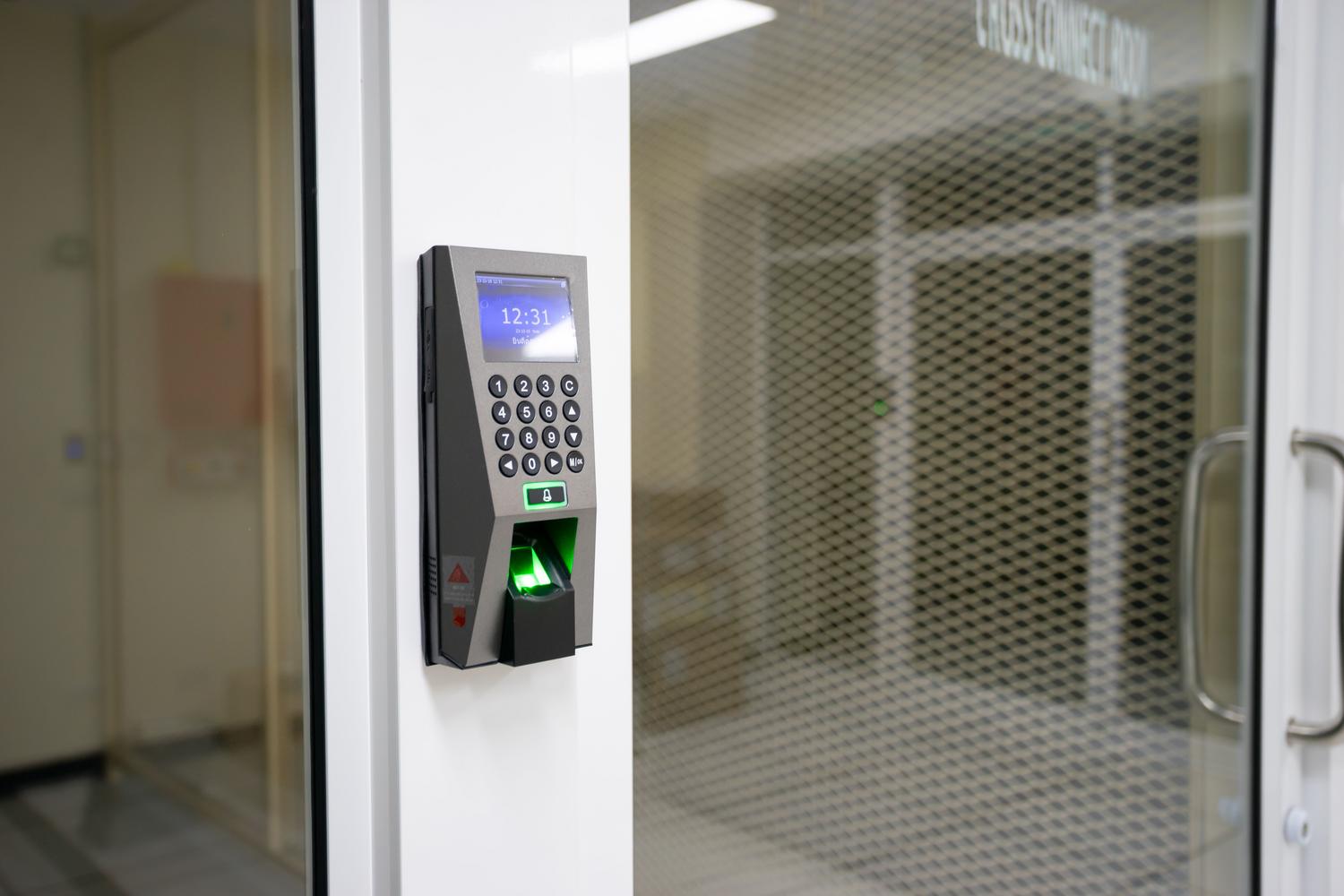
Tired of struggling with complicated passwords that you forget the next day? Amazon has taken a step forward to make accessing your account much simpler and more secure by implementing "passkeys." Essentially, it's a modern alternative that leaves old passwords behind, so you don't have to type endless characters every time you want to buy something.
The best part is that this system is not only more convenient, but it also protects your account against the most common cybercriminal tricks. By leveraging the technology already in your phone or computer, such as fingerprint or facial recognition, the process becomes instantaneous. Let's take a closer look at what this is all about and how you can set it up on your own account.

What exactly are access keys?

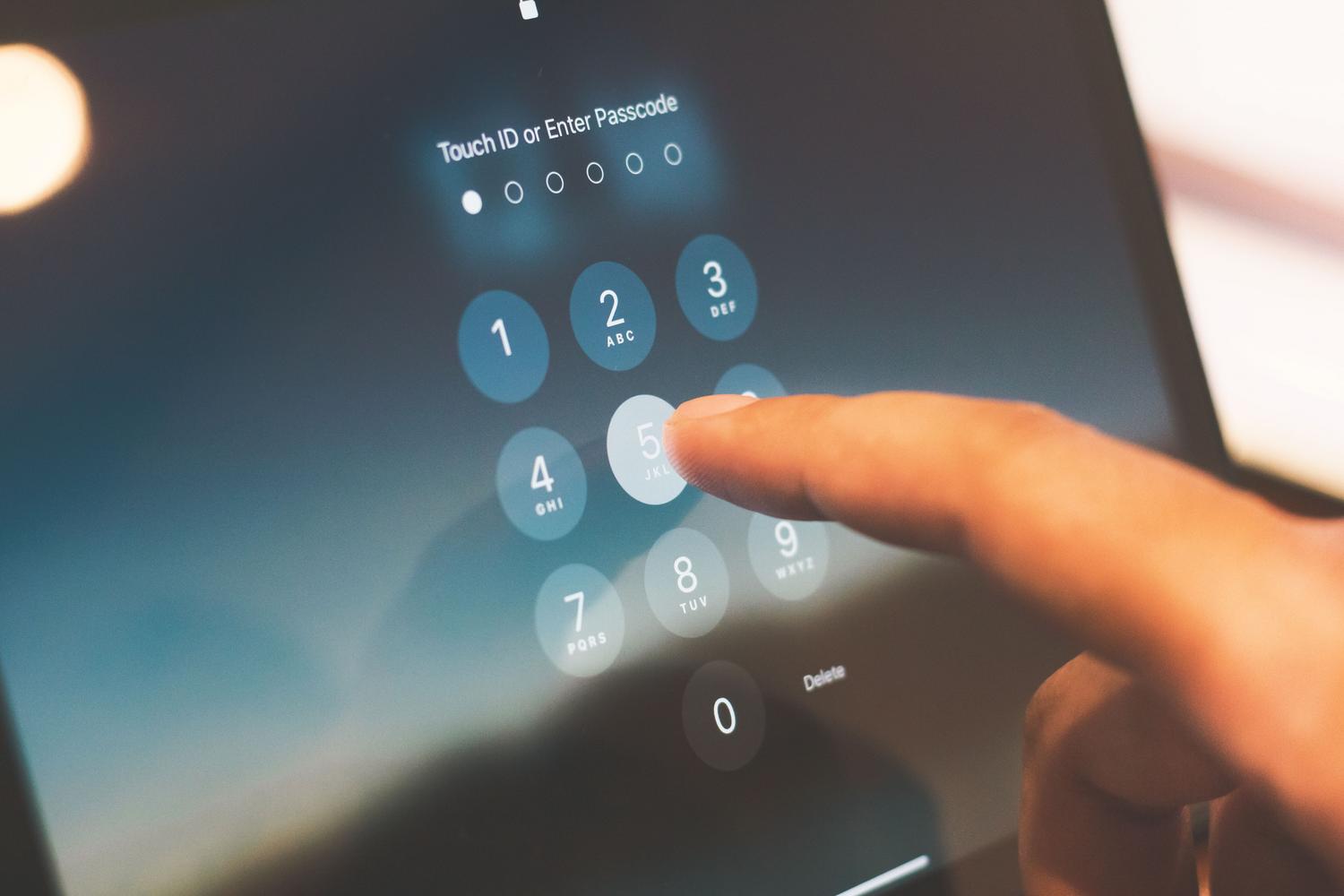
Simply put, an access key is an authentication method that doesn't require passwords . Instead of remembering a string of letters and numbers, the system uses the same method you use to unlock your device: whether it's a PIN, your biometric data (like Face ID or fingerprint), or even a swipe pattern. Amazon is one of the giants that has already adopted this standard to make life easier for its users.
Advantages of leaving passwords behind
You might be wondering why bother changing your usual method. The short answer is that access keys are extremely resistant to phishing . This is possible thanks to the WebAuthn standard, which uses a public-key cryptography system. It works like this: a public key is stored on Amazon's servers, and a private key is stored locally on your device. Since the private key never leaves your device, it's virtually impossible for a hacker to steal it through a fake website.

Furthermore, this system solves the problem of password fatigue. Most of us manage dozens of accounts and end up reusing the same password across multiple sites, which is a huge mistake. By eliminating the password, this risk disappears completely. Another strength is that it already includes two-factor authentication (2FA) by design; since the password is linked to the physical device, the device itself acts as the second verification factor, saving you the step of waiting for an SMS.
Steps to activate your access key on Amazon
If you want to start using this technology, the process is quite intuitive. Keep in mind that, although it's being rolled out rapidly, it may take a few more days for some users to see the option active. To set it up, follow these steps:
- Go to the Amazon website using your usual browser.
- Access the section your account.
- Find and click on the section of Login and security.
- Locate the section dedicated to Access Keys and select the option Setup.
- Follow the instructions on the screen to link your device.
If you prefer to do it from your mobile device, make sure you have the latest version of the Amazon app . The feature is currently fully operational on iOS and will be coming to Android very soon. Remember that this method is entirely optional; if you're more comfortable with your usual password, you can continue using it without any problem.

Key management and cross-device compatibility
An important detail is that, since the private key is stored in the hardware, switching between operating systems can be a bit cumbersome. For example, if you create the key on an iPhone and then want to log in from a Windows PC, you'll likely have to scan a QR code to verify your identity. To avoid these complications, there are key managers that store these credentials in an encrypted vault accessible from anywhere, facilitating seamless transfer between different brands and devices.
If you're having trouble logging in and can't find your password, Amazon always allows you to recover your account through password assistance. Simply enter your email address or phone number, receive a temporary password via SMS or email, and create a new password to regain control of your profile.
Implementing this system is the best way to prevent unauthorized purchases or the theft of your personal data. By combining the convenience of biometric access with the robustness of modern cryptography, Amazon offers a much smoother user experience, protected against the vulnerabilities of traditional alphanumeric keys.
