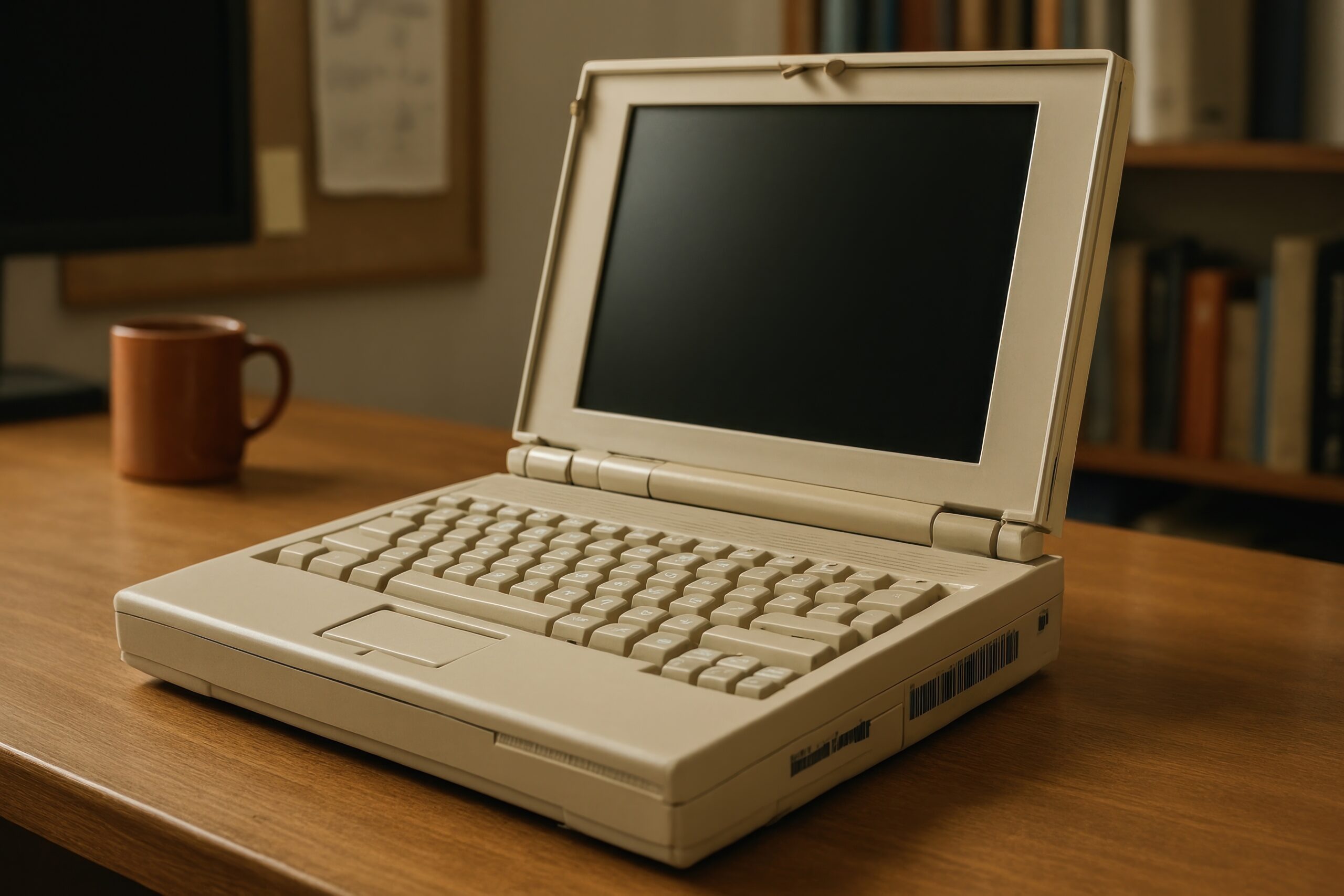
I'm sure you have a laptop lying around somewhere that's seen better days. Maybe the processor still holds up and there's plenty of memory, but The graphics card has become obsolete. and it's no longer useful for your current tasks. Instead of letting it gather dust or throwing it away, make use of your old PCs Turning them into a classic gaming machine is a phenomenal idea to take advantage of that hardware.
Ideally, you should look for a configuration that allows you to connect the device to the TV via HDMI and manage everything with one remoteThis avoids having to struggle with the keyboard or navigate complicated menus via SSH. If you're looking for a seamless experience where you can turn on the device and immediately start playing PSX or PS2 titles, there are several options depending on how much you want to complicate things with the software.

Linux-based options for a total transformation
If you don't mind wiping your current operating system to gain performance and simplicity, there are lightweight operating systems to revive old PCs designed specifically for this. One of the strongest bets is the LibRetro ecosystem, whose flagship project is RetroArch, an open-source software which includes emulators for almost any imaginable console, from the most primitive Atari to more powerful systems like the PlayStation.
To implement this, you can opt for RetroPie. This tool is very comprehensive because it combines the EmulationStation game center with the RetroArch cores, enabling you to browse your game library It should be a breeze. However, keep in mind that the process is somewhat more laborious on a PC than on a Raspberry Pi, since you first need to Install Ubuntu as a base and then install RetroPie on top of it, which can be a bit tedious if you're not familiar with the Linux environment.
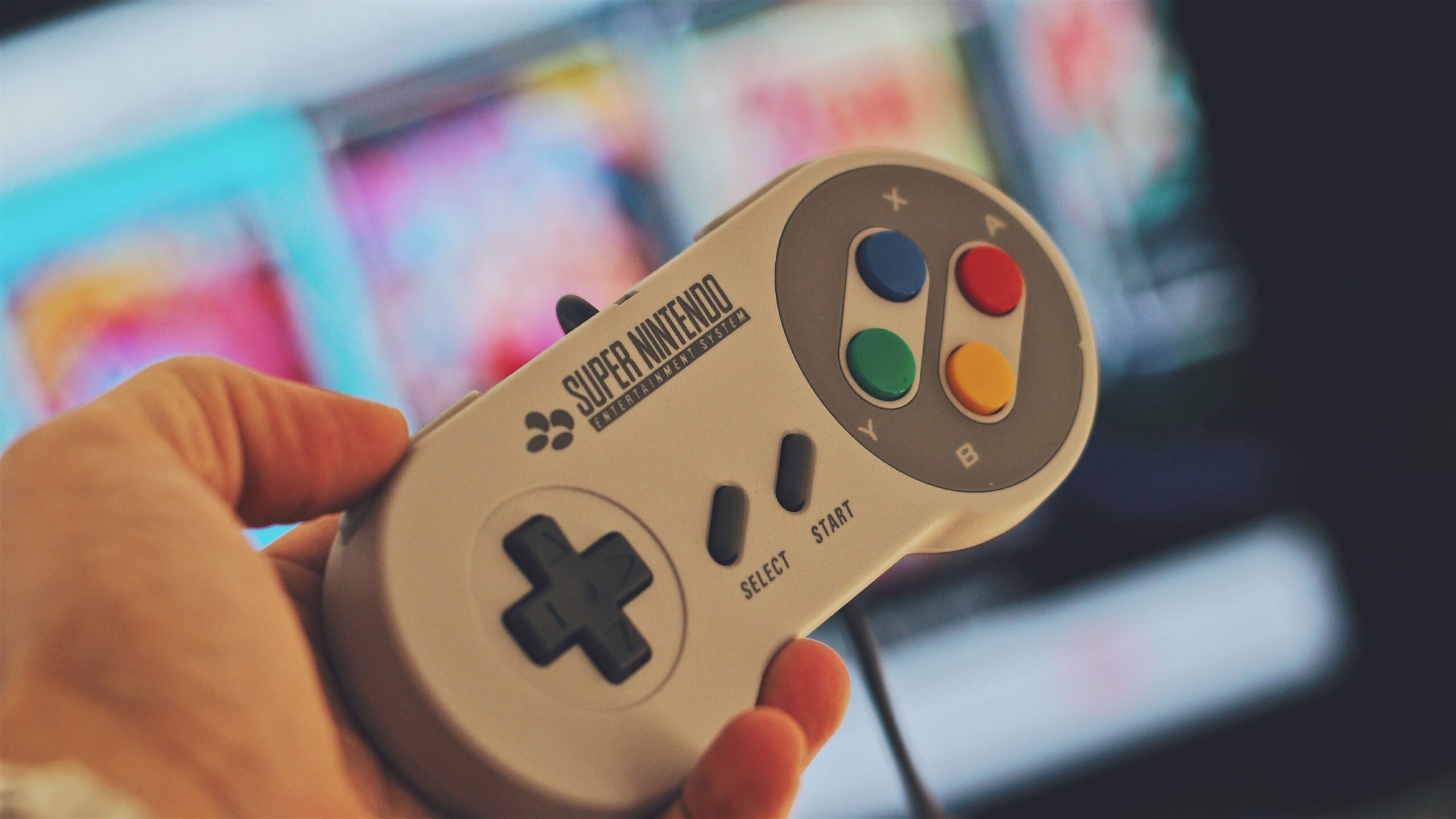

If you're looking for something more straightforward and uncomplicated, Lakka is the ideal alternative. It's an extremely lightweight Linux distribution that turns your PC into a pure console. Its interface is very reminiscent of... PlayStation XMB menuorganizing ROMs by console categories in a very intuitive way. The great advantage is that, being based on the Linux kernel, It is compatible with almost any hardwareHowever, its drawback is that the system is very closed: it's only for playing games and you won't be able to use the laptop for anything else.
The portable alternative for Windows users
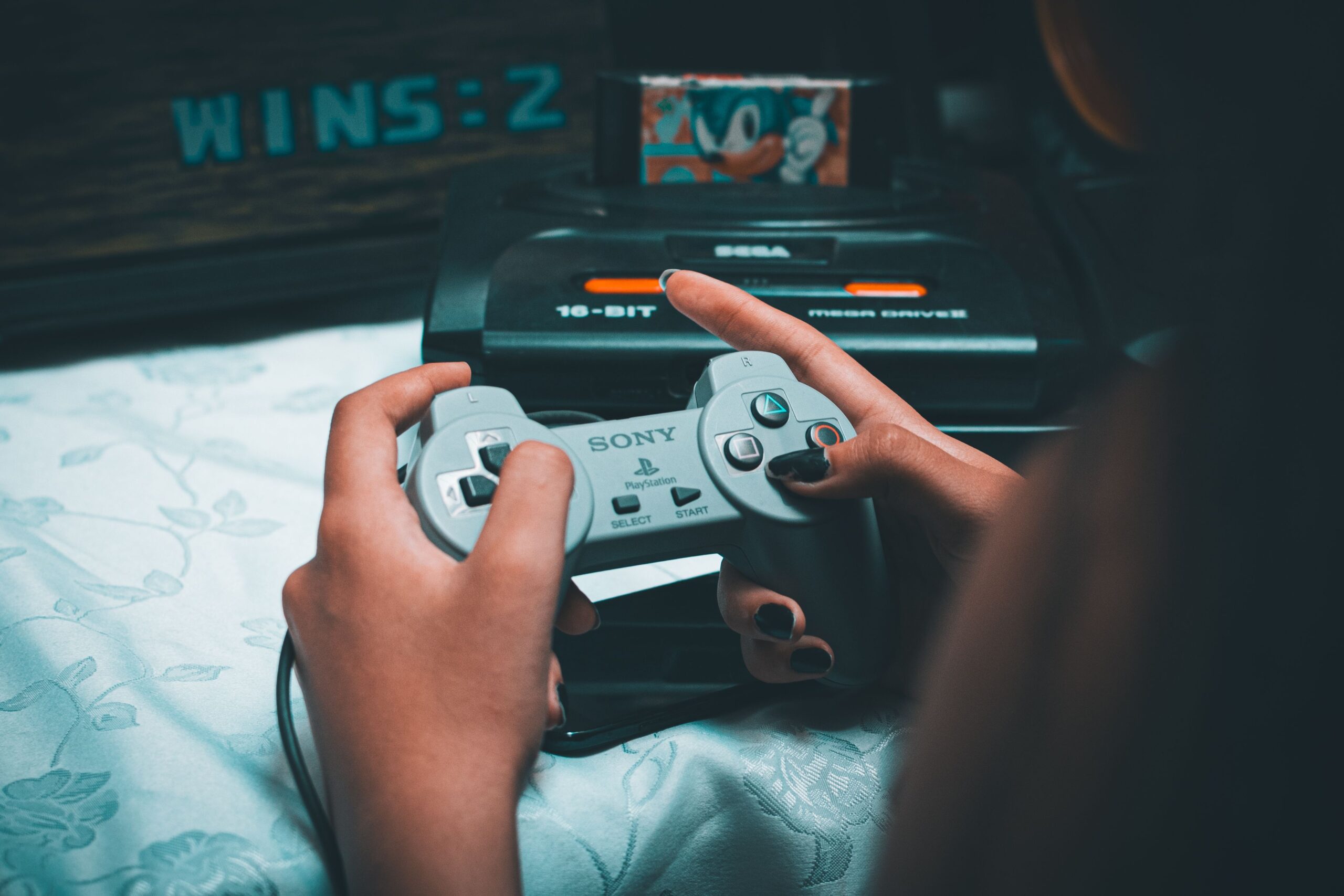
Not everyone wants to format their computer or install Linux. If you prefer to continue using Windows or want your game collection to be portable, RetroBat is the smartest solution. This program allows emulate consoles like NeoGeo, MegaDrive or PS2 running everything from an external hard drive or an old SSD, thus avoiding overloading the laptop's internal storage.
To get started, simply download the "External" version from its official website and run the installer as administrator on the external drive. Once inside the RetroBat interface, you can automatically install emulators that you need and dump your ROMs into the corresponding folders. It's a great option because it allows link any controller and configure it to your liking, making an old PC work exactly like a modern living room console.
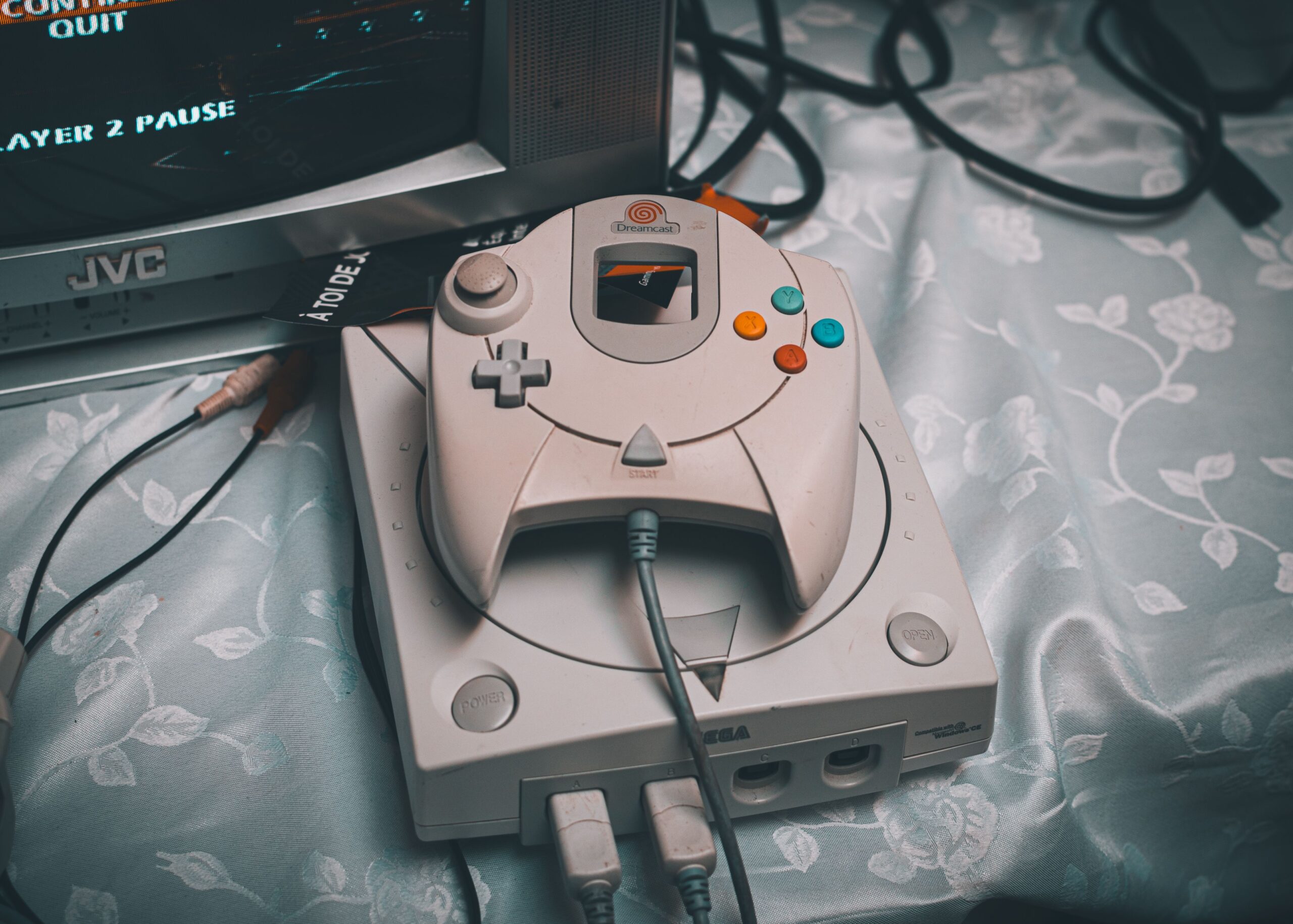
Whether you opt for the absolute lightness of Lakka, the configurable power of RetroPie on Ubuntu, or the portable convenience of RetroBat on Windows, rescuing an old computer is the best way to combat nostalgia. Depending on whether you're looking for a system dedicated exclusively to gaming or a flexible solution on an external hard drive, you can enjoy huge catalogs of classic consoles on your television without spending a penny on new hardware.