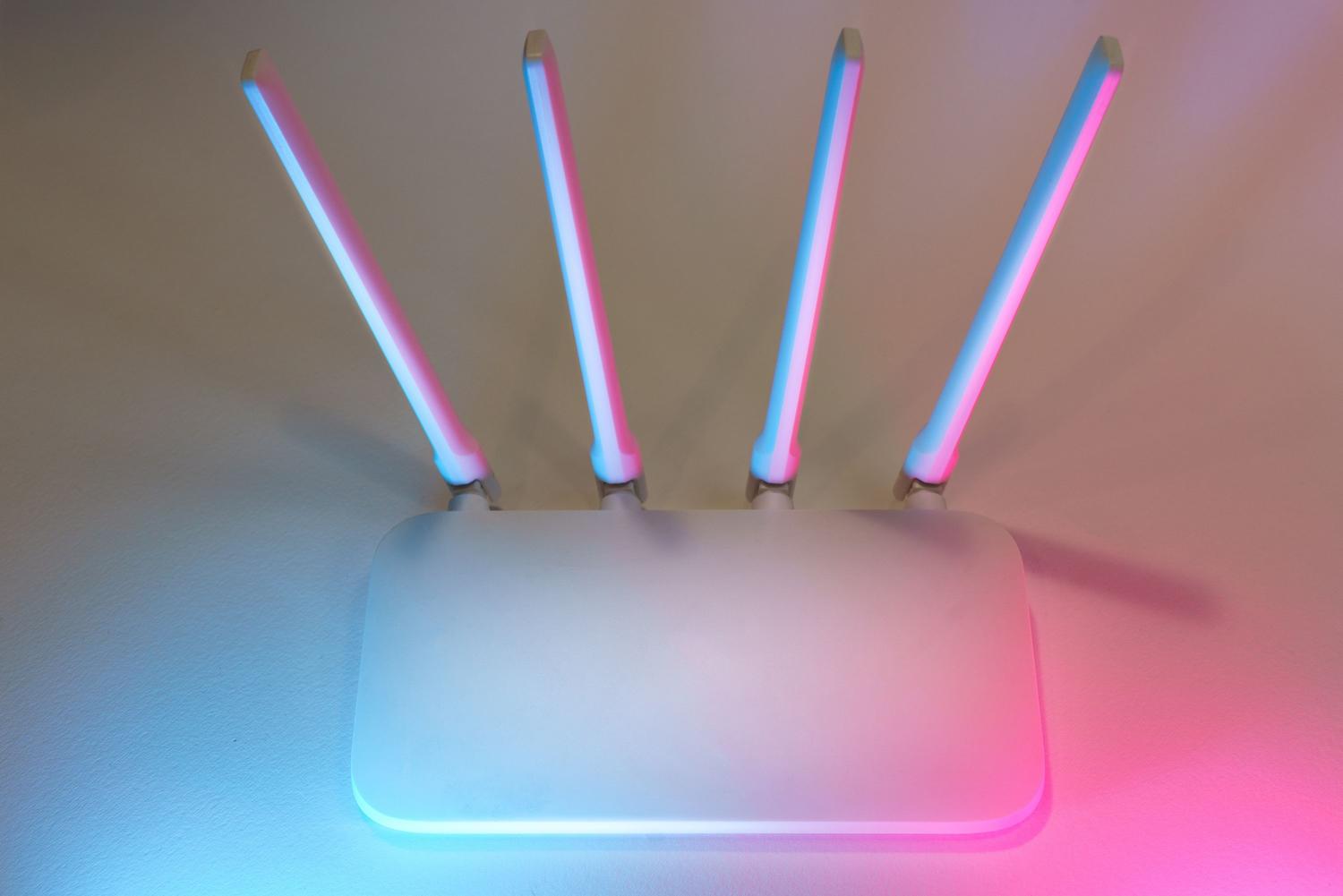
It's probably happened to you a thousand times: someone comes to your house, greets you, and before you can even offer them a glass of water, they're already asking for your Wi-Fi password . While it might seem like a harmless and perfectly normal gesture in our hyper-connected society, revealing your main network password is essentially like giving someone a copy of your house keys . You're not just giving them internet access; you're opening the door to your digital privacy.
To avoid these unpleasant surprises while still being a good host, the ideal solution is to set up a guest Wi-Fi network . Essentially, it creates a separate access point that allows web browsing but keeps visitors in a sort of bubble, preventing them from snooping through your shared folders, your NAS, or any other device connected to your local network. It's the smartest way to combine hospitality with cybersecurity.

Why is sharing your primary network risky?
When someone connects to your local network, their device becomes part of your local ecosystem. The problem arises if that mobile phone or laptop has a Trojan or malware installed without the owner's knowledge. Many of these viruses are designed to spread automatically across the local network, attempting to infect everything they encounter, from work laptops to video game consoles or televisions.
Furthermore, if you have network storage systems or shared hard drives implemented, someone with the right skills (or malicious software) could access your private data . By using a guest network, you create an impenetrable barrier: the visitor has internet access, but no visibility into the rest of your devices.

Advantages of having a guest zone

Aside from the obvious security, there are practical benefits that make your life easier. First, you have complete control over the password ; you can set a simpler password that's easy to remember and change it periodically without having to reconfigure all the devices in your home.
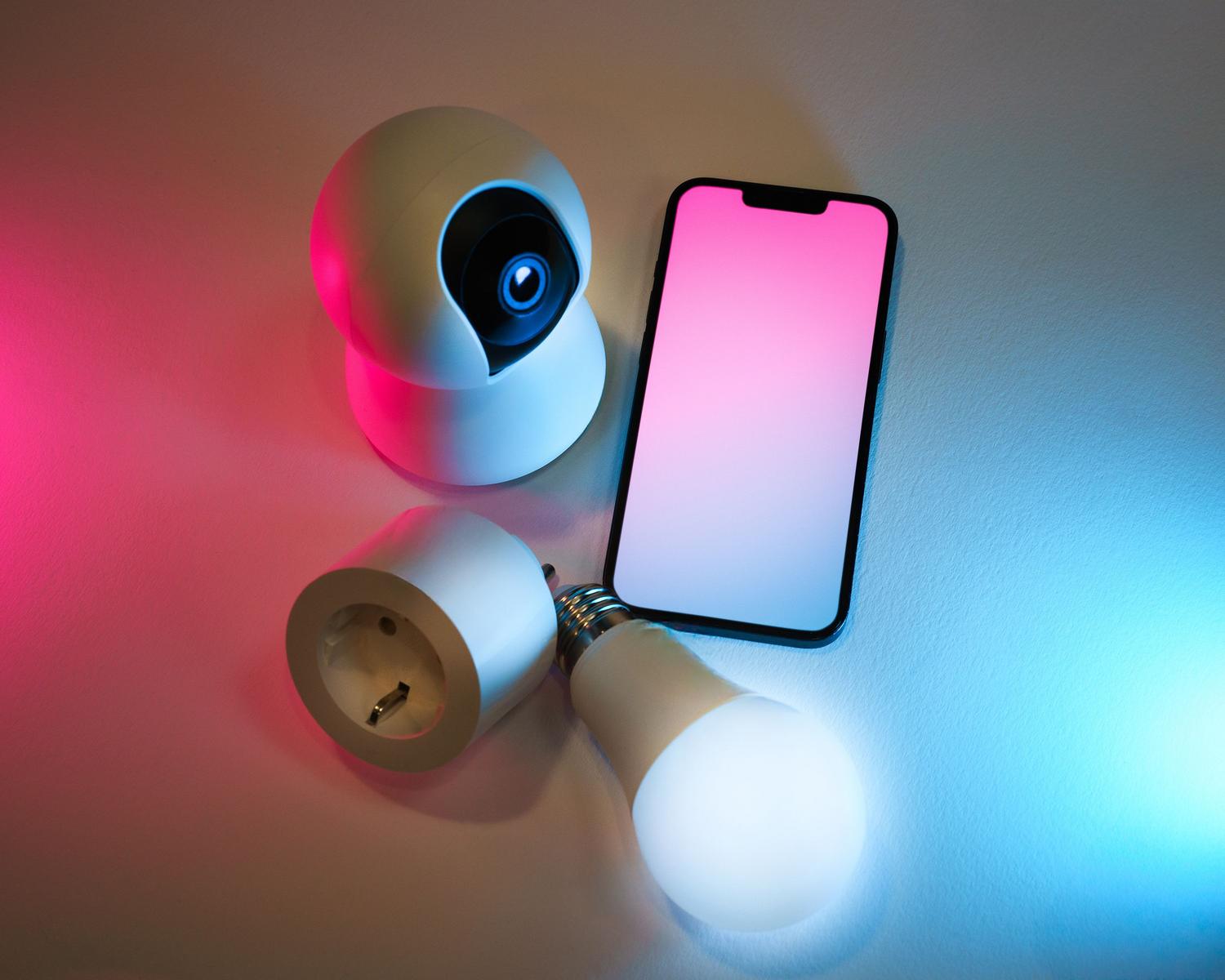
Another key point is performance management. Depending on your router, you can apply Quality of Service (QoS) rules to limit the bandwidth used by visitors. This prevents someone from downloading large files and throttling your speed while you're trying to work or play online. It's also the perfect location to connect IoT devices , such as those detailed in this home automation and Home Assistant guide , which often have very poor security and are a favorite target for botnets.
Step-by-step guide to setting up the guest network
Although each router brand has its own design, the process is usually very similar for almost all current models. You just need a web browser and a few minutes of your time:
- Control panel access: Open your browser and Access your router to configure your WiFi. by entering the gateway IP address. It is usually 192.168.1.1 or 192.168.0.1If it doesn't work, check the sticker underneath the router or consult the manual.
- Authentication: Enter the administrator username and password. If you've never used them before, they're usually generic, like admin or rootHowever, it is best to replace them immediately for safety reasons.
- Option location: Look in the menu for sections called "Guest Network", "Guest Zone" or "Wireless Settings"On some modern routers, this option is already in the main settings menu.
- SSID customization: Give the network a name (for example, "WiFi_Guests"). SSID This is the name that guests will see when searching for available networks.
- Security and Encryption: Choose a strong password and, very importantly, select your authentication method WPA2 or higherAvoid WEP or WPA encryption at all costs, as they are obsolete and easy to hack.
- Network isolation: Make sure you check the box that says "Isolate clients" or "Block intranet access"This is what ensures that guests cannot communicate with your other devices or access the router settings.
Regarding the frequency band, the most practical option is to configure the guest network on the 2,4 GHz band . Although it's slower than the 5 GHz band, it's the most compatible with all types of mobile phones and tablets, preventing any guests from finding they can't access your network.

Common mistakes and maintenance tips

To ensure everything runs smoothly, avoid leaving your network open without a password, as this would expose your connection to any neighbor or passerby. It's also crucial to update your router's firmware regularly, as manufacturers release patches to close security vulnerabilities that could allow attackers to bypass guest network isolation.
If you have a business or office with high traffic, you might want to go a step further and configure VLANs and network security, or captive portals—those registration pages that appear in hotels or airports. To monitor who is connected in real time, there are tools like Acrylic Wi-Fi Analyzer or NetAlertX, which allow you to detect intruders or unknown devices in your network.
Having a secondary Wi-Fi network is the key to keeping your home connected and secure. By separating the traffic from your personal devices from that of guests and smart appliances, you eliminate most common attack vectors, protect your sensitive information , and manage your bandwidth with complete freedom, ensuring your home network remains a private and secure space.
