- Configuration of left-to-left writing and management of contextual ligatures in digital environments.
- Alternatives and tools for writing in Arabic without a specialized physical keyboard.
- Analysis of the historical and cultural reasons why Arabic is written from right to left.
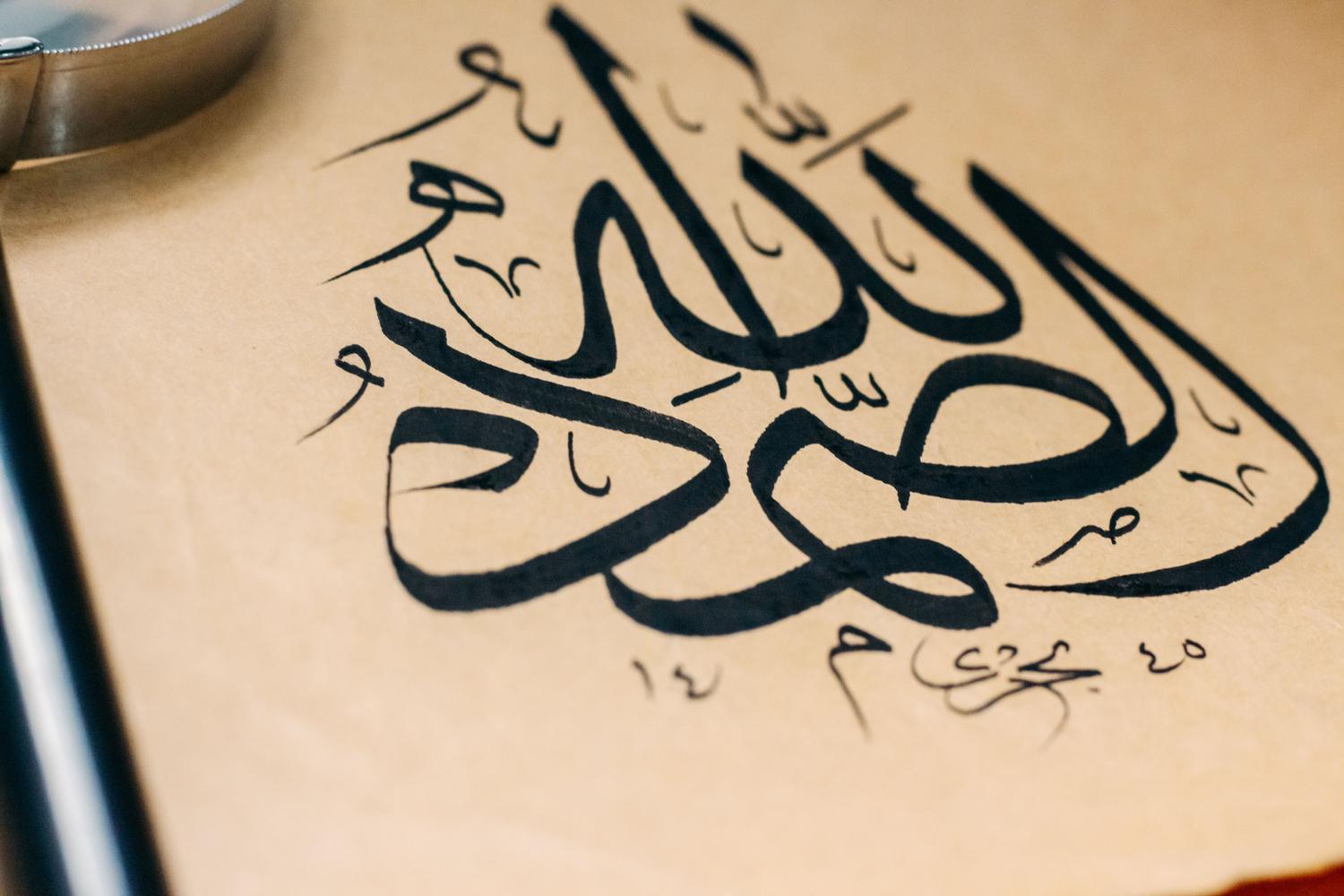
If you've ever tried to fit a few Arabic words into a graphic design and found the letters appearing backward or separated, you know how frustrating it can be . It's not just a matter of changing the paragraph alignment; it's about getting the software to understand that the reading flow is completely opposite to ours—a phenomenon technically known as sinistroverse writing.
Mastering the art of typing in right-to-left (RTL) languages requires knowing a few tricks, as many Western programs don't have it enabled by default. From adjusting language preferences to using external typing tools, there are several ways to make your texts look professional and, above all, be readable by a native speaker.
The challenge of Arabic script in design software
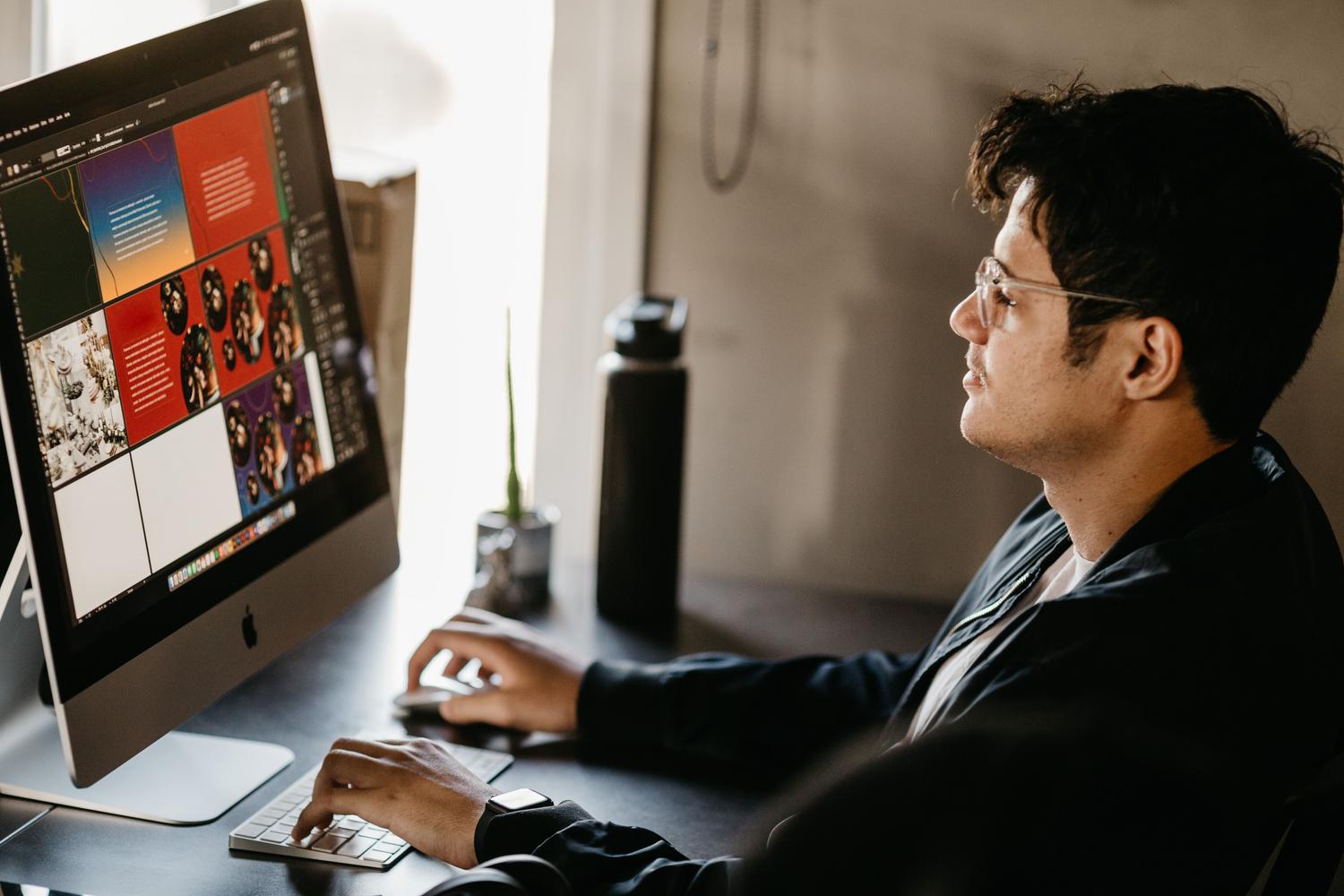
When working with tools like GIMP or even Illustrator, the problem is often that the program interprets text from left to right. This means that when you paste a phrase, the result is equivalent to writing a word backward. To fix this, it's essential to look in the font preferences for the language options and the Middle East and South Asia single-line composer , which will ensure the correct orientation.
However, it's not all that simple. A very common flaw in some editors is punctuation handling. Sometimes, even when the text is correctly formatted, periods and commas are incorrectly shifted to the right , disrupting sentence coherence. In extreme cases, some users have had to resort to installing regional versions of the software specifically for the Middle East to recover directional buttons that have disappeared in the standard versions.
Configuration in office and Windows environments

In suites like Microsoft 365, the experience is smoother because they support native right-to-left typing. To start typing, the first step is to enable the keyboard language in Windows settings. Once this is done, specific buttons will appear on the Home tab to change the paragraph direction.
It's important to differentiate between the interface language (the menus) and the editing language. You can keep Windows in Spanish but set the editing and formatting language to Arabic. This enables the ability to manage ligatures and diacritics, essential elements since, in Arabic, the shape of a letter changes depending on whether it's at the beginning, middle, or end of a word.
Tools and tricks for writing without a physical keyboard
Many people don't want to fill their laptops with stickers of Arabic letters, and that's understandable. A very practical solution is to activate the Windows on-screen keyboard (OSK) , which allows you to see the position of the letters while typing on the physical keyboard. There are also web platforms that allow phonetic input , where pressing a Latin key automatically generates the corresponding Arabic character based on its sound.
For those seeking superior calligraphic quality, there are automatic vocalization tools like Tashkeel . These applications analyze the sentence structure and add short vowels, preventing ambiguities in reading. Additionally, using character maps remains a viable alternative for inserting individual symbols without changing the entire system configuration.
Why is Arabic written backwards?
Curiosity about the origin of this script is common. Several fascinating theories exist. One suggests that in ancient times, when carving stone with a chisel in the left hand and a hammer in the right, it was much more natural to move to the left so as not to cover what had already been engraved.
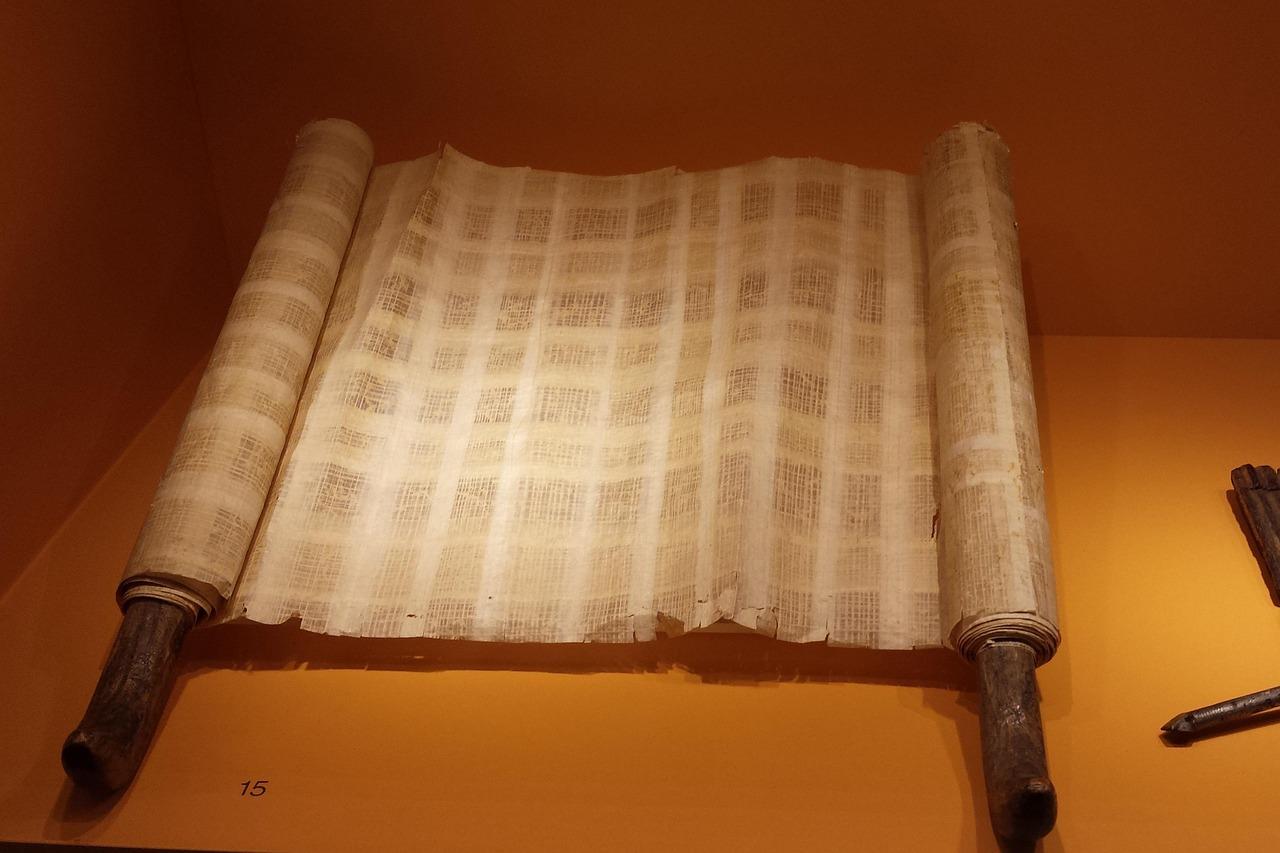
Another hypothesis points to the use of papyrus; scribes unrolled it with their right hand , facilitating the writing to flow in the opposite direction. There is also talk of a direct inheritance from ancient civilizations such as the Phoenician or Aramaic, which already used left-to-right writing systems long before the Latin alphabet was standardized in Greco-Roman Europe.
Keys to learning Arabic writing
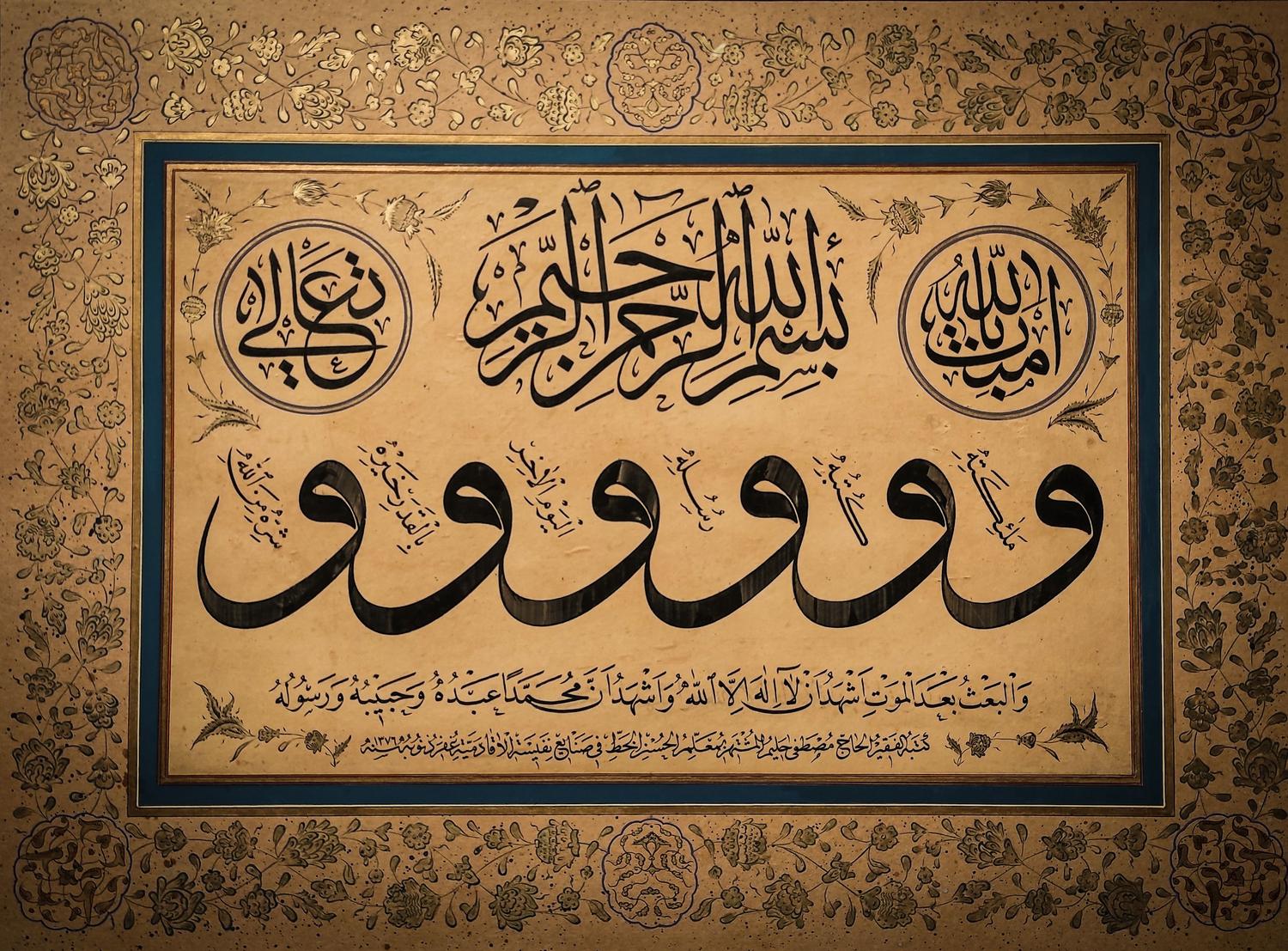
If you've set your sights on writing like a native speaker, the path requires patience. It's essential to practice with calligraphy notebooks to understand the strokes and, above all, to interact with native speakers who can correct the direction and joining of the letters. Using video tutorials helps visualize the hand's movement, which is very different from our own.
Remember that Arabic is a language with a complex structure where the hamza is a key element . It's not just about changing the direction, but about understanding how the letters flow together. Interestingly, for left-handed people, learning this system can be more intuitive, as the stroke direction aligns better with their natural movement.
Whether you need to configure GIMP for a graphic design project or draft official documents, the key lies in enabling RTL support and understanding that the software should handle ligatures automatically. By combining the correct operating system settings with virtual support tools and a study of the alphabet's structure, any user can produce visually flawless and grammatically correct Arabic text.