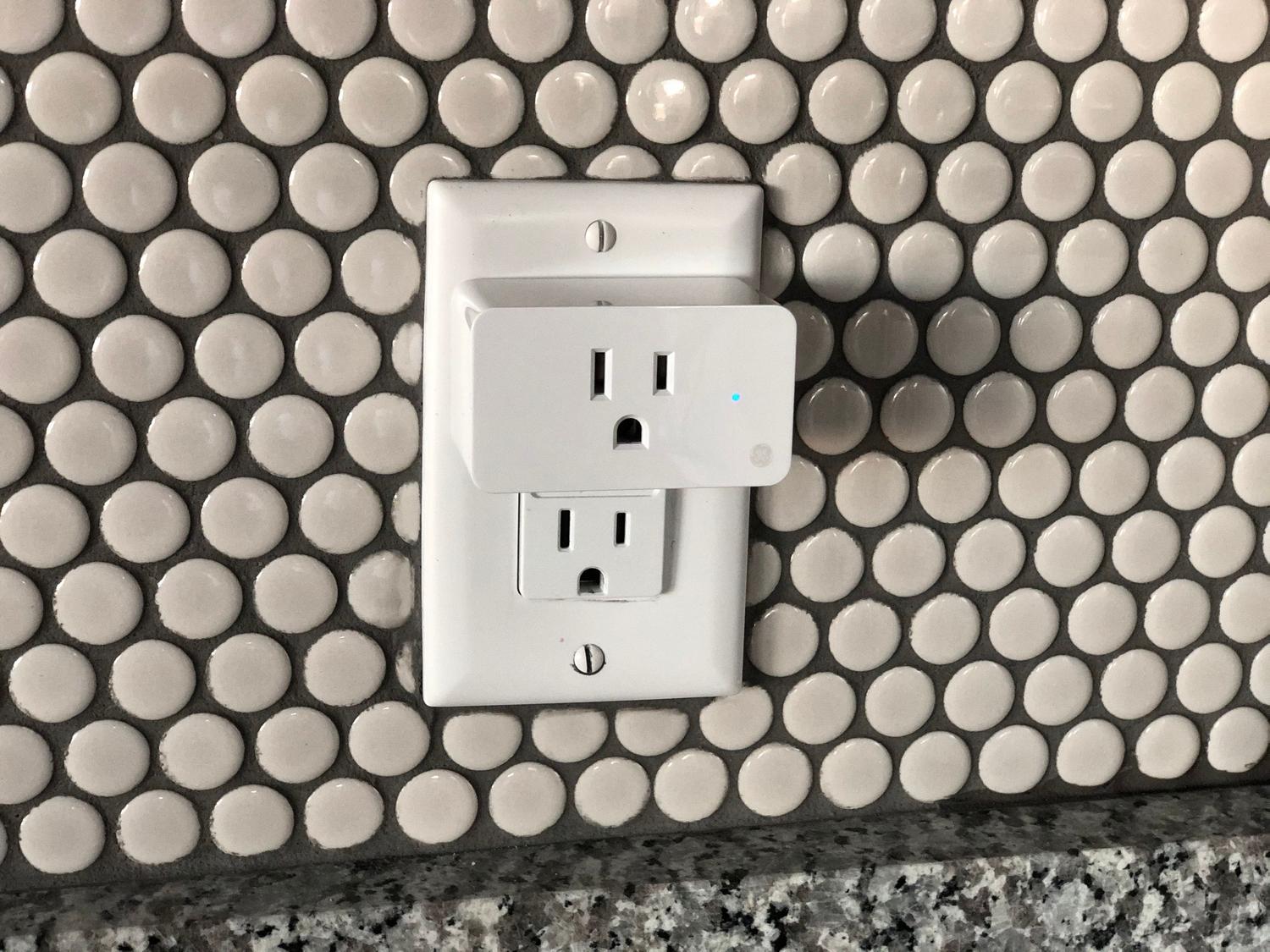
If you've bought smart plugs and realized you're completely dependent on a cloud-based app, you're probably looking for a way to take full control of your hardware . The idea of an external server deciding whether your lamp turns on or not can be frustrating, especially when you want to set up a serious, private home automation system .
Many people try to figure out how to install Tasmota, but the reality is that not all devices are the same. Depending on the chip inside, you might find it easy or you might encounter an insurmountable wall of updated firmware that forces you to look for more ingenious alternatives to prevent your data from traveling over the internet.

Tasmota: The path to total flashing
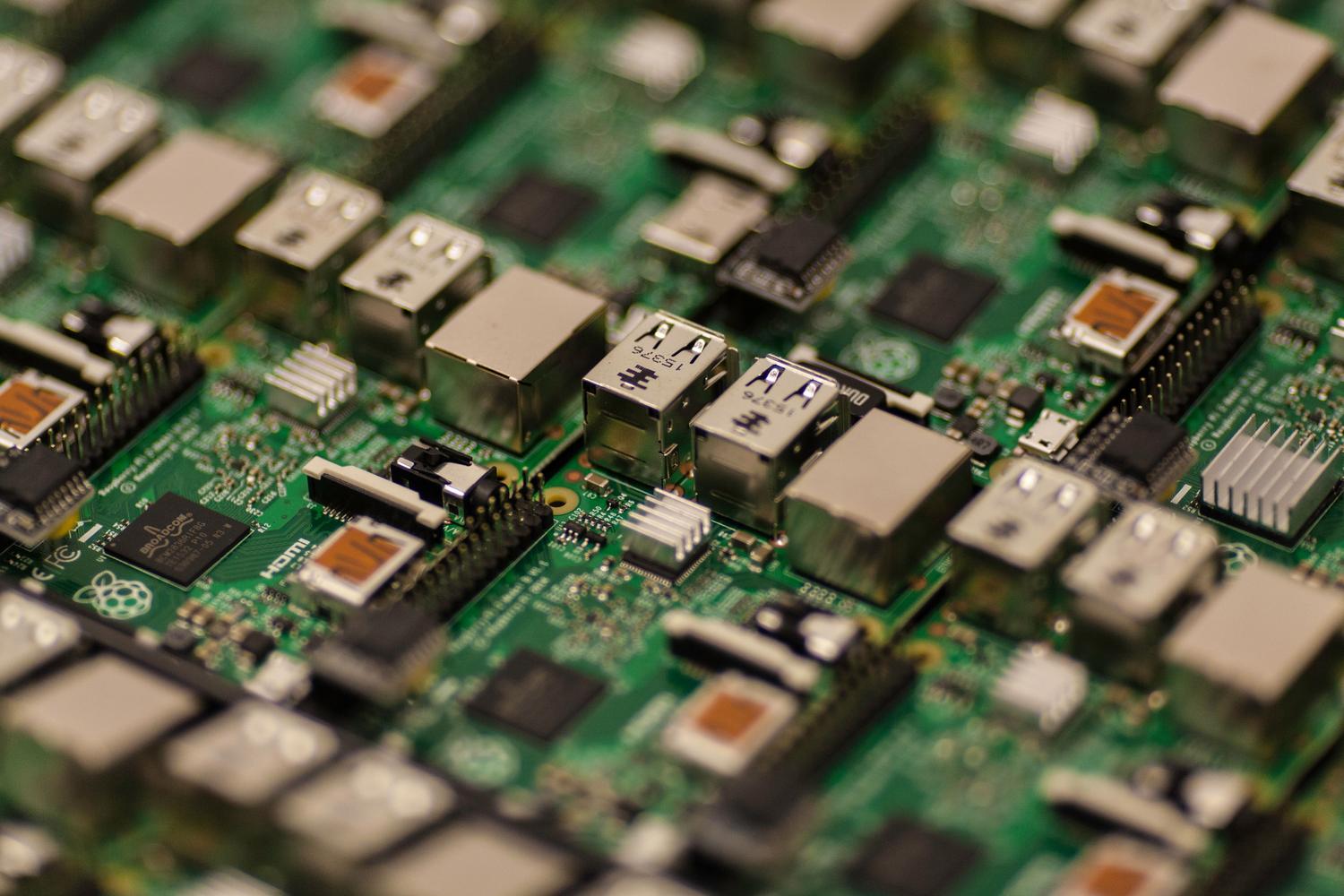
Tasmota is essentially an alternative firmware that replaces the factory software. Once installed, the device stops communicating with the manufacturer's servers and is managed entirely by your local network . This is ideal for those seeking maximum privacy and wanting to avoid phantom power consumption without relying on third-party accounts.
Traditionally, tools like Tuya Convert were used to achieve this, allowing for over-the-air (OTA) switching. However, nowadays it's more complicated because manufacturers have updated their firmware, and many devices no longer support this method . In these cases, the only option is to open the device and use a physical programmer, such as Tasmotizer, although this can be a real headache if the plug is glued or secured with strong clips that could break the casing.
A very common question is whether it can be done from a Mac computer, and the answer is yes, it's entirely possible to manage the process from a Mac Mini or any similar device. Once installed, the device connects to your router and you can control it through a web interface or integrate it into systems like Home Assistant, maintaining functions such as voltage measurement and power consumption monitoring.

Local Tuya: The alternative without opening the device
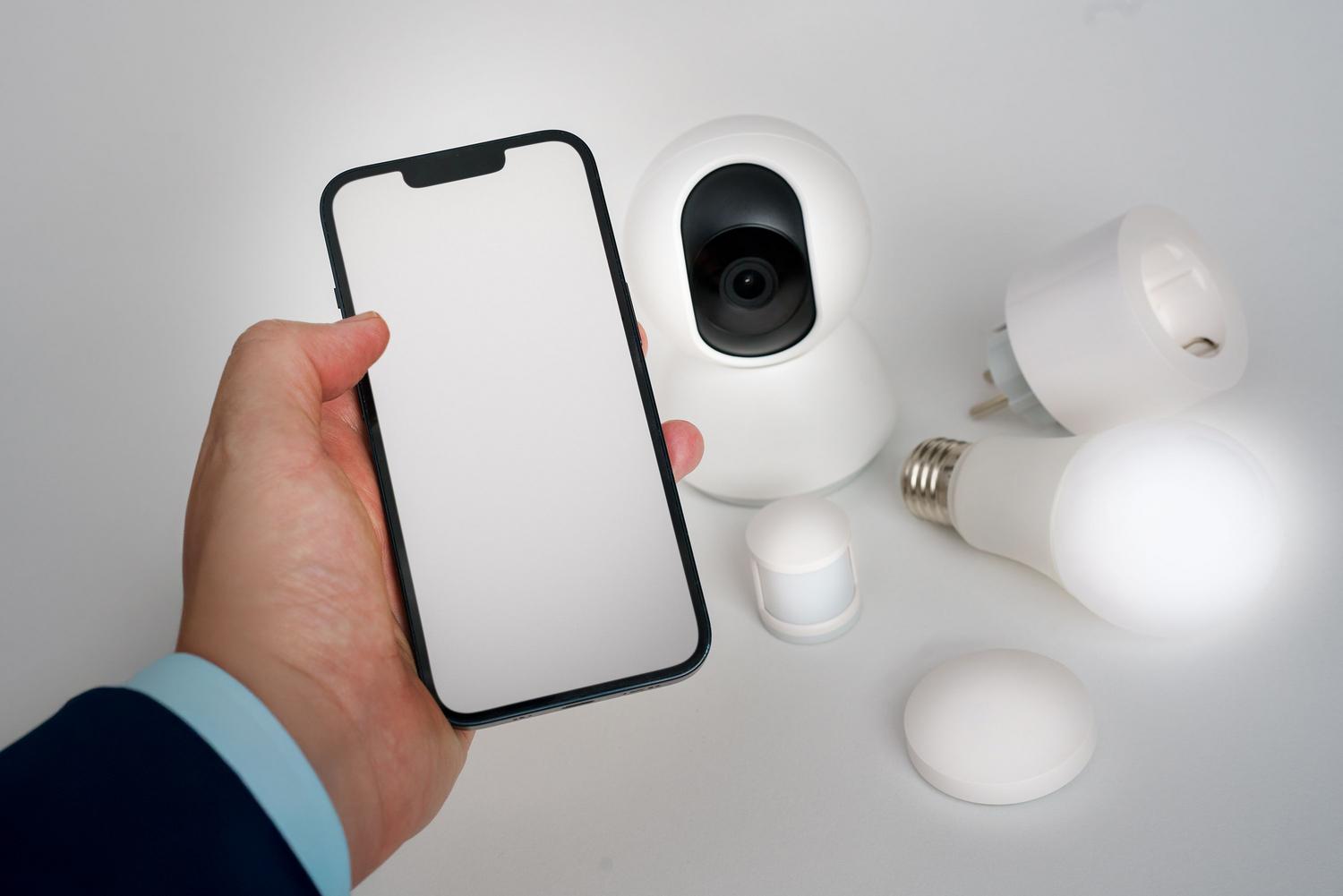
If you've discovered that your smart plug uses Realtek chips instead of the classic Espressif, forget about Tasmota. This is where Local Tuya comes in. Unlike flashing, this method doesn't modify the internal software; instead, it uses access tokens to communicate with the device via local HTTP requests.
To get started, you need to register as a developer on the Tuya platform to obtain the necessary keys. The great thing about this system is that you don't risk bricking your device by trying to flash it, and you can continue using the original Smart Life app if you want, since the firmware remains the factory default.
This method is especially useful for integrating smart plugs into Node-RED or Home Assistant. This way, you avoid sending commands through the cloud while maintaining compatibility. It's a very robust option for those who don't want the hassle of disassembling plastic or soldering wires onto tiny circuit boards.
Comparison and frequently asked questions about control
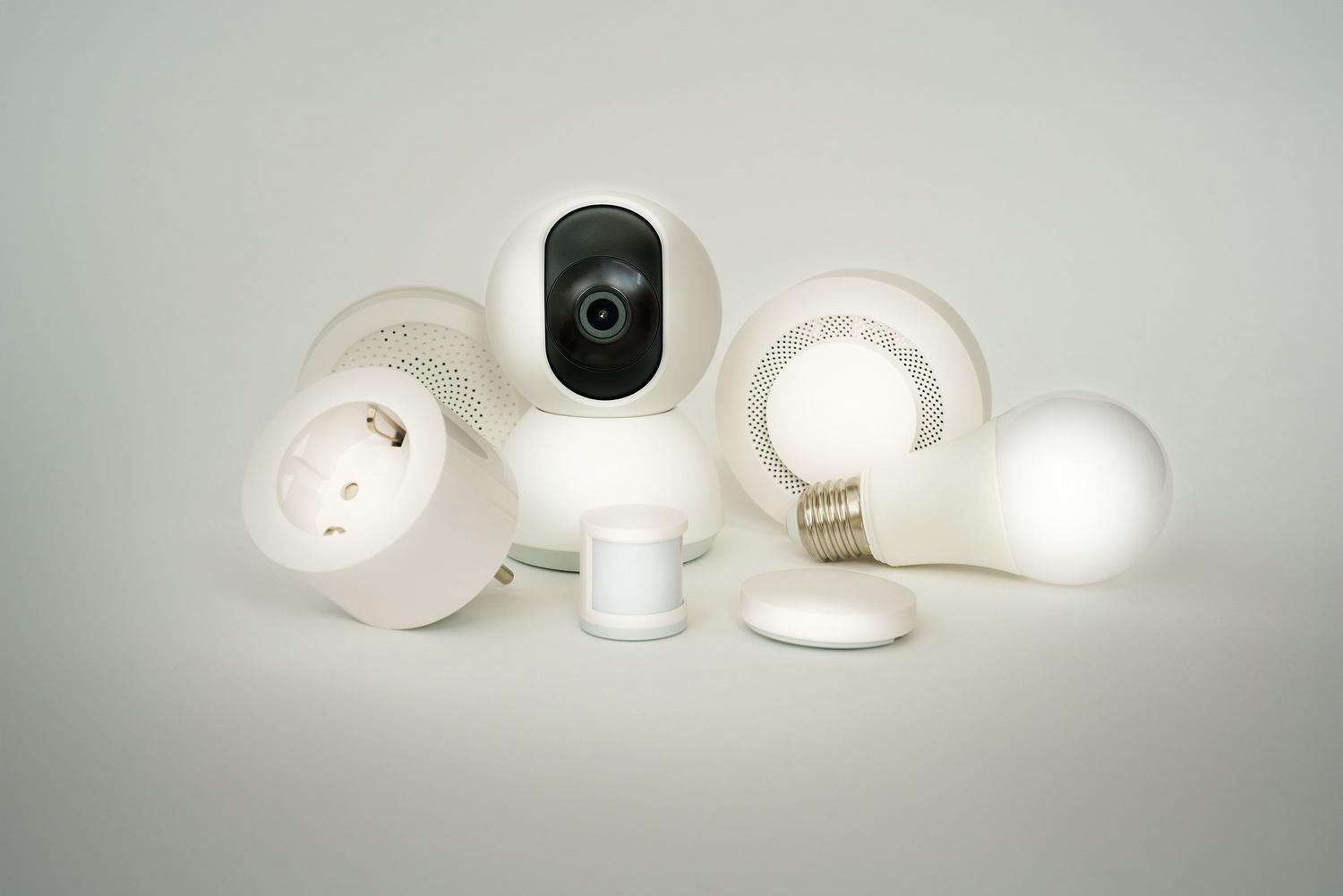
When you weigh both options, the choice depends on how much you want to complicate things. Tasmota offers absolute freedom, while Local Tuya offers modern convenience. If you're worried about an app disappearing in a year and your smart plugs becoming useless, Tasmota is the safer option because control resides in the device itself , not an external API.
Regarding integration with ecosystems like Google Home, if you use Local Tuya and maintain the connection with the Tuya Smart app, you'll continue to have voice control without any issues. With Tasmota, you'll need a bridge like Home Assistant to reconnect the device to Google, as you'll have broken the original link with the manufacturer.
A critical issue is using power outlets to turn off the router itself. If the outlet relies on the router's Wi-Fi connection, you won't be able to turn it back on remotely. In these cases, the only solution is a physical switch or understanding the advantages and risks of turning off the router using an internal timer system that doesn't depend on wireless connectivity to restart.
The choice between flashing the firmware or using local integration depends primarily on the device's internal hardware and the level of risk you're willing to take. While Tasmota offers complete independence from the manufacturer, Local Tuya enables efficient local control without the need for dangerous physical intervention, allowing you to continue monitoring energy consumption and managing schedules from centralized platforms like Home Assistant.
