- Turning off the router at night offers occasional advantages, but it doesn't save as much electricity or improve health as is commonly believed.
- Routers are designed to operate 24/7, and turning them off every day can cause thermal stress and minor stability issues.
- Security and performance depend more on the router's configuration, updates, and location than on turning it off daily.
- It does make sense to turn it off during long absences, when intruders are suspected, or for sporadic restarts, but not as a daily routine.
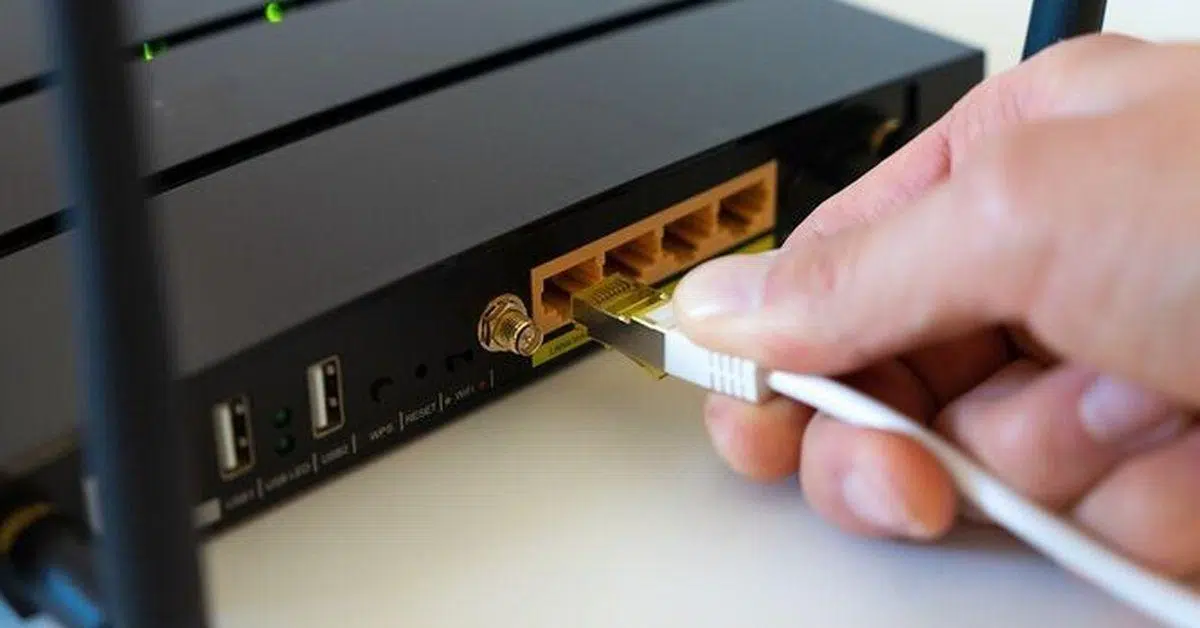
In many homes, the router has become just another appliance: always on, almost invisible, and only noticed when it malfunctions . And of course, sooner or later the question arises: "If nobody uses the internet at night, wouldn't it be better to turn it off, save electricity, and take a little care of it?"
A lot of conflicting ideas have sprung up around that question: that it damages the device, that it emits radiation, that the savings are enormous, or that it protects you from hackers . The reality is much more nuanced. Turning off the router at night can have some advantages, but it also has clear drawbacks, and above all, it's surrounded by myths that should be calmly debunked.
Myths and misconceptions about turning off your router at night
One of the first things to clarify is that many of the arguments for turning off your router daily are not technically sound . Let's review the most common myths so you have the full picture.
A router is a network device designed to be running continuously, so the idea that it needs to "rest every night to perform better" has no technical basis . Like a server or professional communications equipment, it's designed to operate 24/7 at a stable temperature.
There's a lot of talk about how turning it off drastically extends its lifespan, but in reality, each power cycle causes sudden internal temperature changes , known as thermal stress. These small spikes, repeated day after day, can indeed damage the power supply or the motherboard's solder joints in the long run.
Another widespread belief is that turning off the power every night is a big saving for your wallet. In practice, the electricity consumption of a home router is very low compared to any other household appliance , so the actual impact on your bill is quite negligible.
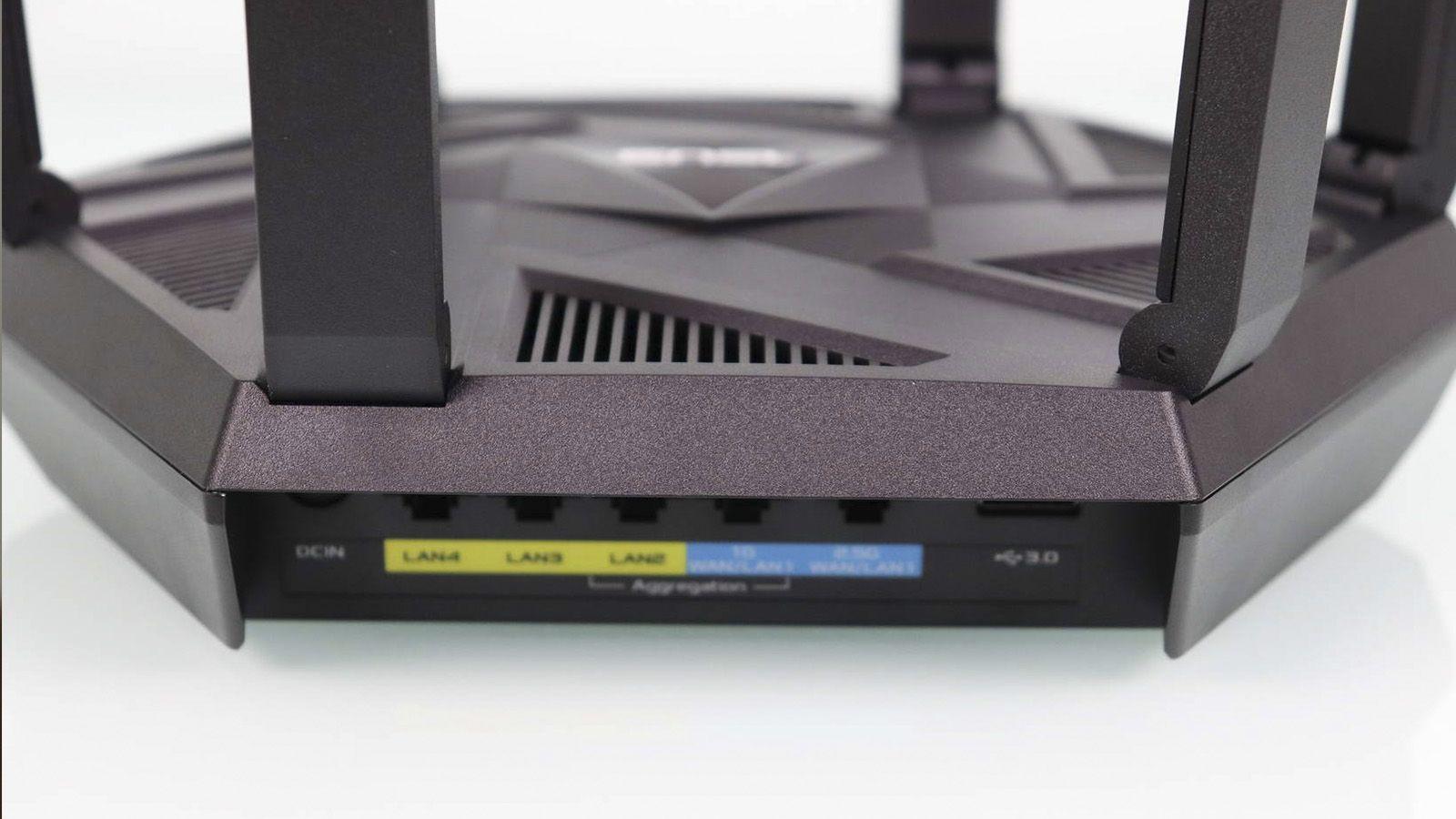
Another recurring myth relates to security: it's often said that turning off your router at night protects you from hacks and cyberattacks . While it's true that if the device is unplugged, no one can access your network during that time, real protection depends on other factors: accessing the router and configuring its Wi-Fi , using WPA2 or WPA3 encryption, employing a strong password, keeping the firmware updated, and disabling vulnerable features like WPS or remote administration.
Finally, the issue of health arises: WiFi waves have been demonized for years without solid evidence . The vast majority of studies reviewed by organizations such as the WHO or the European Union conclude that, at the levels at which a home router operates, there is no evidence of harmful health effects.
Radiation, health and sleep quality: what science says
Concerns about router radiation are often mixed with hoaxes, alarmist headlines, and misinterpreted studies . It's important to distinguish between what is proven and what isn't.
WiFi operates on 2,4 and 5 GHz bands (and even 6 GHz in newer equipment), which fall within the range of non-ionizing radiation. This means they don't have enough energy to alter DNA or cause cellular damage like X-rays or intense ultraviolet radiation could . Furthermore, router power levels are very low.
To give you an idea, exposure to the signal from a mobile phone held to your ear during a call is much greater than the radiation from a router located in another room. And yet, security standards already include very wide margins precisely to avoid risks.
There are specific studies that have analyzed whether sleeping very close to a source of signals similar to a router can disrupt certain sleep phases. Generally, these are studies with small sample sizes and preliminary results that don't allow us to conclude that home Wi-Fi causes insomnia or serious problems . They serve to inform further research, not to raise alarm bells.
Furthermore, even if you turned off your router, you would still be surrounded by neighbors' wireless networks that penetrate walls and ceilings . Just check the list of available Wi-Fi networks on your phone to see for yourself. Therefore, simply turning off your own device barely changes your overall exposure to these types of signals.

In terms of rest, there is considerable scientific consensus on another point: excessive screen time and notifications late in the day affect sleep much more than having the router on . The blue light emitted by phones and tablets reduces melatonin production, and keeping the brain constantly checking messages or social media makes it difficult to disconnect.
That's why many experts recommend simple measures like leaving your phone out of the bedroom, turning on airplane mode, or disabling mobile data and Wi-Fi while you sleep . These can help you sleep better, regardless of whether the router is turned on in the hallway or the living room.
Actual power consumption of the router and savings when it is turned off
One of the most genuine reasons to consider turning off your router at night is to save on your electricity bill , especially with the price increases of recent years. Here, math helps to clarify the issue.
Most home routers operate within a power range of 5 to 12 watts, depending on the model and internet provider. In other words, leaving it on 24 hours a day typically costs between €12 and €26 per year in electricity, depending on the tariff and the equipment.
If you decide to turn it off for 8 hours each night, roughly a third of the day, your actual savings will amount to just a few euros a year . Some estimates place it between 3 and 10 euros depending on the situation, while other, slightly more optimistic calculations suggest around 9-25 euros annually, but in no scenario does it become a spectacular source of savings.
In contrast, there are other, much more effective ways to save : replacing halogen bulbs with LEDs, reviewing the use of air conditioning or heating, controlling the standby mode of televisions and consoles, or using power strips with switches on high-consumption appliances.
It's also worth remembering that the router doesn't have a standby mode as such: it's designed to be always active, but with very low power consumption . Therefore, from an energy efficiency standpoint, manufacturers already optimize it so that it doesn't become a cost burden.
Real advantages of turning off your router at night
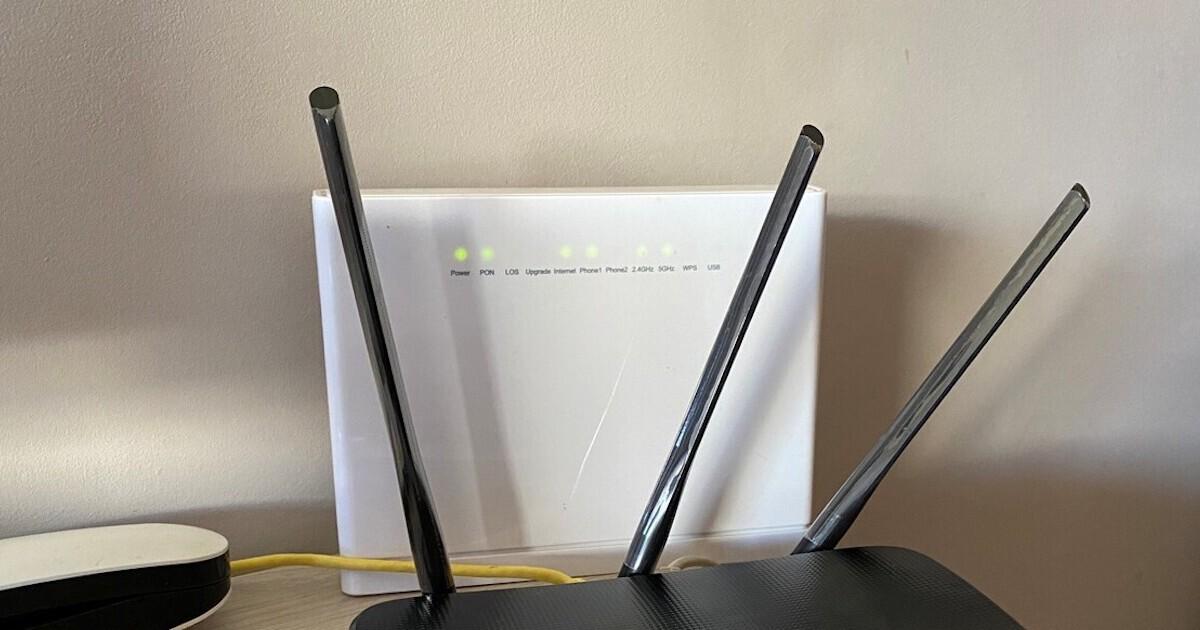
Although many arguments are exaggerated, there are concrete benefits you can obtain if you choose to turn off your router at night , provided you are also aware of the drawbacks.
First, there's the security aspect. With the router unplugged, there's no way for an attacker to test passwords, scan ports, or attempt to exploit vulnerabilities during that time . It's like locking the door and then temporarily boarding it up.
There's also a small privacy benefit: some smart home devices, smart speakers, and connected appliances reduce or stop sending data when they don't have internet access . If you're uncomfortable with everything being constantly online, using a well-configured guest Wi-Fi network can limit that information flow.
Another positive aspect is digital detox. Without Wi-Fi available, phones, tablets, and computers stop receiving messages, notifications, or updates while you sleep . Combined with turning off mobile data, this ensures a night without interruptions or the temptation to glance at your screen at three in the morning.
On a technical level, scheduling nightly shutdowns or restarts can act as a periodic reset, helping to clear processes and free up memory in routers that are starting to accumulate errors . It's not essential, but it can be helpful if you notice your connection worsening over time and improving after a restart; knowing how to restart your router from your mobile device makes it easy.
Finally, it's still a small but significant way to save energy. If you combine it with other measures, turning off the router adds to the overall reduction in household energy consumption , especially if you're going to be away for a whole weekend or a long vacation.
Why do technicians recommend leaving your router on?
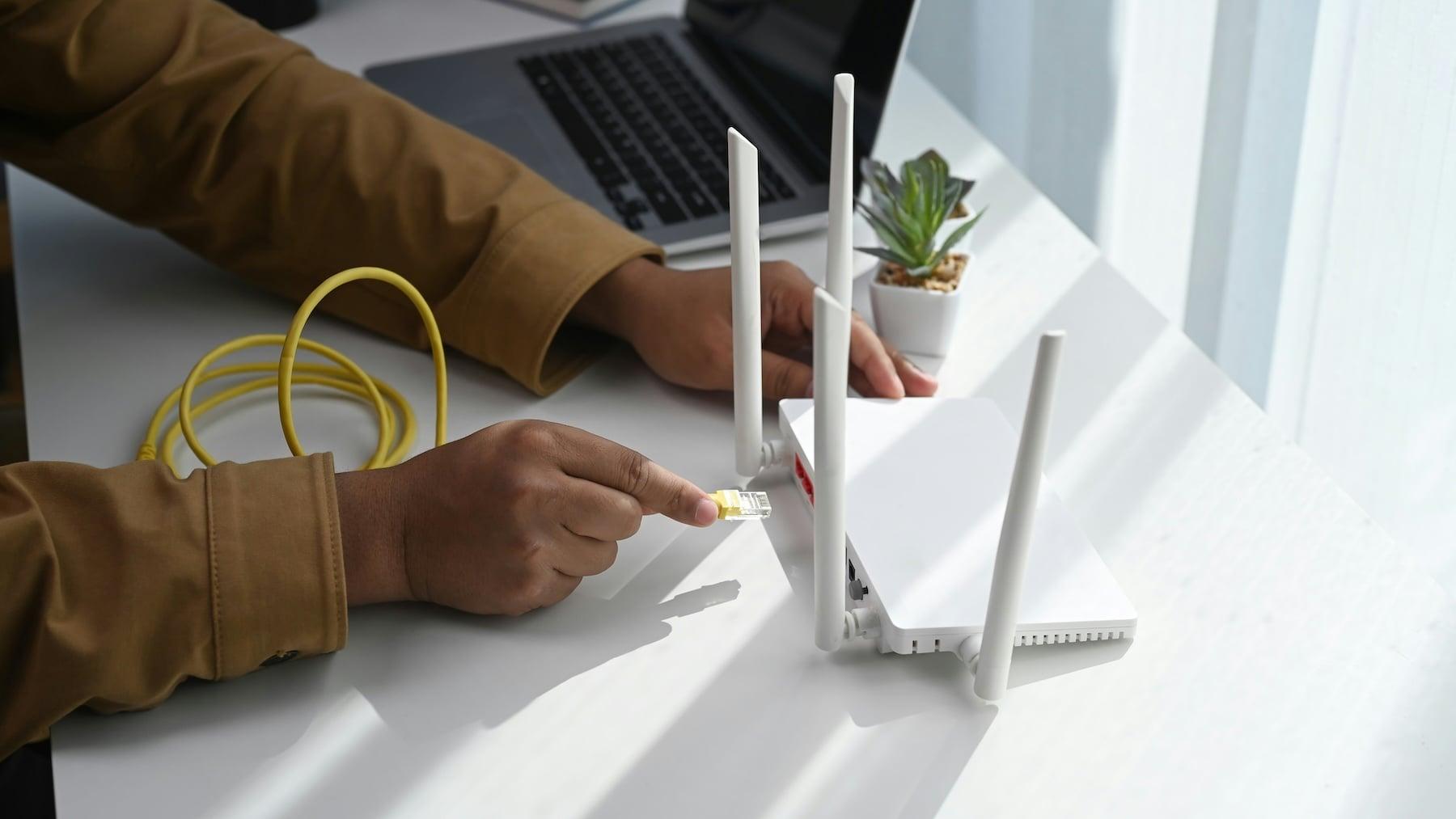
Although there are some specific advantages, most network operators and experts advise against routinely turning off your router every night . It's not just a whim; there's a reason for it.
On one hand, the router maintains constant communication with your internet provider's central office . It reports the line status, adjusts synchronization parameters, and, in some cases, receives remote configuration changes. If this communication is systematically interrupted, it can generate error logs or unnecessary automatic adjustments.
On the other hand, many maintenance and firmware updates are scheduled precisely in the early hours of the morning , when the user is not expected to be online. If the router is turned off, these updates are delayed; when it is turned back on, they will eventually install, but in the meantime, your device may be exposed to vulnerabilities that have already been patched.
There's also a stability issue: each power cycle involves renegotiating the IP address, re-establishing synchronization with the ISP's network, and rebuilding the internal network . It's usually not serious, but sometimes it causes minor glitches, initial slowness, or errors with certain devices that don't reconnect properly; in those cases, consult a guide for troubleshooting Wi-Fi problems on your PC.
And then there's the lifespan of the device itself. As we mentioned before, a router suffers more from sudden temperature changes caused by frequent power cycles than from operating at a constant temperature . What really damages it is being enclosed in a cabinet, placed on top of other hot devices, or filled with dust and lacking ventilation.
In homes with security cameras, sensors, thermostats, or smart lights, there's another important reason: if you turn off the router, your home "stops being smart" during those hours . Nothing connects, nothing updates, and, most importantly, the cameras stop monitoring.
When is it worth turning off the router?
Not everything is black and white: there are very clear situations in which turning off the router is a good idea and nothing bad will happen if you do it.
One of these is extended absences. If you're going to be away from home for several days or weeks and don't need cameras or security systems connected , turning off your router is perfectly reasonable. You reduce energy consumption and eliminate any potential attack surface during that time.
Another typical situation is troubleshooting specific problems. When the connection becomes unstable, drops, or is extremely slow for no apparent reason, restarting the router remains the classic solution . In these cases, it makes sense to turn it off, wait a few seconds, and turn it back on so that everything loads from scratch.
Sometimes, even the router itself or your internet service provider may ask you to restart it after a major firmware update or configuration changes . Again, we're talking about one-off actions, not a daily routine.
This can also be useful if you want to change your public IP address on dynamic IP connections. Depending on your provider, sometimes simply leaving your router off for several minutes is enough for it to be assigned a new address when you turn it back on . It's not foolproof, but it's a trick that still works on many networks.
Finally, if you suspect someone is using your WiFi without permission, turning off the router immediately cuts off any access at that moment ; to know what to do if you are hacked , later, when you turn it back on, you should enter its administration panel, change the password, update the encryption and review the list of connected devices to leave everything under control.
Alternatives to turning off the router: schedule WiFi and control devices
If you're looking to take a digital break or limit your internet use at night, you don't have to unplug your entire router . There are more convenient middle ground solutions.
Many models allow you to schedule Wi-Fi network transmission times . This means you can set the wireless signal to turn off automatically at certain times, while keeping the router on for internal tasks, wired connections, or home automation that doesn't rely on the internet.
Some devices even offer profiles per device or per user : you can cut off the connection for your kids' phones, consoles, or tablets after a certain hour without leaving the rest of the house without internet. It's a pretty practical way to set limits without having to turn anything off and on.
Another popular option is smart plugs with local scheduling. By configuring one of these, you can automate turning your router on and off without physically touching it . This is useful for both routine restarts and complete shutdowns when you go on a trip.
If you're worried about receiving notifications or your devices constantly being connected and sending data, you can also address the issue directly from your phone or tablet: airplane mode, disable mobile data and Wi-Fi, and limit background syncing . This way, you're not so dependent on your router.
Best practices for taking care of your router without turning it off daily
Taking care of your router and extending its lifespan doesn't necessarily mean turning it off every night, but rather keeping it properly configured and ventilated . There are a number of simple tips that make a big difference.
The first thing to consider is location: place it in an open area, away from heat sources, without putting it in a closed cupboard or covering it with books . This reduces the risk of overheating and improves WiFi coverage at the same time.
Secondly, check periodically for available firmware updates. An updated router not only fixes internal bugs but also patches security vulnerabilities . Many providers push these updates automatically, but it never hurts to check.
In terms of security, it's essential to set a strong, unique password for your Wi-Fi network, use WPA2 or WPA3, disable WPS, and close any remote access you don't need . These measures are far more effective than simply turning it off and on like a lightbulb.
It's also advisable to perform occasional restarts, for example, once every few weeks or when you notice the connection starting to fail . This one-off reset is usually enough to get it working properly again without needing to make it a daily ritual.
Finally, try not to overload your router with more devices than it can comfortably handle. Modern routers support quite a few simultaneous connections, but if you have dozens of devices connected, you might want to consider a more advanced model or a mesh system that better distributes the load and coverage; in that case, consider a Wi-Fi 7 router.
Ultimately, turning off the router at night is a very personal decision that should be made with a clear understanding of its benefits and drawbacks. For most households, leaving it on with a good configuration, checking it occasionally, and using tricks like scheduling Wi-Fi or turning off screens before bed offers more advantages than cutting the power daily . A complete shutdown should be reserved for long absences, specific problems, or very particular situations where it is truly worthwhile.

Table of Contents
- 1 Myths and misconceptions about turning off your router at night
- 2 Radiation, health and sleep quality: what science says
- 3 Actual power consumption of the router and savings when it is turned off
- 4 Real advantages of turning off your router at night
- 5 Why do technicians recommend leaving your router on?
- 6 When is it worth turning off the router?
- 7 Alternatives to turning off the router: schedule WiFi and control devices
- 8 Best practices for taking care of your router without turning it off daily