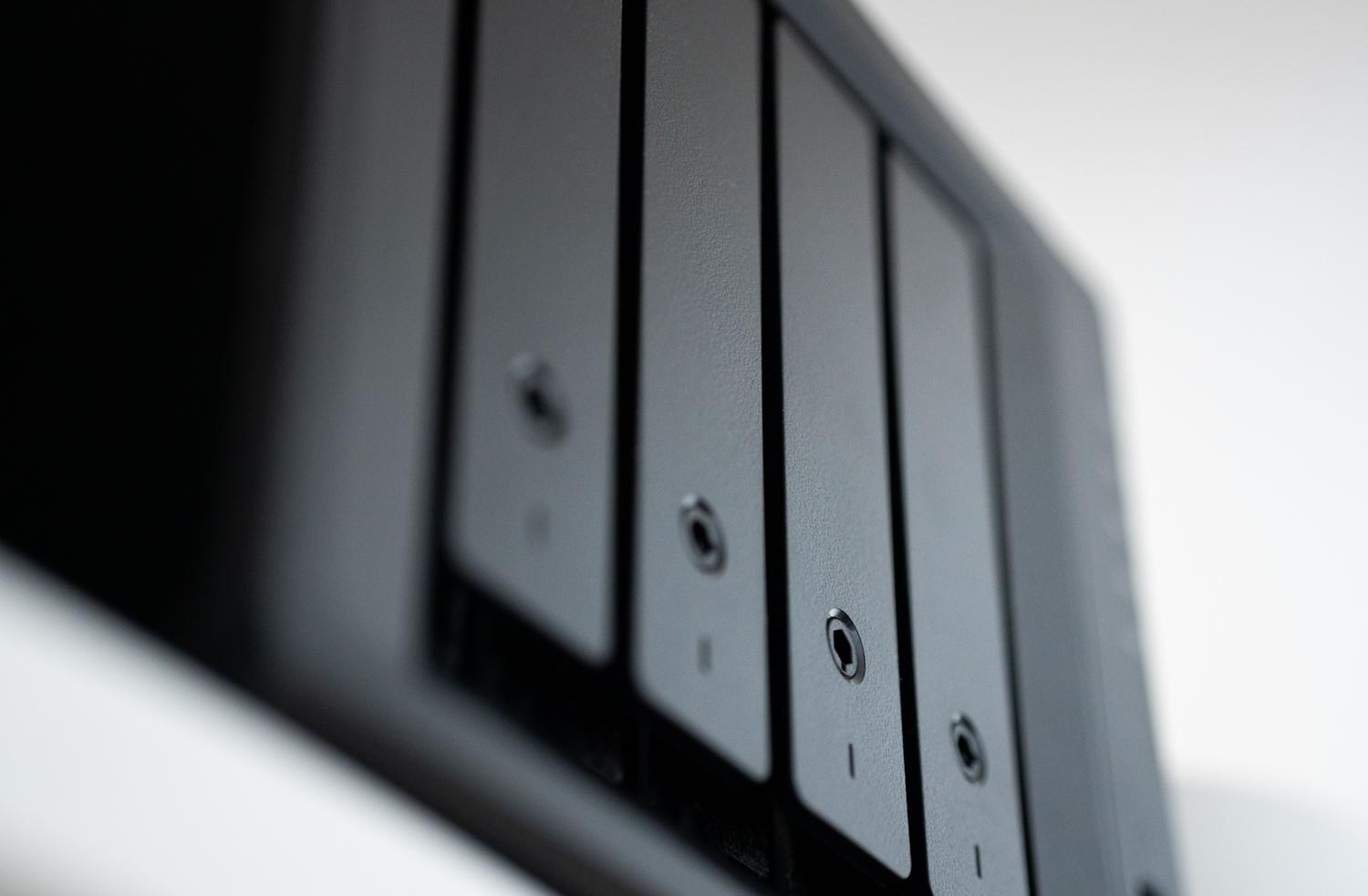
Keeping track of all the photos we accumulate on our phones is a Herculean task. Many of us have blindly trusted the cloud, but there comes a point when... the lack of privacy and the cost of subscriptions Monthly fees are starting to add up. The idea of a large corporation analyzing our memories to train algorithms is, for many, reason enough to ditch external storage and set up their own at home.
If you're curious about regaining control of your files, there are tools available today that not only do what the tech giants do, but in some aspects even surpass them. They surpass the user experienceFrom complex Docker-based servers to simple desktop applications, there's a solution for every level of obsession with order and data security.

Immich: The crown jewel for self-hosting

If you're looking for something that feels like Google Photos but runs on your own hardware, Immich is simply amazing. It's not just a file repository, but a platform designed for enjoy multimedia With an interface that's practically a mirror of Google's solution, it allows you to manage your timeline, create favorites, and organize everything chronologically without complications.
What makes Immich stand out is his power based on Local Machine Learning. Es capaz de reconocer caras y objetos con una precisión que asusta, permitiendo búsquedas semánticas. Por ejemplo, si escribes «perro» o «montaña», el sistema encontrará las imágenes relacionadas sin que hayas tenido que etiquetar nada a mano. Además, ofrece apps nativas para iOS y Android que realizan la automatic background backupeliminating friction when uploading new content.

To get it up and running, the most efficient way is to use Docker ComposeThis allows you to run the server, the PostgreSQL database (with vector extensions for searches), Redis for caching, and the AI engine in isolated containers. While it requires some technical knowledge and decent hardware (at least 8GB of RAM is recommended), the stability and premium features justify the effort. A critical point is migration: using tools like immich-goYou can import data from Google Takeout without losing the JSON metadata, preventing all photos from appearing with the upload date instead of the capture date.
Other paths to total control: Self-hosting and NAS

For those who don't want Immich, there are other powerful options. Nextcloud It's the veteran in this field; more than just a gallery, it's a complete cloud service. While its photo module is functional and prioritizes absolute privacy, it can fall short in fluidity compared to specialized solutions. On the other hand, Ente.io It's the ideal option for security obsessives, as it uses end-to-end encryptionwhich means that not even the developers can see your images.
Si prefieres no complicarte con líneas de comandos y prefieres hardware «llave en mano», los NAS son la solución. Synology Photos It is very intuitive and integrates perfectly into the Synology ecosystem, although its facial recognition is somewhat more rudimentary. QNAP QuMagie It raises the bar with more aggressive AI for automatic object and people labeling. And for those looking for something very basic, WD My Cloud Home It offers simple centralized storage, although it lacks the smart features of its predecessors.

Desktop software and specialized mobile apps
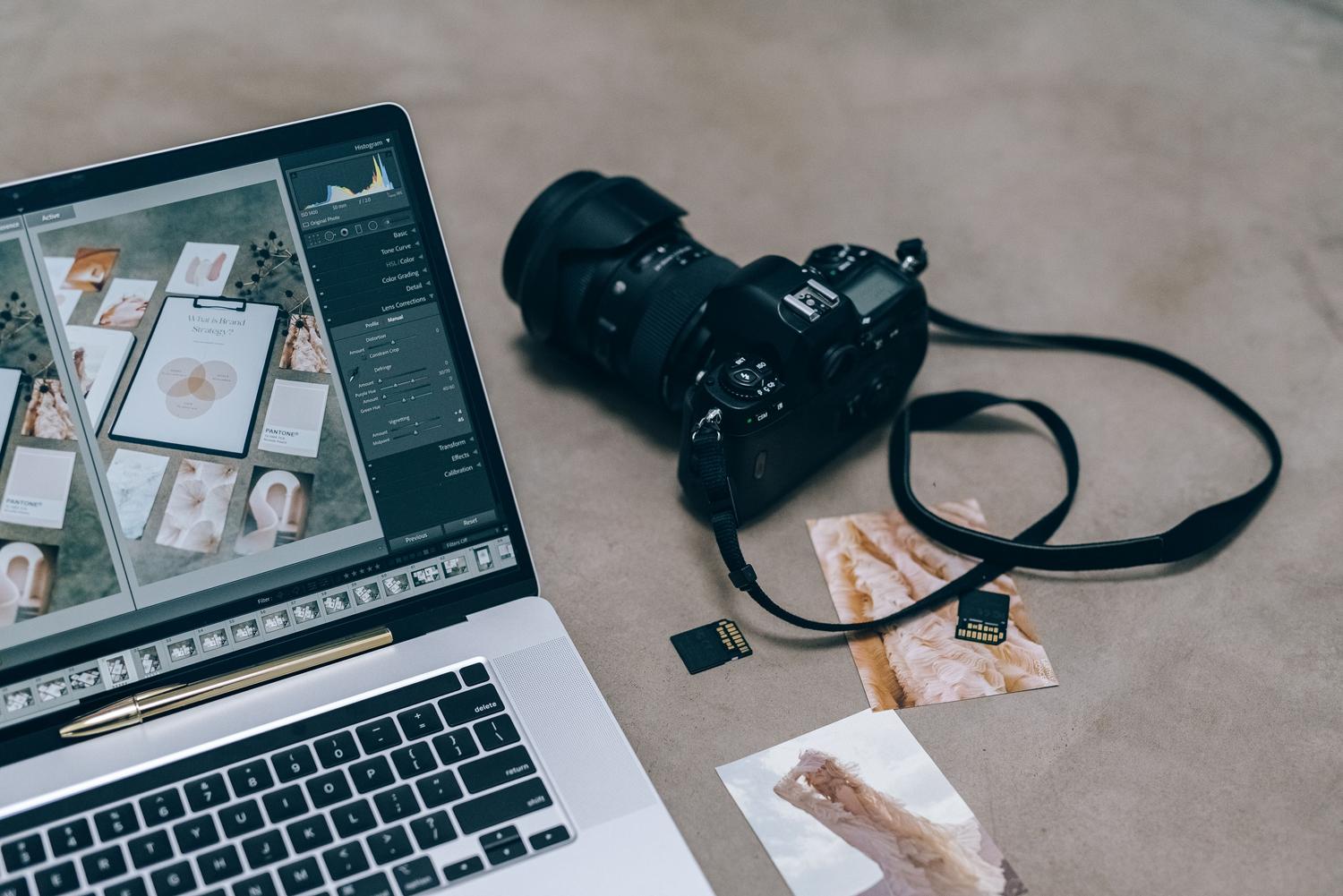
Not everything has to be a server running 24/7. Some people prefer to manage their files from their computer. Tonfotos It's excellent for organizing massive collections by grouping images by events and people using neural networks. If you have a more technical or professional profile, DigiKam It is the ultimate open-source tool for managing EXIF metadata and organizing massive libraries, although its interface may seem a bit clunky at first.
For photographers who need advanced retouching, Adobe Lightroom Classic It remains king, albeit at the cost of a monthly subscription. In the purely mobile realm, there are apps like Piktureswhich allows you to create encrypted vaults for private photos, or slidebox, which revolutionizes gallery cleaning through quick gestures (swipe to delete or archive), making it easier to eliminate digital clutter.
Technical considerations and maintenance
Setting up your own cloud service involves accepting certain responsibilities. It's not the same as paying a monthly fee. manage your own backupsIt's vital not to rely solely on the app's backup function; using a backup system is recommended. secure data backup and external tools such as Tasker or FolderSync On Android, you can replicate photos across different NAS drives. SSD storage is highly recommended for the database and thumbnails, while high-capacity HDDs are ideal for the bulk of your photo library.
Regarding external access, to avoid exposing the server to the internet in an insecure way, the ideal solution is to use a reverse proxy como Nginx Proxy Manager o Caddy, que gestionan los certificados SSL de Let’s Encrypt. Para los más cautos, soluciones como Tailscale or Cloudflare Tunnel They allow access to the gallery from anywhere without opening ports on the router, maintaining impenetrable security.
