- It is possible to salvage powerful laptops by connecting them to external monitors via HDMI even if the original screen does not work.
- There are methods to force image output when the system does not automatically recognize the secondary screen.
- Repairing the LCD panel is feasible, but converting the device into a desktop PC is an economical and effective alternative.
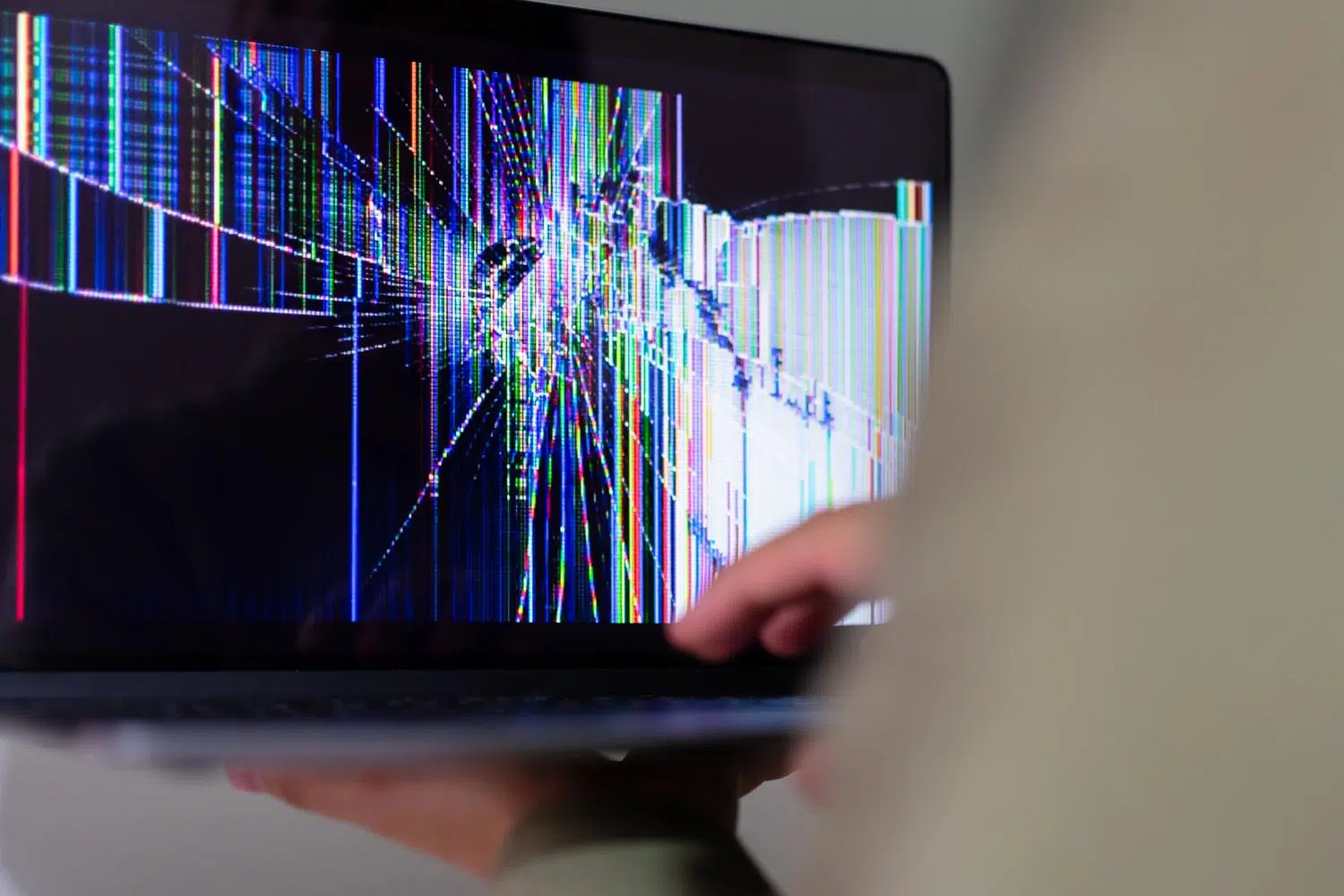
Having a laptop with a shattered screen is a real headache, especially when you know the machine is a powerhouse inside and you don't want it to become an expensive paperweight. Many of us have experienced that moment when, after a bump or an accident, we're left with a black screen, and our first reaction is to think the computer is beyond repair. But most of the time, the internal hardware remains intact and is perfectly salvageable.
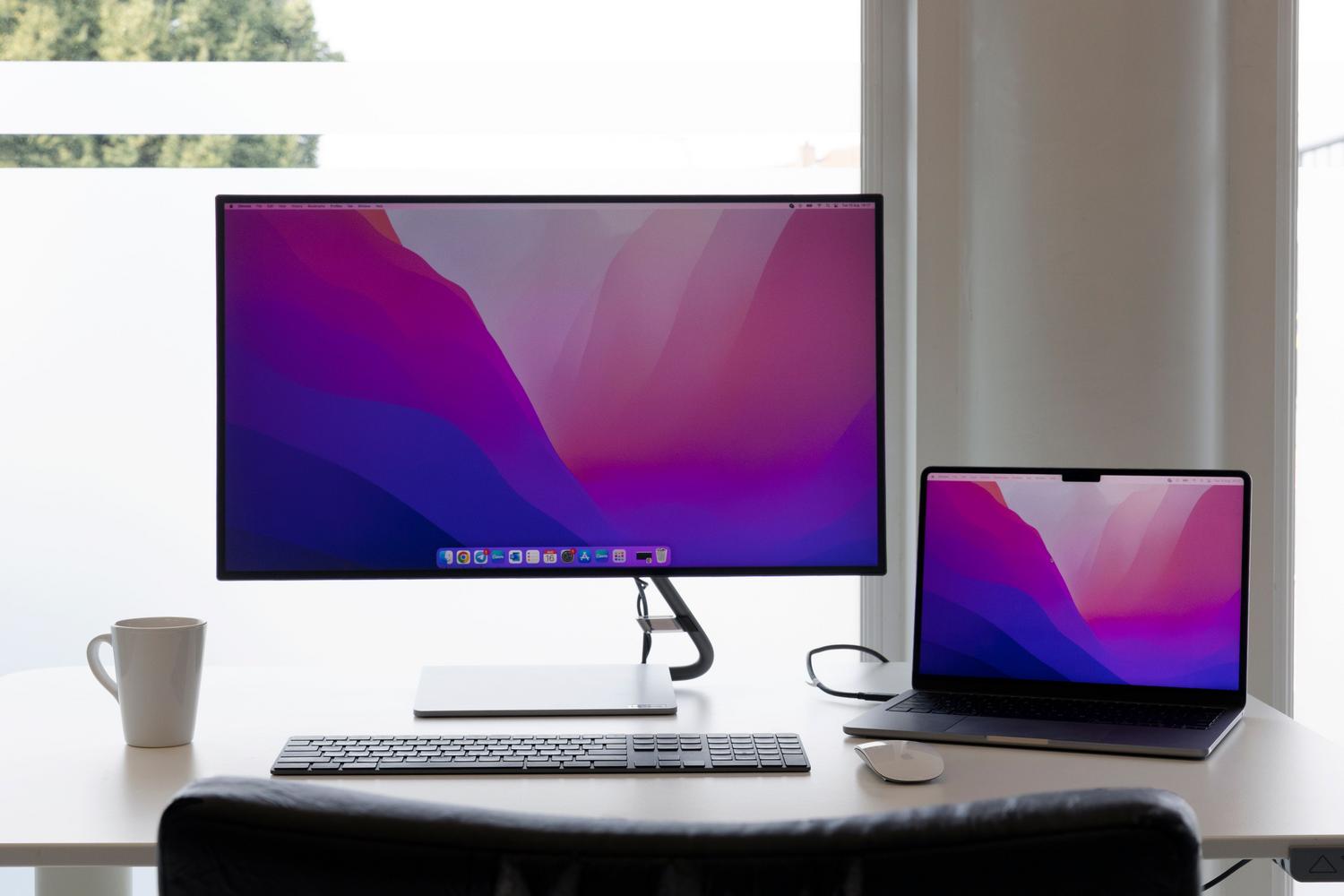
The most logical solution is usually to connect it to a TV or external monitor using an HDMI cable, but this is where the real problems begin. It's not always as simple as plug and play, since sometimes the operating system insists on sending the image to the broken screen, leaving us completely stuck and unable to access the display settings menu. To better understand the connections, you can review the differences between USB-C and HDMI for connecting your monitor.

How to force image output to an external monitor
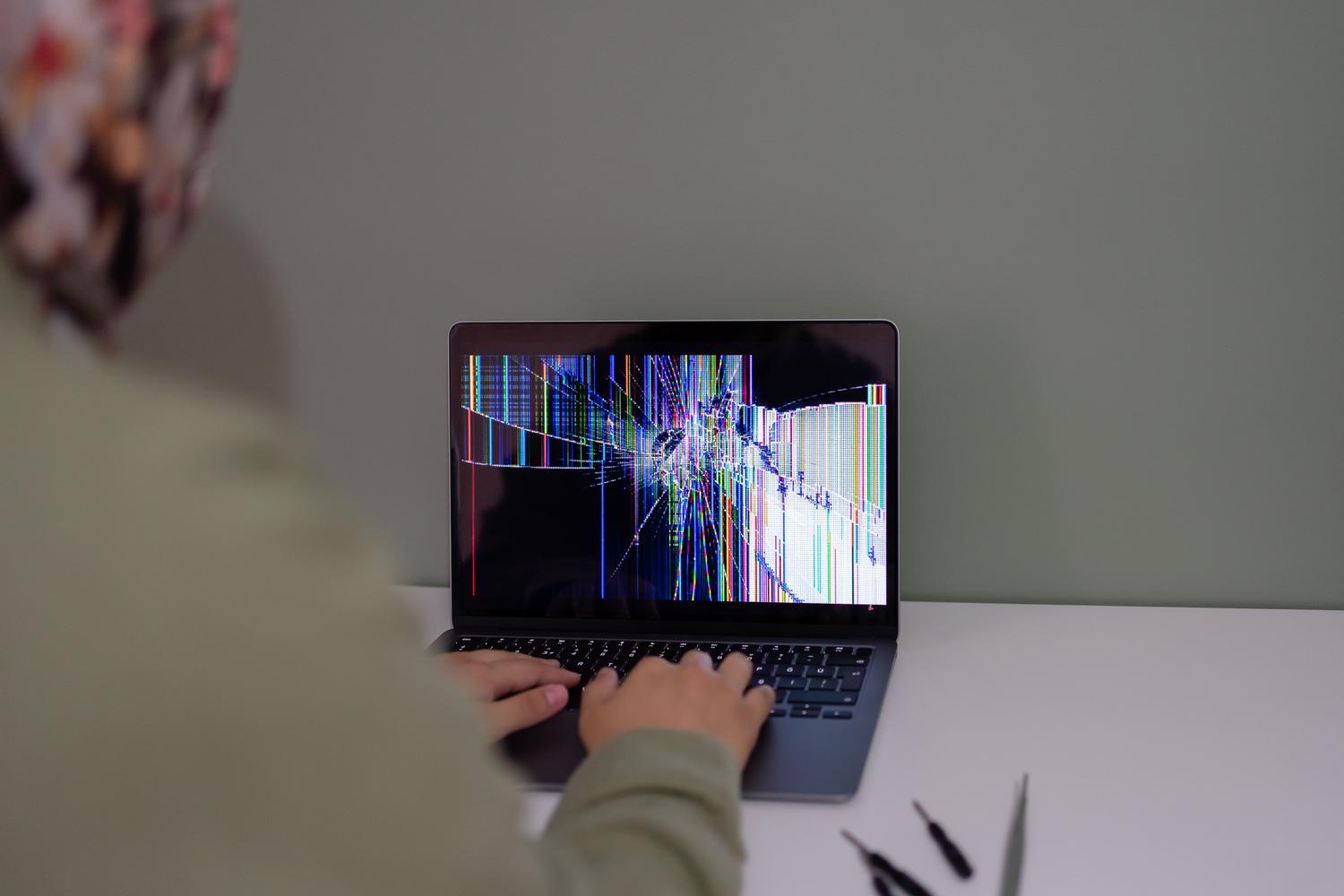
When your laptop turns on but you don't see anything on the TV, the problem is usually that the display settings are in "Laptop screen only" mode. To fix this without seeing the screen, you can try repeatedly pressing the Windows + P key combination to toggle between projection modes (Mirror, Extend, Second screen only), although it requires a bit of finesse and luck if you can't see the menu.
In more complex cases, such as with some Asus Vivobook or TUF models, the system may not automatically recognize the external monitor as the primary display. If the mouse moves but you can't click, or the image flickers, there may be a driver conflict or a physical fault in the connector interfering with the video signal.

Options for a broken screen: Repair or recycle?
Sometimes, local technicians will tell you it's not worth spending money on repairs and that it's better to just throw the computer away. However, if you have a machine with an i7 processor, a fast SSD, and plenty of storage , discarding it is a mistake. There are several options you can explore:
- Panel replacement: It's the cleanest option. It involves installing a new, compatible screen panel to restore the device's functionality.
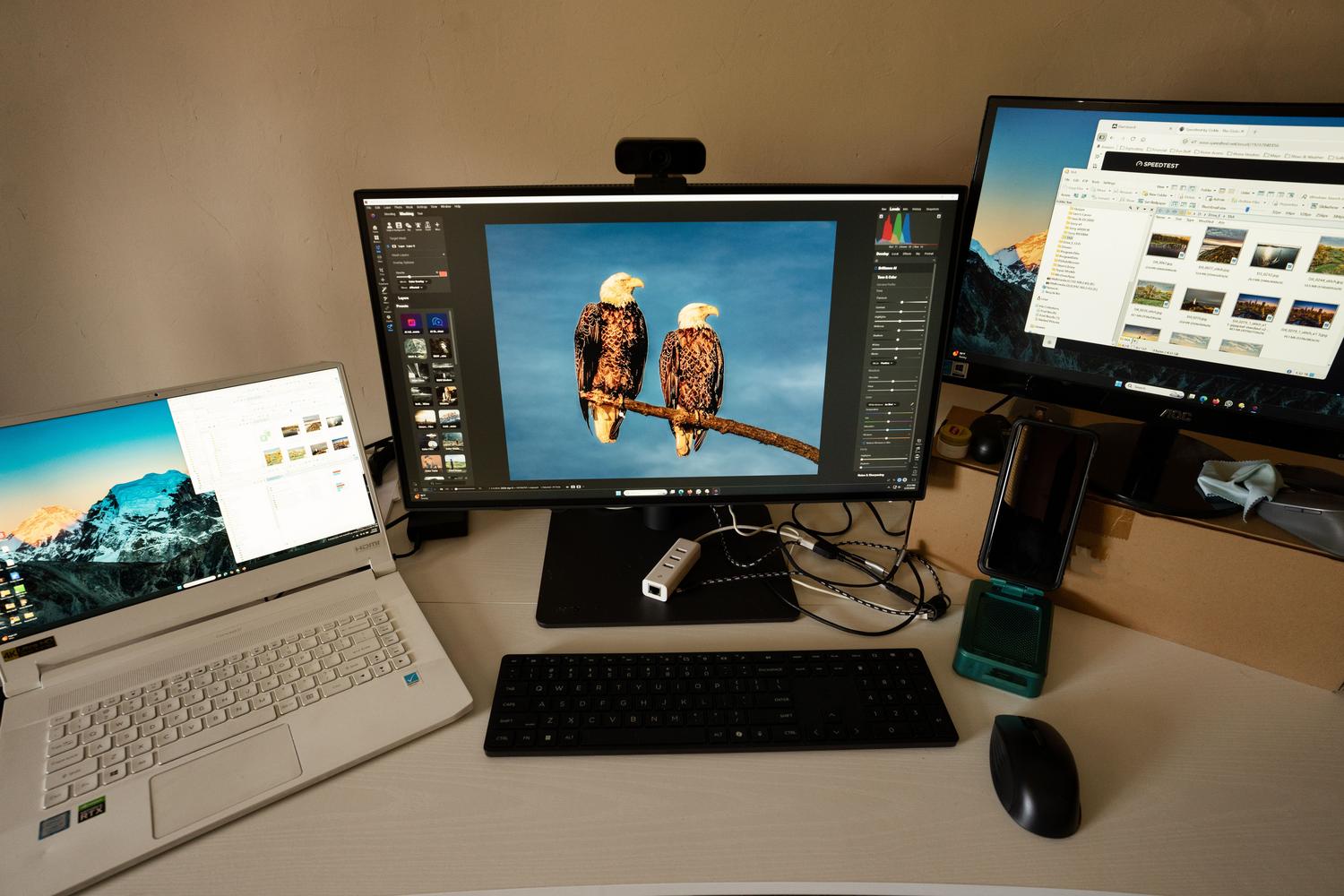
- Use as a desktop PC: If you don't want to invest in a screen, you can leave the laptop closed and permanently connected to an external monitor, keyboard, and mouse, essentially turning it into a desktop tower.
- In-depth technical review: Sometimes the problem is not just the glass, but the flex cable is damaged, causing the image to flicker or disappear intermittently.
Preventive care and hardware maintenance
Since we're on the topic of laptop disasters, it's worth remembering that it's not just the screens that suffer. To prevent your computer from dying prematurely, avoid using it on your bed or duvet, as this blocks the ventilation grilles and the heat can fry the motherboard. Likewise, be very careful with glasses of water near the keyboard; an accidental spill can cause irreparable short circuits in the internal components.
To keep your machine healthy, it's recommended to regularly clean the internal dust and clean the PC monitor gently, always using a microfiber cloth and avoiding harsh chemicals that could damage the screen's coating. If you notice that the battery is slowing down or the keyboard is malfunctioning, a diagnostic check at a repair shop can save your computer before it's beyond repair.
If you come across a laptop with great internal potential but a useless screen, don't give up at the first hurdle. Between forcing HDMI video output, replacing the LCD panel, or simply transforming it into a desktop unit, there's always a way to harness the power of the processor and storage without having to spend a fortune on a new computer.
