- Reactive model: events trigger handlers on an event loop.
- Key concepts: senders, receivers, event objects, and listeners.
- Applications: interfaces, asynchronous communication and real-time/IoT.
- Practice: addEventListener, preventDefault, Node.js and tkinter.
Event-driven programming is a development style in which an application reacts to its surroundings rather than a rigid list of steps. Instead of executing sequentially from point A to point B, the software waits for events and responds when someone clicks, data arrives, or the system state changes.
If you come from a more sequential programming background, this approach opens up a world of possibilities for rich interfaces, high-load services, and systems that process live workflows. I offer a comprehensive overview of concepts, architecture, event types, practical code (JavaScript, Node.js, and Python/tkinter), and best practices to help you master it with ease.
What is event-driven programming?
In this paradigm, the logic is activated when something relevant happens: user interaction, network messages, sensors, timers, or any signal defined by the programmer. This "something" is called an event and triggers one or more handlers that contain the response you want to execute.
The key is that events can occur asynchronously, even in parallel. The program remains on the lookout using an event loop that collects, queues, and distributes events to its receivers , keeping the app responsive and unblocking.
Essential concepts: events, emitters, receivers and loop
An event is the manifestation that something has occurred: a click, a double-click, a key press, the end of a download, the arrival of a network packet, the opening of a window, etc. It usually carries data (payload) and a context that describes what happened , allowing decisions to be made in the handler.
The components that generate events are called emitters; those that attend to them are called receivers or listeners. The link between them is established with subscription mechanisms (listeners) or binding that indicate which function should be executed for each type of event.
The heart of the system is the event loop. This loop collects pending events, sorts them, and delivers them to their corresponding handlers. Thanks to this pattern, the application can react to multiple stimuli without blocking the interface or wasting resources.
In visual and mobile environments, you'll also differentiate between user-initiated events (clicking, dragging, tapping, tilting a device) and automatic events (opening a screen, triggering a timer, changing focus). Separating these two groups helps you design predictable interaction flows.
How the event lifecycle works
We can summarize the dynamics in three interconnected steps. First, the event is generated (by person, system, network, or hardware) ; that event enters a common channel (queue) while the event loop monitors.
Secondly, listening occurs. Receivers subscribed to that specific type of event detect it (for example, a 'click' listener or a 'data' handler on a socket) and are ready to act.
Finally, the handling takes place. A controller processes the event object, checks its properties (type, target, values) and decides what to do : update the UI, validate, propagate, cancel, or emit new cascading events.
Most frequent types of events
In practice, you'll encounter well-known families. Understanding their nuances will save you a lot of headaches when it comes to refining and implementing them.
- Mouse or pointer: click, dblclick, mousedown, mouseup, mouseover, mouseout, mousemove, contextmenu.
- Keyboard: keydown, keyup, keypress (for character keys).
- Window and document: load, error (when loading resources), resize, scroll, pagehide/pageshow.
- Forms: input, change, submit, focusin/focusout.
- Wheel/scroll: wheel with horizontal and vertical scroll data.
In addition to the event name, the event object provides extra details. For pointers, you'll find clientX/pageX and clientY/pageY; for keyboards, you'll check for key, code, or modifiers (shiftKey, altKey, ctrlKey) ; for wheel data, you'll find deltaX, deltaY, and deltaMode to determine the unit.
Listening and event management in practice
There are two typical approaches on the web. One is to define handlers in the HTML itself (attributes like onclick) , useful for prototypes or simple cases:
<!-- myClickHandler es la función JS que manejará el evento -->
<button onclick='myClickHandler()'>Púlsame</button>
<script>
  function myClickHandler(){
    alert('Hola');
  }
</script>
The other, cleaner and more scalable option is to register listeners from JavaScript. `addEventListener` allows you to subscribe at runtime and decouple the view from the logic.
const btn = document.querySelector('button');
const onClick = (e) => {
  console.log('Destino:', e.target);
};
btn.addEventListener('click', onClick);
// Más tarde, si ya no lo necesitas:
// btn.removeEventListener('click', onClick);
Every handler receives the event object. There you'll find e.type, e.target, e.cancelable, and key methods like e.preventDefault() or e.stopPropagation() to cancel the default behavior or stop the bubble.
A typical case is capturing the value of an input without refreshing the page: read e.target.value within the change or input handler and you will have the text live.
Code examples in Node.js and Python
Node.js implements a powerful publish/subscribe pattern with the EventEmitter class. This allows you to define your own business events and react to them.
// Node.js (JavaScript)
const EventEmitter = require('events');
class MiBusEventos extends EventEmitter {}
const bus = new MiBusEventos();

bus.on('saludo', (nombre) => {
  console.log(`¡Hola, ${nombre}!`);
});

// Emitimos el evento con un dato asociado
bus.emit('saludo', 'mundo');
In Python, if you work with desktop interfaces, tkinter makes it easy to bind widgets to events. A button, a frame, or a window can be associated with mouse and keyboard actions.
# Python + tkinter
from tkinter import *

def on_key(event):
    print('Tecla:', repr(event.char))

def on_click(event):
    marco.focus_set()
    print('Click en:', event.x, event.y)

root = Tk()
marco = Frame(root, width=120, height=120)
marco.bind('<Key>', on_key)
marco.bind('<Button-1>', on_click)
marco.pack()
root.mainloop()
If you prefer a basic example of a custom issuer in Python (without a GUI), you can simulate subscription and notification using function lists :
class Emisor:
    def __init__(self):
        self._subs = {}
    def on(self, evento, fn):
        self._subs.setdefault(evento, []).append(fn)
    def emit(self, evento, *args, **kwargs):
        for fn in self._subs.get(evento, []):
            fn(*args, **kwargs)

emisor = Emisor()
emisor.on('saludo', lambda: print('¡Hola, mundo!'))
emisor.emit('saludo')
Properties and methods in visual environments (MIT App Inventor and similar)
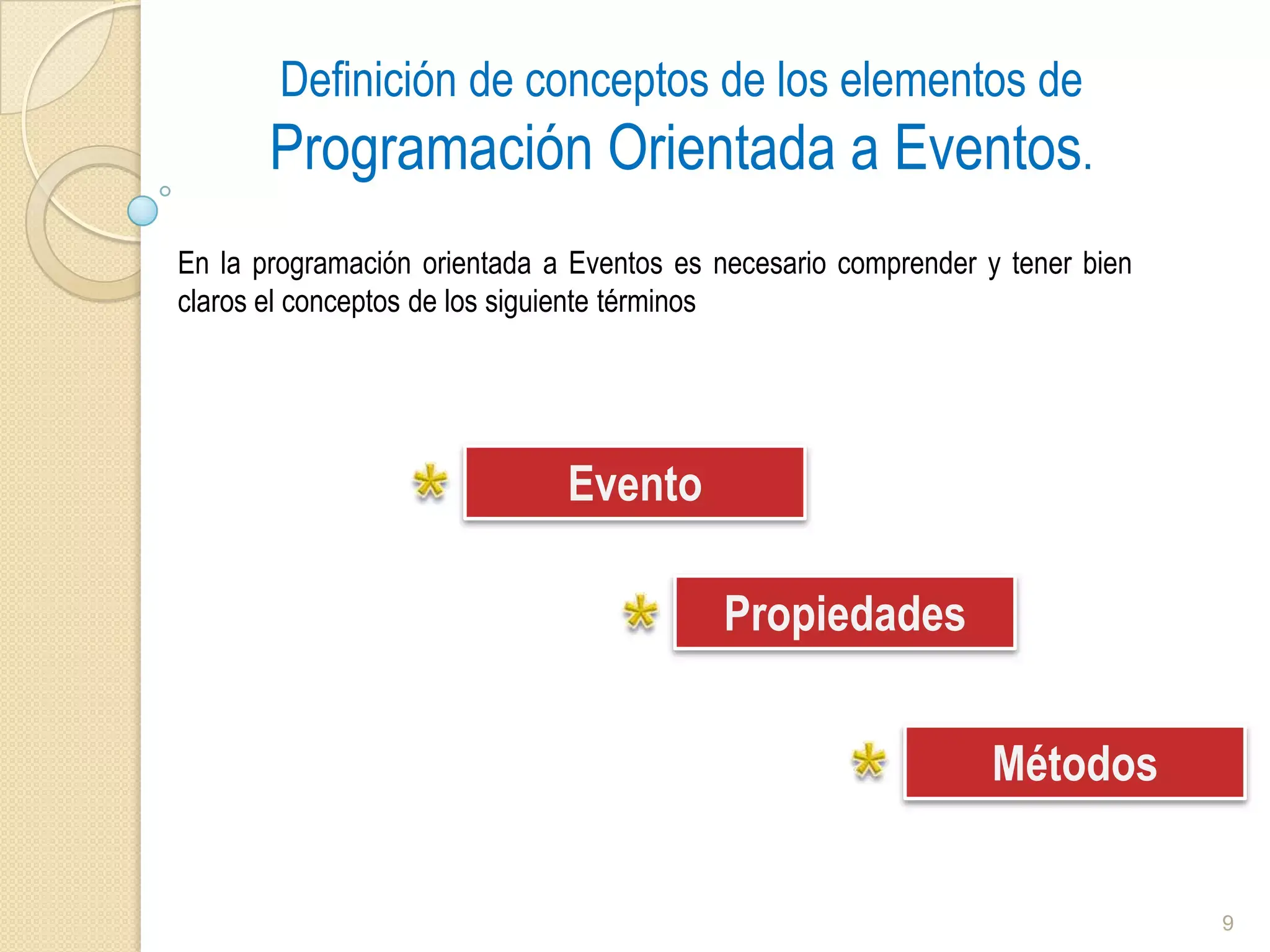
Block-based development tools like MIT App Inventor are a perfect example of an event-driven paradigm. Each component (button, label, image) has properties, events, and methods that you manipulate visually.
Properties describe how a component "looks" or "behaves": font size, alignment, color, visibility, or text. They can be set at design or changed at runtime to adapt the interface based on interactions or incoming data.
Methods are predefined actions that a component knows how to perform, such as moving a window, focusing a field, adding an item to a list, or clearing text. You don't program them from scratch: the environment provides them ready to be invoked.
On these types of platforms, you'll also distinguish between automatic events (e.g., when a screen starts) and those triggered by the user (pressing a button, dragging, tapping, tilting the phone). This separation is useful for orchestrating navigation and state in an orderly manner.
GUI, CLI, and the role of the operating system
Operating systems send events to the application that has the input focus. In a GUI, each window or widget can receive and handle its own events through the app's event loop.
Even in command-line programs, there are similar signals: the process may wait for the user to type and press Enter to consider the "input complete" event to have occurred. The main difference is that in CLI the flow is perceived as linear, but there are still waits for events.
Star applications for event-driven programming
Interactive user interfaces : websites, desktops, and mobile devices react instantly to every gesture. The experience feels natural because the logic executes precisely when the user demands it.
Asynchronous communication : HTTP servers, WebSockets, message queues, and microservices exploit the model to process incoming requests without blocking other jobs.
Real-time processing —telemetry, IoT, trading, infrastructure monitoring, and industrial control—triggers immediate actions in response to changes detected by sensors. The event itself is the perfect trigger to react to reality in milliseconds.
Advantages and challenges to consider
On the positive side, you gain interactivity, efficiency, and scalability : the code only runs when needed, the main thread doesn't get stuck, and you can distribute work among several specialized handlers.
Conversely, complexity increases with the number of events, listeners, and asynchronous flows . Without a clear design, maintainability suffers, and problems such as disordered chaining or difficult-to-test handlers arise.
Good practices for working with events
Consistent naming for handlers (onSubmit, handleClickCancel), avoids inline logic in the HTML and centralizes subscription with addEventListener or your framework's event system.
Prevent leaks : remove listeners when the component is destroyed or the DOM element disappears. Use `removeEventListener` on the web or equivalent mechanisms in frameworks and native GUIs.
Validate and limit : Use e.preventDefault() on forms if validation has not yet passed, and e.stopPropagation() when you don't want an event to fire on ancestors as well.
Decouple by publishing domain events (e.g., 'order.created') and allowing other modules to subscribe. This reduces direct dependencies and makes it easier to evolve the app.
Beyond the front: architecture and patterns
Event-driven computing isn't limited to the front end. On the back end, you can use queues (RabbitMQ, Kafka), brokers, internal buses, and cloud services like AWS to enable non-blocking and resilient communication between microservices.
Useful patterns include Event Sourcing (events are the source of truth), Event Carried State Transfer (transferring state through events), and Outbox (ensuring reliable publication from the database). They all rely on the same principle: reacting to events.
Event object properties you should memorize
In addition to e.type and e.target, there are some very useful fields. For mouse input : clientX/clientY (relative to the window) and pageX/pageY (relative to the document), and which (button pressed). For keyboard input : key, code, and modifiers such as shiftKey, altKey, and ctrlKey.
For the wheel, deltaX and deltaY define the displacement , and deltaMode indicates whether the units are pixels, lines, or pages. When combined effectively, they allow you to create precise and accessible interactions.
Events, properties and methods in context
To recap the visual approach: a component has properties (configuration), events (what happens to it), and methods (what it knows how to do) . This triad appears in App Inventor, web frameworks, and native SDKs.
Modifying properties at runtime, such as font size or button color after validation, is natural in this model. Link these changes to events, and you'll easily achieve reactive UIs.
HTML and event delegation
When the interface is built dynamically, subscribing to each new element can be expensive. Event delegation listens to a common container and filters by `e.target` , which greatly simplifies lists or tables with rows that appear and disappear.
document.querySelector('#lista').addEventListener('click', (e) => {
  if (e.target.matches('li.removible')) {
    e.target.remove();
  }
});
This way, a single listener manages all current and future elements within the #list container. Fewer subscriptions, less memory, and less risk of leaks.
How does it integrate with networks and real time?
In Node.js, sockets and streams already work based on events: 'data', 'end', 'error', 'close'... You just need to attach handlers and let the runtime do the rest . In browsers, WebSocket and EventSource follow the same principle.
For IoT, the arrival of measurements from sensors is the natural trigger. An event pipeline can normalize, validate, and publish updated alerts or dashboards without manual intervention.
Guided learning and practice
If you want to take it a step further, it's a good idea to practice with small projects: a form with hot validation, a chat with WebSockets, a dashboard that consumes a stream, or a desktop app with bindings. Repetition in different contexts reinforces reflexes and patterns.
Another option is to train with intensive programs that combine fundamentals, architecture, and deployment. A good mobile app or modern web development bootcamp will bring you up to speed on events, asynchronicity, and composing production-ready interfaces.
Event-driven software lets you build software that responds the way people expect: without blocking and at the right moment. You now have the concepts (events, senders, receivers, loops), the most common types, how to use the event object, examples in Node.js and Python/tkinter, the role of properties and methods in visual environments, real-world applications, and best practices . With this foundation, going from click to result will be a matter of listening carefully, managing better, and keeping the system clean and decoupled.