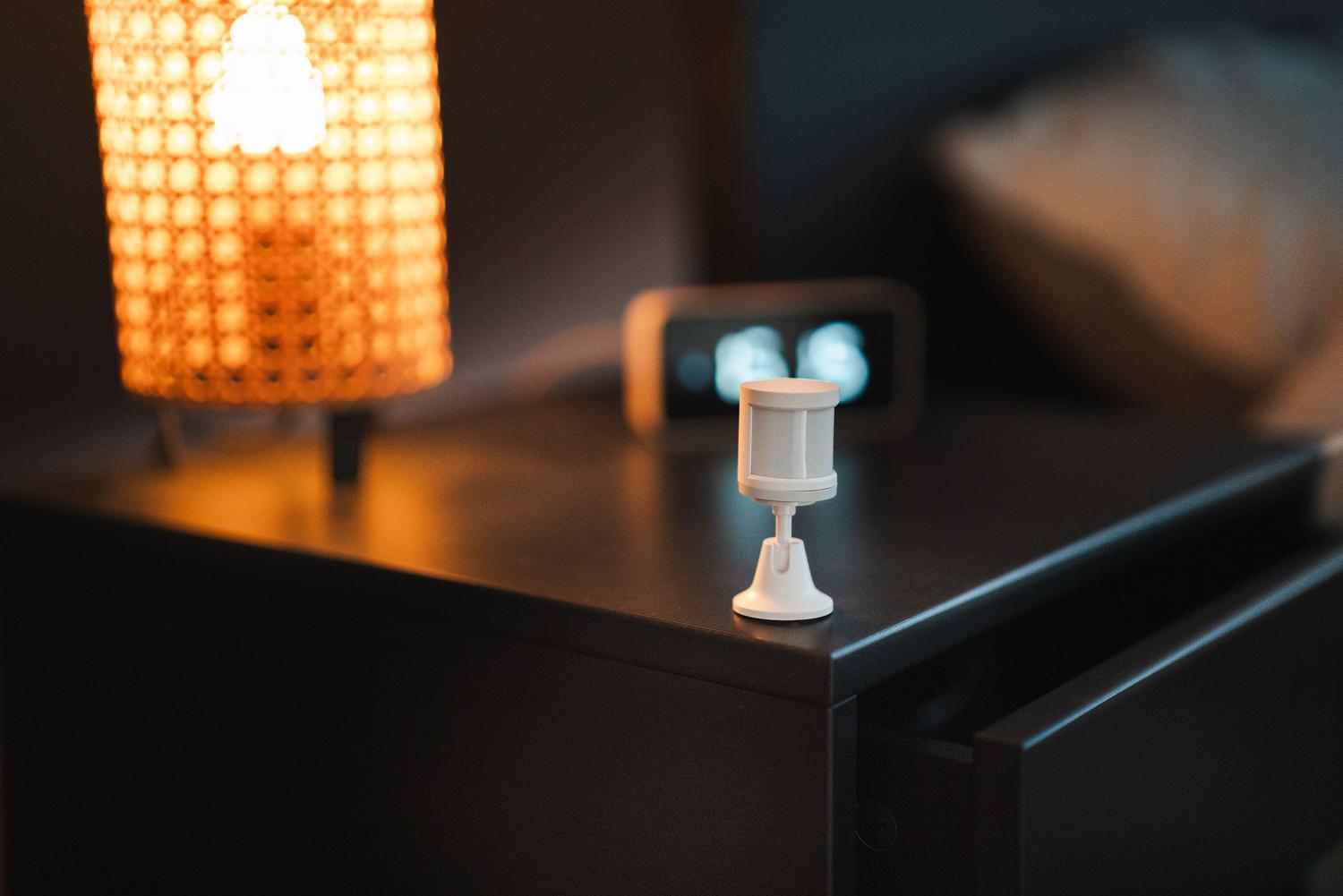
If you've considered making your home smarter, you've probably come across the term Zigbee. It's simply a form of wireless communication designed to allow devices to communicate with each other without overloading your Wi-Fi router and while consuming minimal energy, which is a huge plus for battery-powered devices.
Installing an automated lighting system isn't just about installing color-changing bulbs; it's about creating a cohesive ecosystem where the light adapts to you, not the other way around. From turning on the hallway light as you walk by to automatically opening the blinds on cloudy days, the possibilities are endless if you know which pieces fit together.

What exactly is Zigbee and why is it so cool?
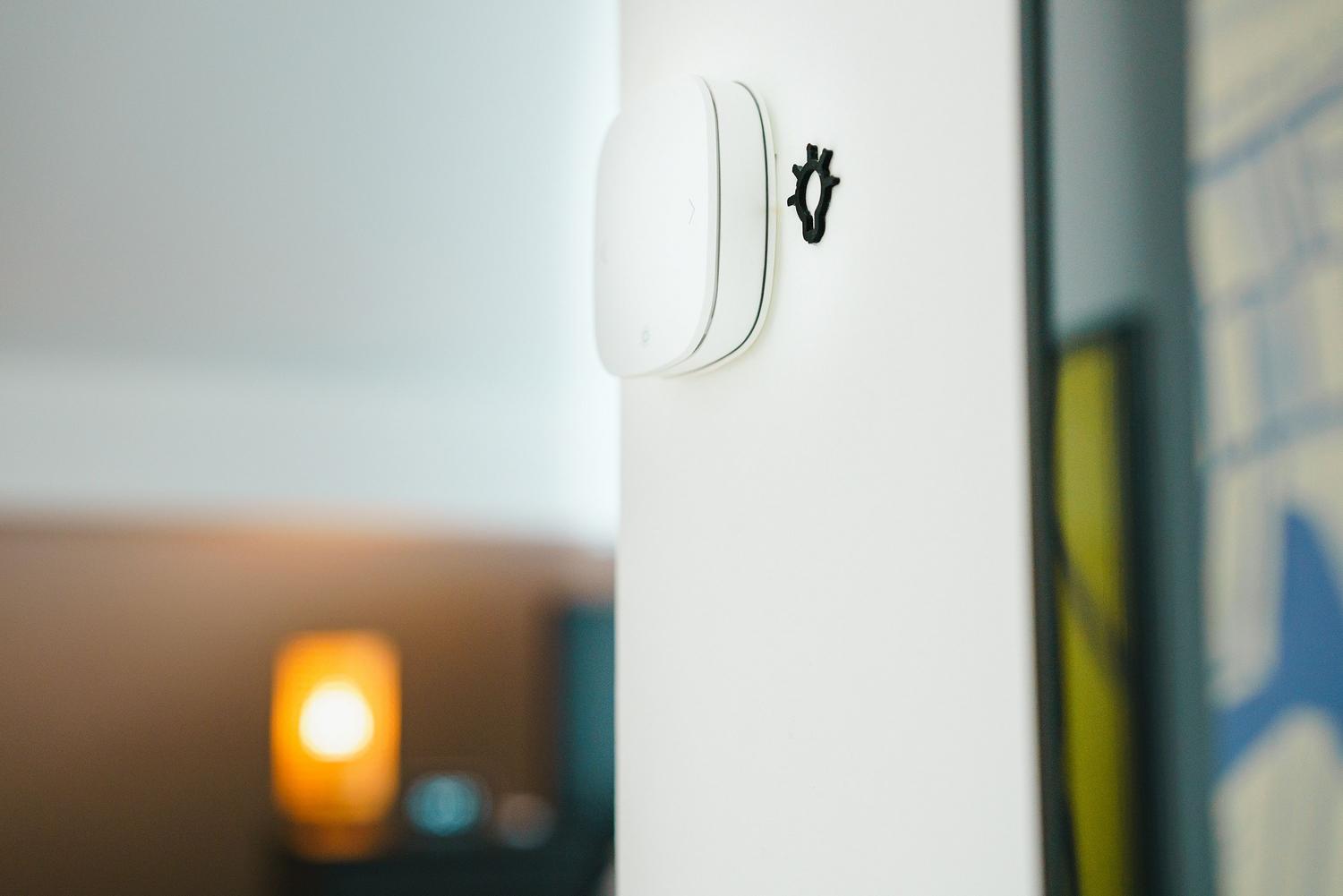
Basically, Zigbee is a communication standard based on IEEE 802.15.4. Unlike Wi-Fi, which is like a highway for large data packets, Zigbee is more of an optimized pathway for small data packets . Its main advantage is its mesh network topology, meaning that each powered device can act as a repeater, extending the signal to areas where Wi-Fi doesn't reach.
In this type of network, we find three roles: the coordinator (the brain), the routers (those that extend the signal), and the end devices (sensors that only send data). This structure is what makes the connection so stable, because if one path fails, the signal finds another route to reach its destination.

Key components for your smart lighting
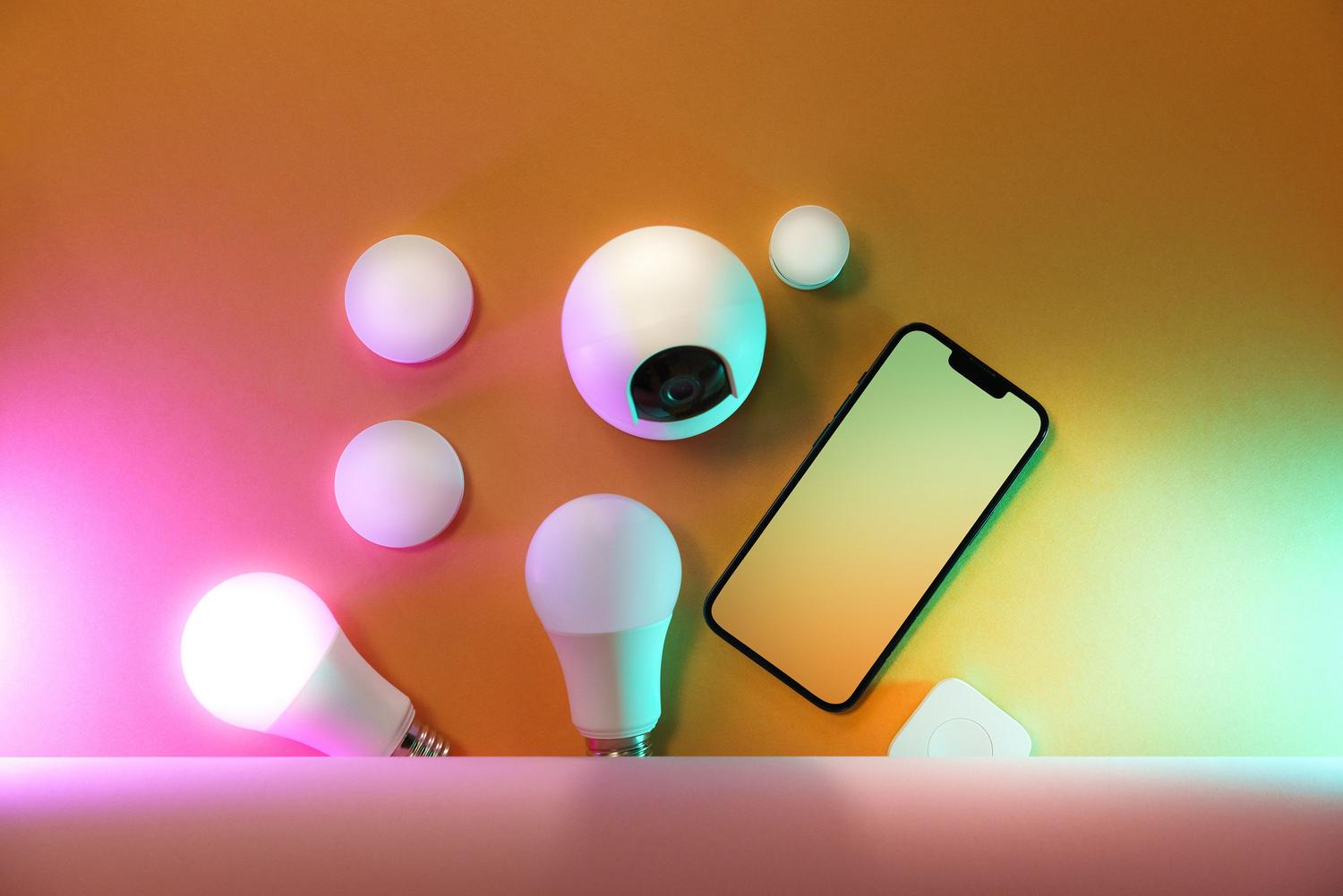
For everything to work smoothly, you need a basic kit of components. First, the Zigbee bridge or hub , which is the translator that allows your phone or Alexa to communicate with the bulbs. Typical examples are the Philips Hue Bridge or the IKEA TRÅDFRI gateway.
- LED bulbs and strips: They are the core of the system. They allow you to adjust the brightness, change the color temperature, or use crazy colors depending on your mood.
- Smart relays: These are installed behind the wall switch. They are the preferred option for those who don't want to give up the feel of a physical switch, preventing the bulb from being left "orphaned" if someone manually turns off the light.
- Motion and presence sensors: Ideal for automatically turning on the light when entering a room, which means a massive energy savings.
- Light sensors (Lux): Devices capable of measuring ambient light (e.g., from 0 to 2000 Lux) and triggering actions, such as turning on lights when brightness falls below 300 Lux.

Automation and energy saving strategies
Automation isn't just about scheduling. What's truly interesting is using sensors to create scenarios. For example, you can configure dimmable lights to adjust their intensity based on the amount of natural light coming through the window, which can reduce your electricity bill by up to 35% . Furthermore, maintaining consistent digital lighting control prevents eye strain and protects your eye health.
If you enjoy tinkering with advanced home automation, you can use platforms like Home Assistant . This allows you to break down brand barriers and manage everything locally, without relying on the cloud. For more information, you can consult our guide to home automation and Home Assistant for your smart home . Imagine an LED strip flashing red if a sensor detects a water leak in the kitchen; that's taking home automation to a whole new level of usefulness.

Relays versus light bulbs: the eternal battle
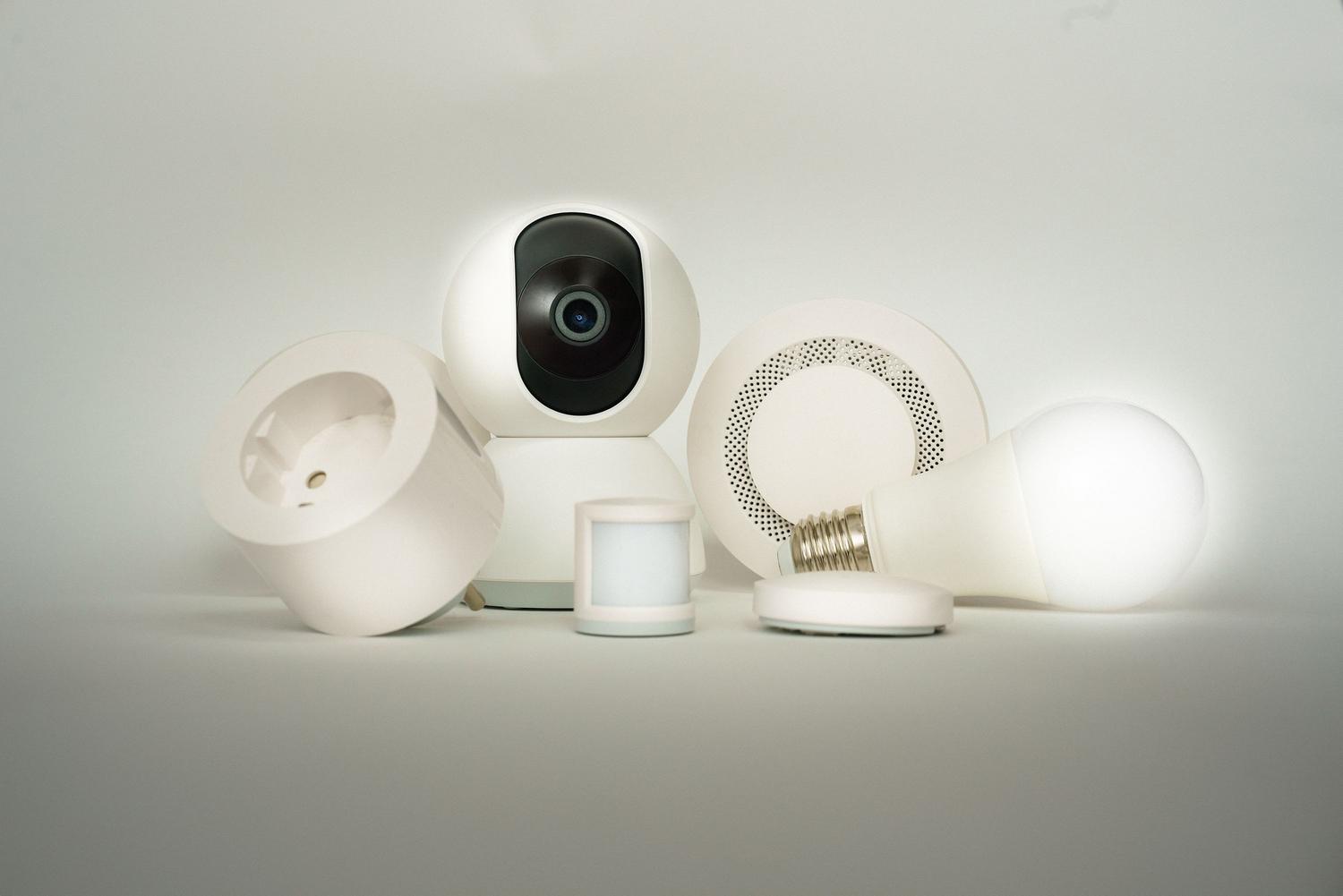
Many of us make the mistake of filling our homes with smart bulbs, but there's a problem: if someone flips the wall switch, the bulb dies and the automation stops working. That's why installing recessed Zigbee relays is a much more robust solution, functioning as actuators in smart buildings . This way, the physical switch continues to work and the bulb always has power, maintaining connectivity.
That said, WiFi or Zigbee bulbs are still useful in floor lamps or anywhere we need granular control of color and brightness, something a simple relay (which only switches on/off) can't offer. Ideally, both technologies should be combined depending on the needs of each room.
Tricks to make your Zigbee network fly
To prevent the system from lagging, it's vital to place the hub in a central location in your home . It's also advisable to choose Zigbee channels (such as 15, 20, or 25) that don't conflict with your Wi-Fi channel, as both operate on the 2.4 GHz frequency and can interfere with each other.
Don't forget to keep the firmware of all your devices up to date. Updates not only bring new features, but also patch security vulnerabilities and optimize battery consumption in the sensors. In addition, grouping lights by room in the app greatly simplifies daily management.
Integrating the Zigbee protocol into your home allows you to transform a conventional house into a space that responds to your needs, optimizing natural light and energy consumption. Thanks to interoperability between brands and the ability to create mesh networks, it's possible to design a scalable system that combines the simplicity of a motion sensor with the power of a local control center, always ensuring that the lighting is efficient, healthy, and, above all, comfortable.
