- Google Vids allows you to generate virtual presenters using AI, images, text descriptions, or real face and voice recordings.
- The tool offers full integration with Gemini Omni to manage scripts, voices in multiple languages, and emotional adjustments of the avatar.
- There are different access options depending on the Workspace plan, with monthly generation limits and specific regional restrictions.
Imagine being able to star in all your corporate videos or educational presentations without having to set up a recording studio, struggle with lighting, or repeat the same line ten times because you stumbled over your words. Well, Google has made a splash with Google Vids , a tool that uses the power of artificial intelligence so that anyone can have their own digital presenter.
Whether you're looking for something quick using predefined characters or want an exact digital replica of yourself , this platform makes it possible. No more spending hours in front of the camera; now you can scale your video presence in an amazing way, maintaining visual and audio consistency at all times and saving on production costs that were previously prohibitive for many.
Types of avatars available on the platform
When you go into the Vids editor, you realize there are several ways to find your ideal presenter. First, there are the predefined avatars , which are pre-made characters with their own built-in voices. They're the quickest option if you don't want to complicate things and need someone to narrate your script without you having to record anything.
If you're looking for something more specific, you can design an avatar from scratch . This is where Google's image model comes in, allowing you to choose the gender, age, ethnicity, and even clothing. You can even add your company logo so the avatar acts as an official spokesperson for your brand, giving your content a much more professional touch.
For those who want to take it to the next level, there's the option to create an avatar based on an image . You can upload a photo of yourself or someone else from your computer, Drive, or Photos, and the AI will bring it to life. The best part is that you can adjust the lighting and clean up the background before finalizing it, ensuring a flawless result.
The experience of creating your own digital twin
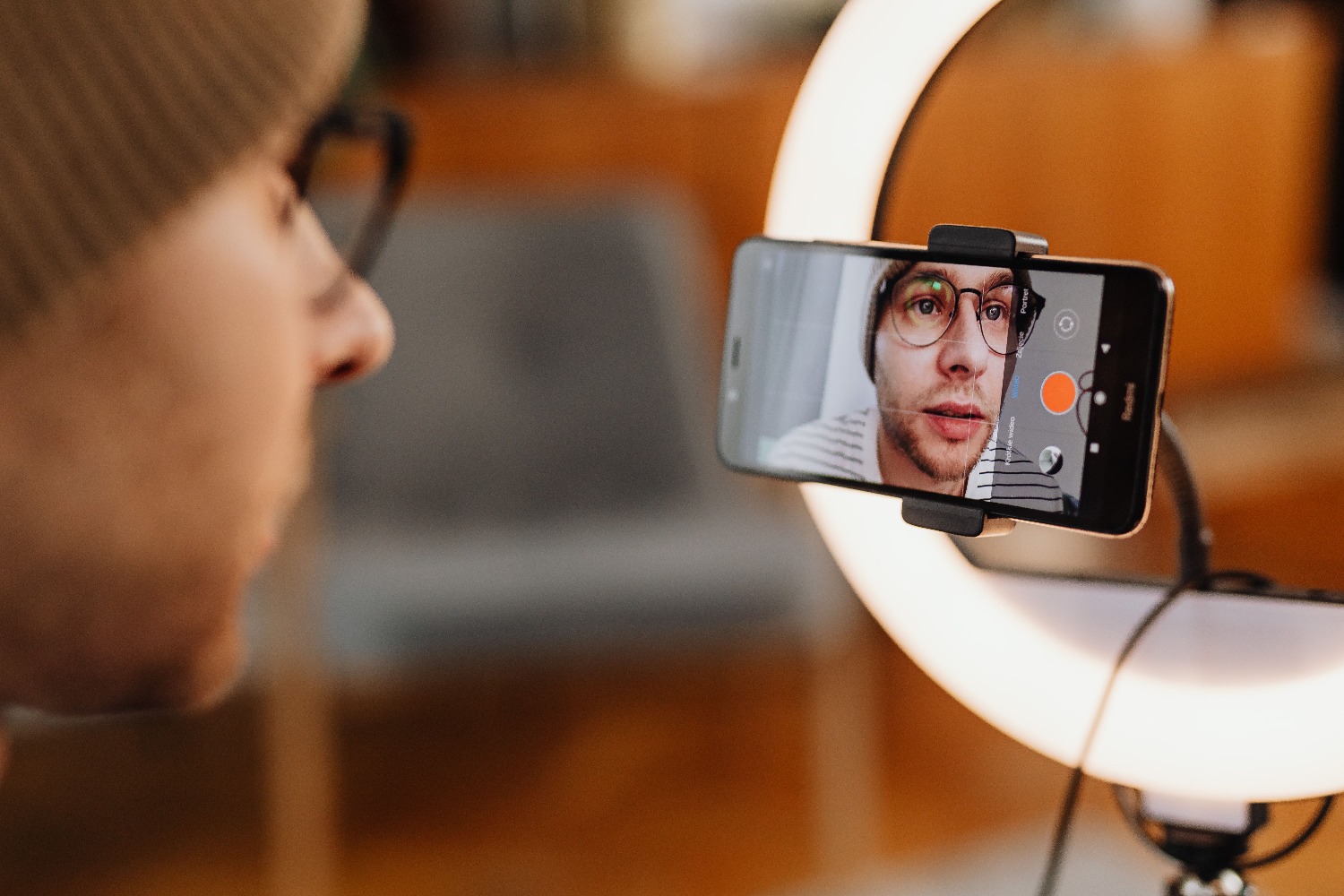
If you want the video to literally be you, the personal avatar feature is key. This process requires a security verification where you must record a video selfie and a voice sample . It's essential that the phone is at eye level, that there's good lighting, and that there's no distracting background noise so that the AI can accurately capture your features and voice.
Once Google processes this data, a unique digital version is created and linked to your account. The best part is that you only have to do this once; afterward, you can use your avatar in different scenes and projects simply by typing the text. This feature uses Gemini Omni , which allows the avatar not only to speak but also to be integrated into clips where you can change the background or add effects without having to re-record.
How to manage and optimize your avatar in the editor
To launch your avatar, simply go to the AI Avatar sidebar and select your character. Once chosen, write your script, and if you want it to sound more natural, you can use audio tags by typing square brackets "[". This allows you to adjust the pauses, emotion, and rhythm of the voice, preventing the speech from sounding robotic.
It's important to note that if you change the script text, the avatar may become outdated, displaying an " outdated avatar" message . In that case, simply tap the refresh button to resynchronize the lips and gestures with the new words. Additionally, you can rename your avatars or permanently delete them from your Google account settings if you decide you no longer need them.
Languages, limitations and service availability
In terms of language, Google Vids is a true polyglot. It supports a wide range of languages , including Spanish, English, French, German, Japanese, and many others, allowing your videos to reach global audiences effortlessly. However, you should be aware of the generation limits : depending on your Workspace plan, you could have up to 25 generation times per month, although the limit may be lower for free accounts.
Regarding access, it's crucial to understand that the rollout is gradual. Some features, such as personal avatars based on real-life recordings, may have regional restrictions (like in the European Economic Area or Switzerland) and are limited to users over 18. Security is a top priority, so each video carries an invisible SynthID watermark to prevent the creation of malicious deepfakes.
The ability to generate virtual presenters who speak and move coherently, combined with the ease of editing scripts in real time, transforms content creation into a simple and efficient task. From the option to use predefined models to the creation of exact digital replicas using selfies and voice, Google Vids eliminates the technical barriers of audiovisual production, allowing any professional to scale their communication without relying on constant recording sessions.
FAQ
What do I need to create an avatar that looks exactly like me in Google Vids?
It is necessary to carry out a secure verification process that includes recording a video selfie following lighting and position guidelines, as well as providing a recording of your own voice.
How can I make my avatar's voice not sound robotic?
You can use the audio tags menu by typing a bracket to insert modifiers that adjust the rhythm, pauses, style, and emotion of the voiceover.
What happens if I change the text that my avatar says after I've generated it?
The system will display an outdated avatar badge indicating that the video no longer matches the script, so you'll need to select the update option to resynchronize the image.
Are there limits to the number of avatars I can generate per month?
The number of generations depends on the subscription plan; many users have a limit of up to 25 monthly generations that reset on the first day of each month.
Can I use my own logo with an avatar created from scratch?
Yes, when creating an avatar from scratch you have the option to upload an image of your logo so that the character can function as the official spokesperson for your company.
What languages can Google Vids' AI avatar speak?
The tool supports a wide variety of languages, including Spanish, English, French, German, Italian, Portuguese, Chinese, Japanese, and Korean, among others.
Where are the custom avatars I've created stored?
Custom avatars are stored specifically in the Vids document where they were created, although they are transferred if you make a copy of that document.
